...
You first need to download and launch the SafeID/Diamond programming tool.
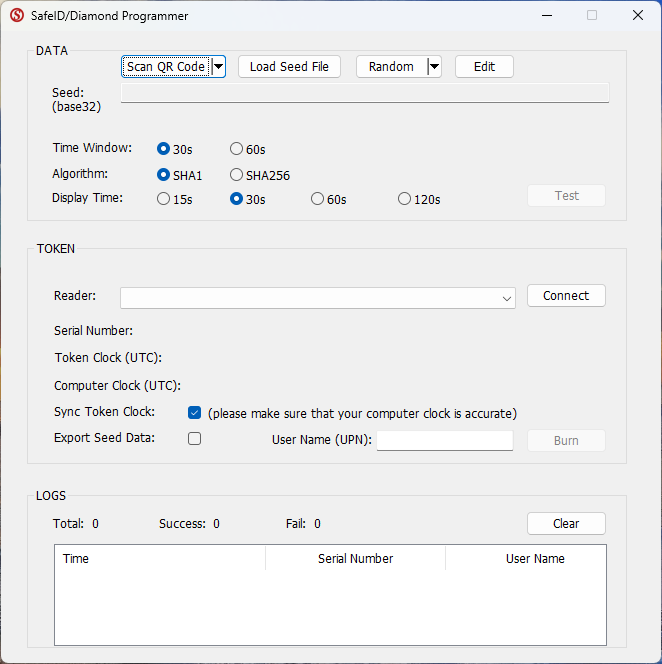
As we will be using the PC's clock to set the date and time on the programmable token please ensure that these settings are correct on you PC.
...
The seed details will now be in the form "[Serial No] , [Seed Details], 30" and can be uploaded to Duo using the instructions in the following guide;
The above example programmed the tokens for 30 second windows however if 60 second windows are preferred then just ensure the time window parameters at the top of the app are set to 60 seconds, and append the seed file with ", 60" in place of ", 30" as both the token, and the authentication server need to agree on window size.