...
This article explains how to capture and decrypt RADIUS traffic using Wireshark. Steps in this article explain how to decrypt the traffic to be able to see the username and passcode in plain text.
Start by installing Wireshark on the same server as DualShield.
Capture RADIUS packets
- Launch the Wireshark app
- Select "Capture | Options"
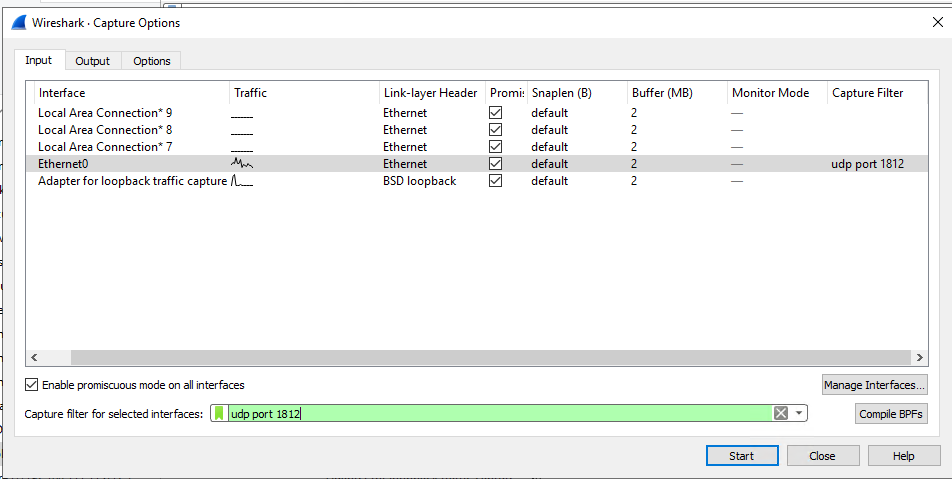
- Enter "udp port 1812" in the Capture filter to capture UDP packet only
- Click the "Start" button to start capture
- Click "Capture | Stop" to end capture
...