To upload SafeID tokens into Salesforce using Data Loader, follow the steps below
| Table of Contents |
|---|
Prepare the Token Assignments CSV File
First, follow the link below to download the token file of your tokens
...
Then, open the token file in a text editor, such as Notepad (do not edit the token file using Excel)
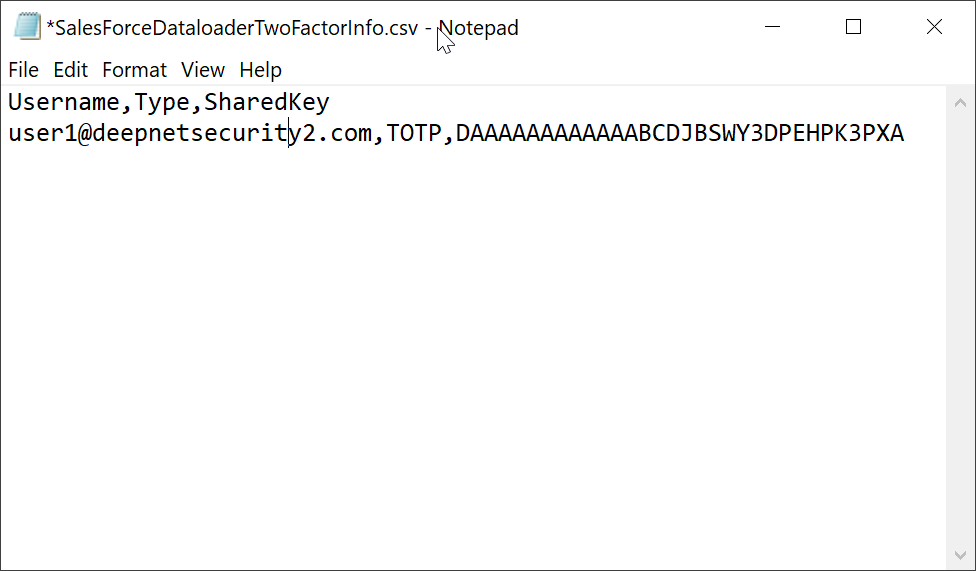
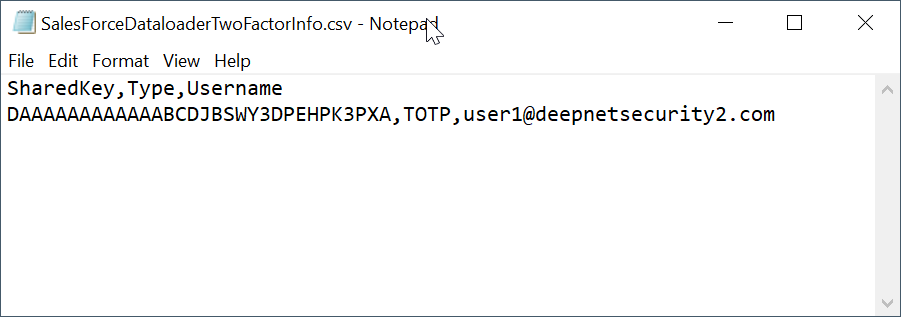
Install Salesforce Data Loader
| Expand |
|---|
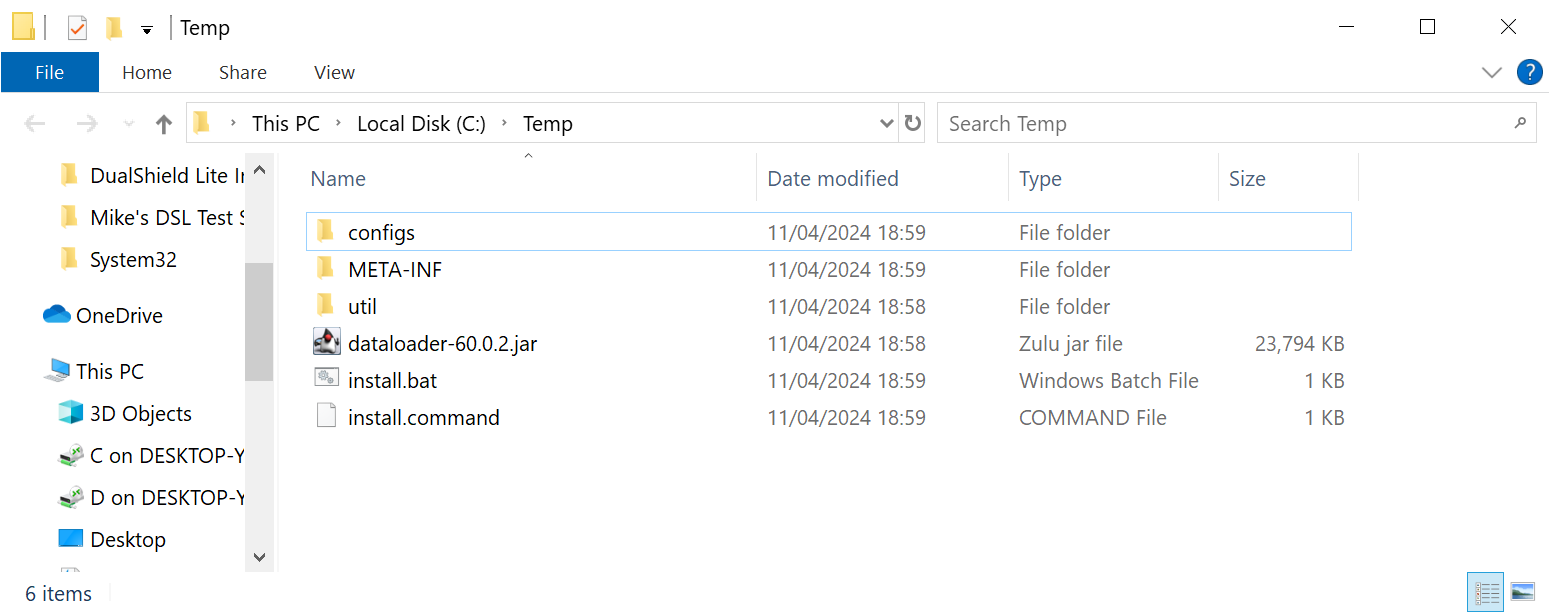
Download Zulu Java OpenJDK from https://www.azul.com/downloads/zulu Install the Java Open SDK Download Salesforce Data Loader from https://developer.salesforce.com/tools/data-loader Extract files from the zip to a temp folder
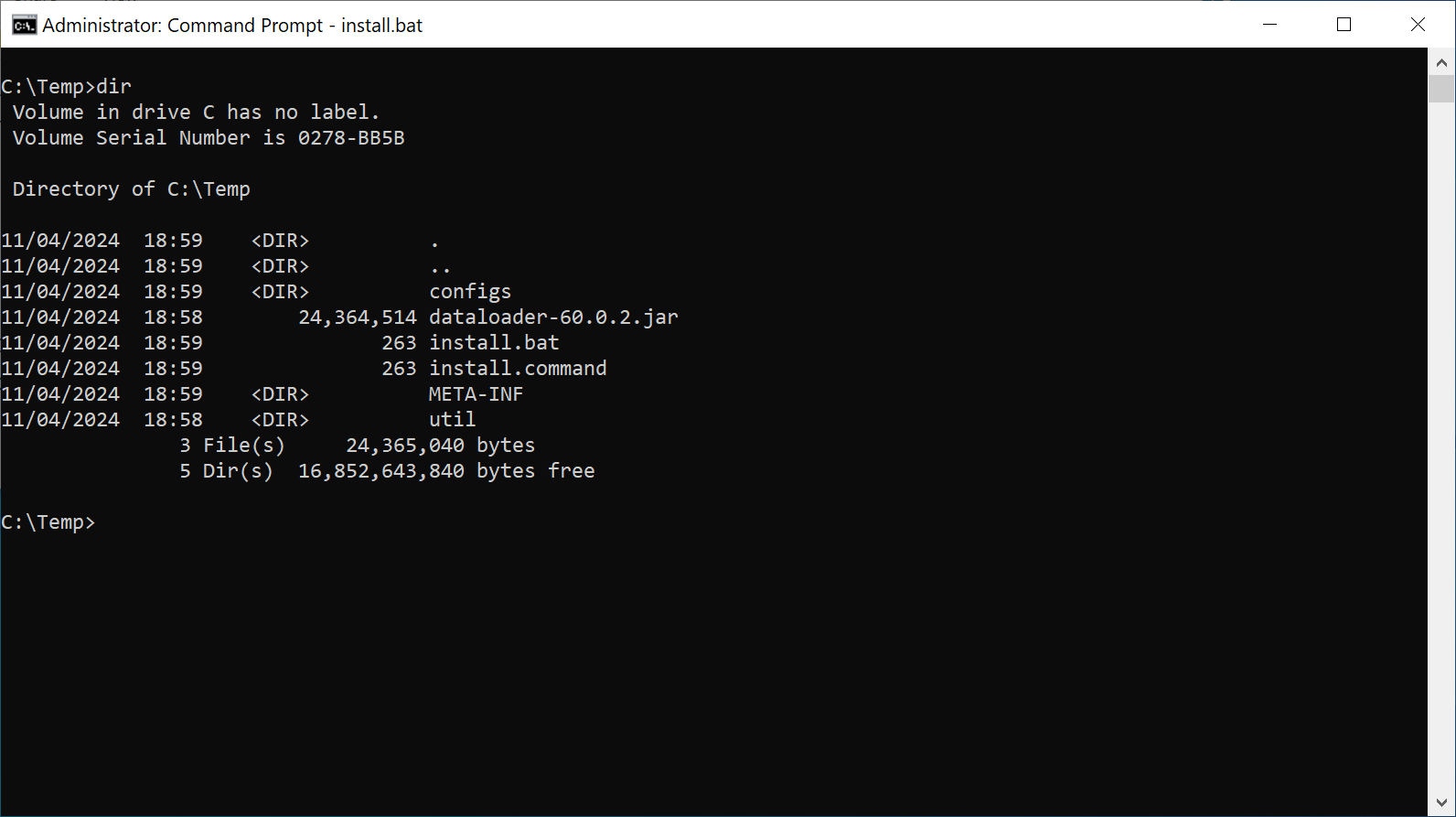
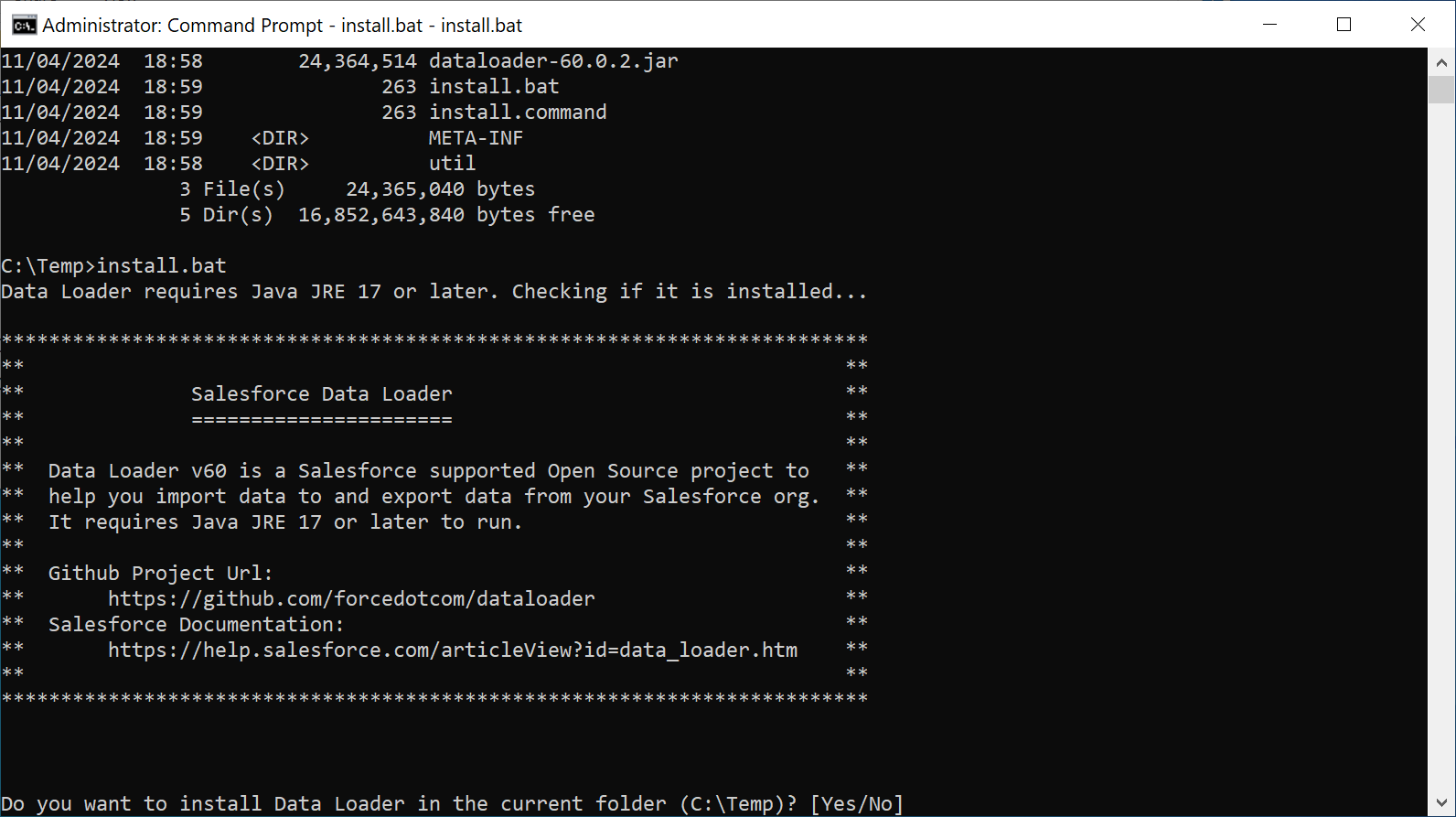
Launch the Windows Command Shell
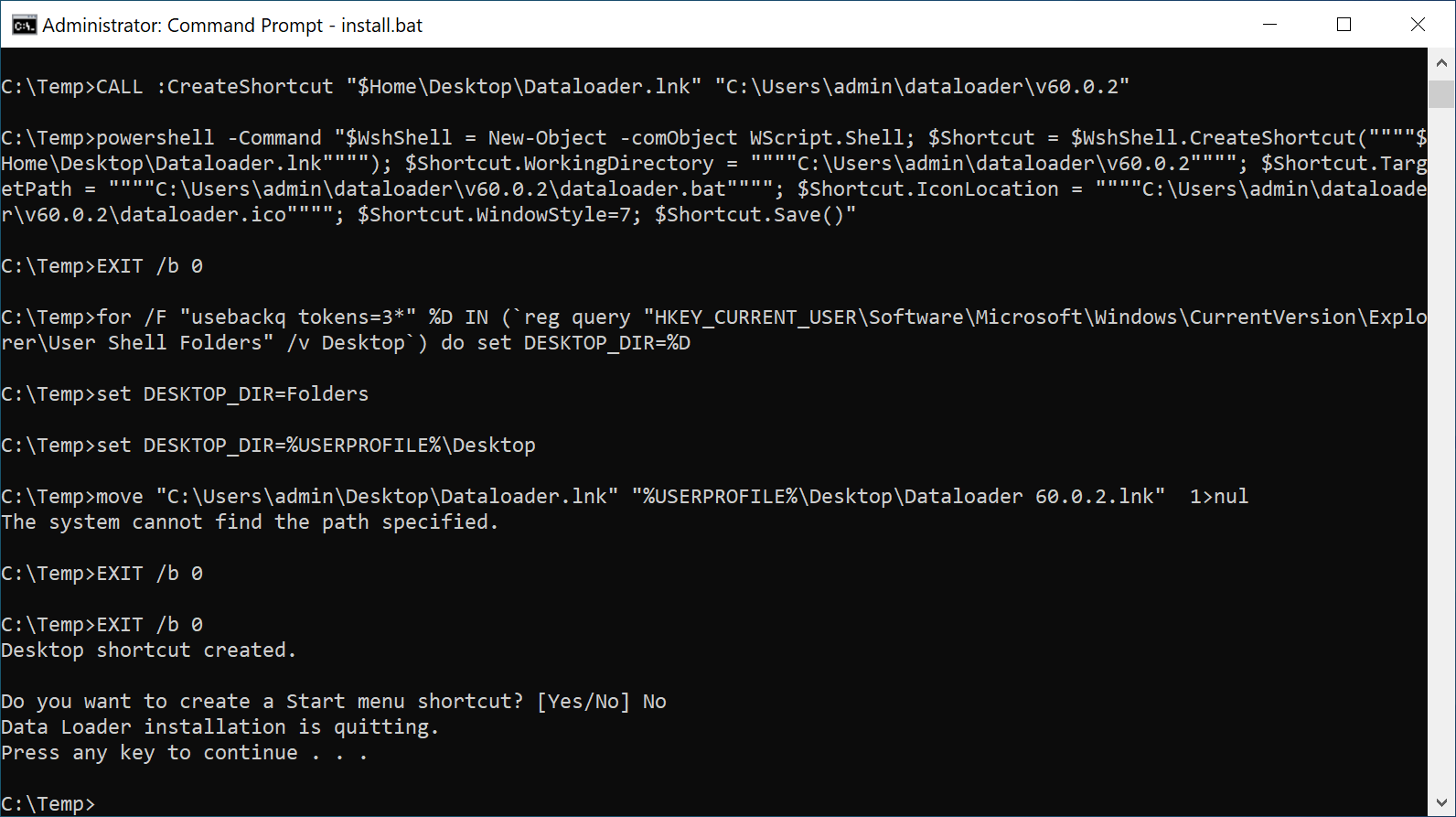
Run "install.bat"
Follow the on-screen instructions to install the Data Loader
|
Upload the Token Assignments CSV File
Launch the Salesforce Data Loader application
...