...
| Section |
|---|
|
| Column |
|---|
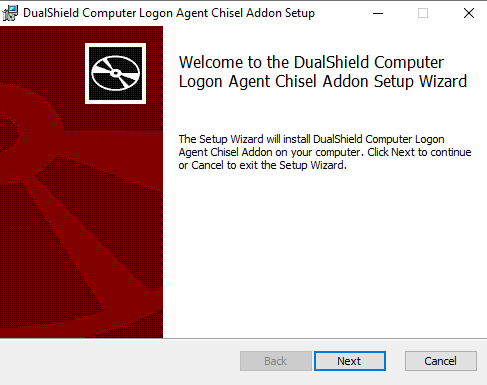
Run the computer-logon-chisel-agent-addon-installer-x.x.xx.xxxx.msi file and follow the on-screen prompts |
| Column |
|---|
|
| Panel |
|---|
| borderColor | #9EBEE5 |
|---|
| bgColor | #f0f0f0 |
|---|
| borderWidth | 1px |
|---|
| 
|
|
|
Click on  Image Removed on the top right.
| Section |
|---|
|
| Column |
|---|
Click: Next and agree to the License
Click: Next In the new Logon Procedure window, please enter the following information: | | Option | Value |
|---|
| Name: | Enter a friendly name | | Type: | Web SSO | Click: Save
| Column |
|---|
|
| Panel |
|---|
| borderColor | #9EBEE5 |
|---|
| bgColor | #f0f0f0 |
|---|
| borderWidth | 1px |
|---|
| 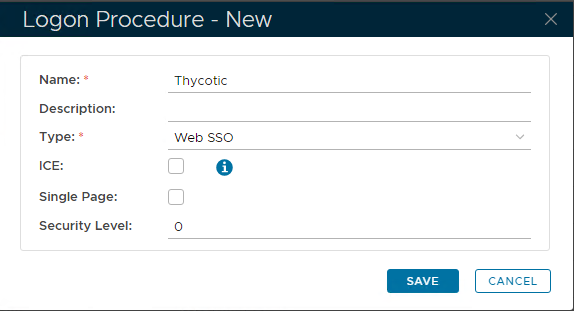 Image Removed Image Removed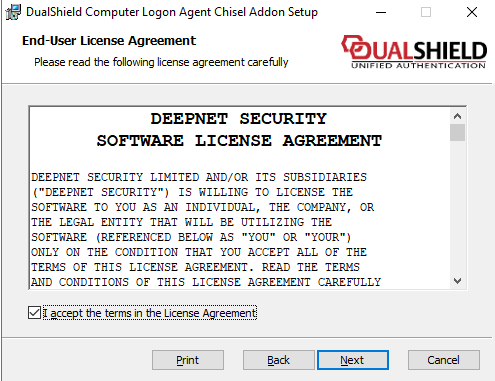 Image Added Image Added
|
|
|
Add Logon Steps
| Section |
|---|
|
| Column |
|---|
Select the drop down menu corresponding to the Logon Procedure you will be using and click on Logon Steps.Click: Next |
| Column |
|---|
|
| Panel |
|---|
| borderColor | #9EBEE5 |
|---|
| bgColor | #f0f0f0 |
|---|
| borderWidth | 1px |
|---|
| 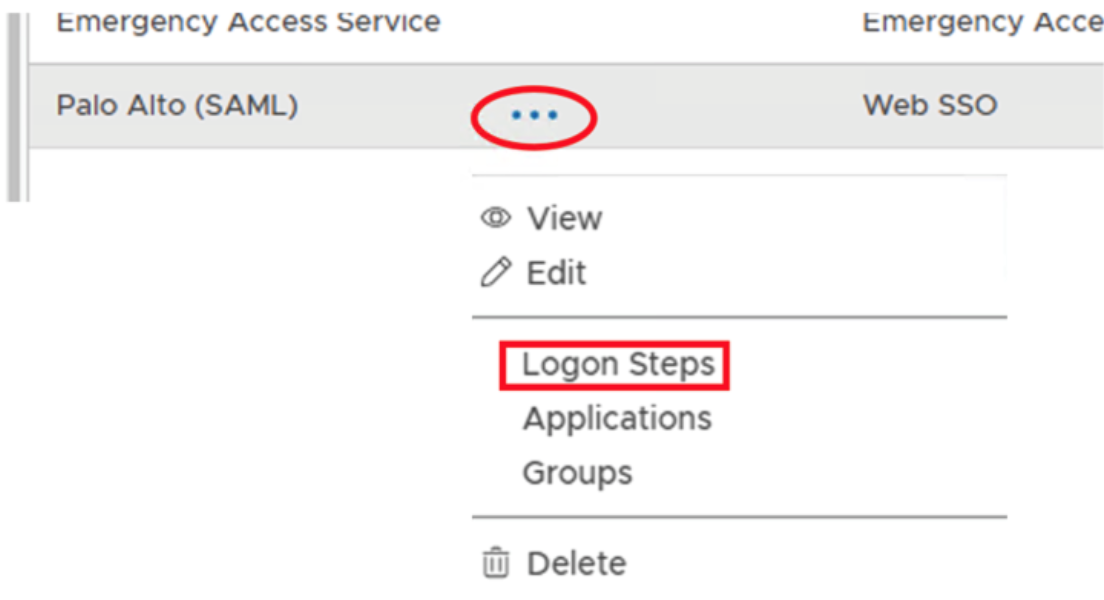 Image Removed Image Removed
|
|
|
...
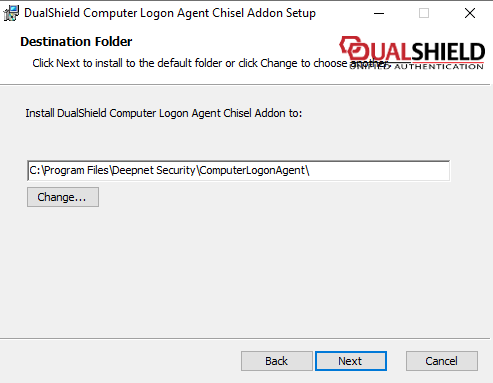 Image Added Image Added
|
|
|
| Section |
|---|
|
| Column |
|---|
Tick the desired authentication method, e.g. Static PasswordClick: Install and let it run through... |
| Column |
|---|
|
| Panel |
|---|
| borderColor | #9EBEE5 |
|---|
| bgColor | #f0f0f0 |
|---|
| borderWidth | 1px |
|---|
| 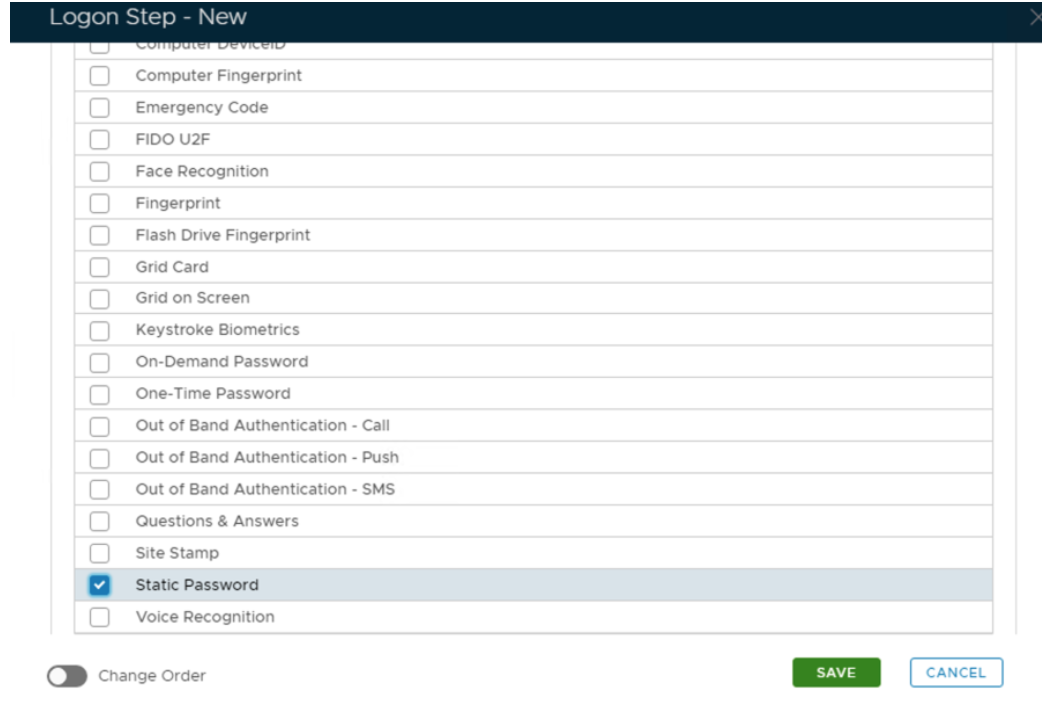 Image Removed Image Removed
|
|
|
Click Save.
...
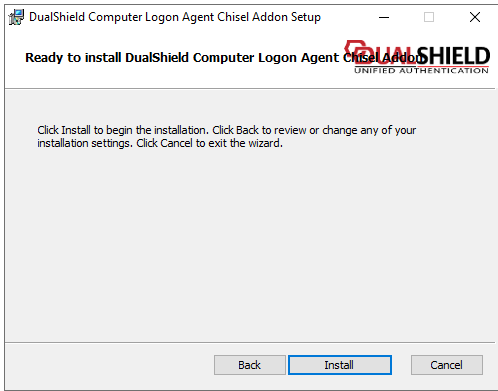 Image Added Image Added
|
|
|
| Section |
|---|
|
| Column |
|---|
| I have added two steps; Static Password and One-Time Password Click: Finish |
| Column |
|---|
|
| Panel |
|---|
| borderColor | #9EBEE5 |
|---|
| bgColor | #f0f0f0 |
|---|
| borderWidth | 1px |
|---|
| 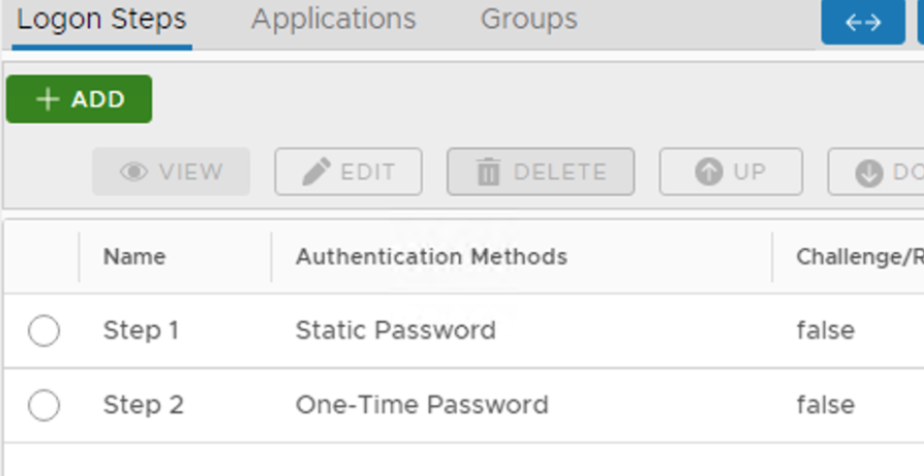 Image Removed Image Removed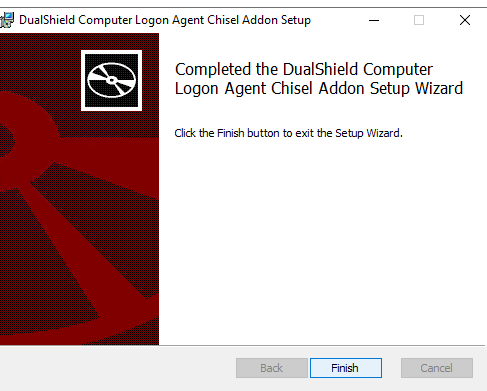 Image Added Image Added |
|
|
Create an Application
...