...
| Section |
|---|
|
| Column |
|---|
|
| Panel |
|---|
| borderColor | #9EBEE5 |
|---|
| bgColor | #f0f0f0 |
|---|
| borderWidth | 1px |
|---|
|  |
|
|
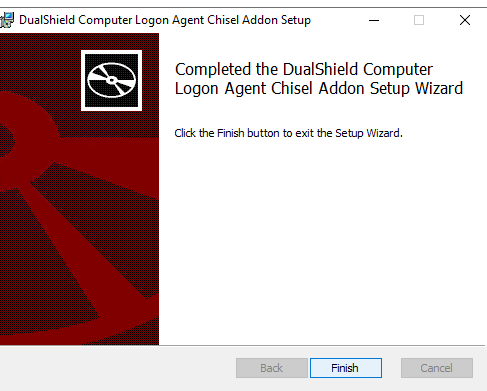
Create an ApplicationFollowing installation of the Chisel Agent please check the following:
| Section |
|---|
|
| Column |
|---|
| Authentication> Applications Check the DualShield Computer Logon Agent service is still running. |
| Column |
|---|
|
| Panel |
|---|
| borderColor | #9EBEE5 |
|---|
| bgColor | #f0f0f0 |
|---|
| borderWidth | 1px |
|---|
| 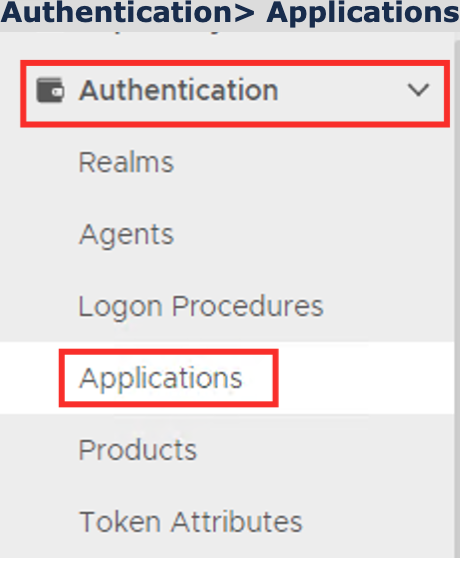 Image Removed Image Removed
|
|
|
...
 Image Added Image Added
|
|
|
| Section |
|---|
|
| Column |
|---|
Make sure you can browse to C:\Program Files\Deepnet Security\ComputerLogonAgent\addon\dualcs and you can see the following files inside the folder.. |
| Column |
|---|
|
| Panel |
|---|
| borderColor | #9EBEE5 |
|---|
| bgColor | #f0f0f0 |
|---|
| borderWidth | 1px |
|---|
| 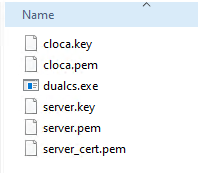 Image Added Image Added
|
|
|
| Section |
|---|
|
| Section |
|---|
| border | true
| Column |
|---|
Launch Task Manager and check for a process called dualcs.exe In the new Application window, please enter the following information: | | Option | Value |
|---|
| Name: | Enter a friendly name | | Realm: | Select your Realm | | Logon Procedure: | Select the Logon Procedure you had created in the previous step | Click: Save
| Column |
|---|
|
| Panel |
|---|
| borderColor | #9EBEE5 |
|---|
| bgColor | #f0f0f0 |
|---|
| borderWidth | 1px |
|---|
| 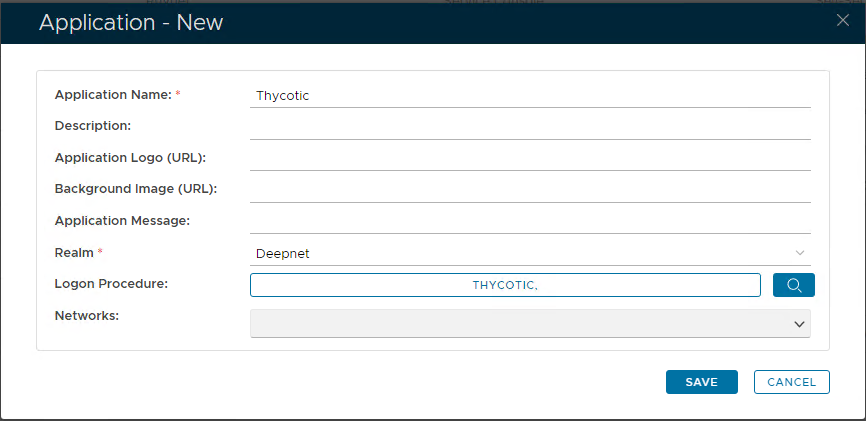 Image Removed Image Removed
|
|
|
|---|
Bind the Application to an SSO Server Agent
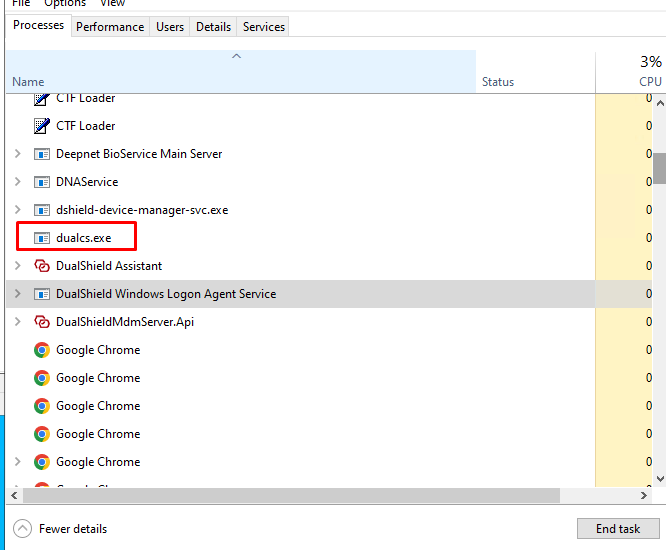 Image Added Image Added
|
|
|