To This wiki describes how to assign a hardware token to a user, first, navigate to the user's token assignment management panel
...
.
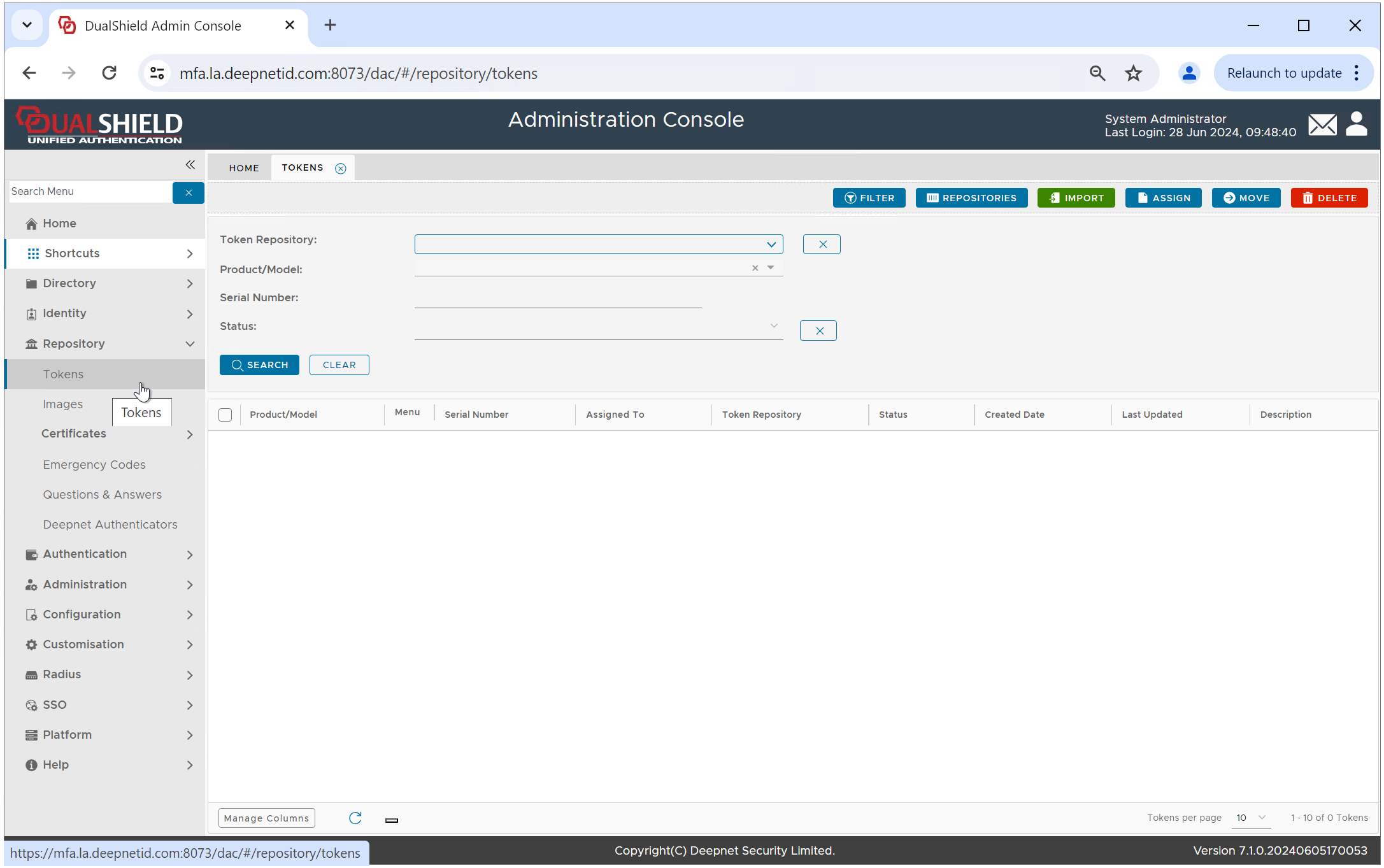
Select "Repository \ Tokens" to navigate to the Token Repository
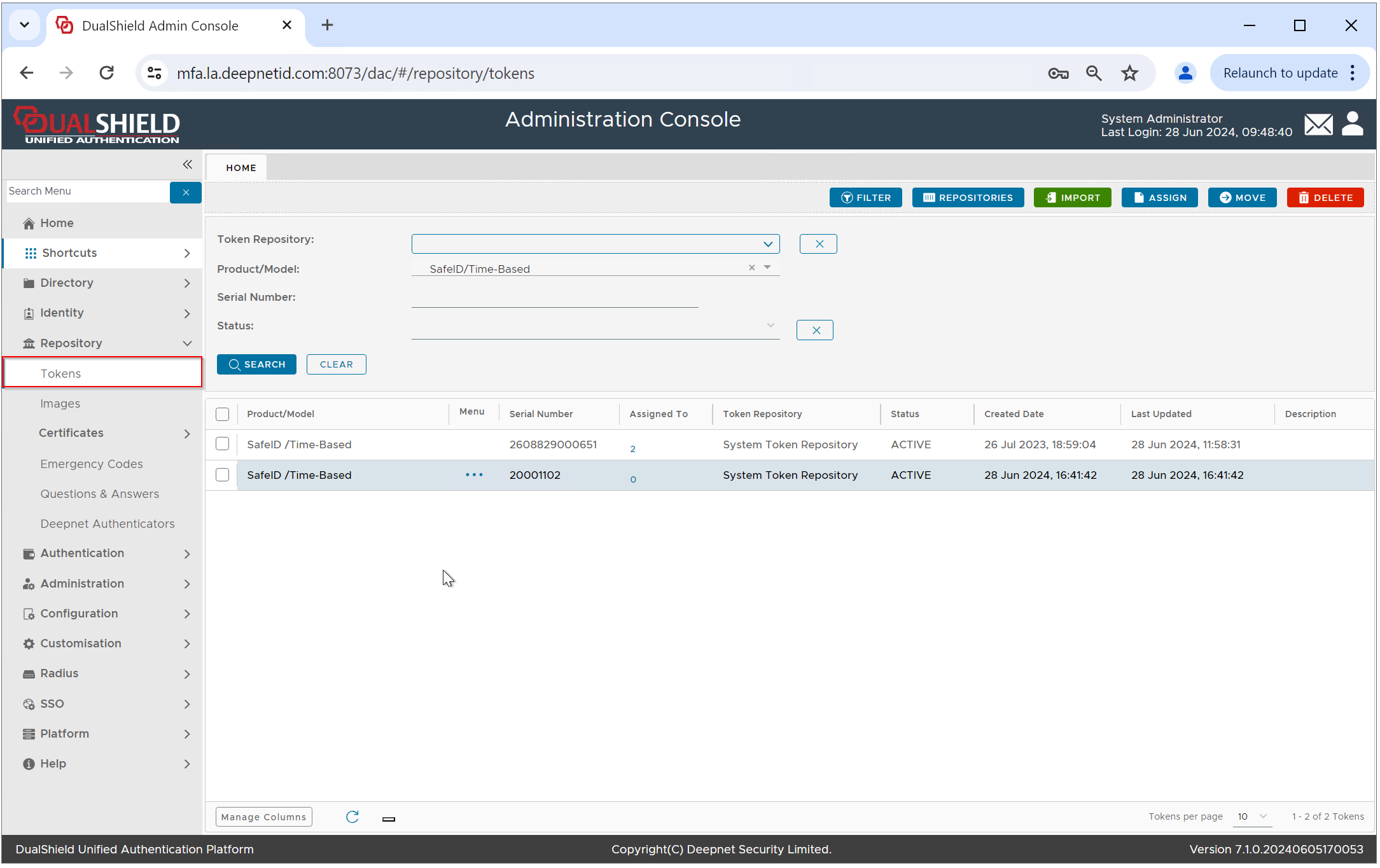
Find the token that you want to assign to a user
Click the token's context menu
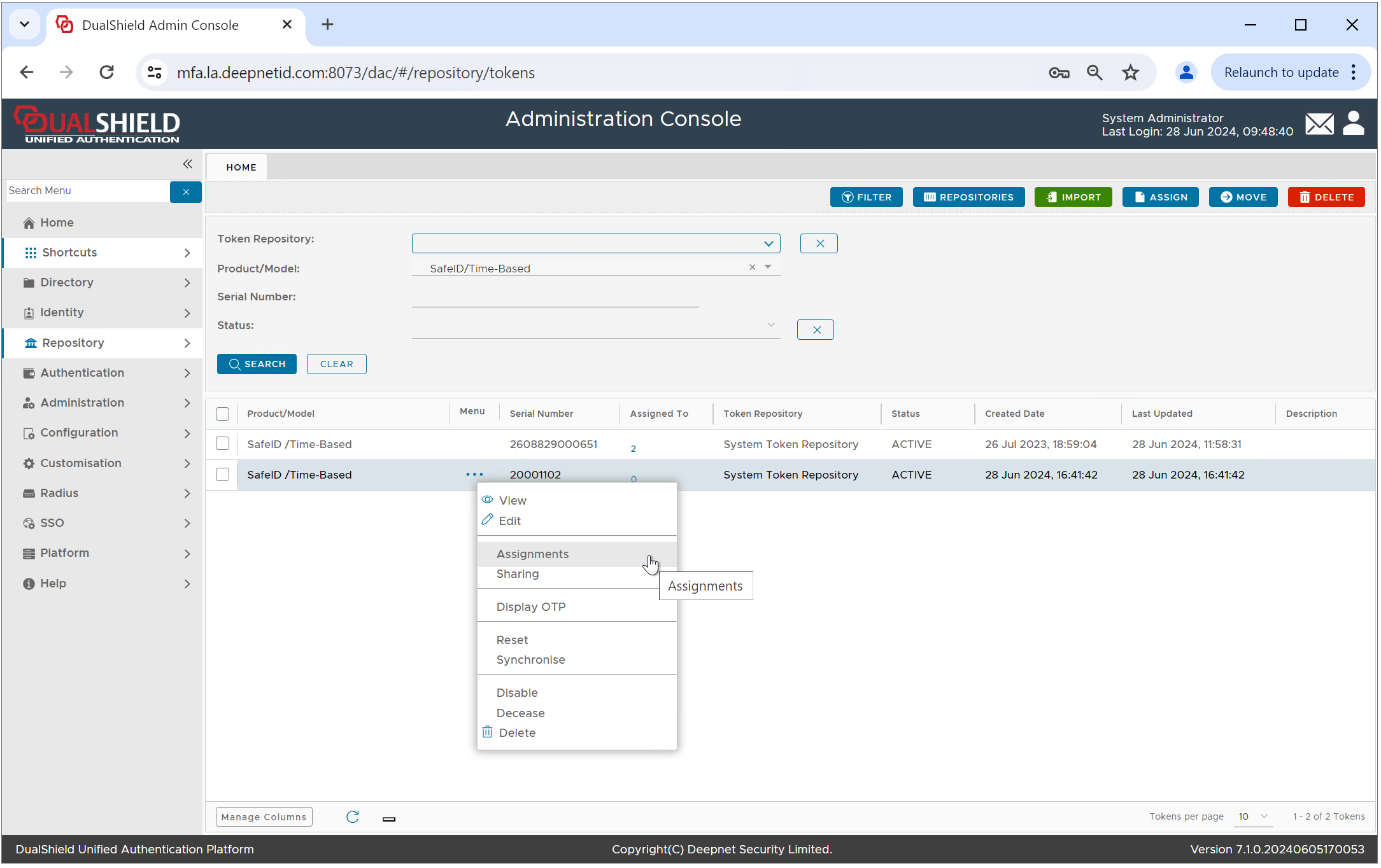
Select "Assignments" in the token's context menu
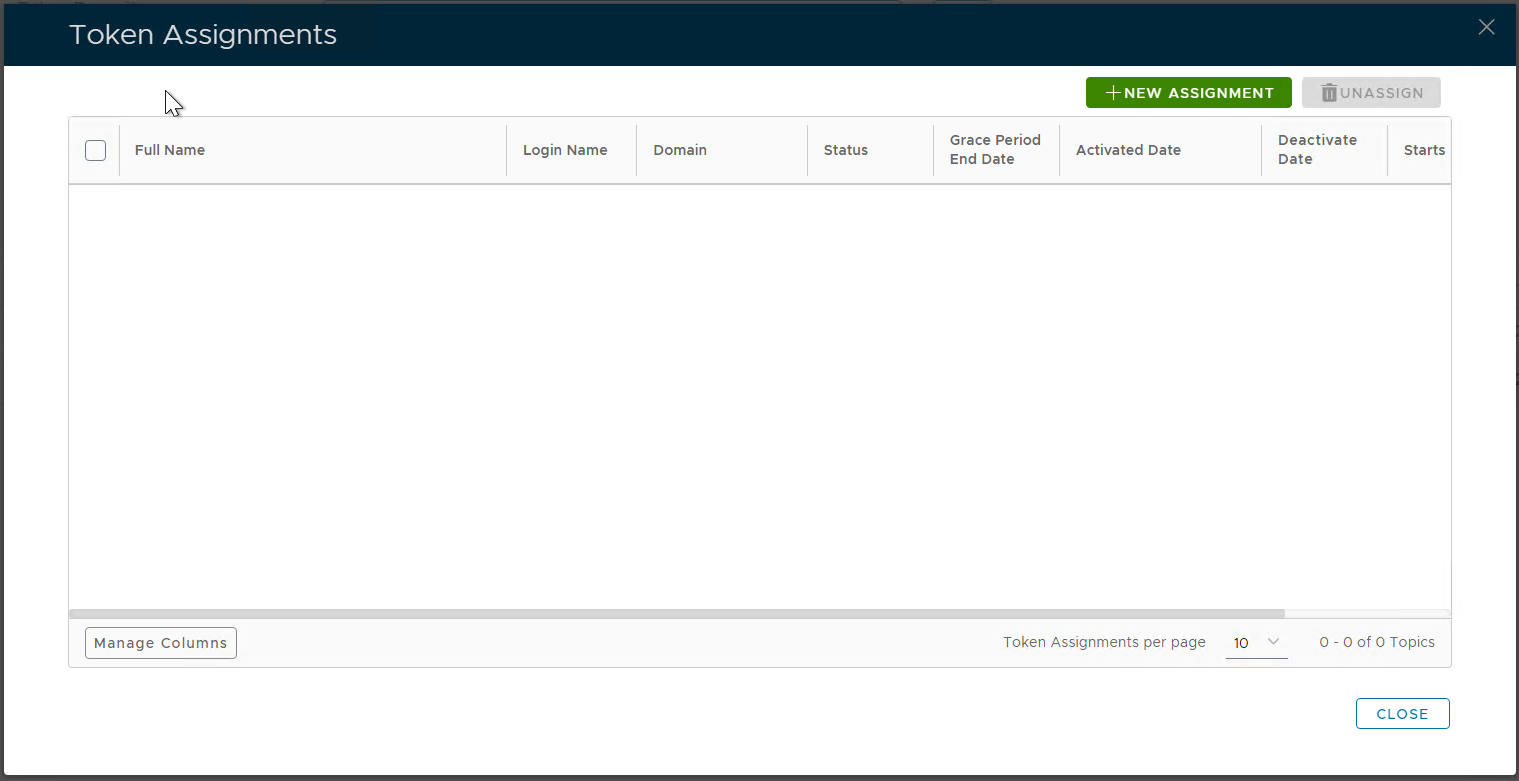
Click the "NEW ASSIGNMENT" button
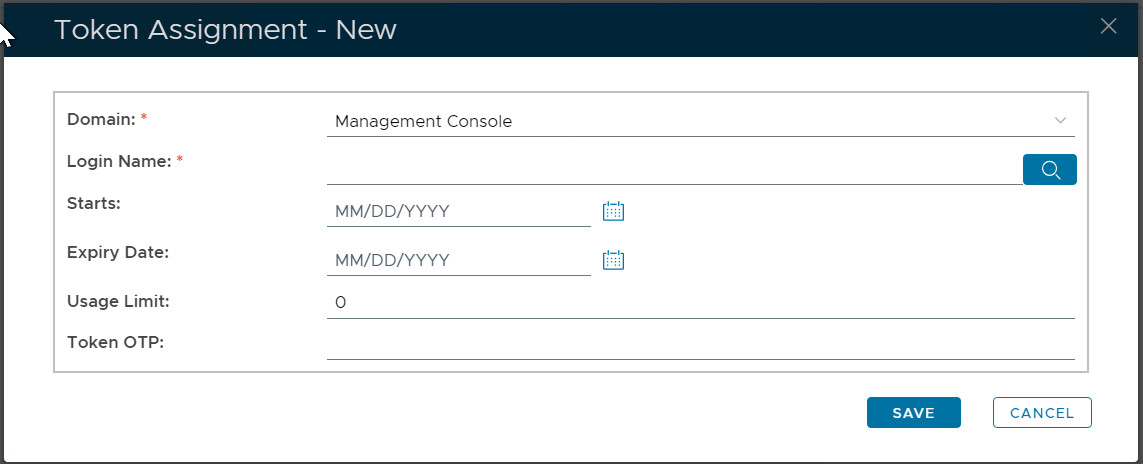
Select the user to which the token will be assigned to, e.g. "2fa" in the domain "la.deepnetid.com"
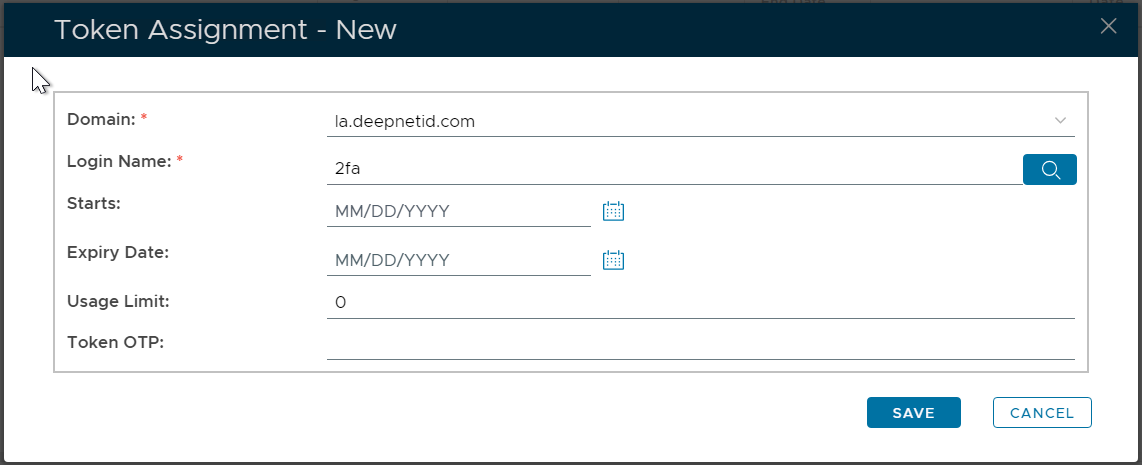
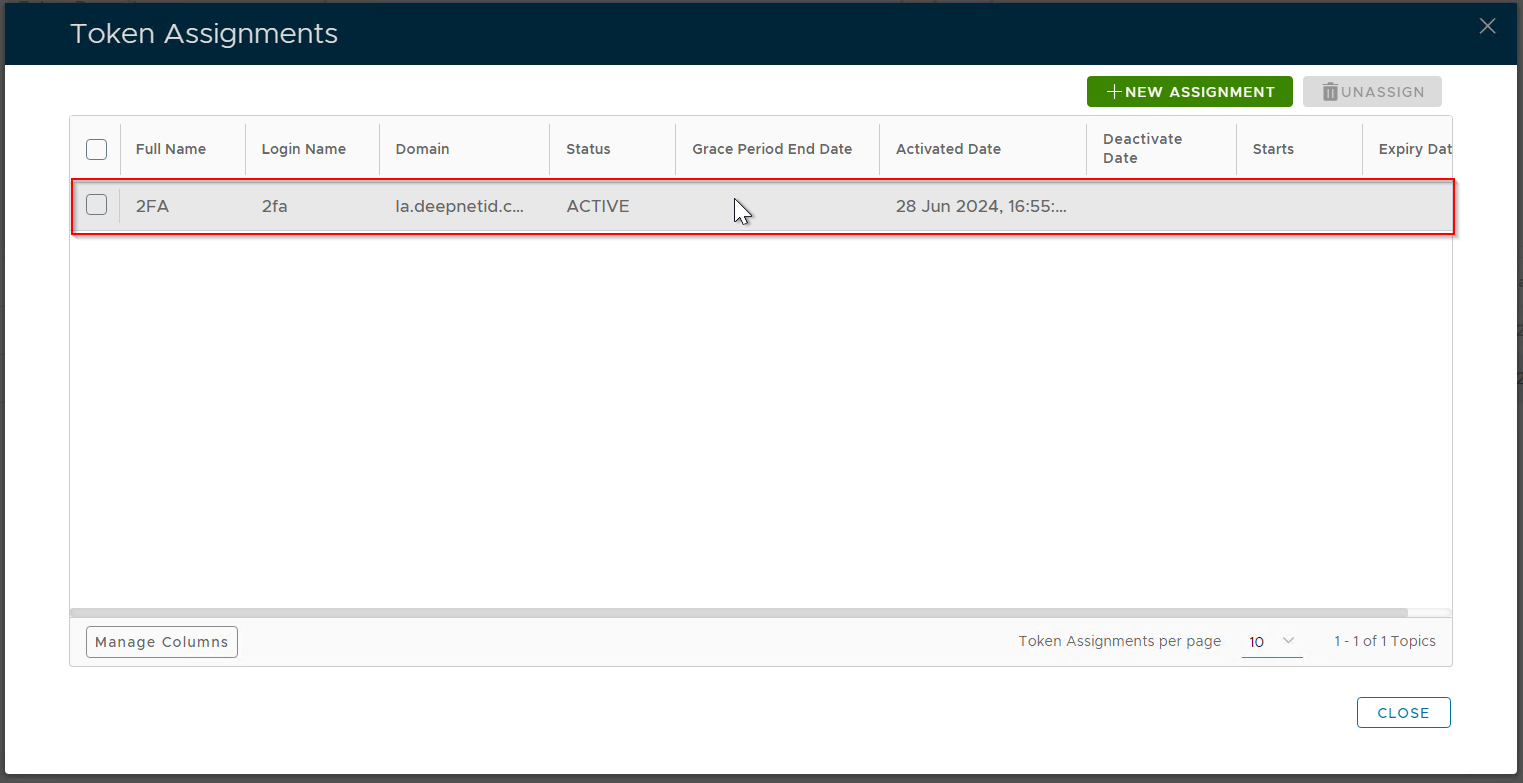
Click the "SAVE" button
...