...
| Info |
|---|
Prior to using this tool to bulk activate tokens, you must first upload your tokens to Azure AD. If you have not uploaded your tokens yet, please refer to the guide below: |
To bulk activate SafeID tokens, first download the bulk activation tool, unzip the tool into a folder on your local hard drive, e.g. D:\Tools\AzureMFA, then follow the instruction below.
...
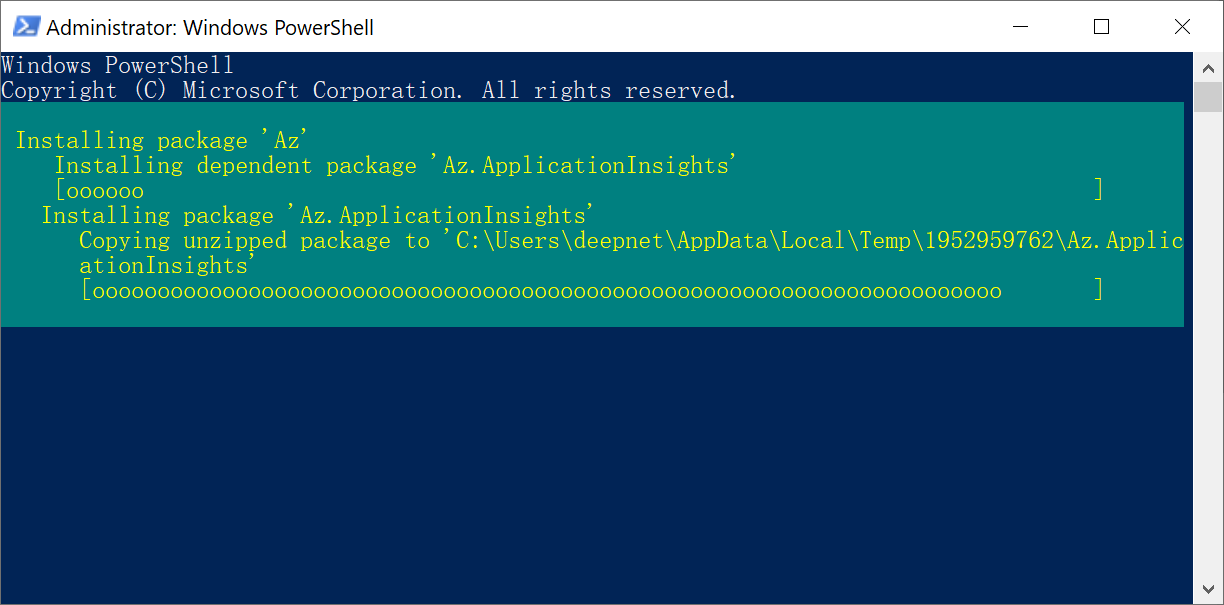
The installation will take a while to start and complete
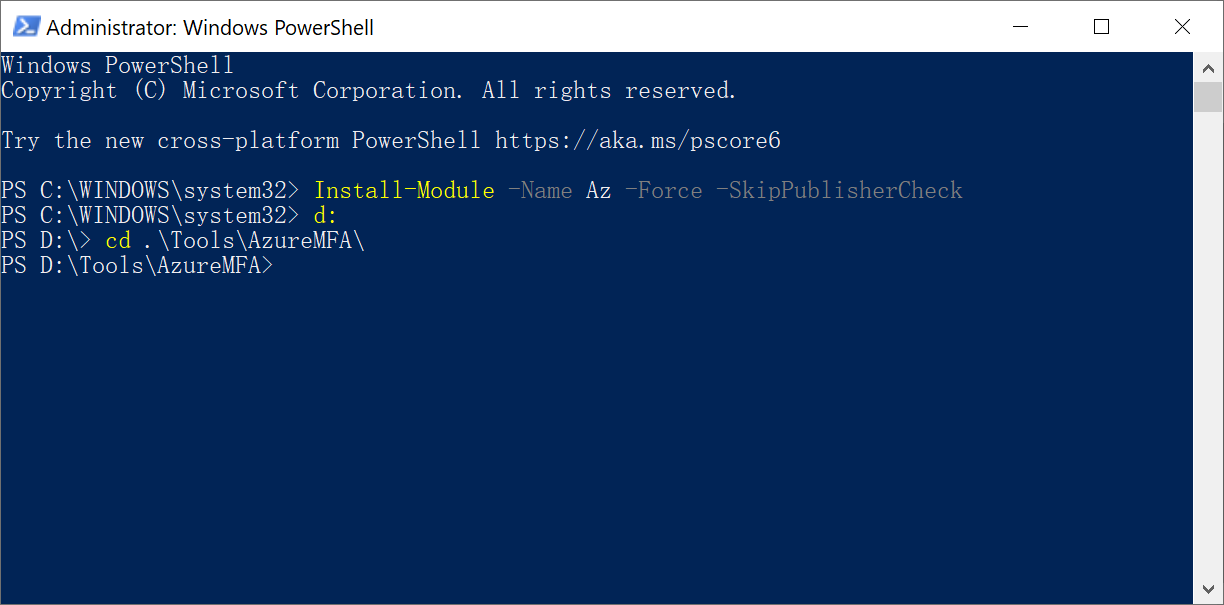
3 - Change the directory to the folder where the bulk activation tool resides
4 - To start bulk activate activating the tokens that you have uploaded, you have the following options:
a) If your account is secure by Mordern Modern Authentication, then execute then execute the command below:
| Code Block | ||
|---|---|---|
| ||
.\batch-activate-uniform.ps1 -seedfile 'your-seed-file' |
...
| Code Block | ||
|---|---|---|
| ||
.\batch-activate-uniform.ps1 -seedfile 'your-seed-file' -tenant 'your-tenant-id' -subscription 'your-subscription-id' |
If you have a GCC High account, then you must provide the option "-hccHigh" and set it to true:
| Code Block | ||
|---|---|---|
| ||
.\batch-activate-uniform.ps1 -seedfile 'your-seed-file' -tenant 'your-tenant-id' -gccHigh $true |
Example: Sign in with modern authentication
...