...
Add as many applications as you wish to include in the federated logon and click Save.
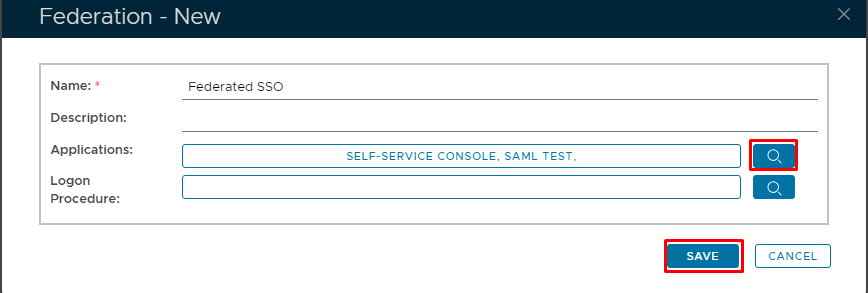
Optional Federation Logon Procedure
The Logon Procedure box is optional. If for example both Applications specified in the screenshot above have different logon procedures, only the logon procedure for the first application the end use logs into will be used.
...
Select the Logon Procedure
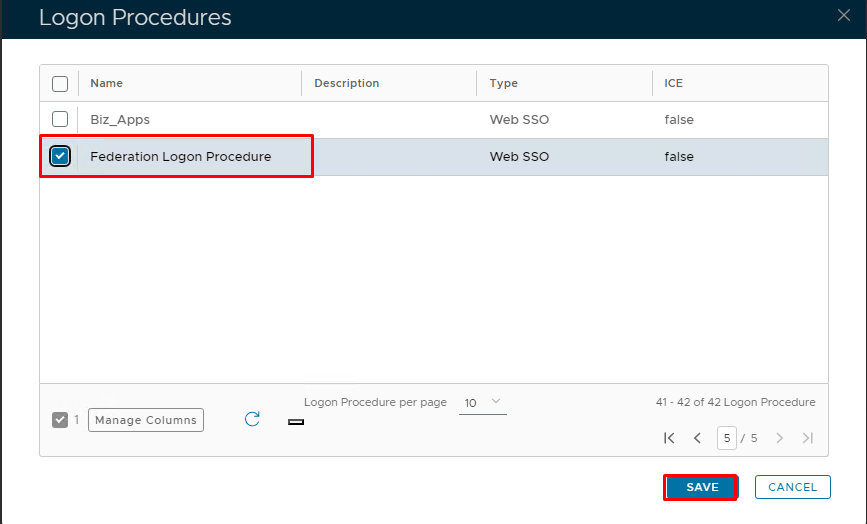
Click Save
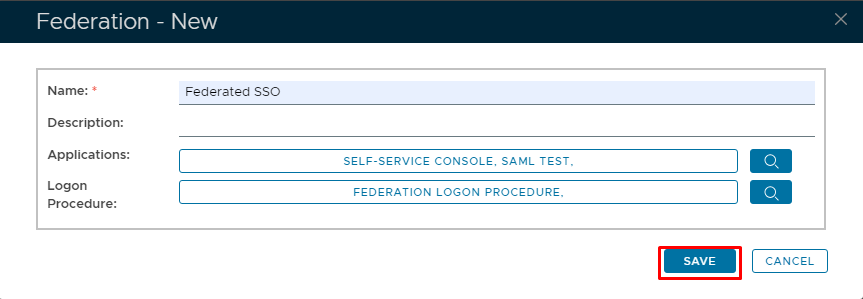
Once all finished, Click Save.
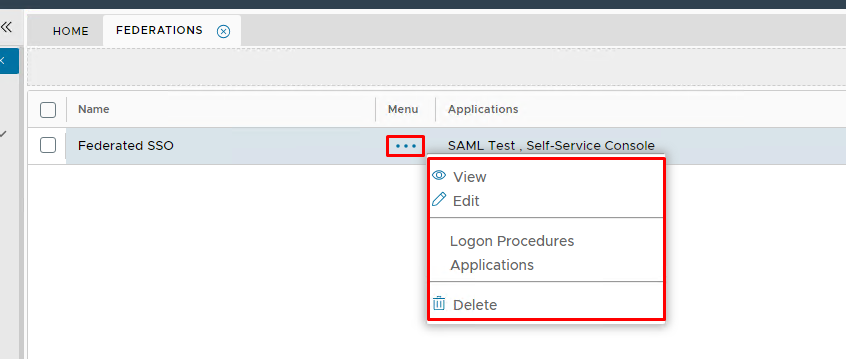
Once complete you will see the Federation added to the list.

View, Modify or Delete a Federation.
You can view modify or delete a federation at any time.