...
Enter the password of the PFX file
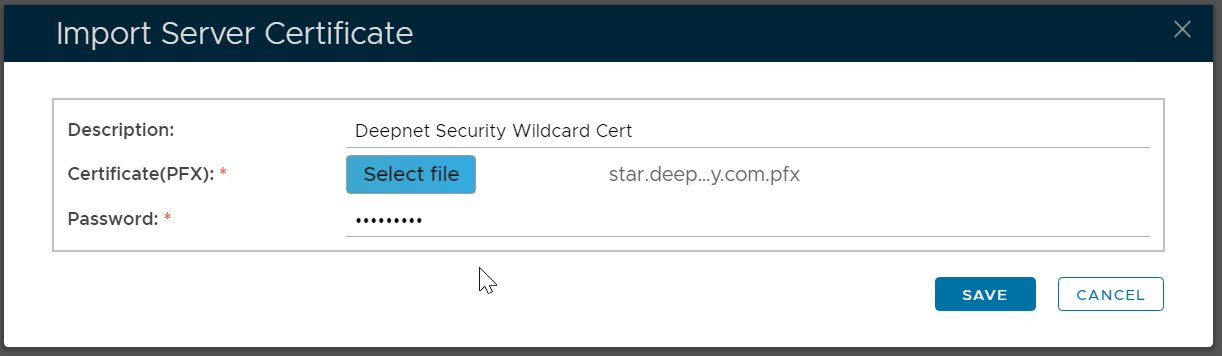
Click "Save"
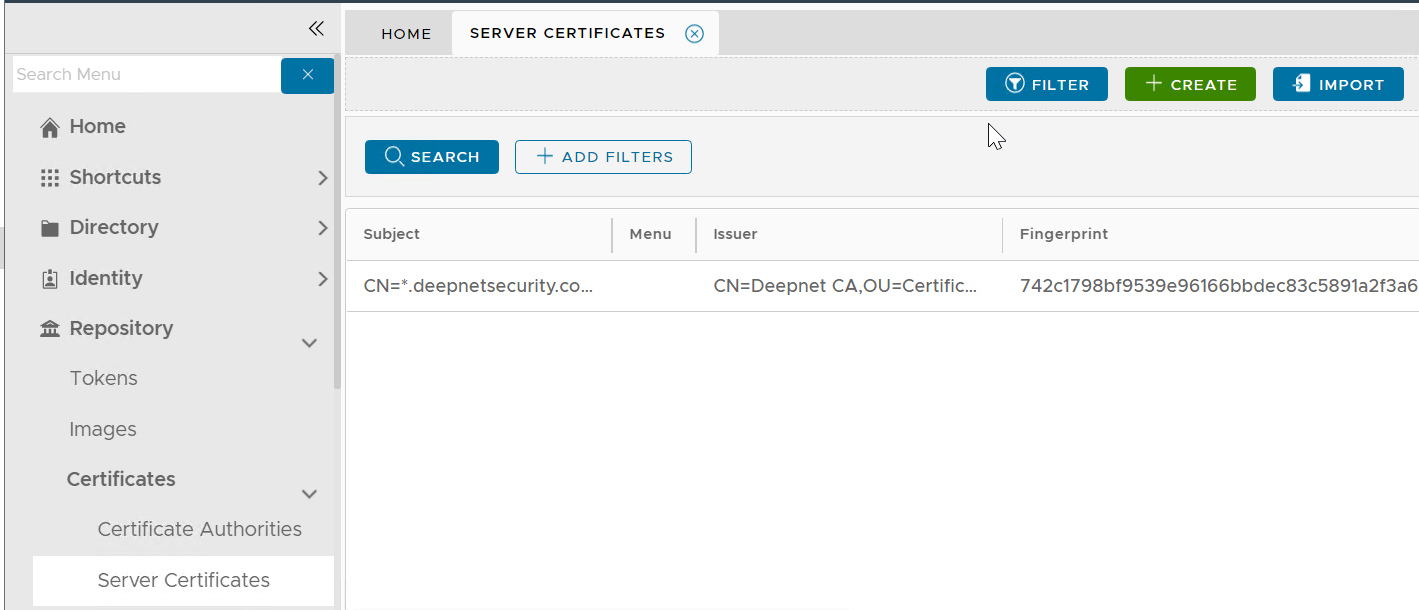
Please note that this does not automatically update your web certificate. If you wish to do that then...
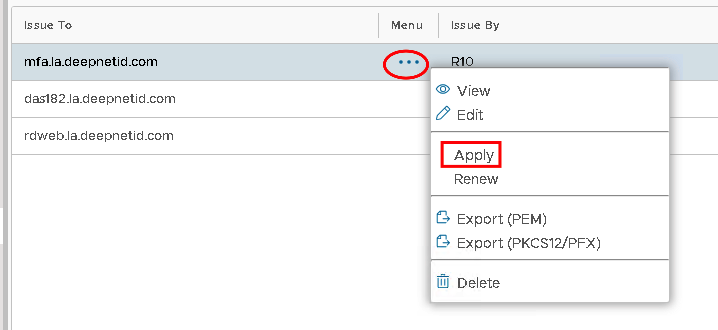
Click on the ellipses corresponding to the newly imported Server Certificate and select Apply
Select the correct SSO Server from the drop down...
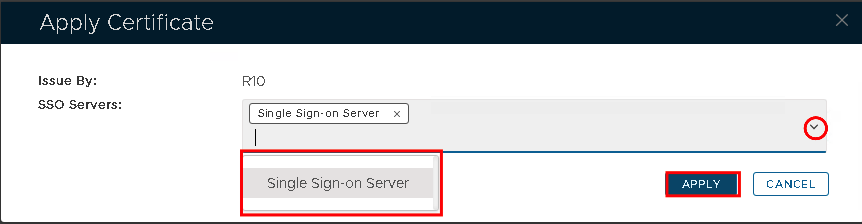
Hit Apply
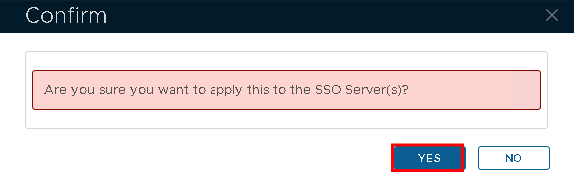
Click Yes.