...
Create a Web logon procedure
- Login to the DualShield Management Administration Console
- In the main menu, select “Authentication | Logon Procedure”Procedures”
- Click the “Create” “+ CREATE” button on the toolbar
- Enter “Name” and select “Web SSO” as the typeType
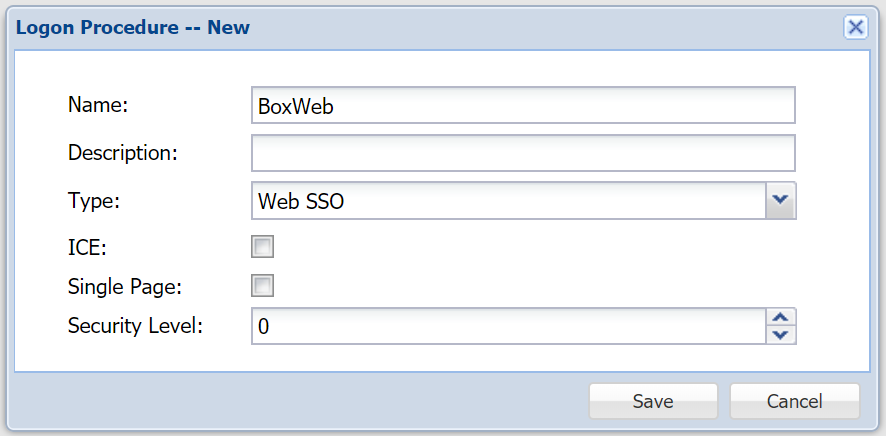
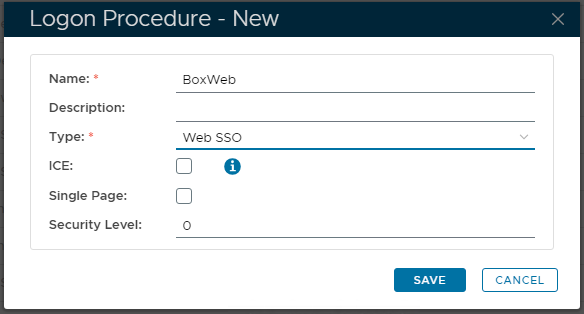
- Click “Save”
- Click the Context "..." Menu icon of the newly created logon procedure, select “Logon Steps”
- In the popup windows, click the “Create” “+CREATE” button on the toolbar
- Select the authentication method, i.e. “One-Time Password”
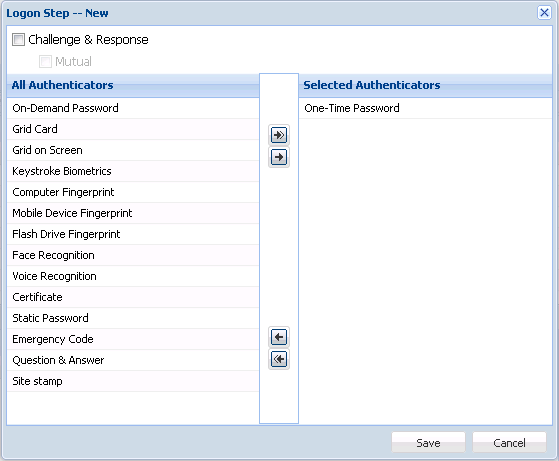
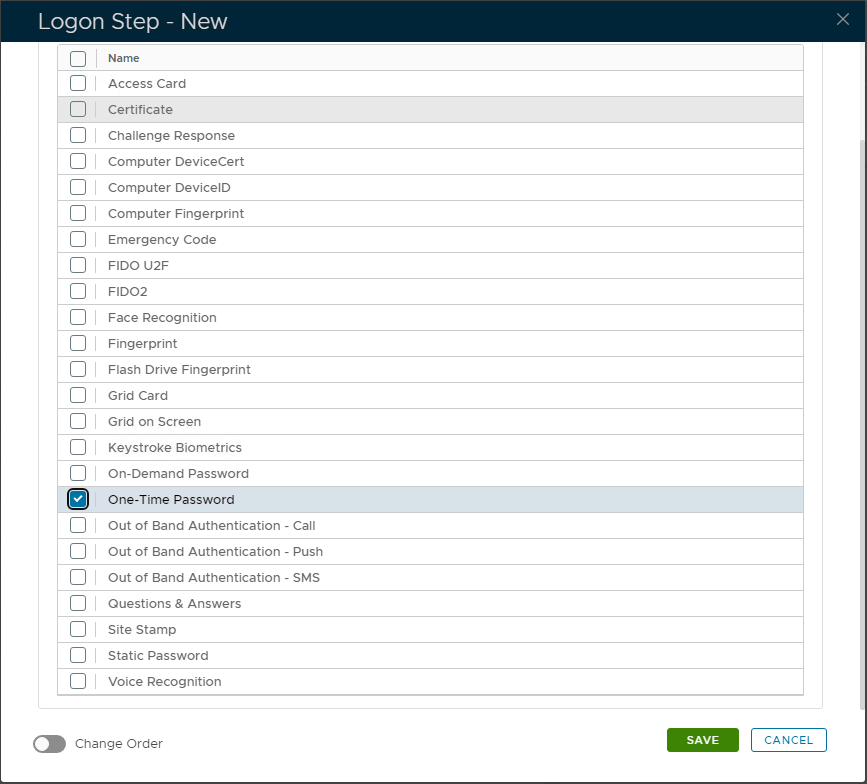
- Click "SaveSAVE"
Create a Web application
- In the main menu, select “Authentication | Application”Applications”
- Click the “Create” “+CREATE” button on the toolbar
- Enter “Name”an “Application Name”
- Select “Realm”
- Select the newly created logon procedureLogon Procedure
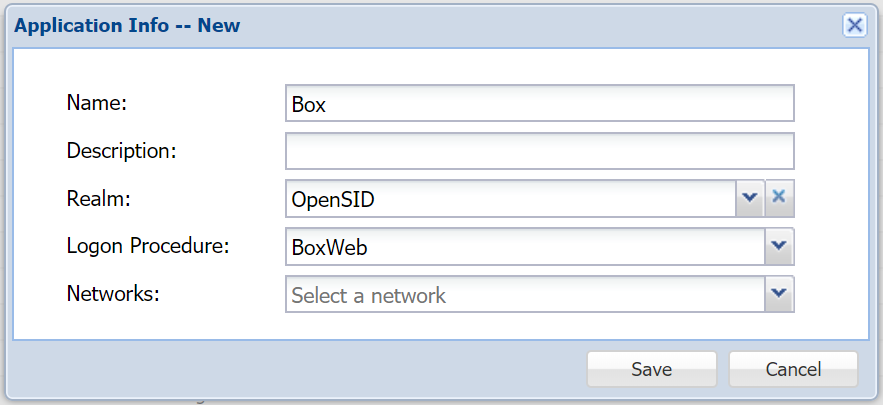
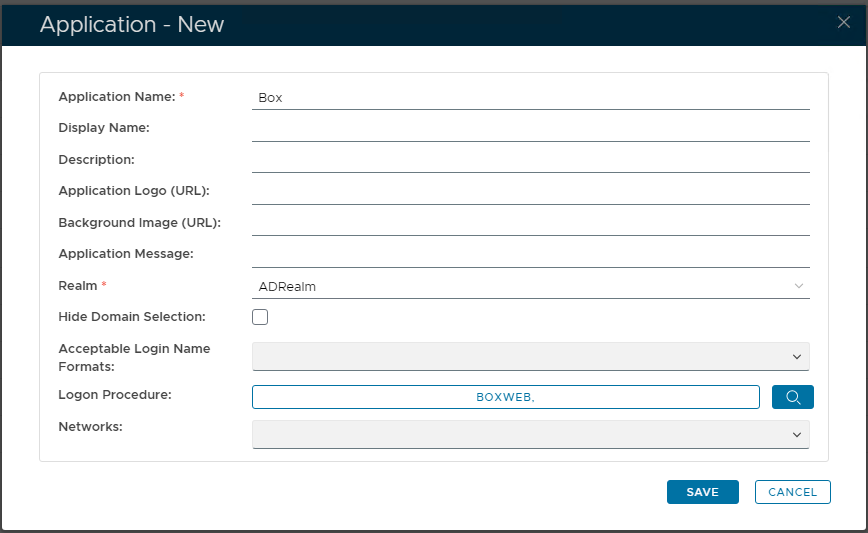
- Click "SaveSAVE"
Publish Web Application
- Click the context "..." menu of the newly created application, select "AgentAgents"
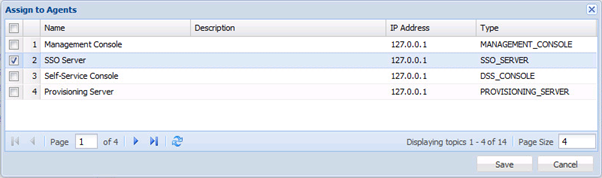
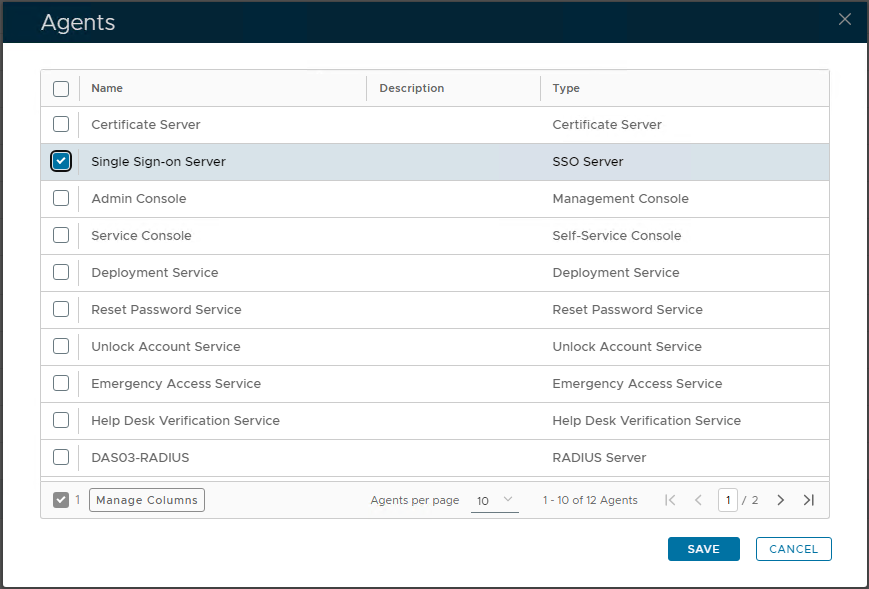
- Select the SSO Server
- Click "SaveSAVE"
Self-Test Web Application
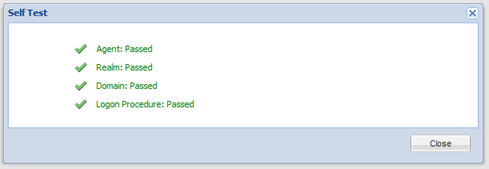
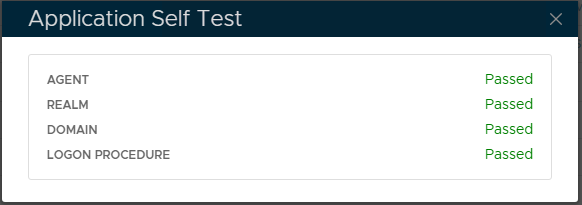
- Click the context "..." menu of the newly created application, select "Self Test"