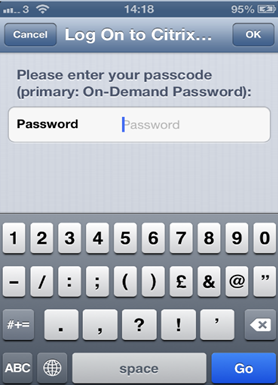
...
Edit Logon Procedure
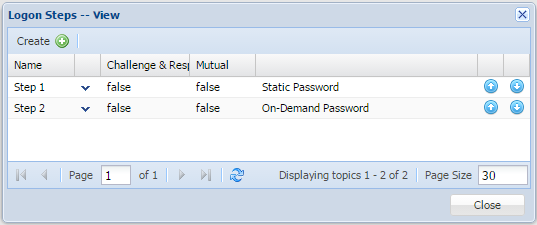
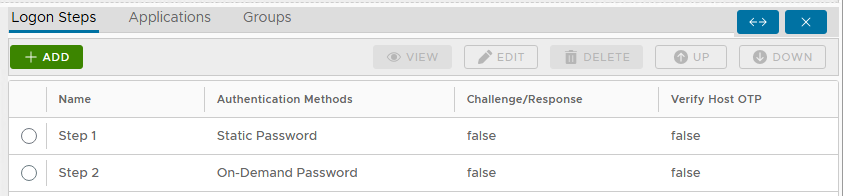
In the DualShield Management Administration Console, edit the logon procedure Logon Procedure for your NetScaler application.
You will need to define two Two logon steps: the first step First Step requires users to enter their static password "Static Password" (AD password), which will also trigger the DualShield server to send the user’s on-demand password. The second step Second Step will then ask prompt users to enter their on"On-demand Demand password".
Configure Citrix NetScaler
...
Citrix Receiver will then prompt you to enter your T-Pass one-time password.