...
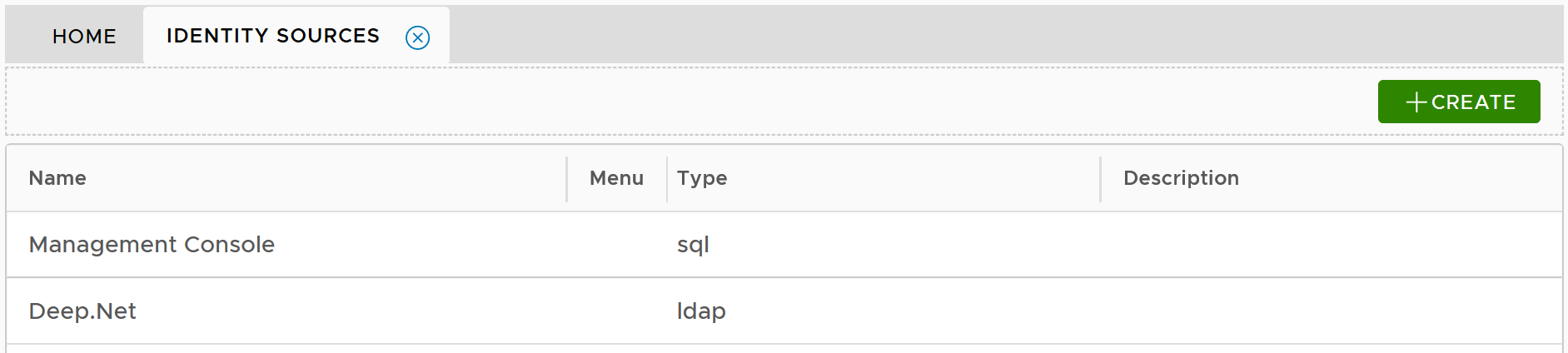
then, click the "Create" button. This will bring up the "Identity Source Registration" wizard:
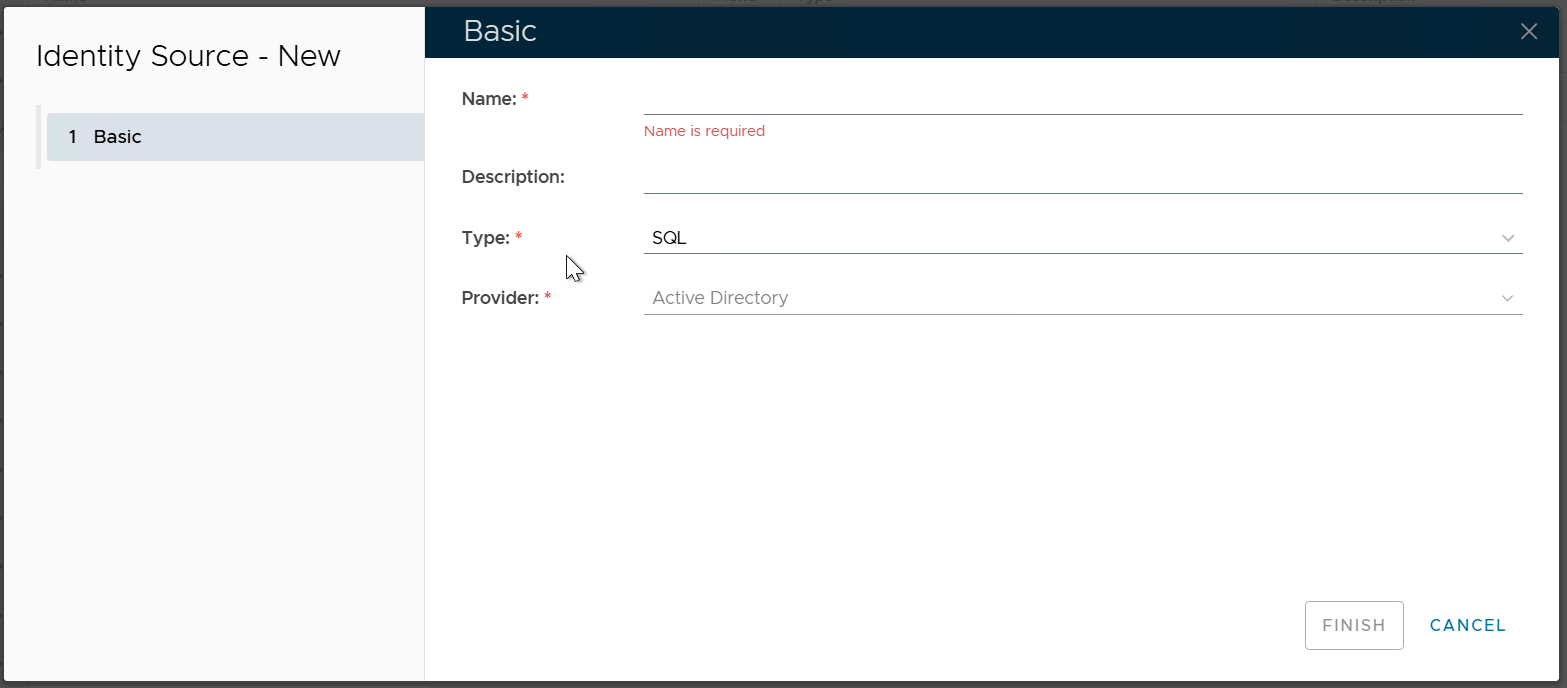
In the "Name" box, enter a name that describes the AD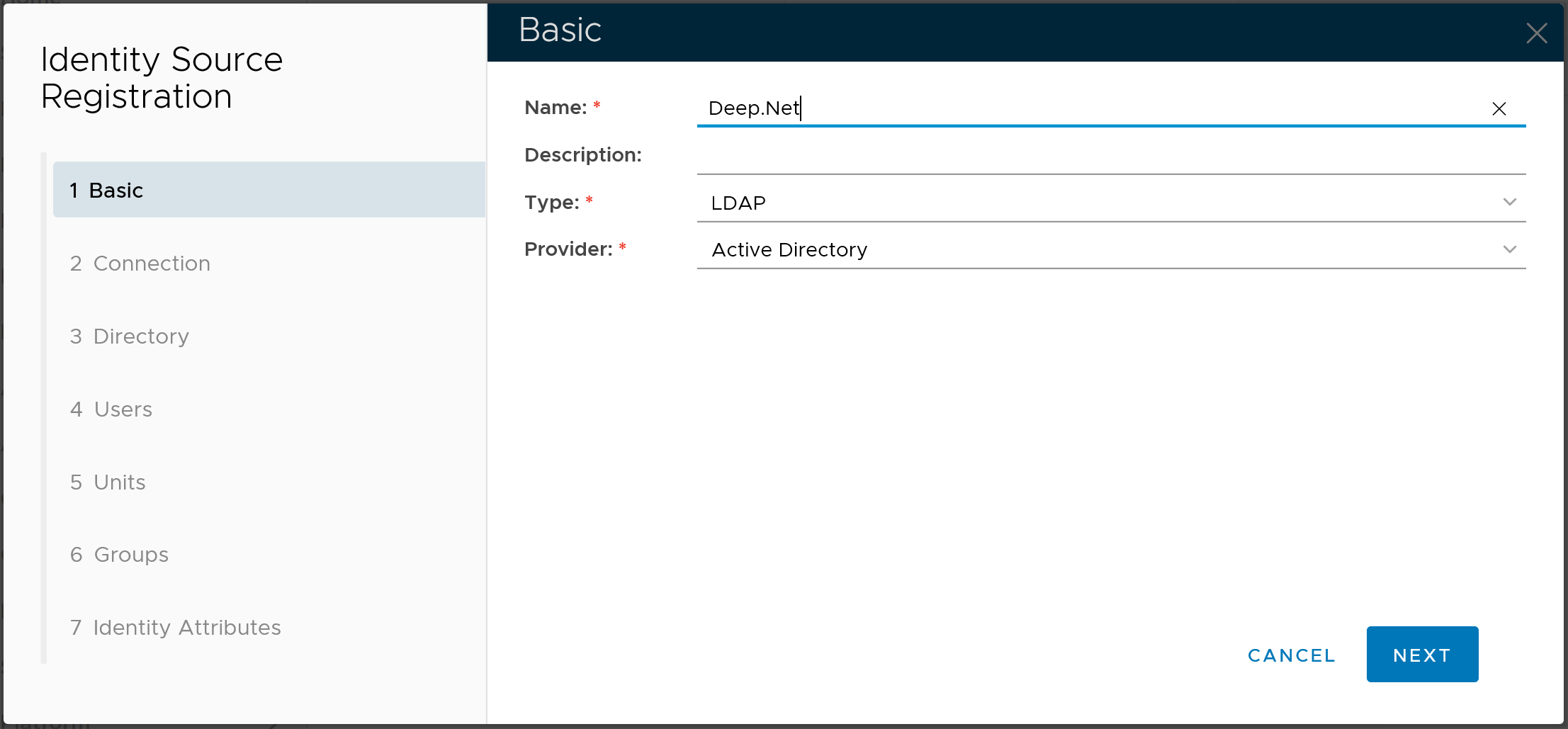
In the "Type" box, select "LDAP"
In the "Provider" box, select "Active Directory"In the "Name" box, enter a name that describes the AD
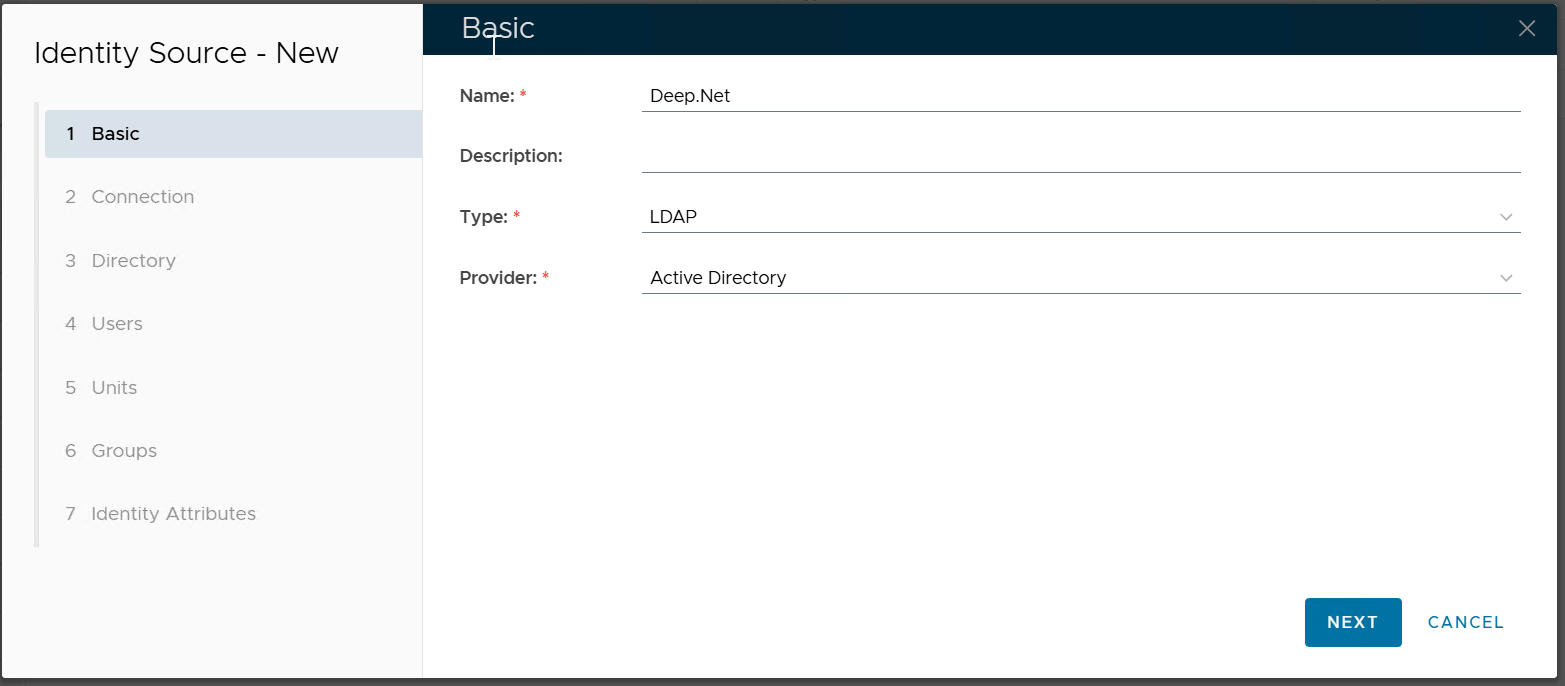
Click the NEXT button to continue
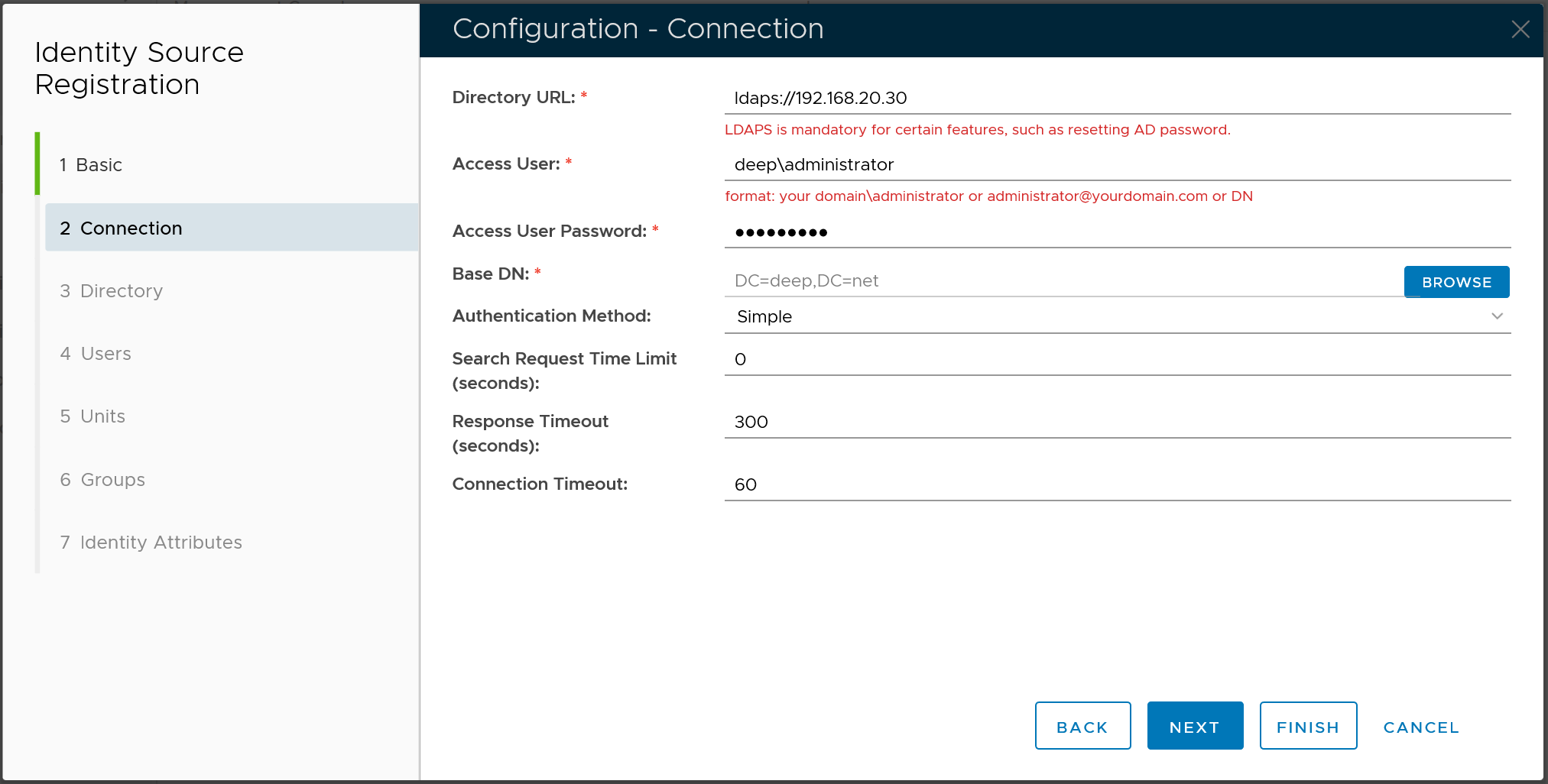
In the "Directory URL" box, enter "ldap://" or "ldaps://" followed by the IP address or host name of the AD server
...
| Expand | ||||||
|---|---|---|---|---|---|---|
| ||||||
|
There There are several further steps that will allow you to customize the connection to your Active Directory. However, in most cases you do not need to customize it. If for some reasons you do need to customise it or optimize it, you can come back later and make the changes. For now, you can to click the FINISH button to complete the wizard.
Related Articles
...