...
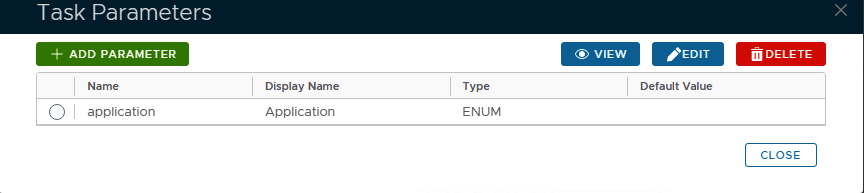
A new window titled "Task Parameters" will now open that lists the parameters making them available for editing, and the default parameters for this task are as follows;
| Section | |||||||||||||||||||||||||||||||||||
|---|---|---|---|---|---|---|---|---|---|---|---|---|---|---|---|---|---|---|---|---|---|---|---|---|---|---|---|---|---|---|---|---|---|---|---|
Expand |
Panel | borderColor | grey | bgColor | #F8F8F8 | borderStyle | dashed
|
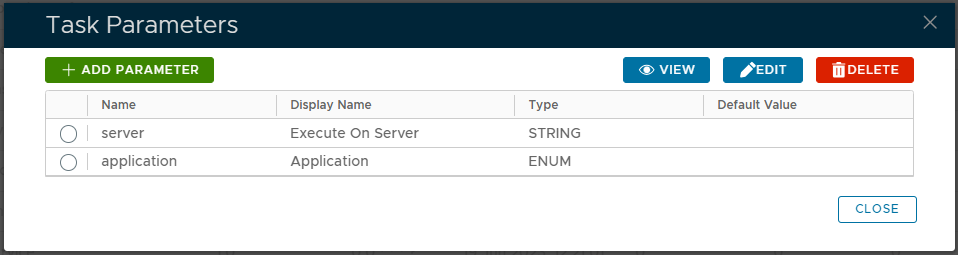
If you have multiple DualShield backend servers, then you need to specify the computer name of the server that will run this task
...