...
A new window titled "Task Parameters" will now open that lists the parameters making them available for editing, and the default parameters for this task are as follows;
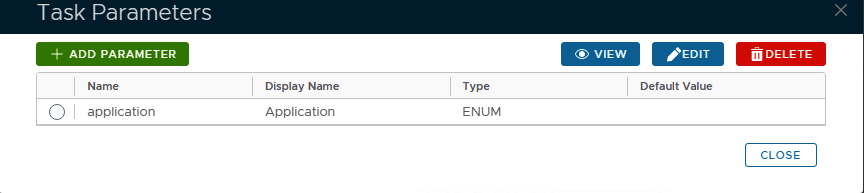
Specify the correct "application" that you are using for the Exchange ActiveSync..
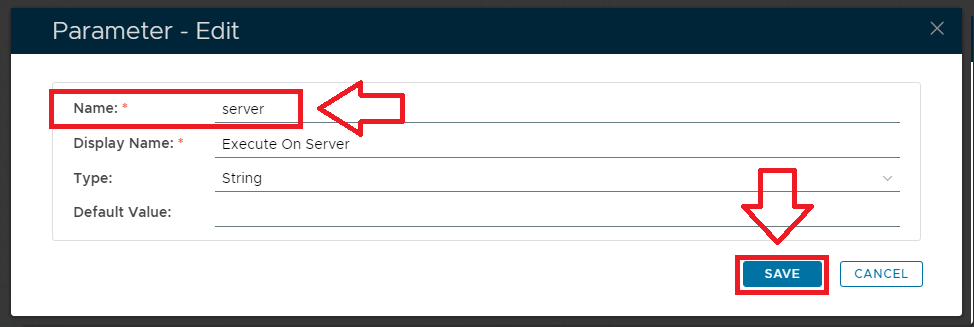
If you have multiple DualShield backend servers, then you need to specify the computer name of the server that will run this task
Select the parameter "Serverapplication" then click the  button, and a new window titled "Parameter - Edit" will open;
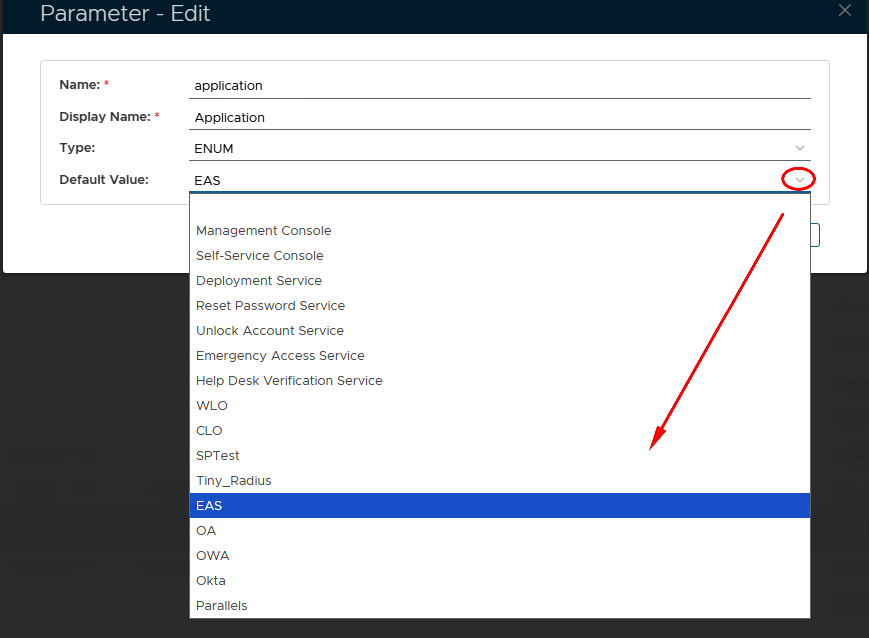
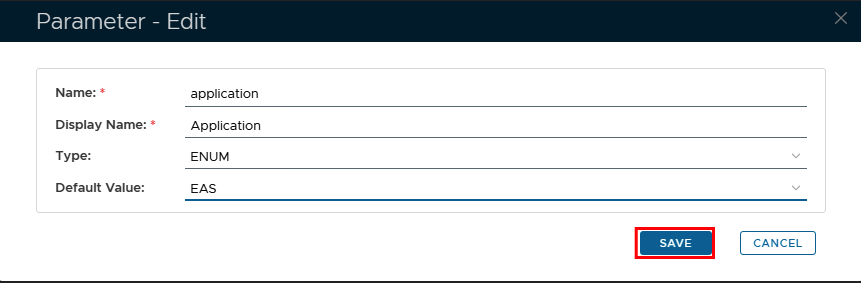
At Specify the prompt correct "application" that you are using for the Exchange ActiveSync by clicking on the down Arrow and selecting the correct Application from the list
Then Name", enter the machine name of the server where the task will be running, then click  to update the parameter.
Expand title Click here for more information on editing task parameters Include Page Editing Task Parameters Editing Task Parameters
...