...
3 - Export Token Assignment Files
Using this tool, you do not have to assign all tokens. In other words, you can leave some tokens unassigned.
Once you have completed token assignments, click "Export Tokens & Assignments" to export the token assignment file.
This tool will export only tokens that have been assigned. Two Two files will be exported and saved into to your local PC.
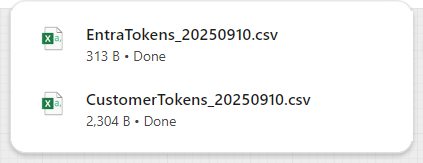
The "EntraTokens_YYYYMMDD.csv" is the token assignment file to be uploaded into Entra ID
The "CustomerTokens_YYYYMMDD.csv" is the token inventory file for you to keep and to be used use in the future if you need to add more assignments or make changes to the assignments.
...