...
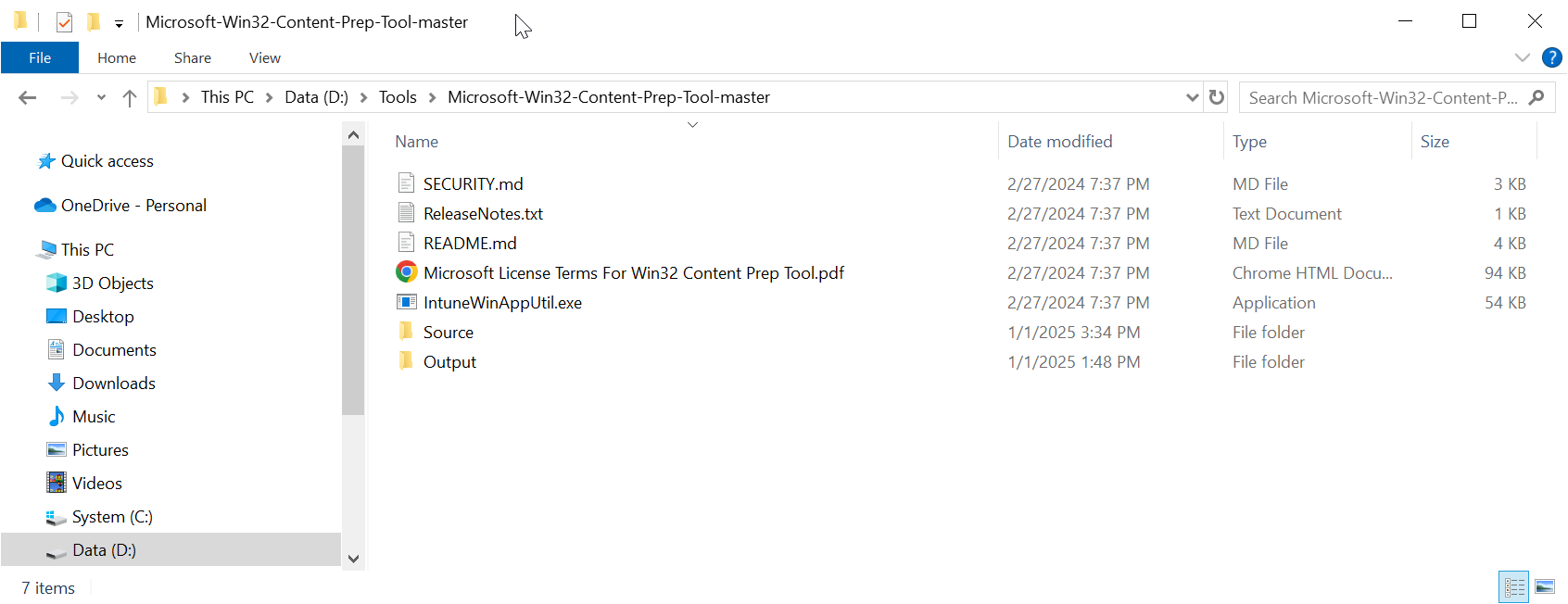
Unpack the tool to a local file folder. e.g. D:\Tools\Microsoft-Win32-Content-Prep-Tool-master
Copy the Deepnet Computer Logon
...
MA files
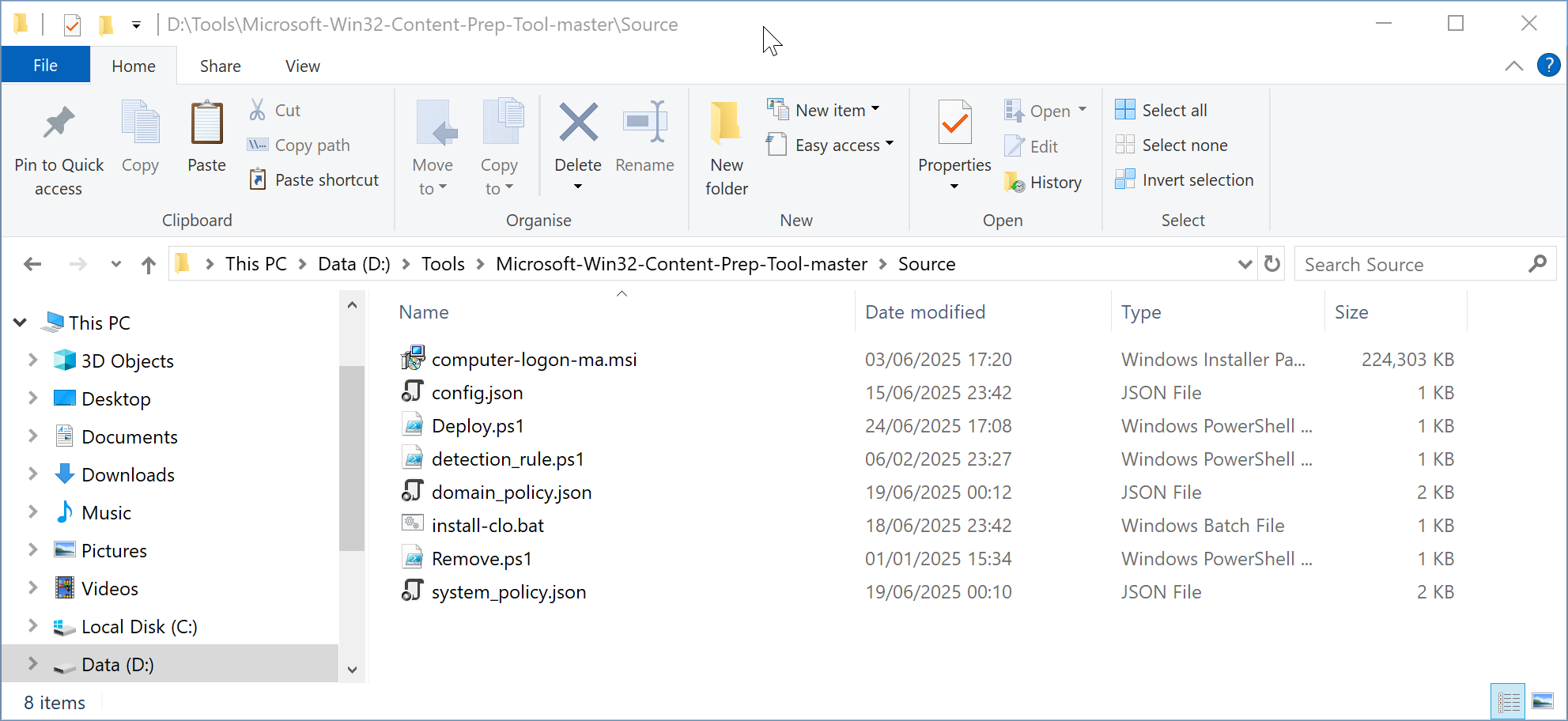
Create a subfolder called "Source" in the folder where you have unpacked the Microsoft Win32 Content Prep Tool, e.g. D:\Tools\Microsoft-Win32-Content-Prep-Tool-master\Source
Now, copy the following files that you have prepared in the previous step "Prepare installation files for the Deepnet Computer Logon Agent for Entra ID"
...
to the "Source" folder
- Installer MSI
- Configuration Files
- Deployment PS Files
Installer MSI
...
to the "Source" subfolder.
Build an Intune deploy package
...