...
Server FQDN | Enter here the FQDN to be used for this DualShield server. Please choose the FQDN wisely and correctly, as it would be difficult to change after the instalation.
| |||||||||||
Use SSL to access DualShield | You can install a DualShield without SSL. However, it is highly recommended that you should select "Use SSL to access DualShield", particularly if this is going to be used as a production server. | |||||||||||
Create a self-signed certificate | A certificate is to be used for DualShield web consoles and portals. You may use a self-signed certificate, however it is highly recommended that you should provide a commercial SSL certificate, particularly if this is going to be used as a production server. |
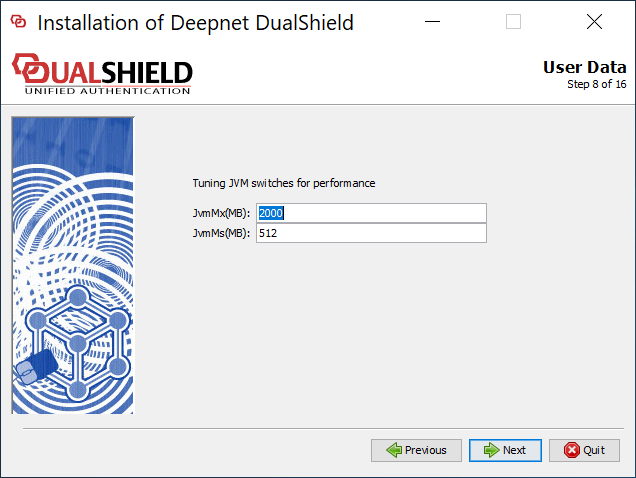
DualShield server is a JAVA application server. It runs in a Java Virtual Machine (JVM).
You can set the maximum memeory size (JvmMx) and the minimum memeory size (JvmMs) to be used by JVM. If you have a large active user base, then increase both of these values. It is not recommended to reduce them.
Those values can be changed after installation.
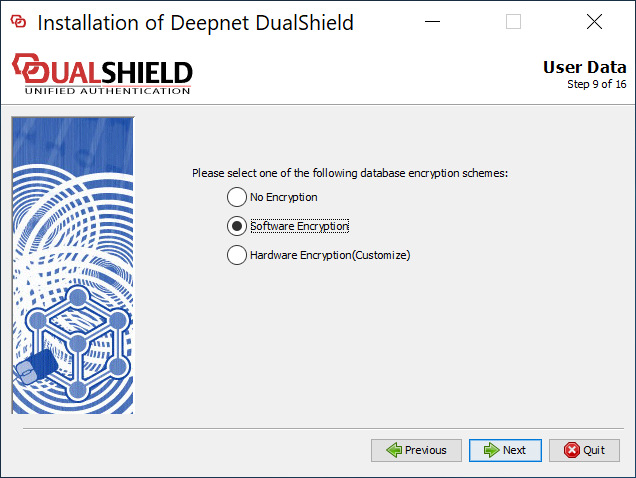
Please select "Software Encryption".
| Option 1: Local/Internal Database | Option 2: Remote/External Database |
|---|---|
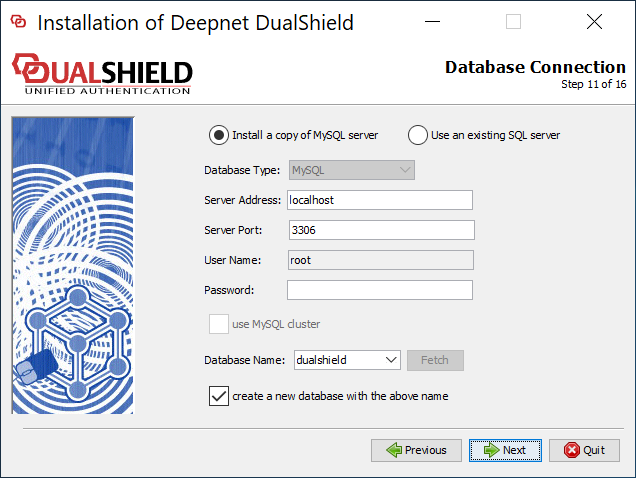
DualShield uses a standard SQL datbase as its data store. If you select "Install a copy MySQL server", then it will install an instance of MySQL server on the local machine.
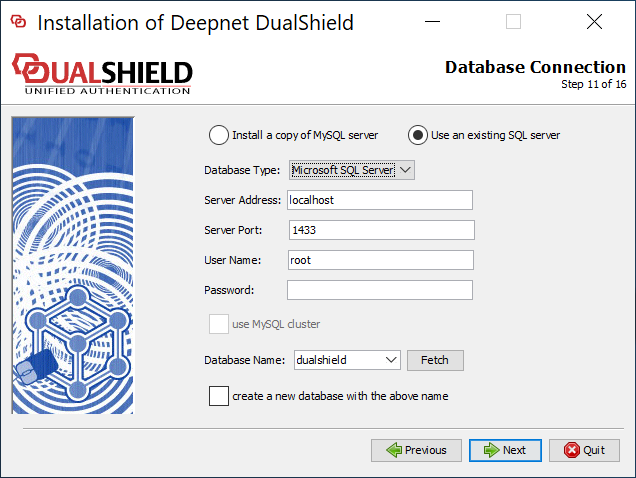
| If your organisation has a SQL server, then it is recommended that you use your own SQL server, so that your DBA can manage all databases in one server.
|
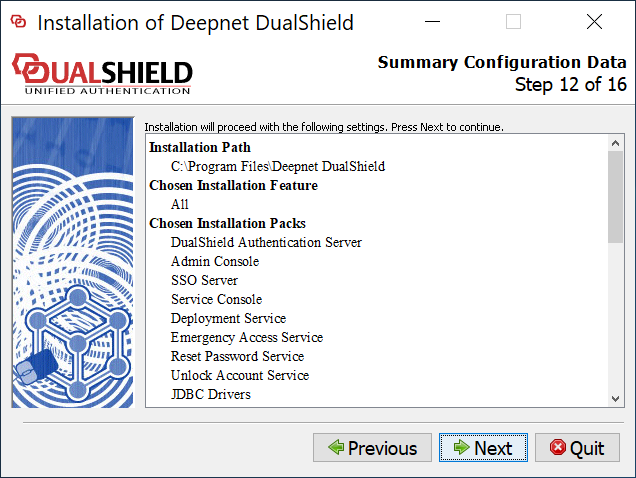
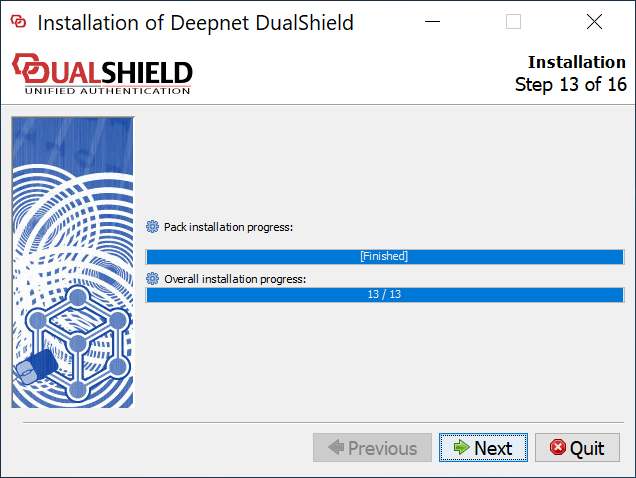
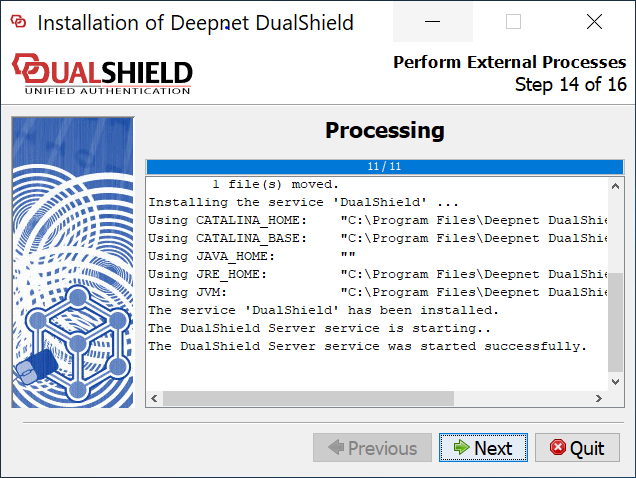
| Include Page | ||||
|---|---|---|---|---|
|
...