...
| Option 1: Local/Internal Database | Option 2: Remote/External Database |
|---|---|
DualShield uses a standard SQL datbase as its data store. If you select "Install a copy MySQL server", then it will install an instance of MySQL server on the local machine.
| If your organisation has a SQL server, then it is recommended that you use your own SQL server, so that your DBA can manage all databases in one server.
|
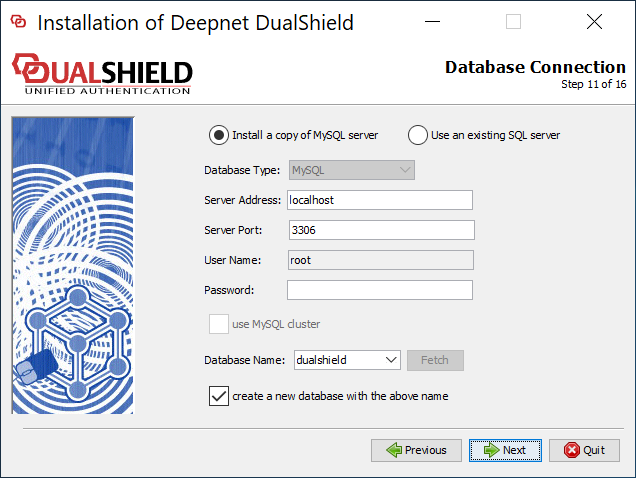
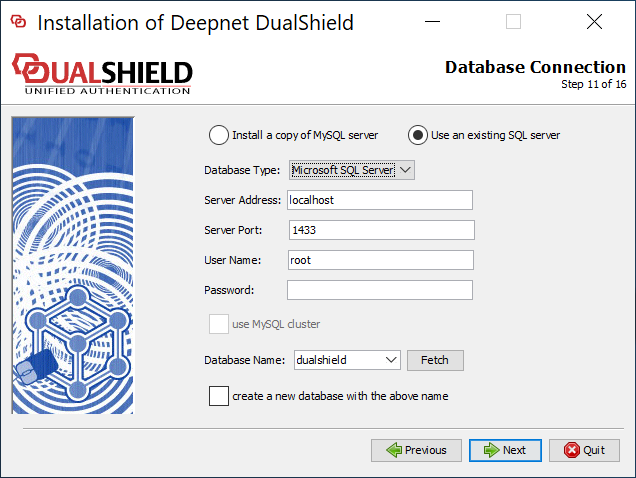
| Server Address | The address of the SQL server. You can enter its IP address or host name. If it is a local SQL server, then keep it as is "localhost". |
| Server Port | The TCP port number of the SQL server. Keep the default value unless you have reasons to change it to a different value. |
| User Name | This is the account name to used to access & manage the SQL database. |
| Password | This is the account password to used to access & manage the SQL database. |
| Database Name | This is the name of the database to be used by DualShield. Keep the default name "dualshield" for simplicity and transparency in the future communications. |
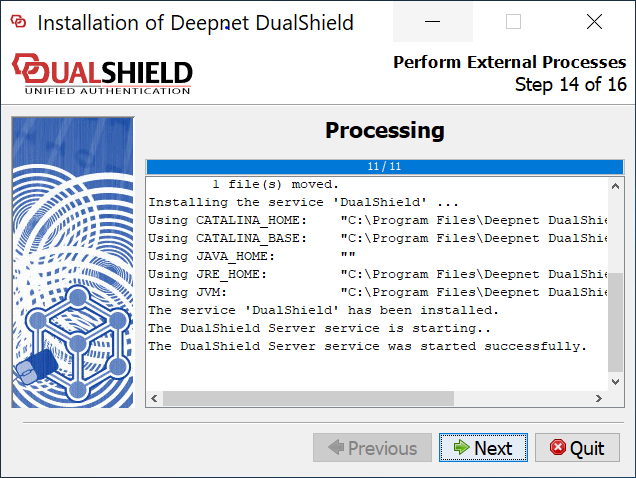
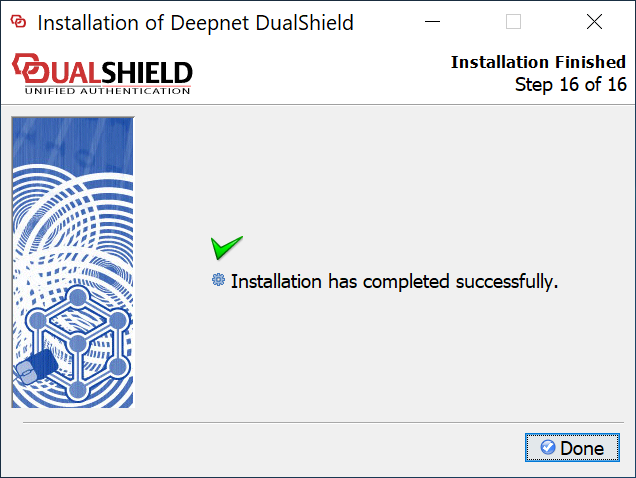
| Include Page | ||||
|---|---|---|---|---|
|
...