...
| Option 1: All-in-One Server | Option 2: Slim Backend Server |
|---|---|
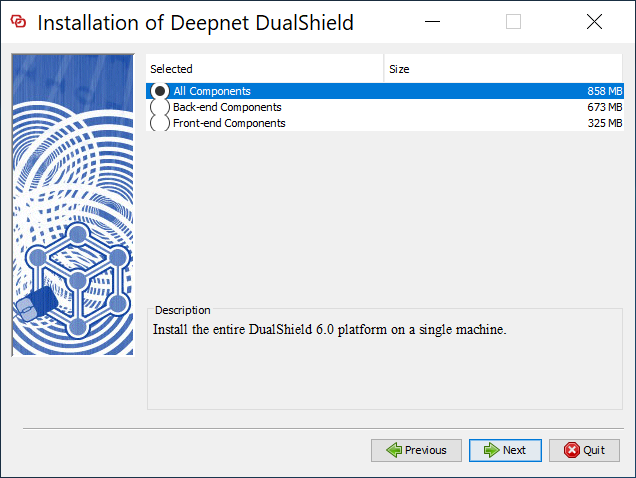
If you want to install a DualShield server that is to be used as both the backend and frontend, then you need to install all of its component. Select "All Components"
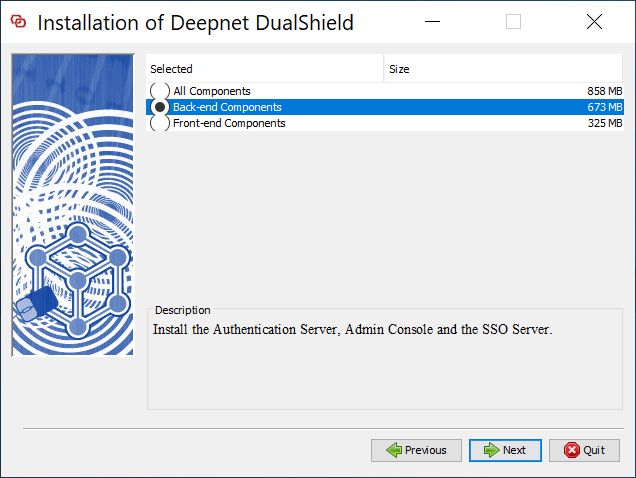
| If you want to install a DualShield server as a pure backend server without the end-user services, then you can keep it slim. Select "Back-end Components"
|
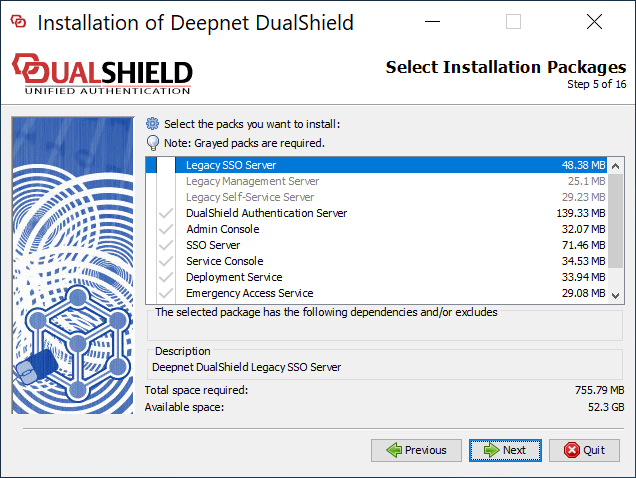
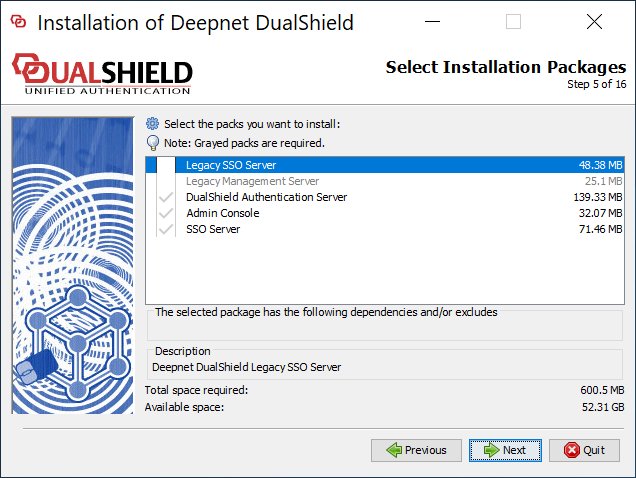
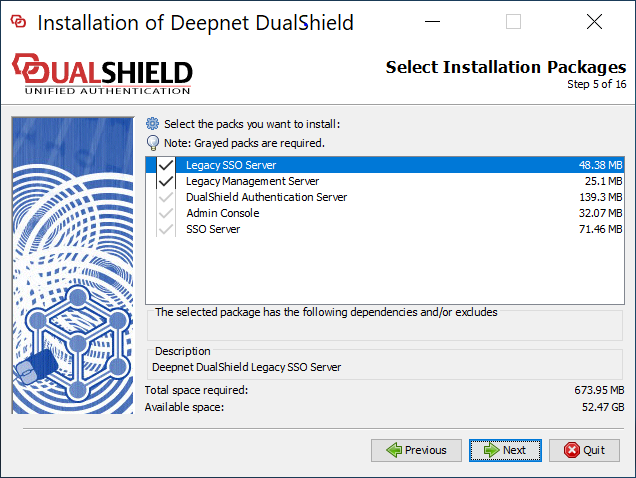
If you would like to install the legacy components, then select them.
If you select lthe the lagacy management server and/or self-service server, then you must also select the legacy SSO server.
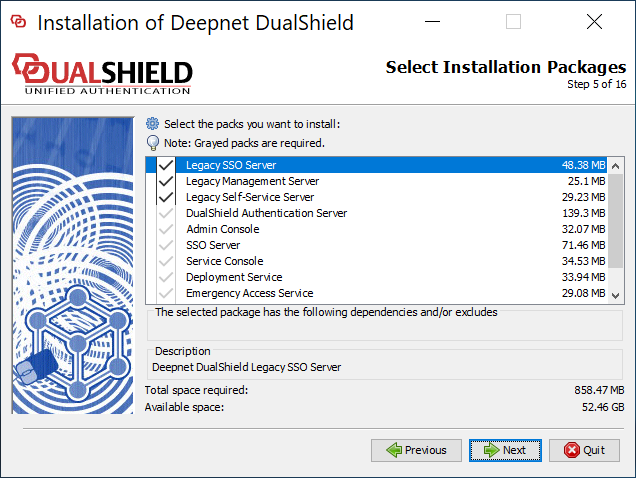
| If you would like to install the legacy components, then select them.
If you select lthe lagacy management server, then you must also select the legacy SSO server.
|
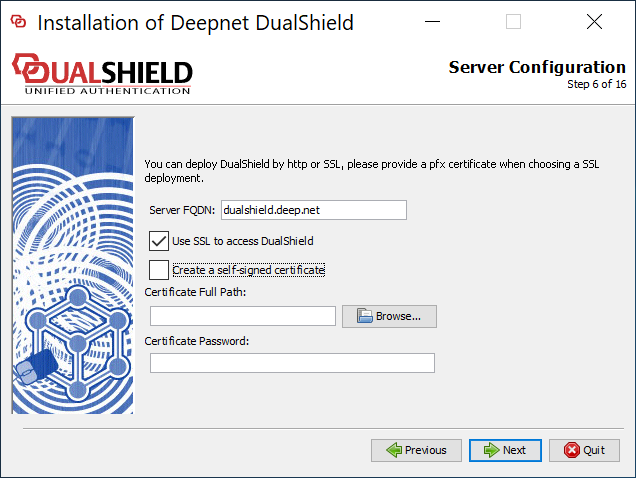
Server FQDN | Enter here the FQDN to be used for this DualShield server. Please choose the FQDN wisely and correctly, as it would be difficult to change after the instalation.
| |||||||||||
Use SSL to access DualShield | You can install a DualShield without SSL. However, it is highly recommended that you should select "Use SSL to access DualShield", particularly if this is going to be used as a production server. | |||||||||||
Create a self-signed certificate | A certificate is to be used for DualShield web consoles and portals. You may use a self-signed certificate, however it is highly recommended that you should provide a commercial SSL certificate, particularly if this is going to be used as a production server. |
...