Navigation
To create a policy, select "Administration | Policies" on the side panel,
...
then click the "CREATE" button on the toolbar 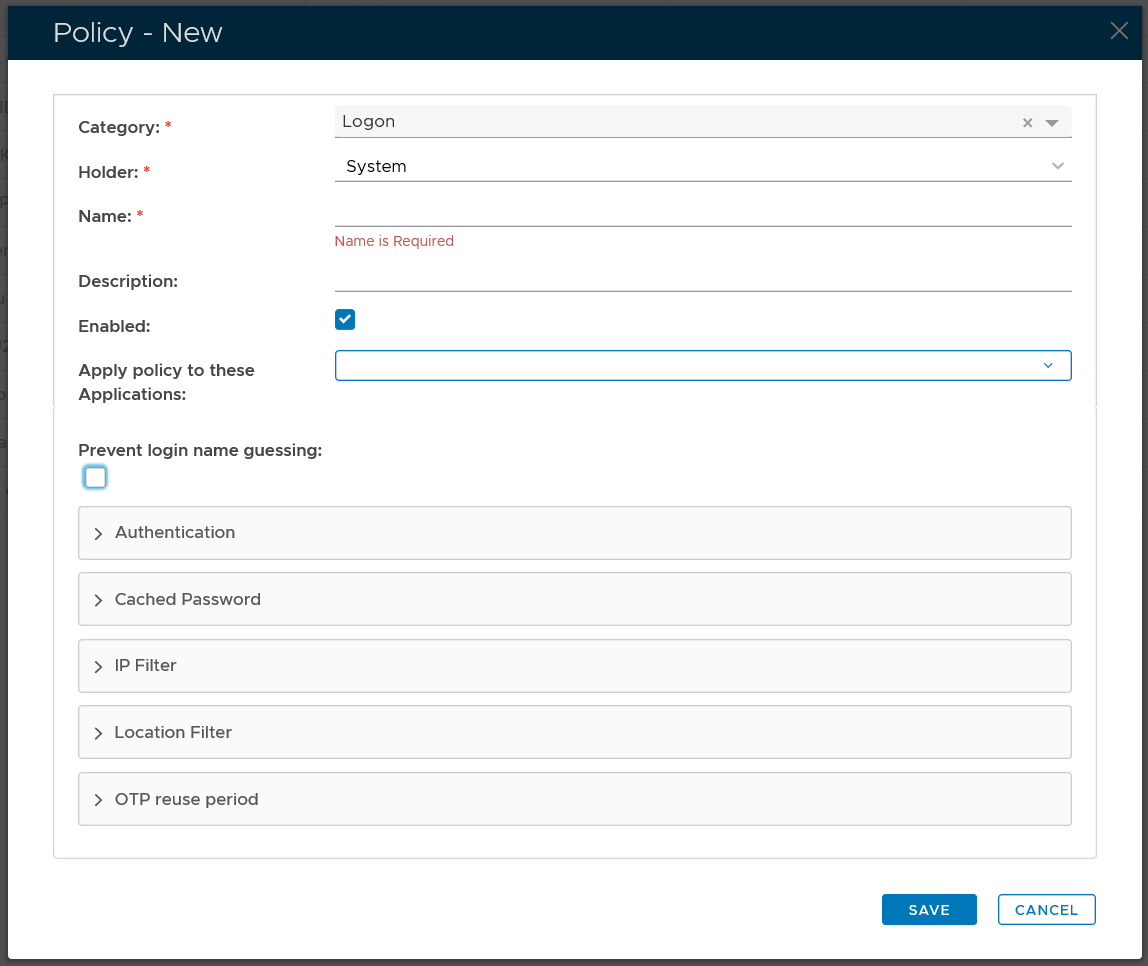 to bring up the policy editor window.
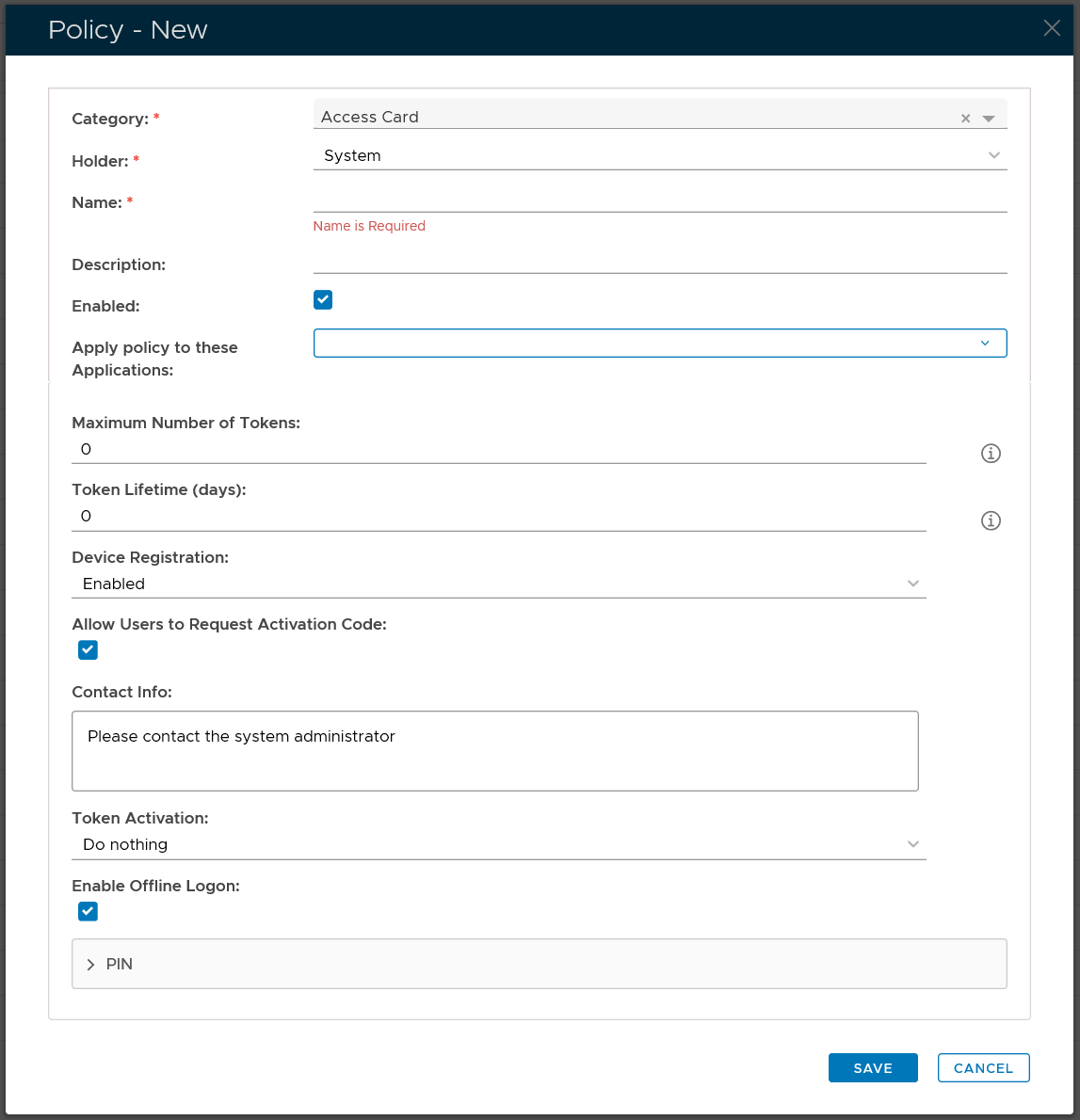
Category
First, select the Category of the policy that you want to create, e.g. Logon
Properties
Then, select the policy Holder which basically defines the scope of the policy
...