...
- Welcome
- Licensing Agreements
- Installation Path
- Server Selection
- Select Installation Packages
- Server Configuration
- Agent Registration
- Configuration Summary
- Installing
- Perform External Processes
- Installation Finished
Step 1: Welcome

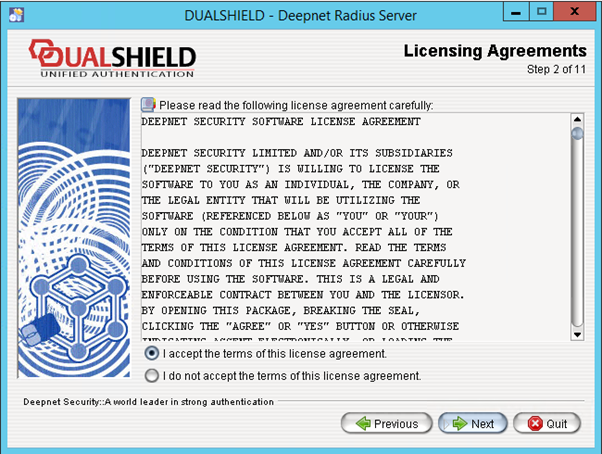
Step 2: Licensing Agreements
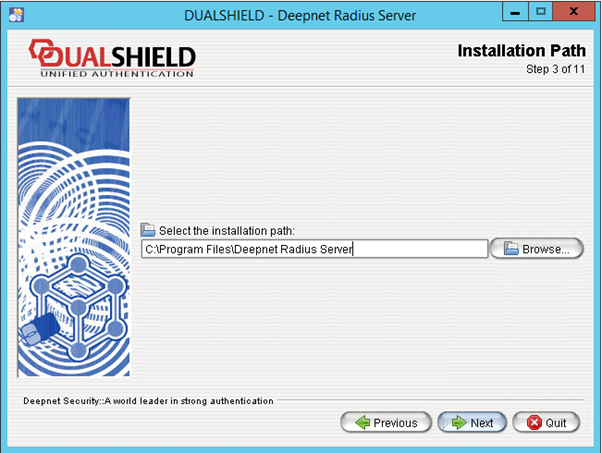
Step 3: Installation Path
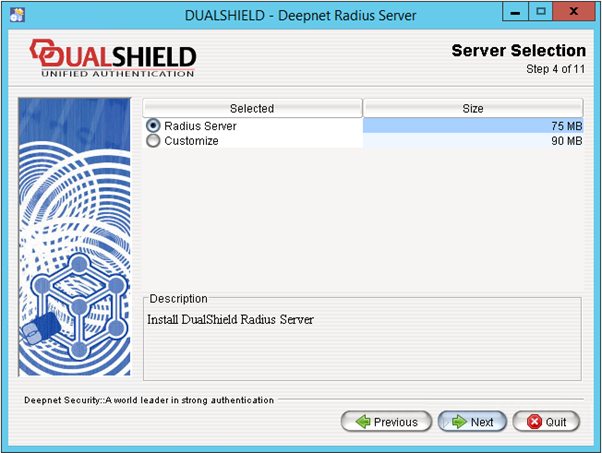
Step 4: Server Selection
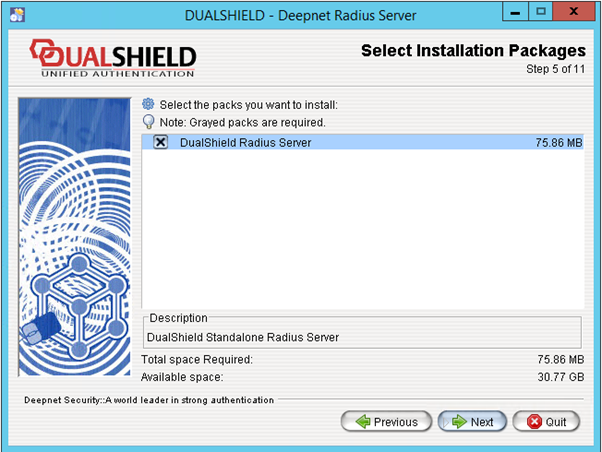
Step 5: Select Installation Packages
Step 6: Server Configuration

Administration Port:
The Administration port is the port accessed by the DualShield Authentication Server for the purpose of managing the DualShield Radius Server.
...
The Accounting Port is the standard Radius accounting port.
Step 7: Agent Registration

Change the Registration URL to the URL of your DualShield server.
Please note that the protocol of the connection to the DualShield server must be set to HTTPS. The default port of DualShield server is 8071.
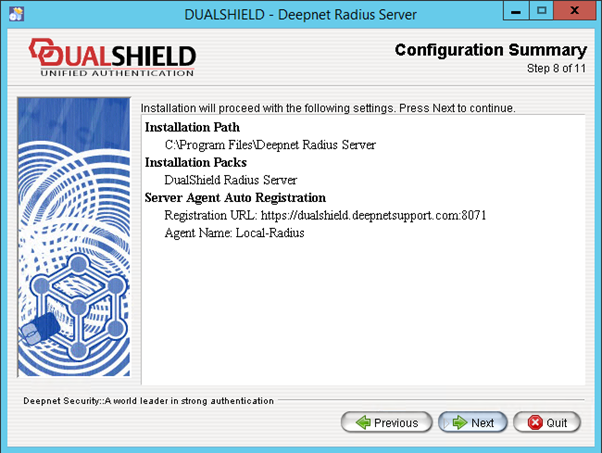
Step 8: Configuration Summary
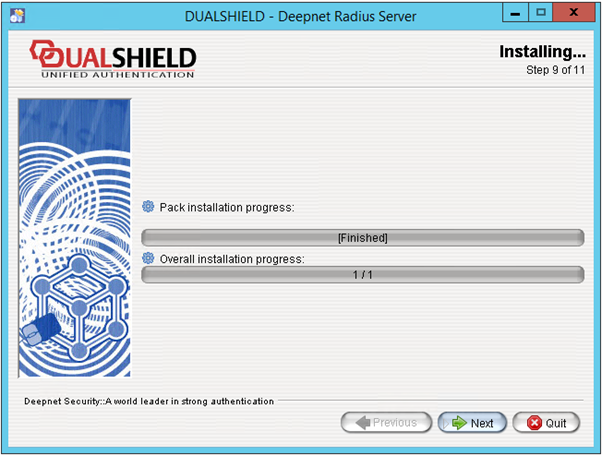
Step 9: Installing
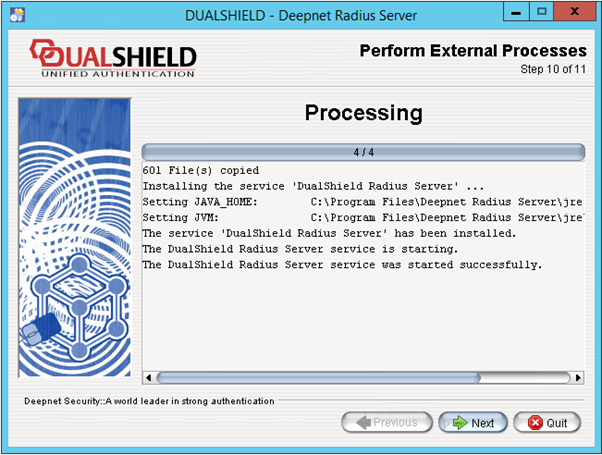
Step 10: Perform External Processes
Step 11: Installation Finished
...