...
Step 4: Install GINA or Credential Provider
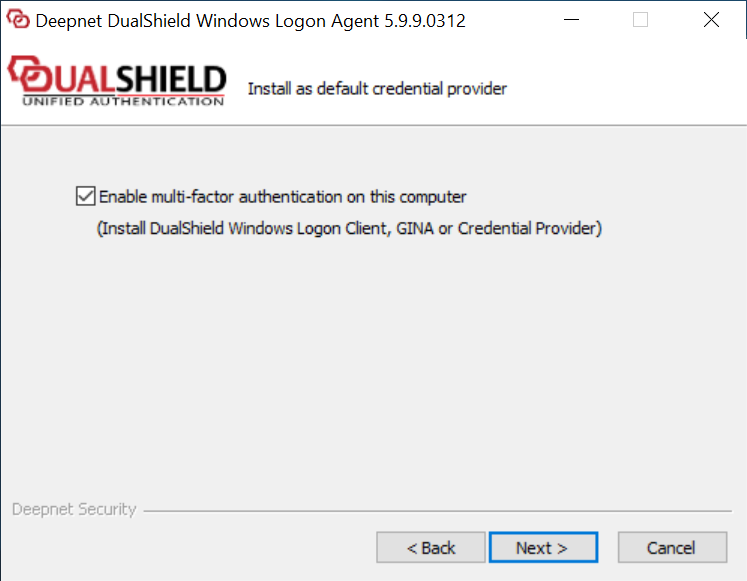
Enable the option: “Enable “Enable multi-factor authentication on this machine” machine” only if you wish to protect secure the server machine on which the Windows Logon Agent is being installed with MFA. Otherwise, do not check this option.
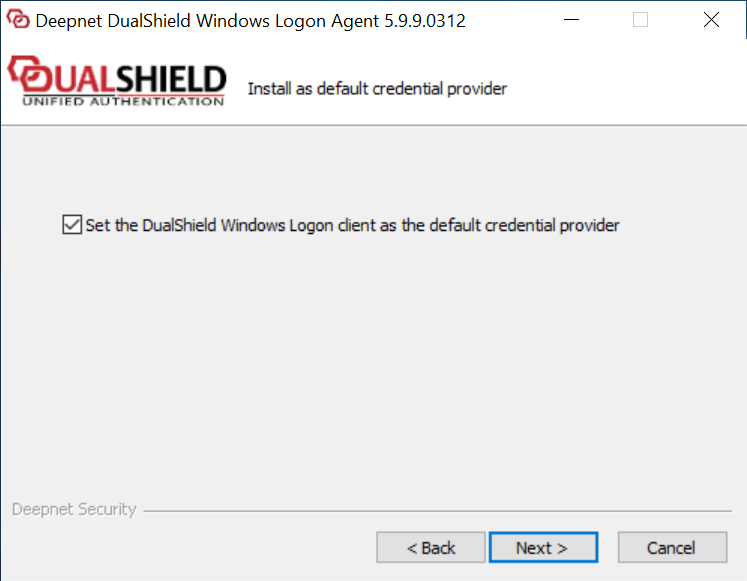
If you selected this option, then you will be prompted with the next screen:
Leave this option checkedEnable the option: “Protect local computer logon with multi-factor authentication" only if the server machine on which the Windows Logon Agent is being installed is a terminal server and you want to add two-factor authentication to the logon to the local machine.
Step 5: Agent Registration
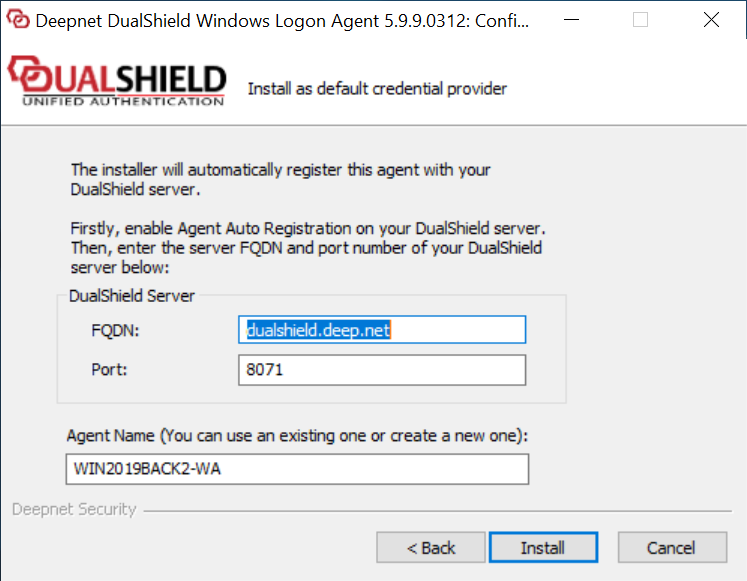
Check the FQDN and Port number In the FQDN field, enter the correct FQDN of your DualShield Serverserver. Change them if necessary. The default port of DualShield server is 8071suggestion is based on the host name of the machine and is often not the correct value.
In the Port field, keep the default value 8071, unless you have changed your DualShield Server's operating port numbers.
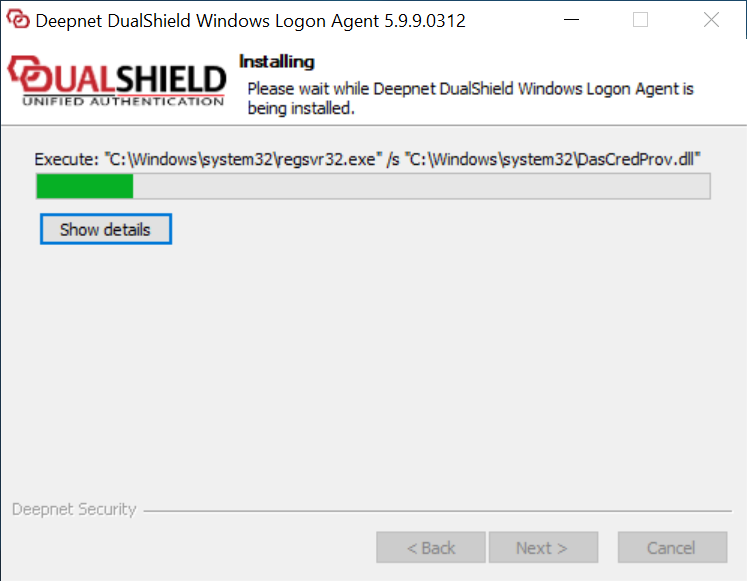
Step 6: Installing...
Step 7: Connect to an application
...