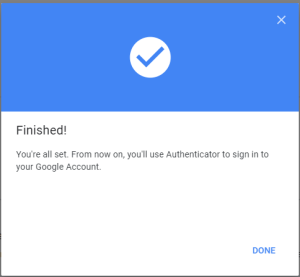
...
Enter the verification code that you received, click "NEXT" button
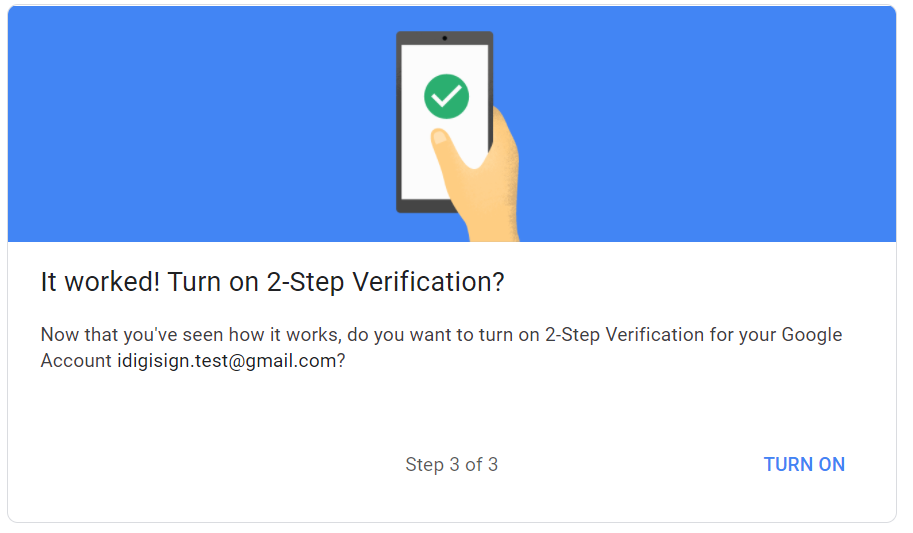
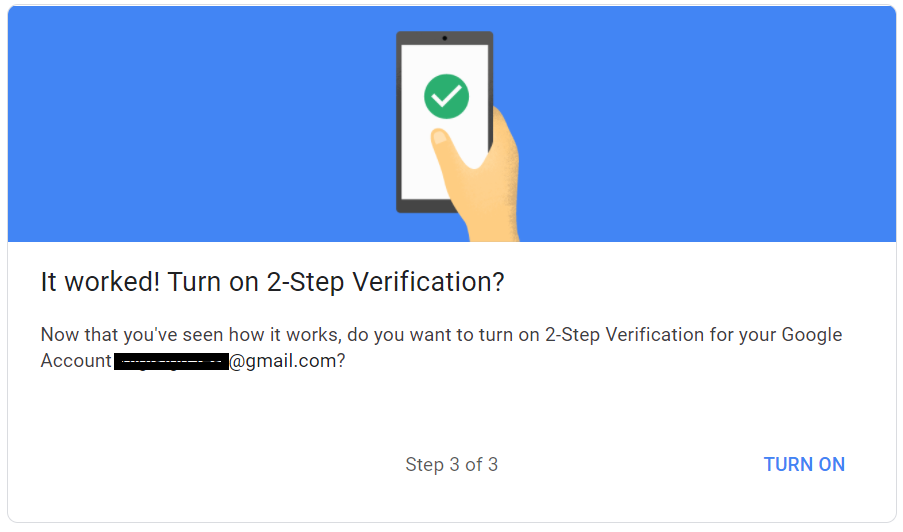
Click the "TURN ON" button to enable 2-step verification
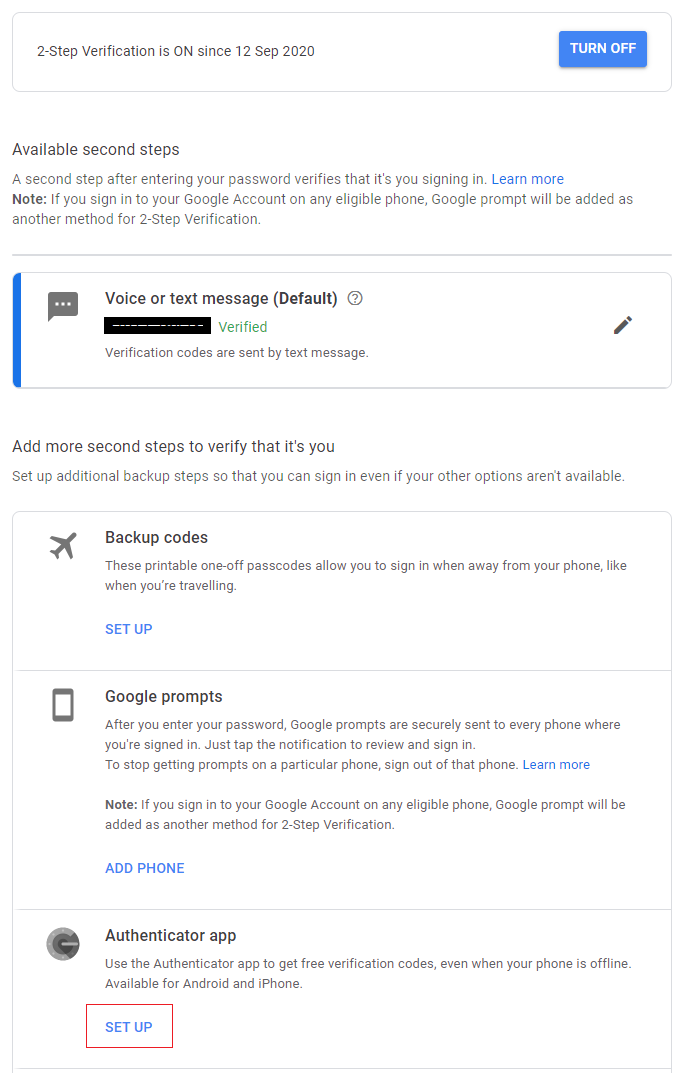
Scroll down to find the section "Authenticator app". Click "SET UP" button
You will get the popup below:
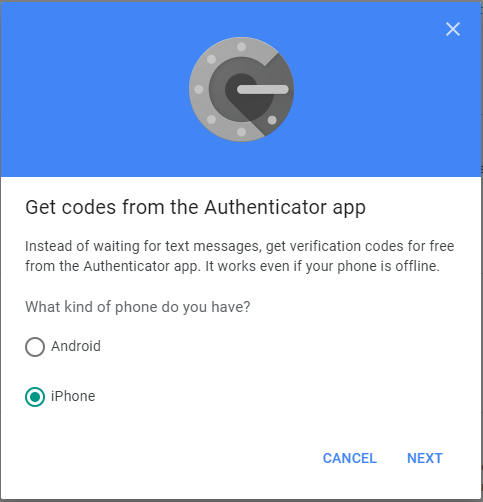
Select "iPhone" even if your phone is Android
You will get a QR code on the popup window
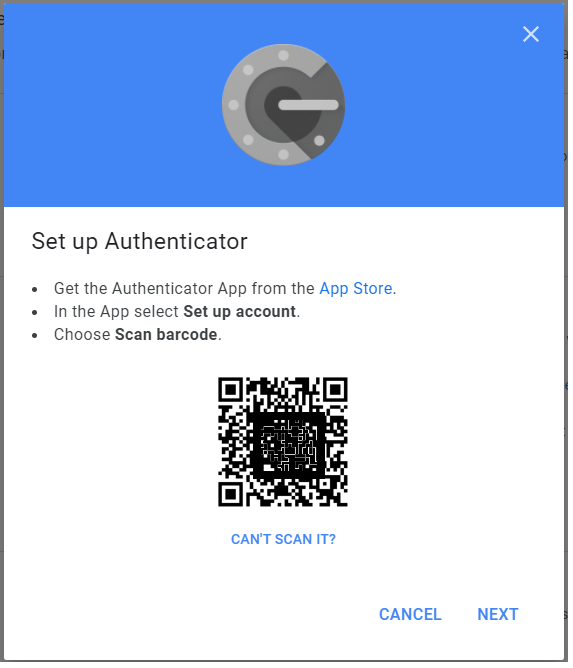
Keep the popup window open, and do NOT click "Next" yet.
Then, follow the instruction below to program your SafeID token with the QR code
| Expand | ||||||
|---|---|---|---|---|---|---|
|
After you have successfully programmed the token with the QR code, you can return to the popup window.
Click "NEXT"
You will be prompted to enter a passcode
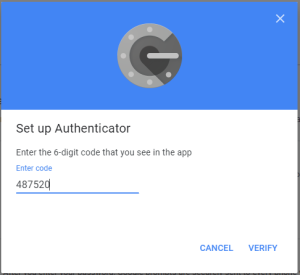
Use the SafeID/Diamond token that you just programmed to generate a passcode, then enter the passcode in the above window