...
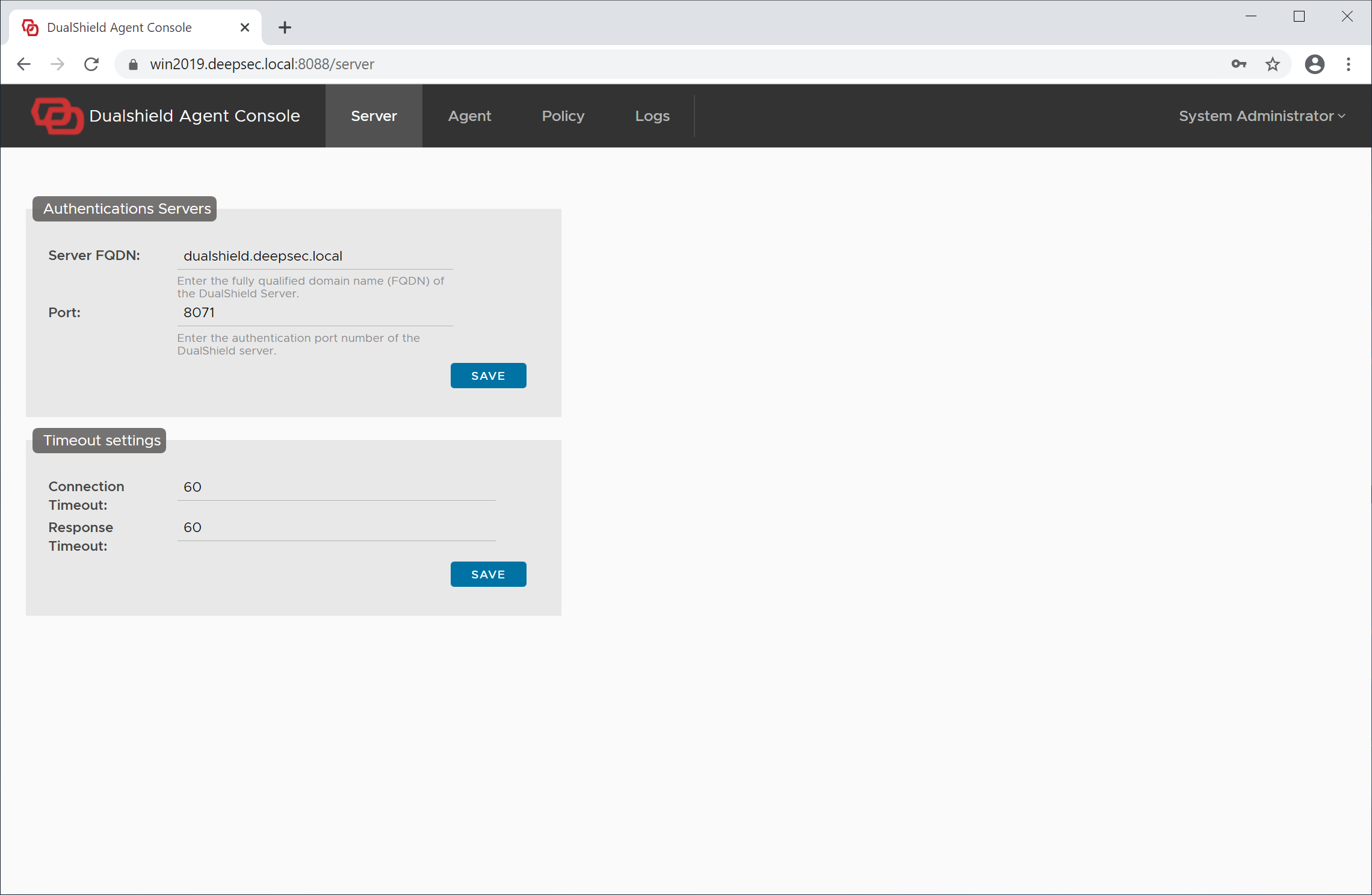
Click "Finish" to continue and ssign into the Admin Console . The admin console of the agent wil be launched
Step 6 - Set up Agent Application
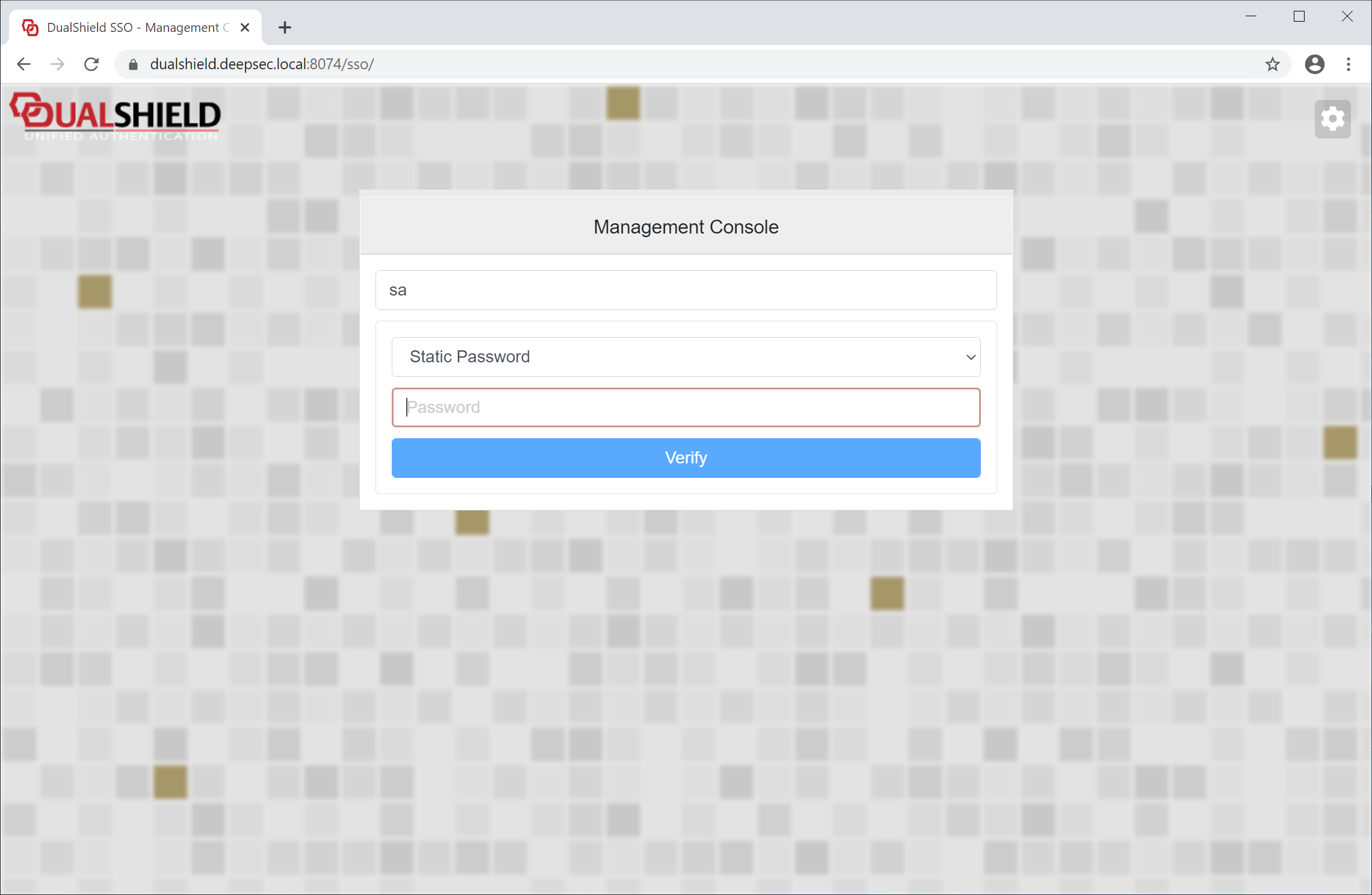
Sign into the admin console
Click "Agent" in the main menu on the top
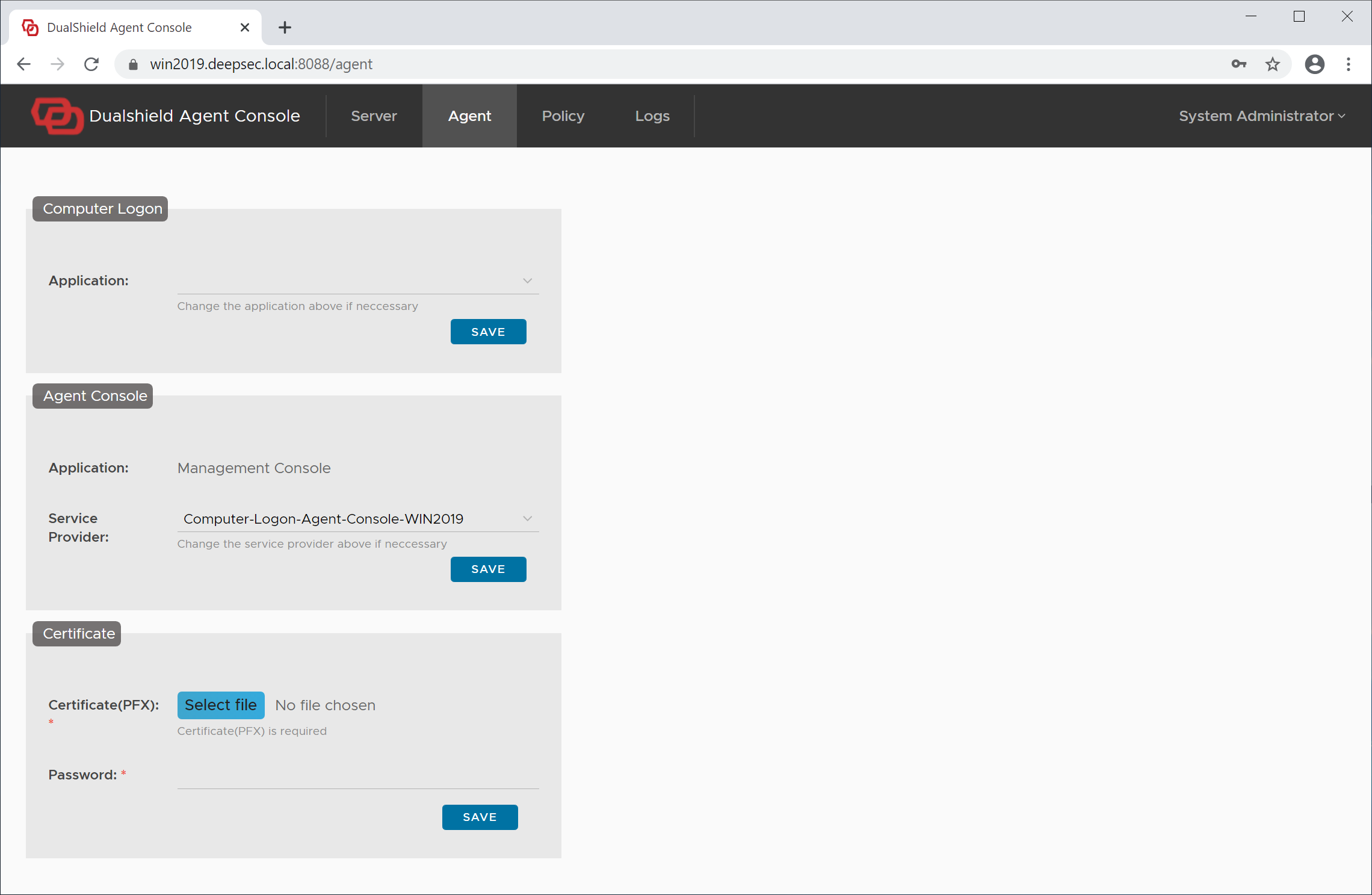
In the Computer Logon section, from the application list, select the application that you have set up ealier for computer logon, e.g. Computer Logon
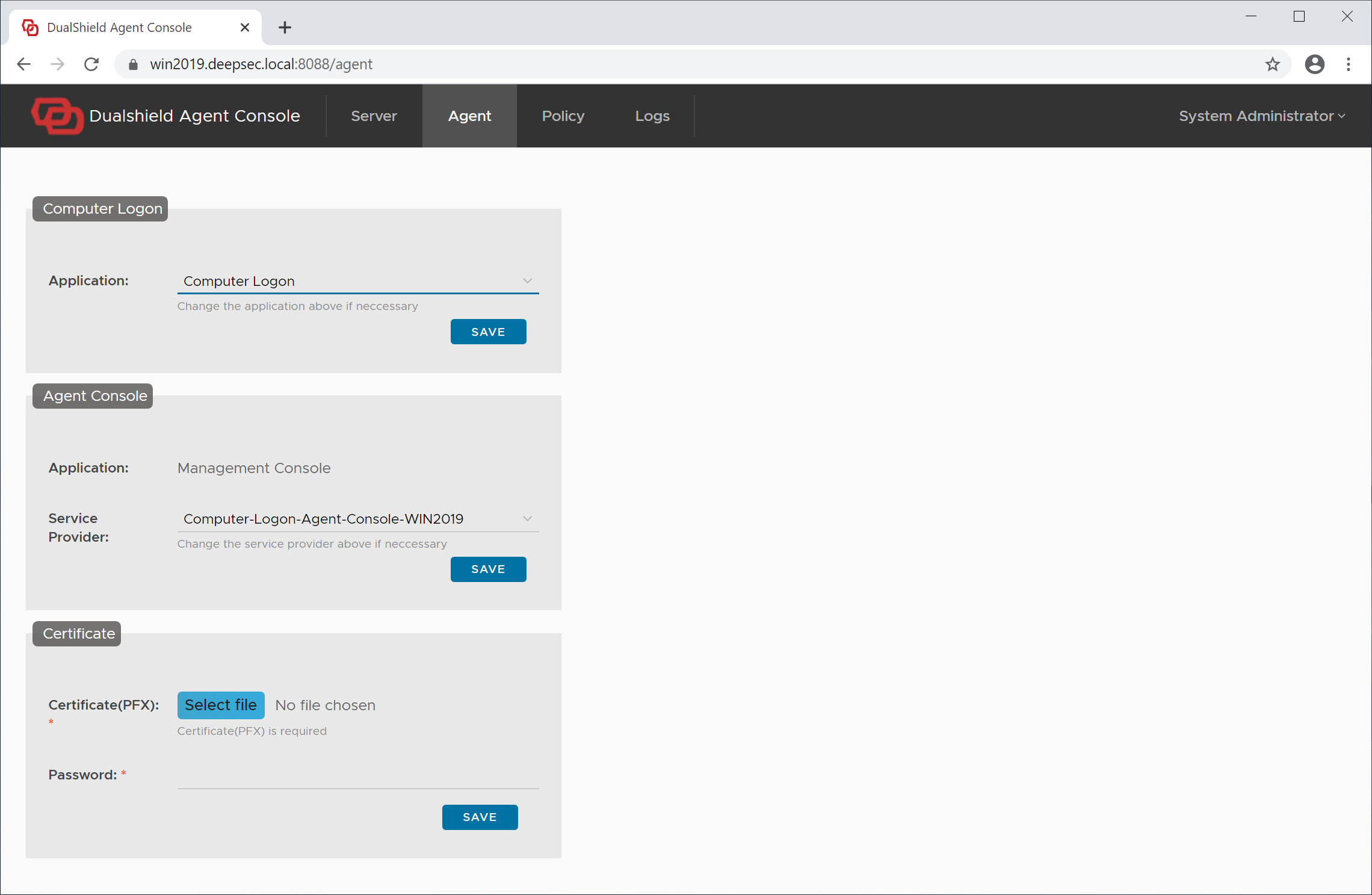
click the "Save" button in the Computer Logon section.
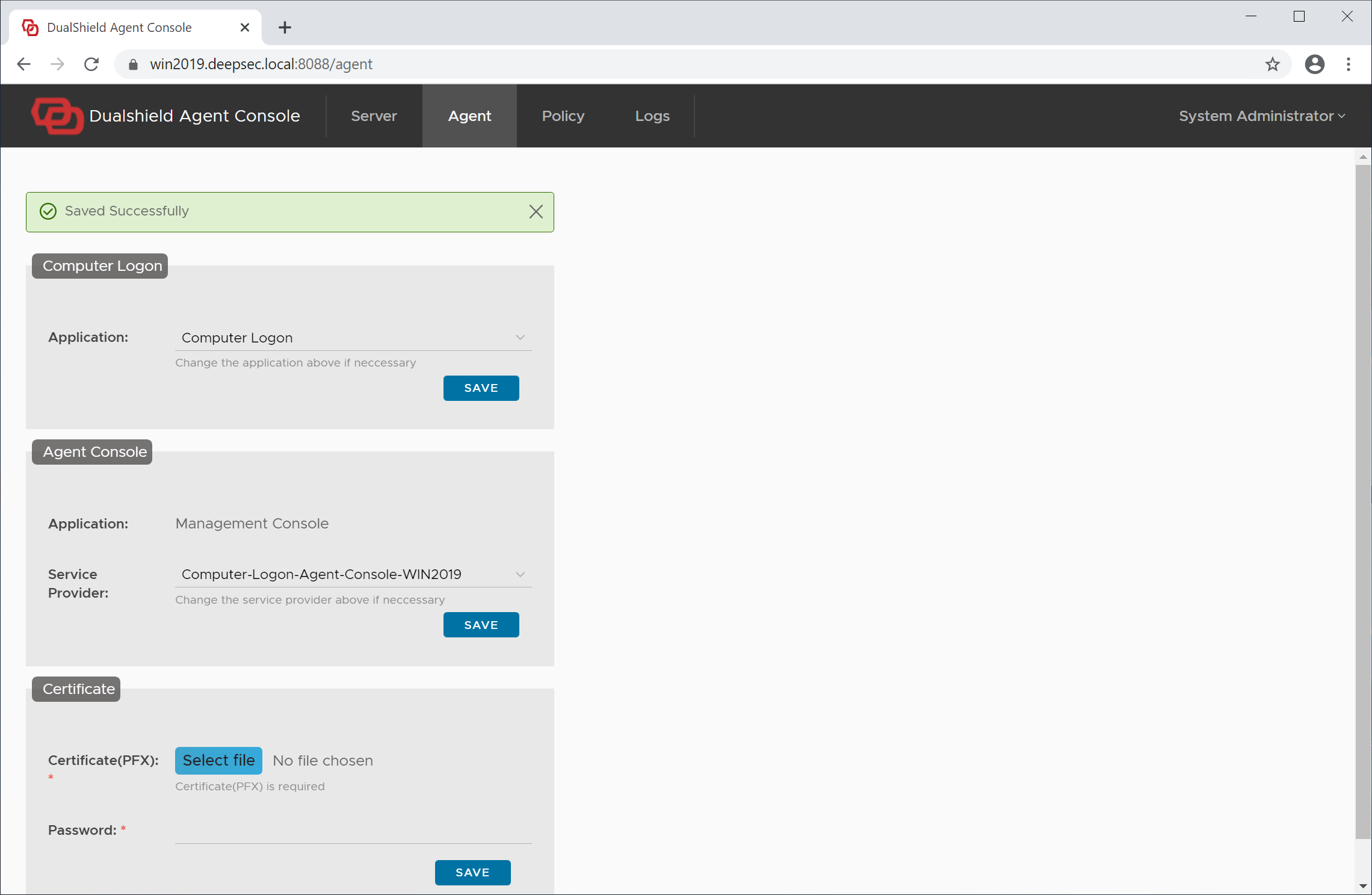
You have nowe completed the agent registration and application setup.