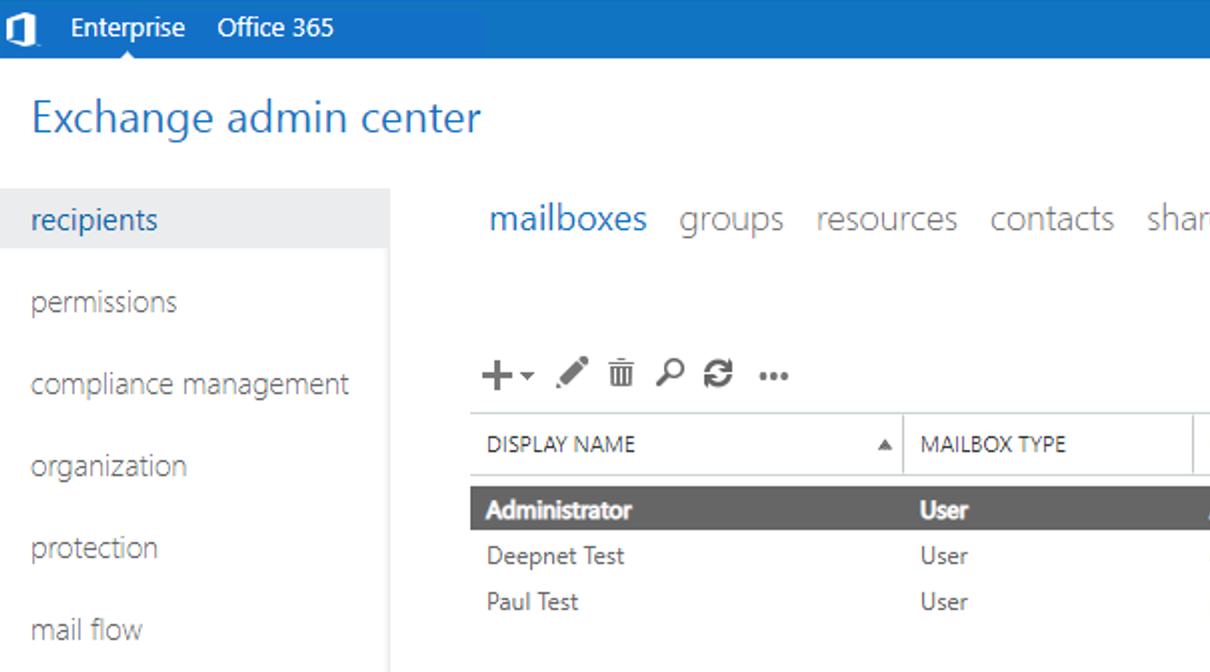
Test 1 - Using an account in the exchange Admins Group
Open a browser and Browse to your Exchange Control Panel

You will be redirected to the DualShield SSO logon page
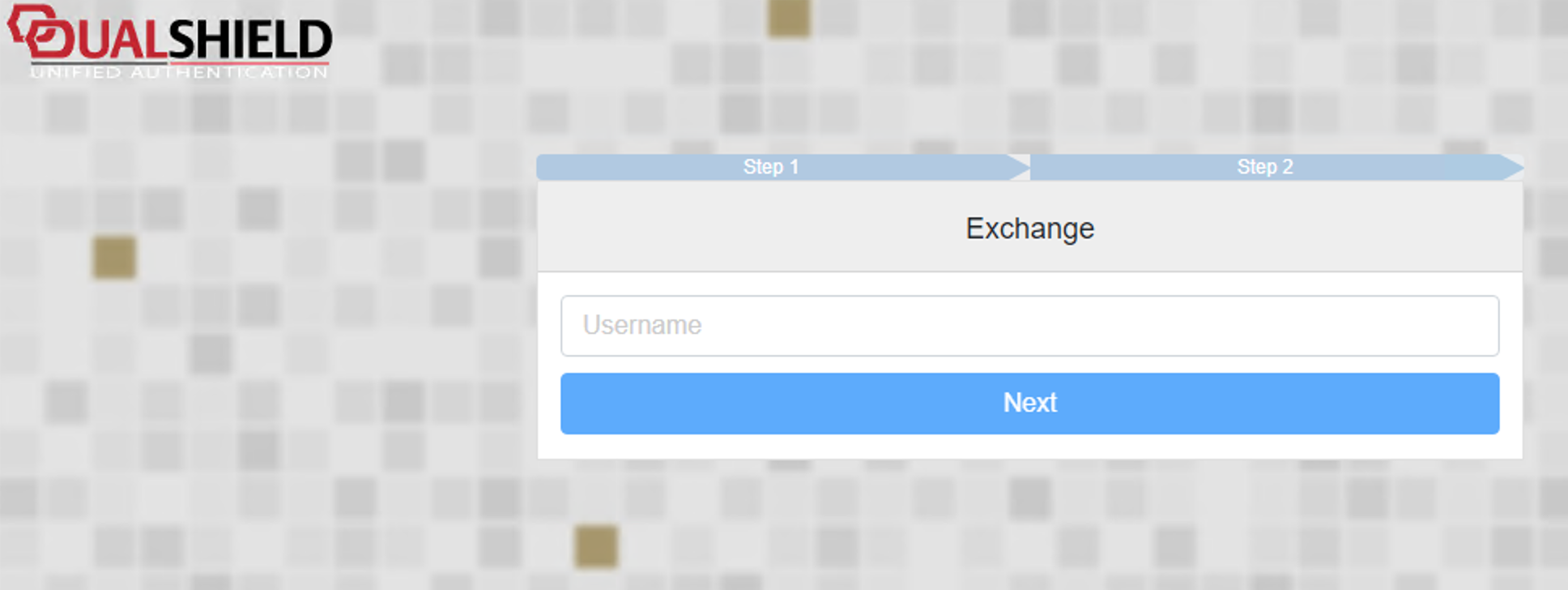
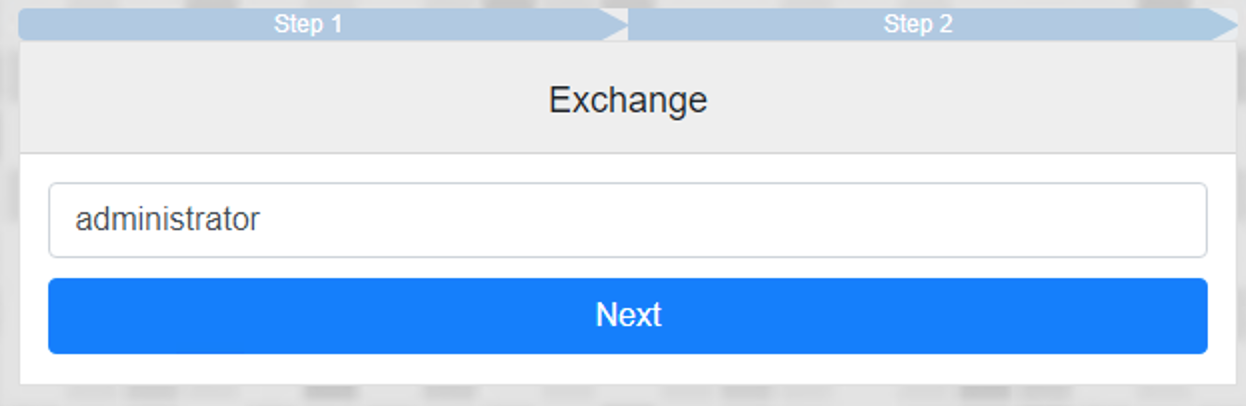
Type in a name of an admin account that has access to the ECP and hit Next
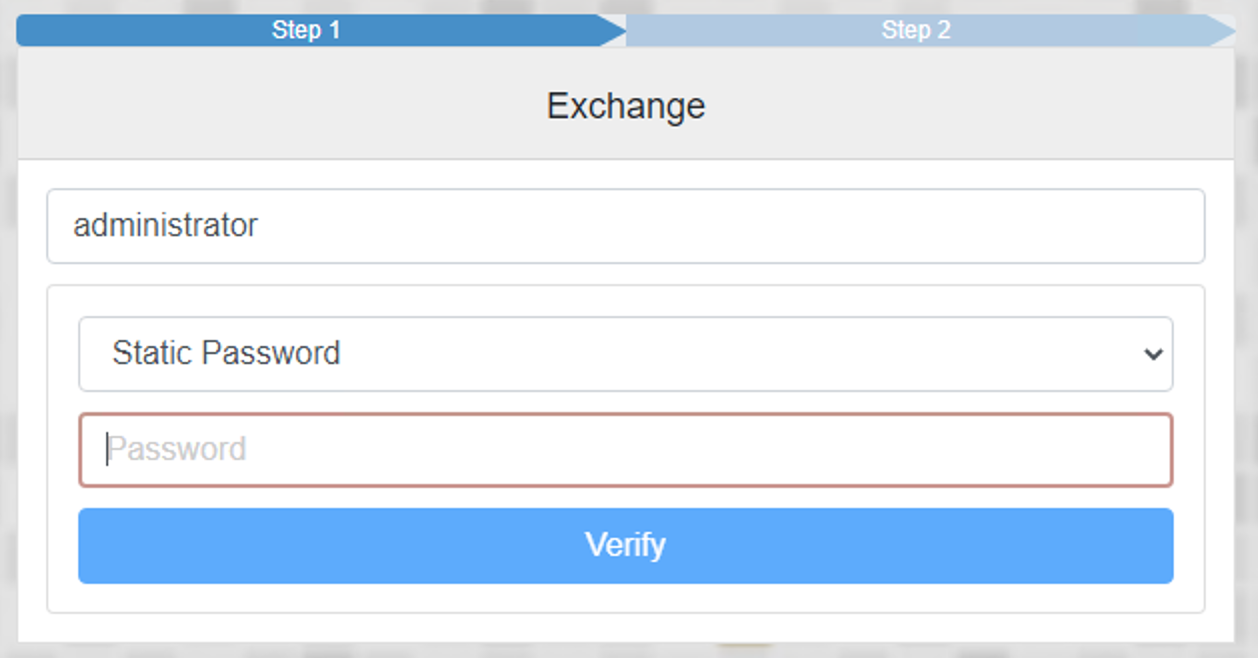
This will take you to your Logon steps, the first one to enter being the Static Password.
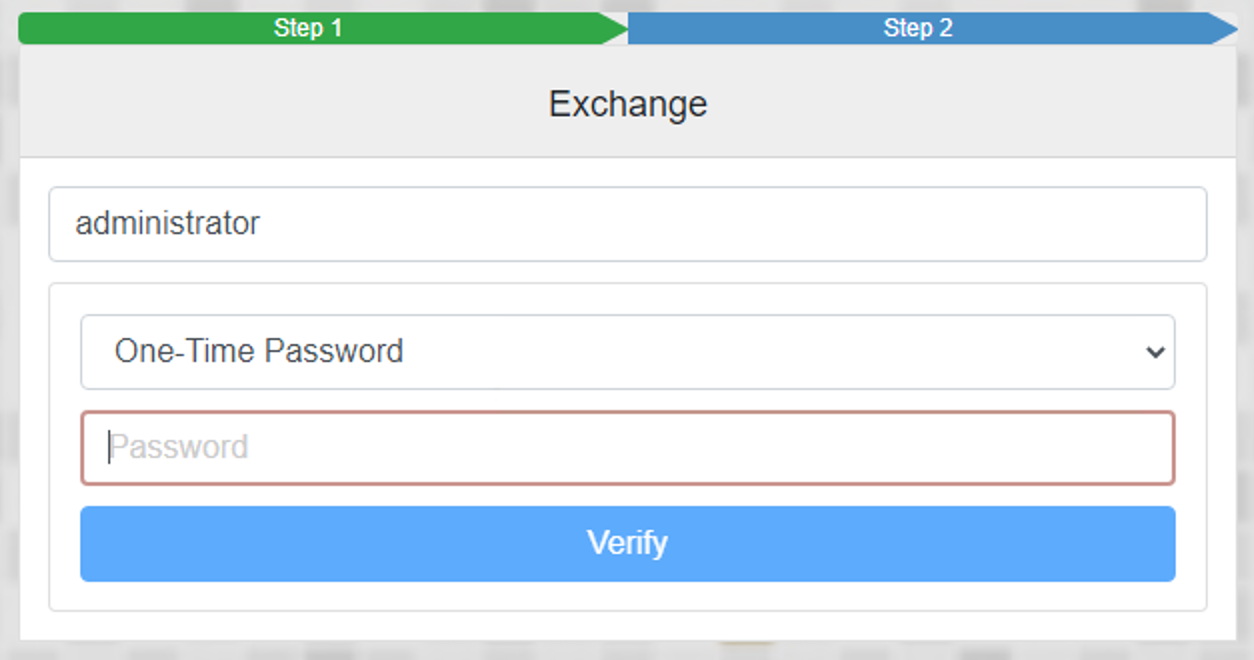
You will then be prompted for the second step, which in this case is the One-Time Password
If successful you will be logged onto to the Exchange Admin Centre