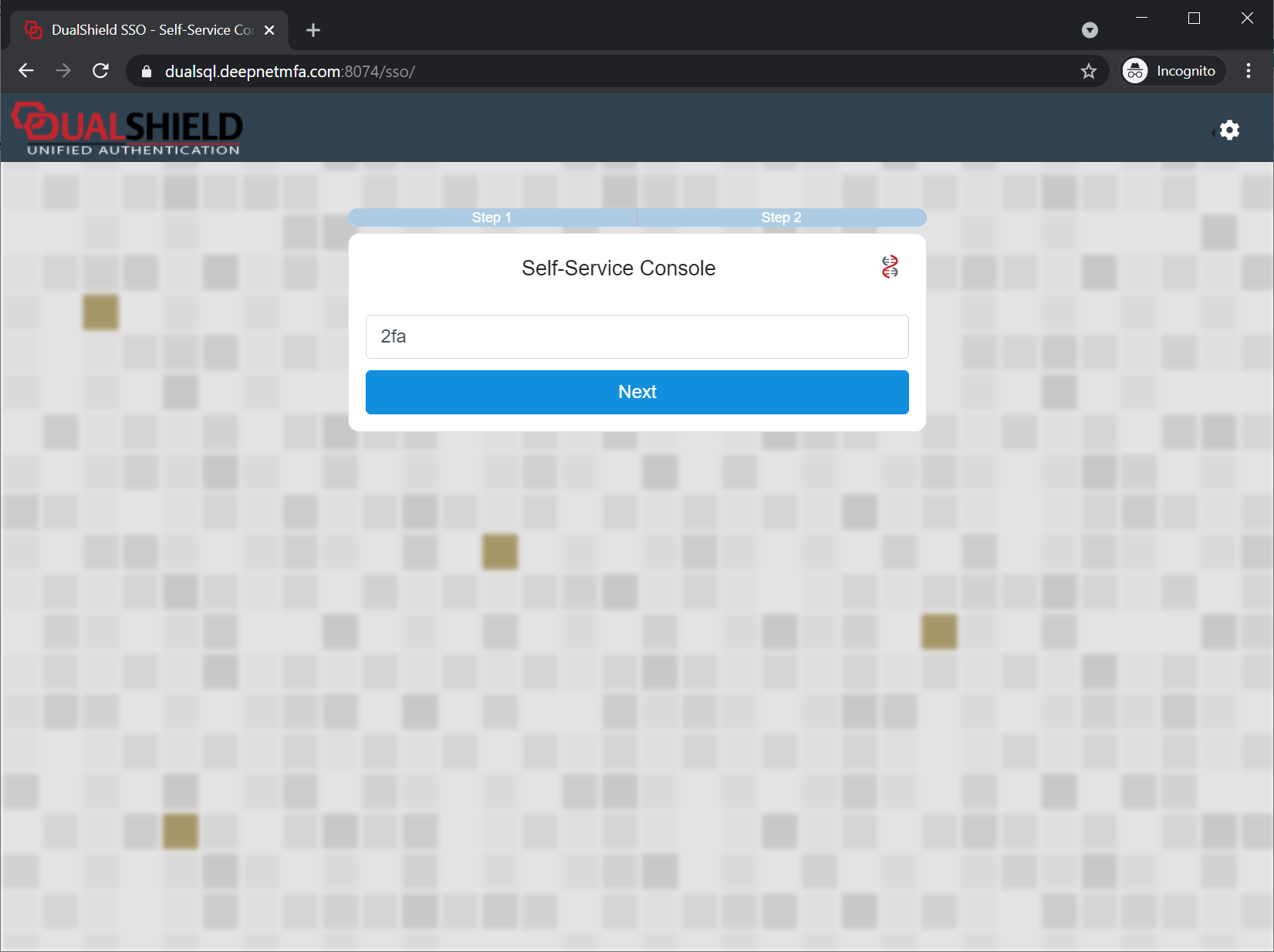
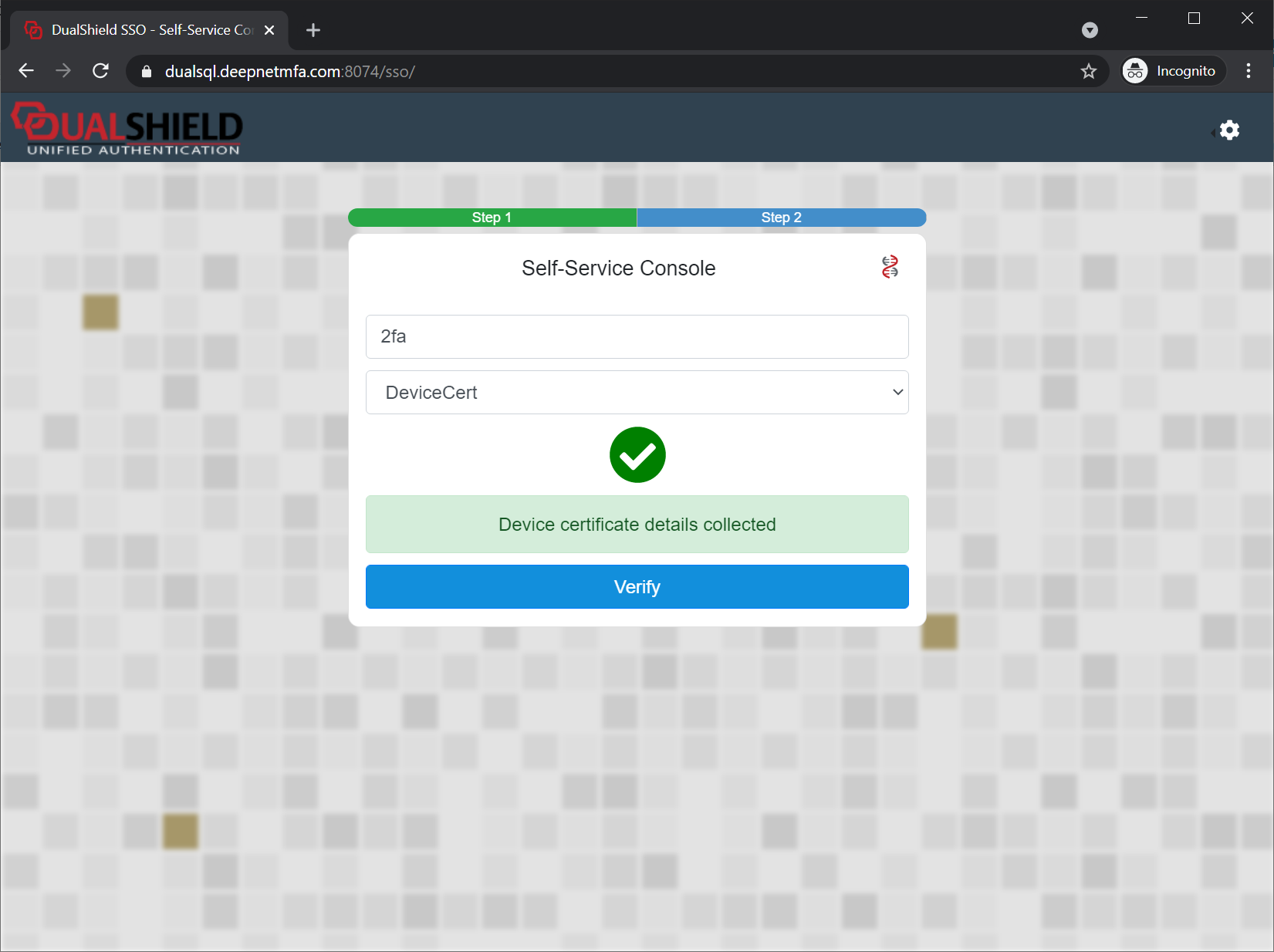
After a device has been successfully registered on the DualShield server and the certificate has been successfully installed on the user's device, a DeviceCert will be registered in the user's account and marked as "INACTIVE"

This DeviceCert needs to be activated before it can be used for access.
Launch your web browser and visit the website that enables device certificate authentication.
You will be immediately prompted by your web browser to select a certificate:
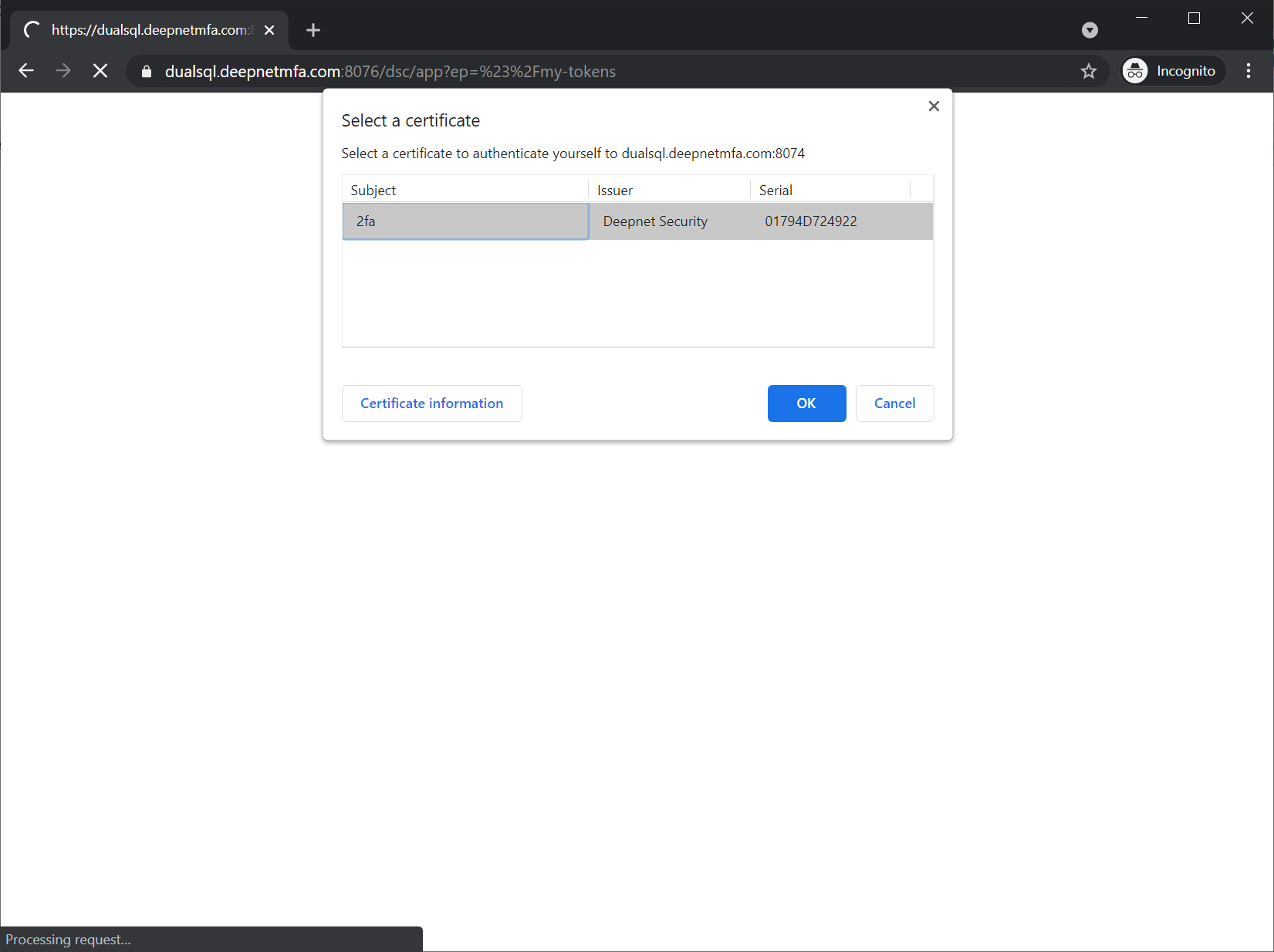
Commonly, all web browsers will prompt and ask you to select your certificate even you have got only one certificate.
To continue, you must select the certificate to use and click OK