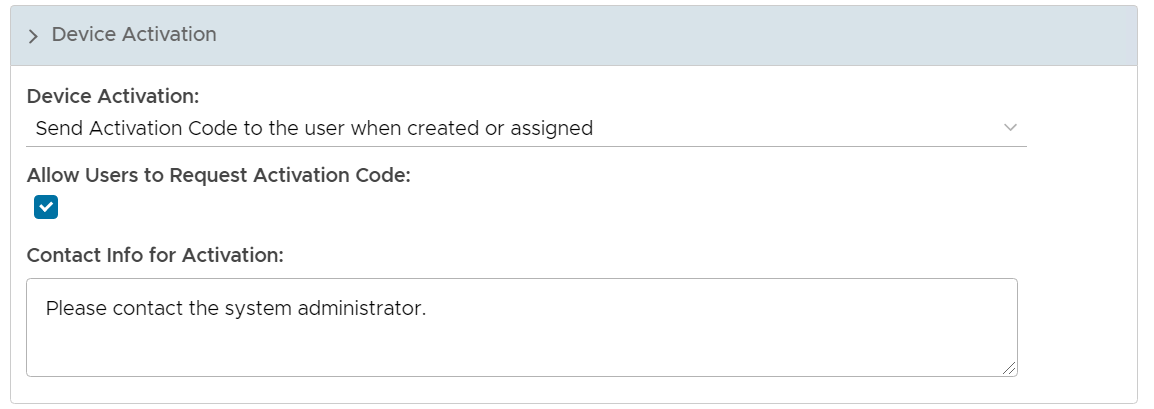
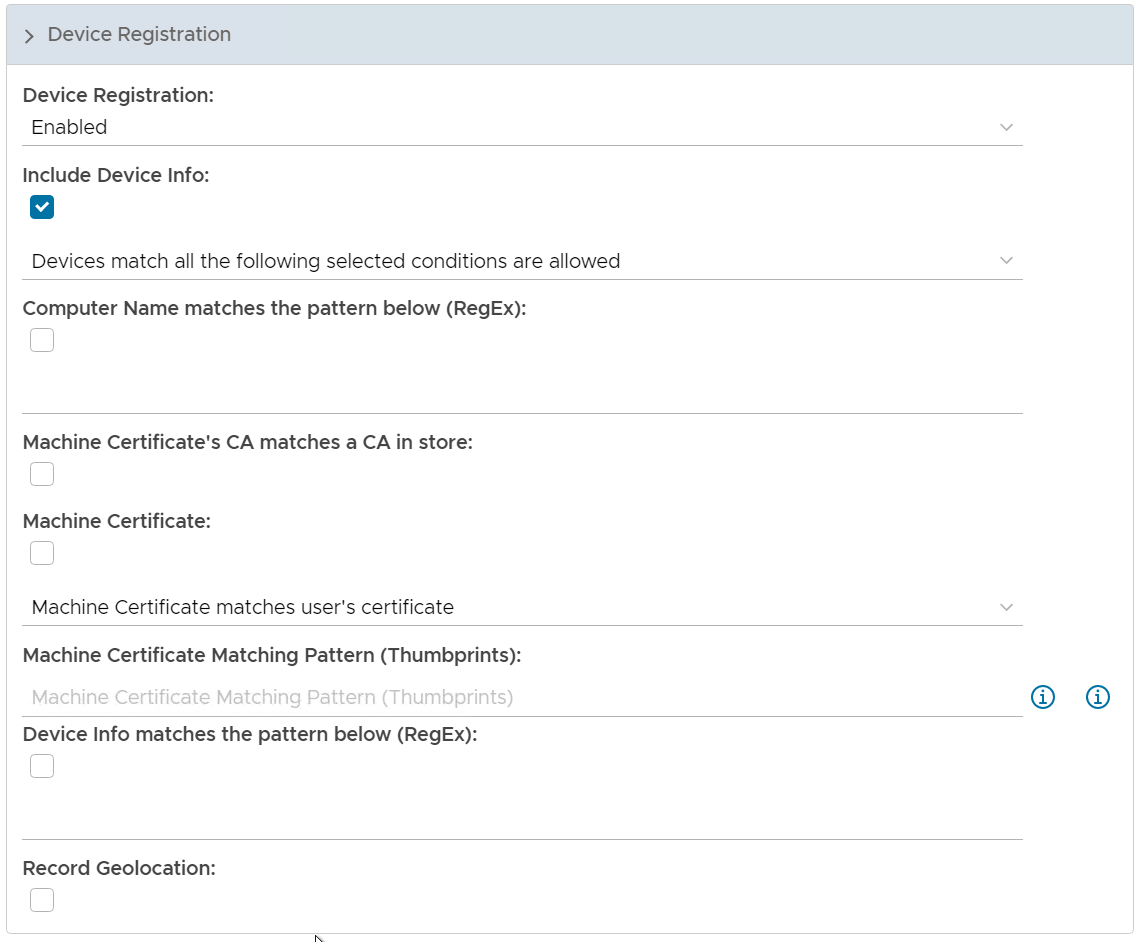
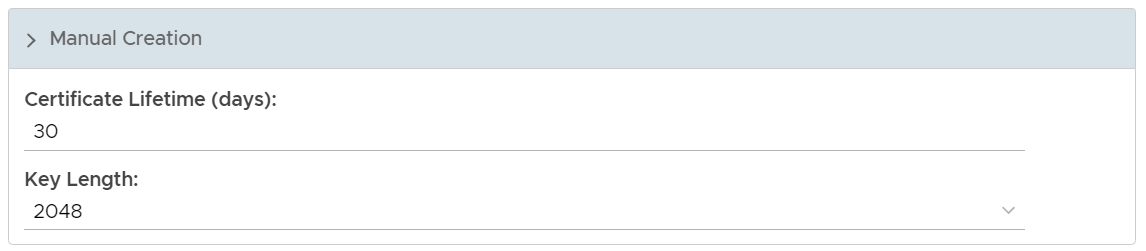
To create or edit a policy, we need to open the policy editor window first.
Select "Administration | Policies" on the side panel,.
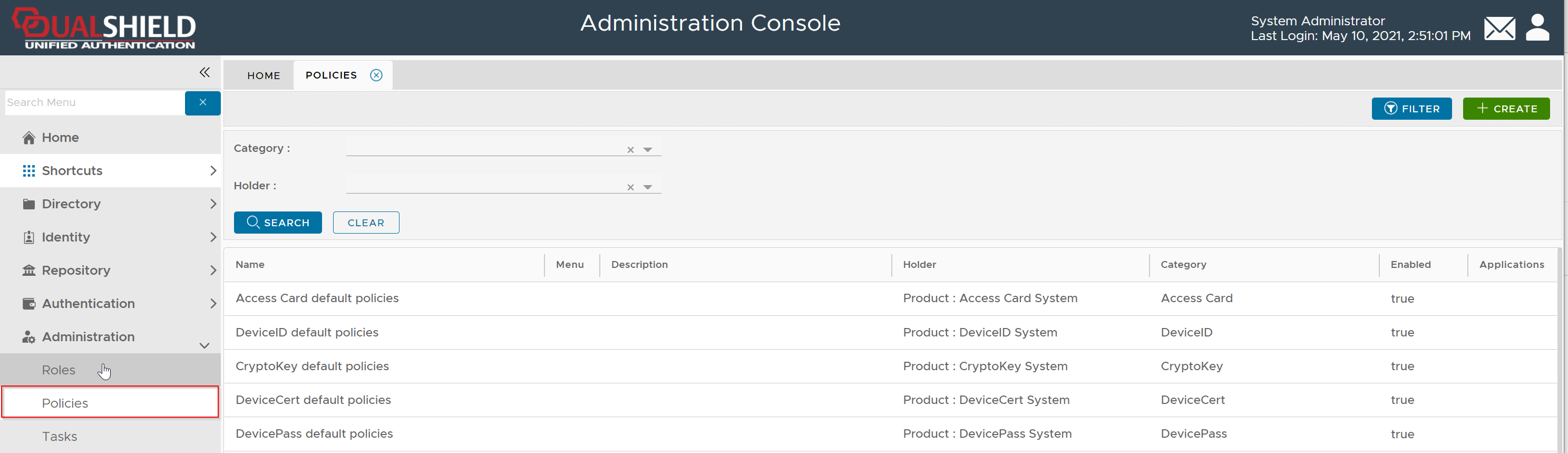
To create a new policy, click the "CREATE" button on the toolbar to open the policy editor window.
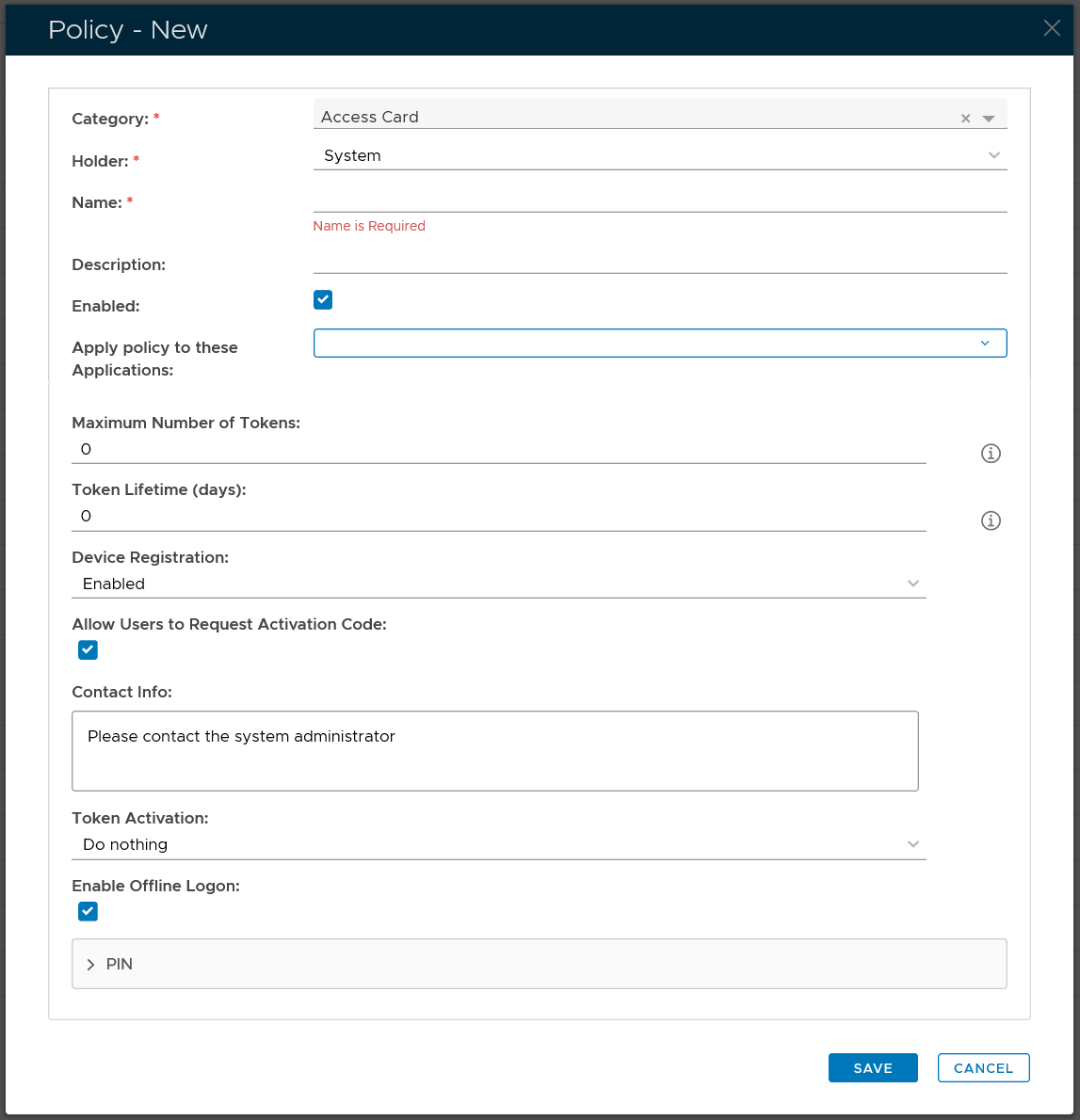
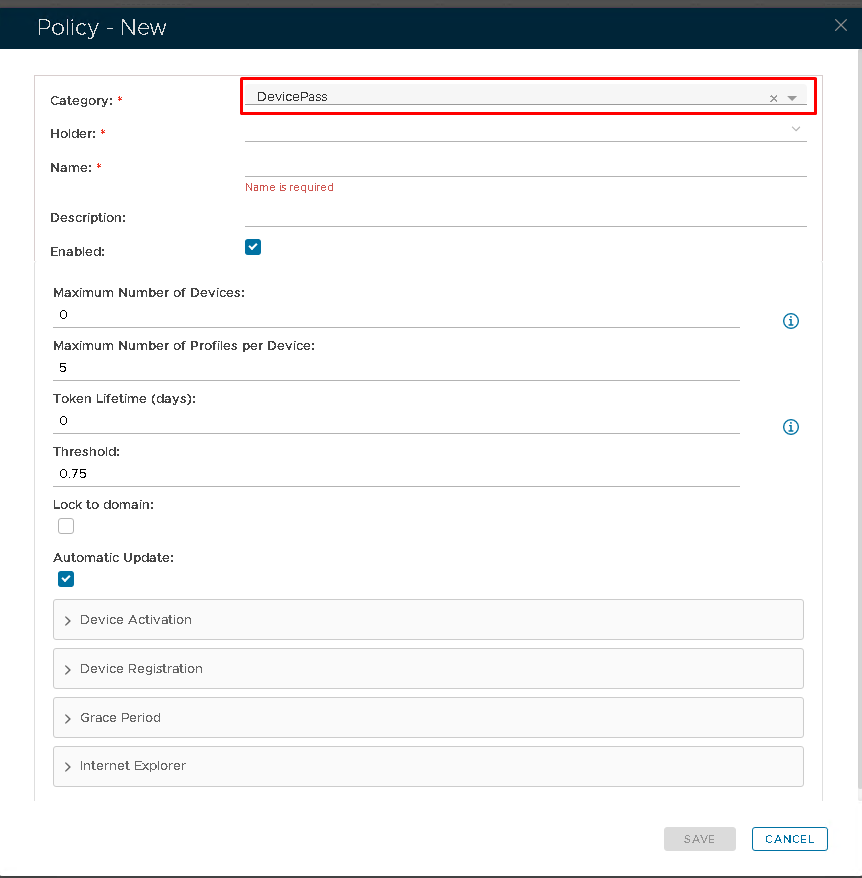
In the policy editor, firstly select DevicePass from the Category drop-down list
Policy Bindings
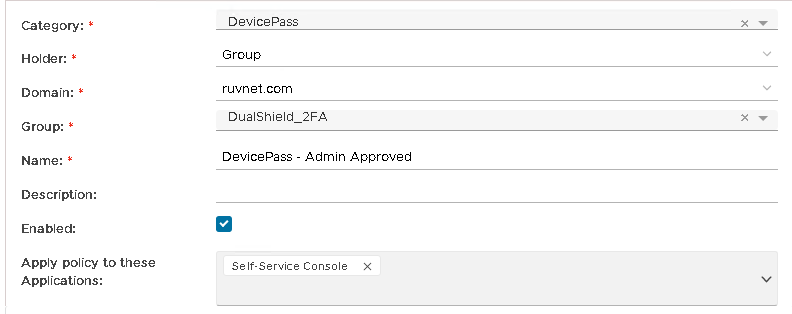
Enter or select the following policy bindings:
| Holder: | The policy holder defines the scope of the policy.
|
| Name: | An unique name that describe this policy |
| Applications: | Optionally, you can bind the policy to a specific applicaiton or a list of applications. To specify the application(s), select the field: Apply policy to these applications If the field Apply policy to these applications is left empty, then the policy will be applied to all applications. |

Policy Options
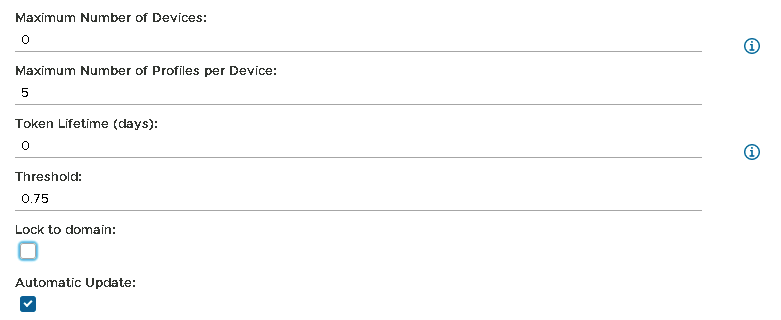
Option | Value or Selection | RemarkValue |
|---|---|---|
| Max Number of Devices | ||