...
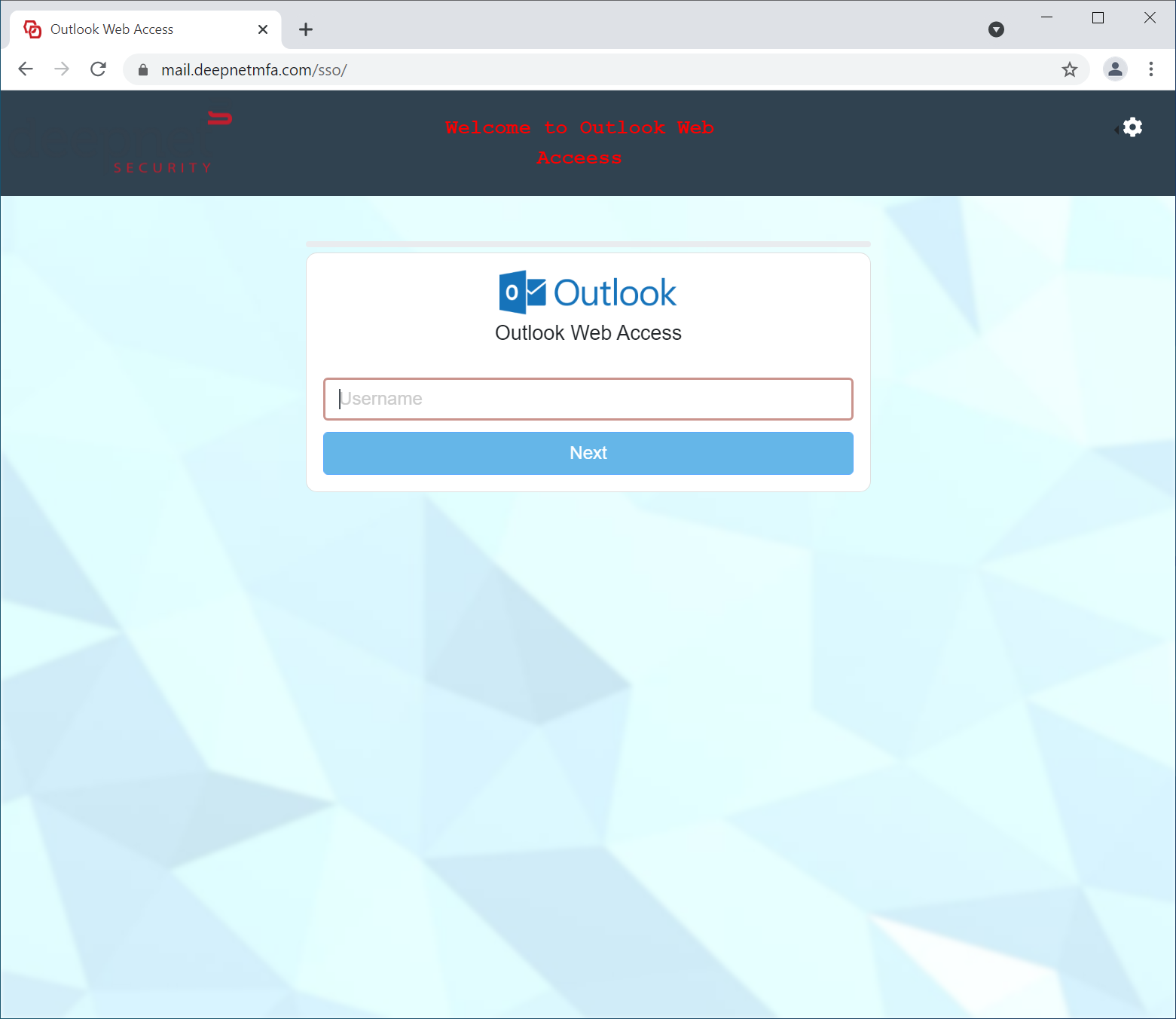
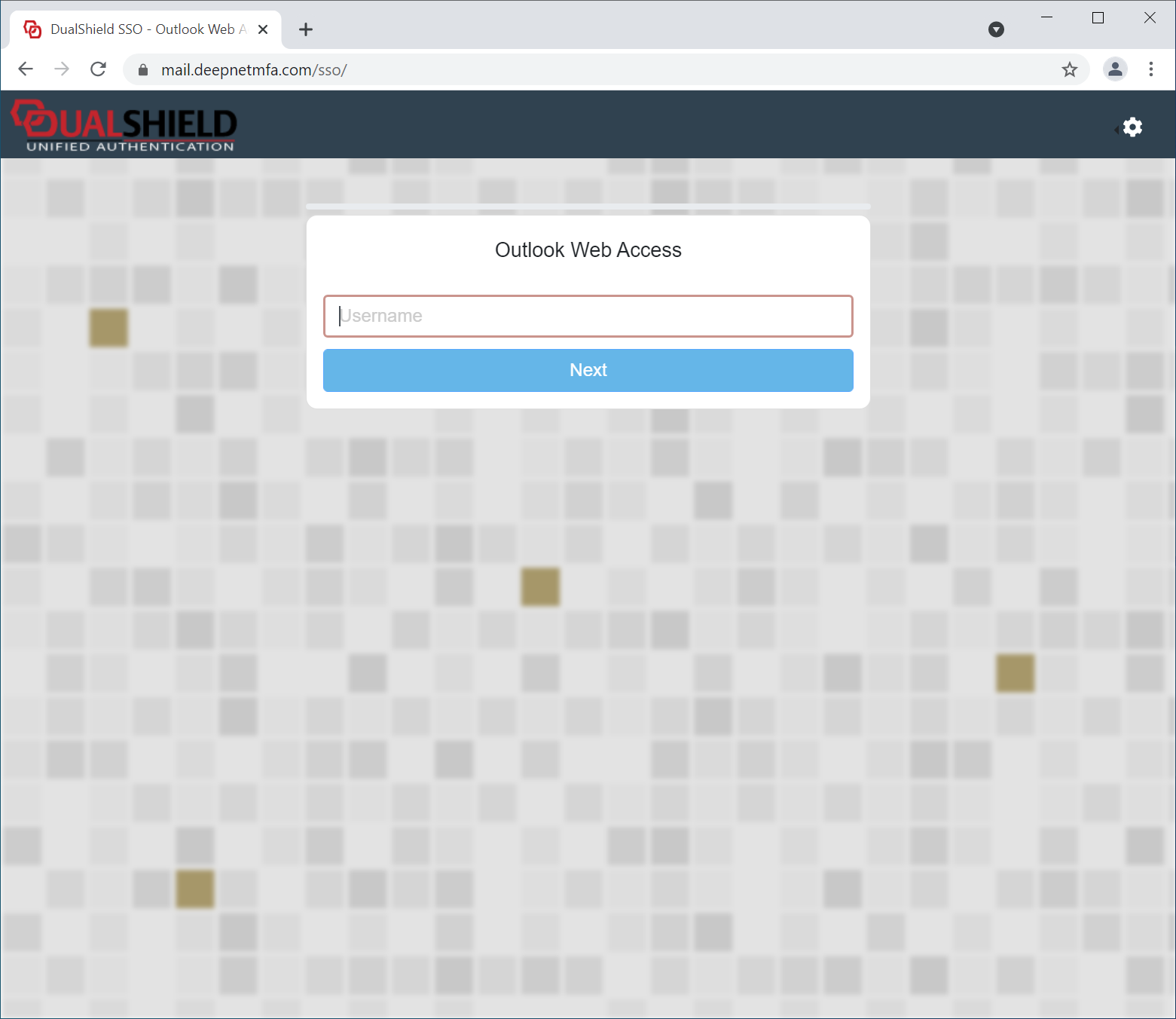
The UI customisation is done on the application level. Every application can have its own look and feel.
Application Name & Logo
The first step in UI customisation is to set the application's name and logo.
...
You can also provide a description and message for the application, if you wish.
User Interface
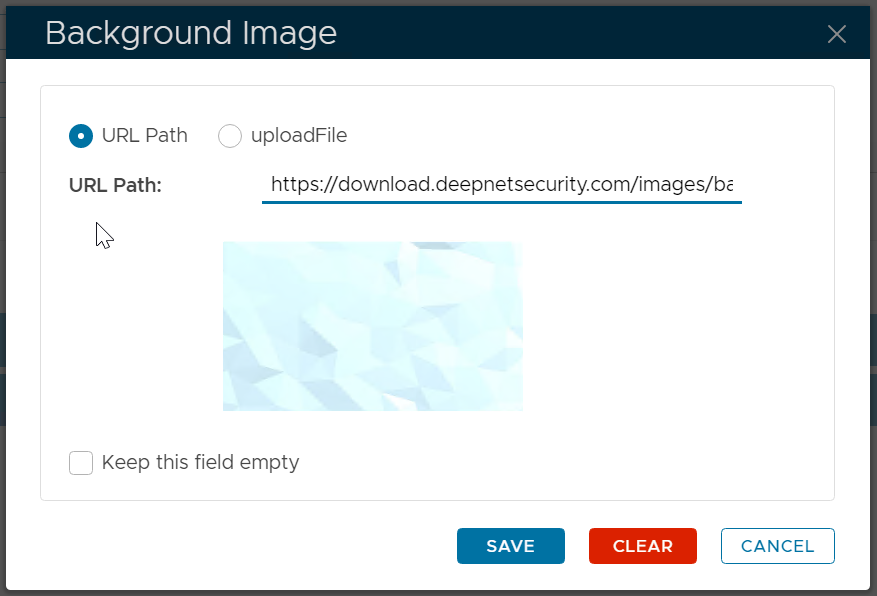
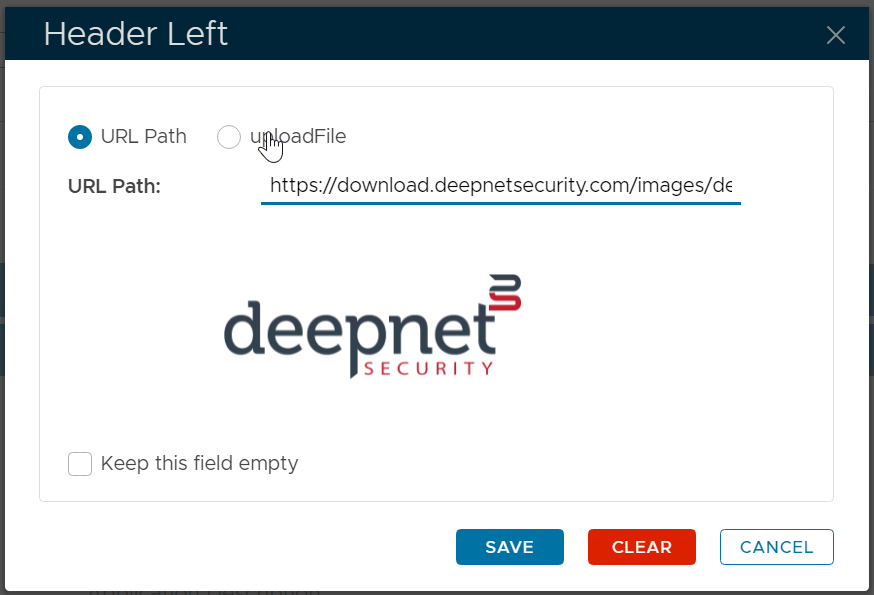
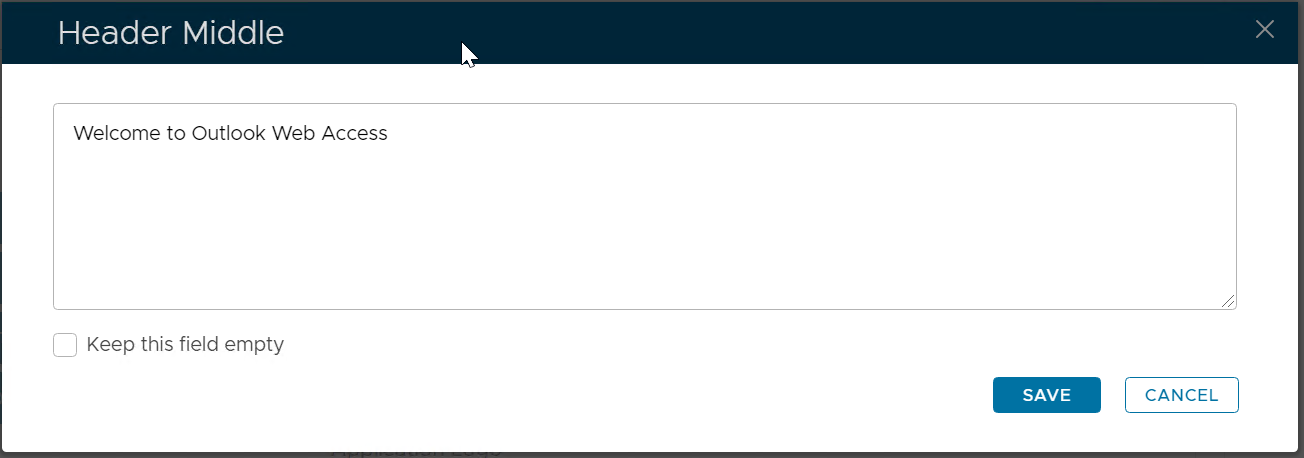
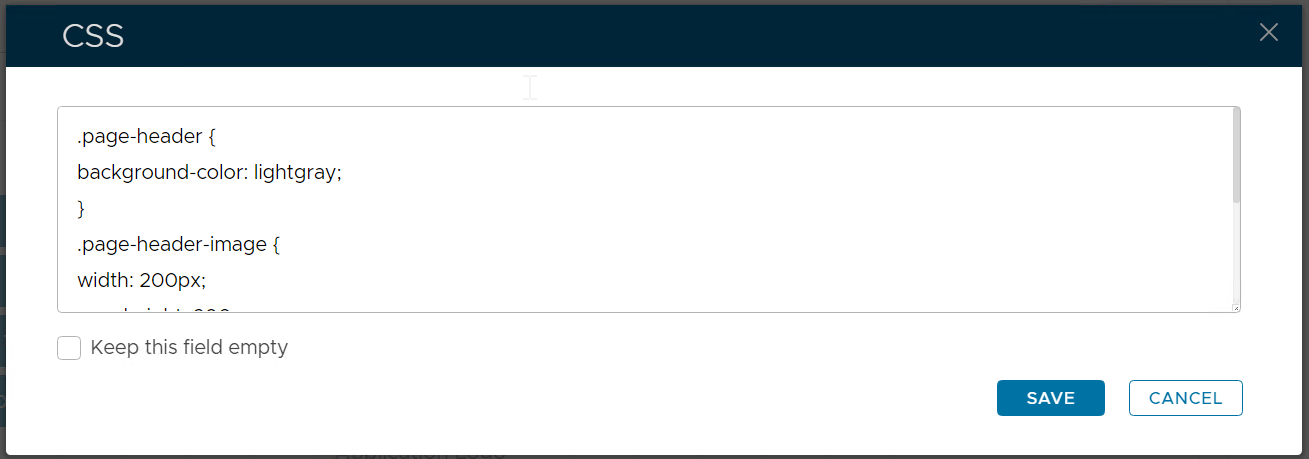
To customise the rest of the UI, navigate to "Customisation | User Interface"
...
First, untick "Keep this field empty". Then, enter your HTML Title, e.g. Outlook Web Access
User Experience
| After Customisation | Before Customisation |
|---|---|
|
|
...