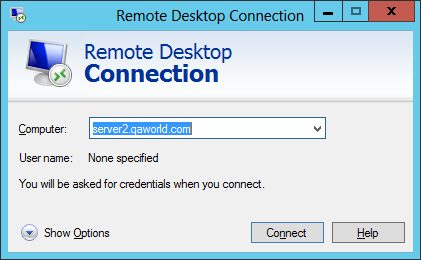
Open a Remote Desktop Connection, establish the connection with a domain member computerenter the name of the computer that you want to connect to , e.g. server2.qaworld.com
It redirect It redirects to your RDGateway RD Gateway server, e.g. "server-1.qaworld.com". , and prompts for your login credentials:
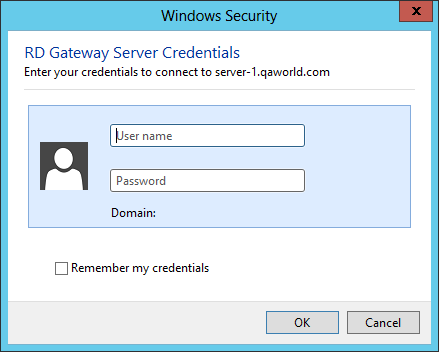
Enter the your username & password
Shortly, and you should will receive the OOBA request from a logon request on your registered mobile device. :
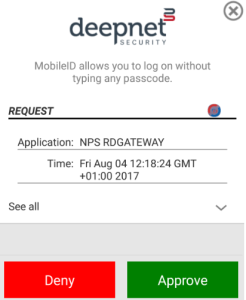
Click "Approve", and you are login to you will then be logged into the remote computer via DualShield RADIUS 2FA authentication.
...