...
| Expand |
|---|
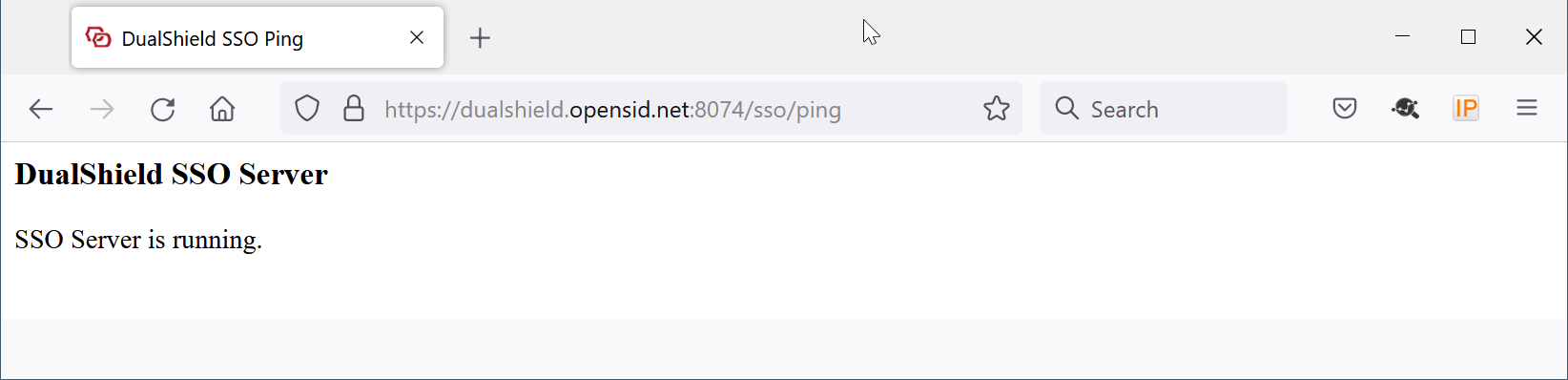
In your web browser, visit https://your-dualshield-fqdn:8074/sso/ping Replace "your-dualshield-fqdn" with the actual FQDN of your DualShield server
|
If you do not have access to your DualShield SSO service, then you need to download the IdP metadata from your DualShield server. Otherwise, you can skip to the next step.
| Expand |
|---|
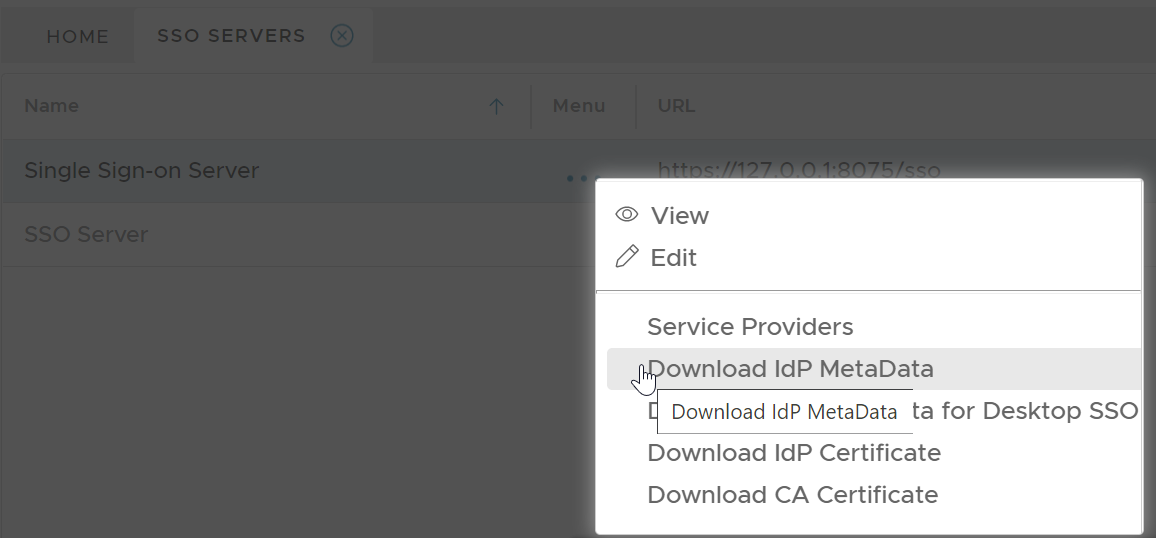
In your DualShield admin console, select "SSO | SSO Servers". Click the context menu of the SSO server, then select "Download IdP Metadata"
Save the IdP Metadata to a file, eg. "dualshield-idp-metadata.xml", in the same folder where the PowerShell script "setup-o365-sso.ps1" is saved. |
Enable SSO Federation in Office 365
...
Office 365
...
| title | Connect to Office 365 Powershell |
|---|
...
Run the following command in Office 365 PowerShell
...