You can set up Office 365 MFA from either your own PC or from the computer where your DualShield MFA server is running.
Download PS Script
Download this PowerShell script: setup-o365-sso.ps1, and save it to a local folder.
Download IdP Metadata from DualShield
If you are operating from your own PC, then first check whether or not you have access to your DualShield SSO service.
| Expand |
|---|
In your web browser, visit https://your-dualshield-fqdn:8074/sso/ping Replace "your-dualshield-fqdn" with the actual FQDN of your DualShield server
|
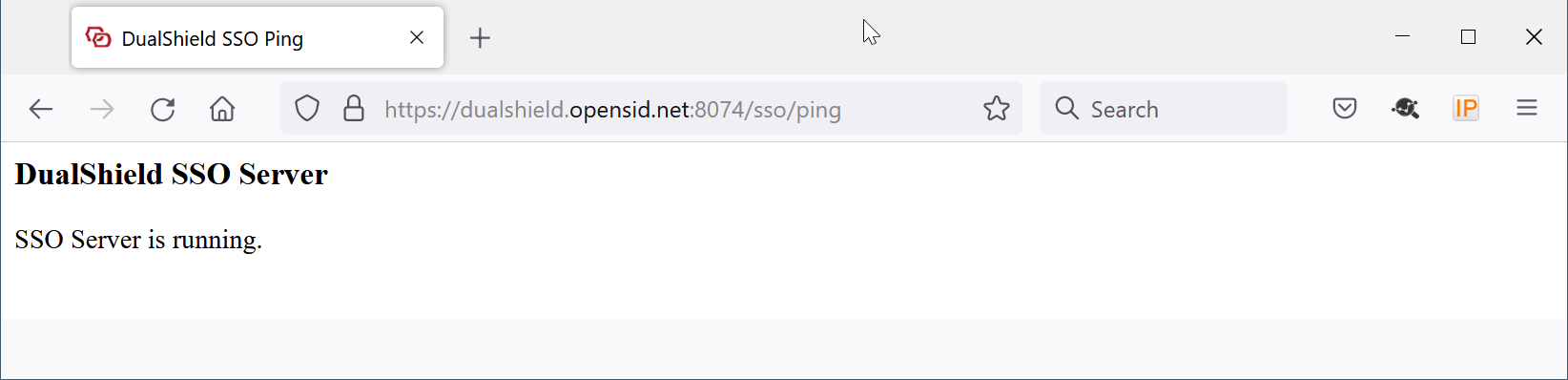
If you do not have access to your DualShield SSO service, then you need to download the IdP metadata from your DualShield server. Otherwise, you can skip to the next step.
| Expand |
|---|
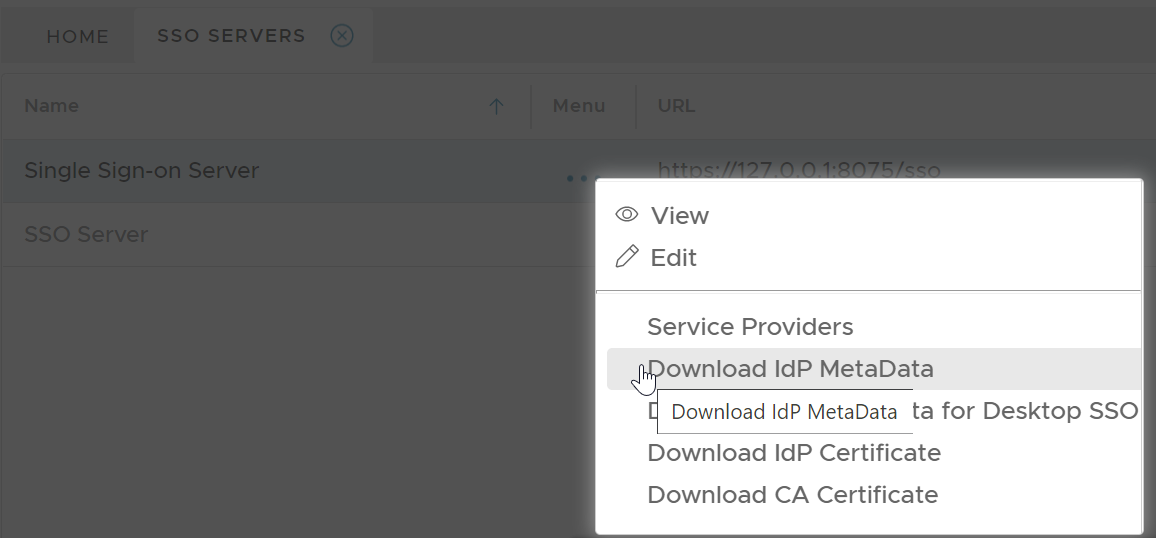
In your DualShield admin console, select "SSO | SSO Servers". Click the context menu of the SSO server, then select "Download IdP Metadata"
Save the IdP Metadata to a file, eg. "dualshield-idp-metadata.xml", in the same folder where the PowerShell script "setup-o365-sso.ps1" is saved. |
Enable SSO Federation in Office 365
Run Windows PowerShell as administrator
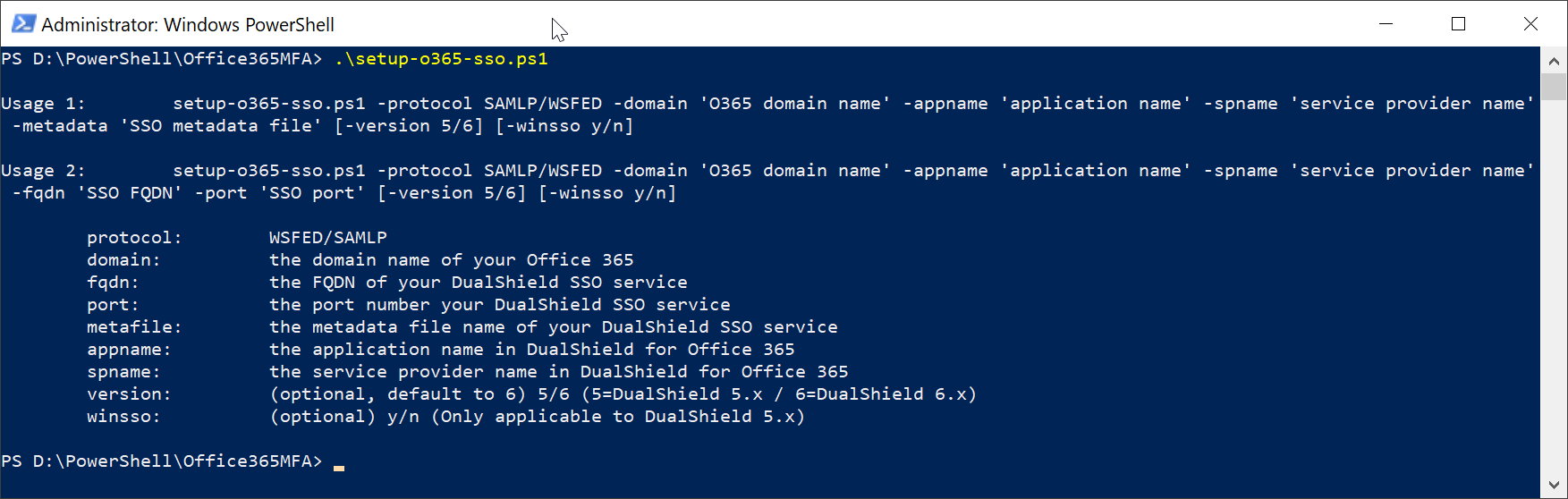
If you had to download the metadata file, then execute the following command in PowerShell
| Code Block | ||
|---|---|---|
| ||
.\setup-o365-sso.ps1 -protocol WSFED -domain 'o365 domain name' -appname 'application name' -spname 'service provider name' -metadata '.\sso metadata file' |
Otherwise, execute the following command in PowerShell
| Code Block | ||
|---|---|---|
| ||
.\setup-o365-sso.ps1 -protocol WSFED -domain 'o365 domain name' -appname 'application name' -spname 'service provider name' -fqdn 'DualShield SSO FQDN' -port 'DualShield SSO Port' |
| Parameter | Remarks |
|---|---|
| -protocol | WSFED |
| -domain | the domain name of your Office 365 |
| -appname | the application name in DualShield for Office 365 |
| -spname | the service provider name in DualShield for Office 365 |
| -metadata | the metadata file name of your DualShield SSO |
| -fqdn | the FQDN of your DualShield SSO service |
| -port | the port number of your DualShield SSO service |
Example:
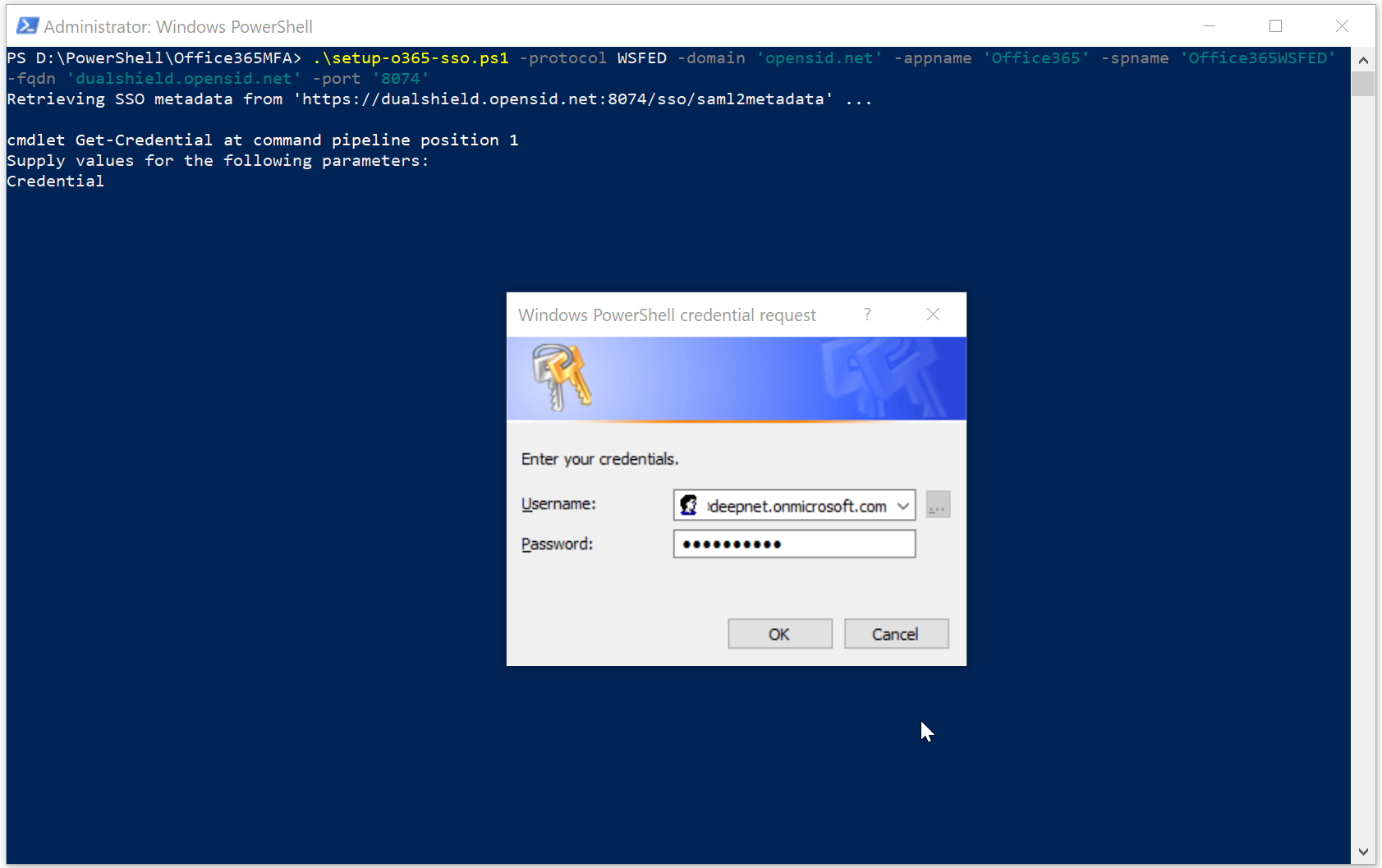
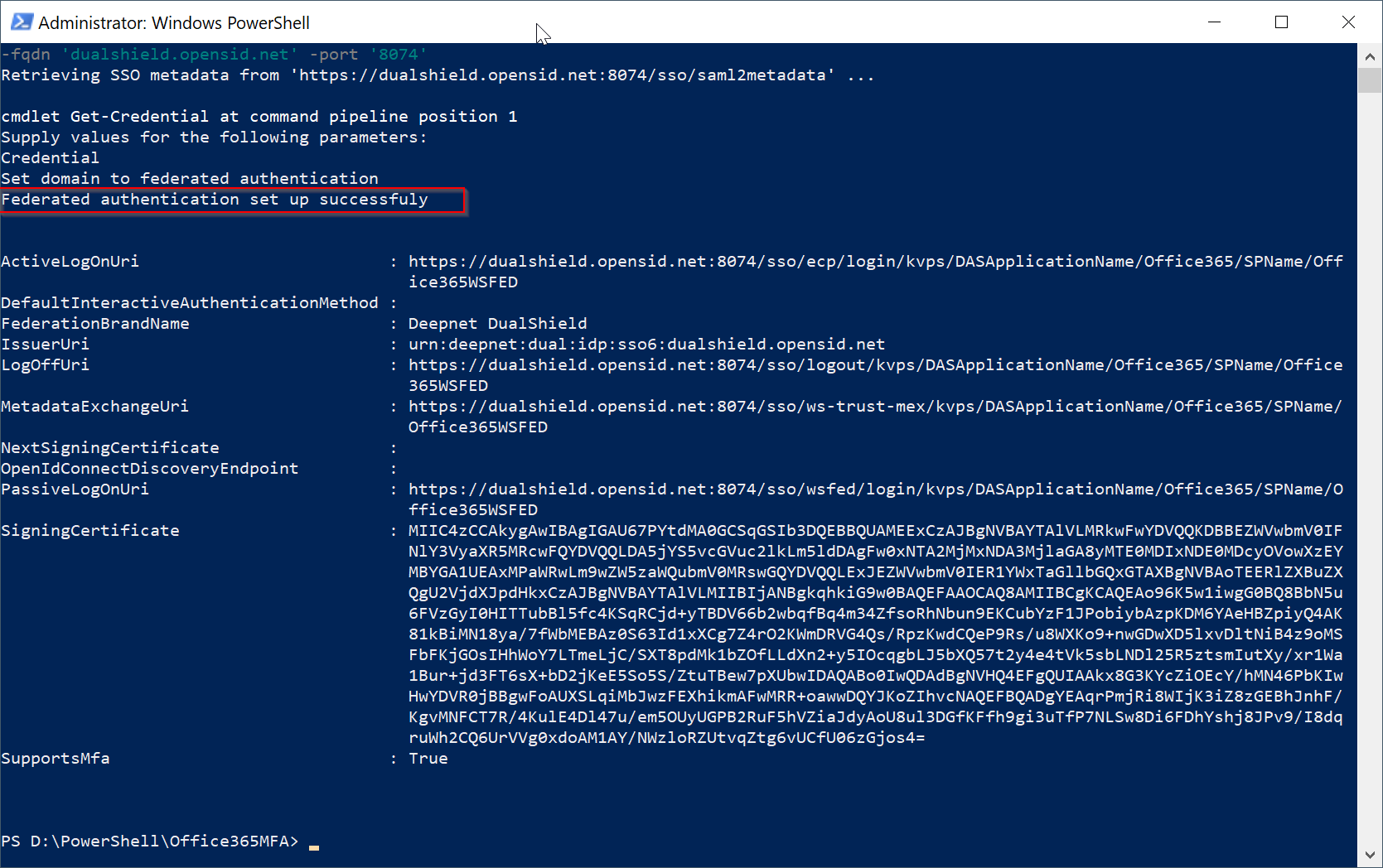
Notes:
To verify that the change was successful, run the following command:
| Code Block | ||
|---|---|---|
| ||
get-MsolDomainFederationSettings -domain 'domain name' |