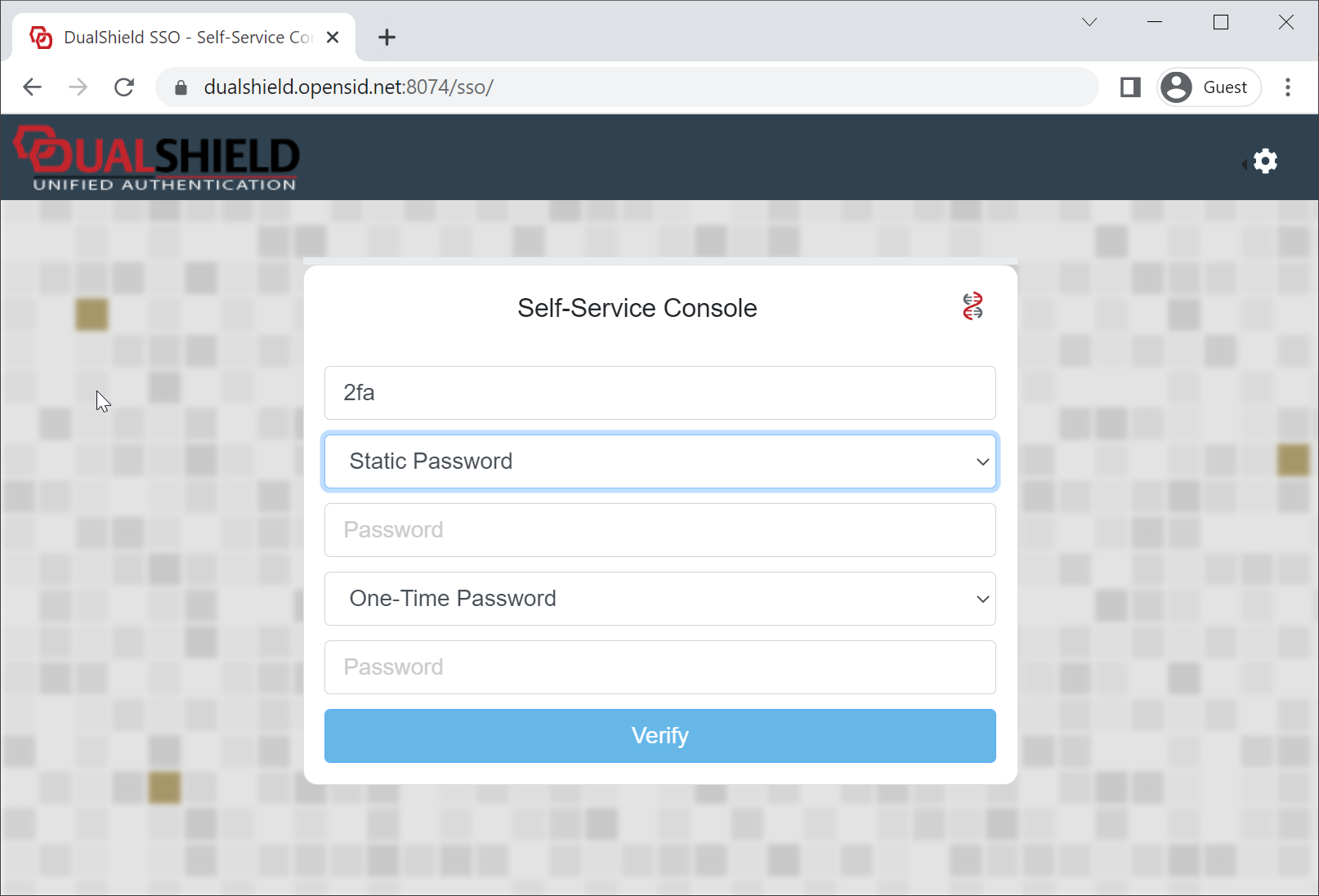
By default settings and by common practice, multi-factor authentication is carried out in multiple steps and in multiple logon pages. That's why 2-factor authentication is often called 2-step authentication or 2-step verification. However, it is also possible to carry out multi-factor authentication on one login page. That is called Single Page Logon in DualShield.
You can turn on single page logon by setting the option "Single Page" in the Logon Procedure of the application,
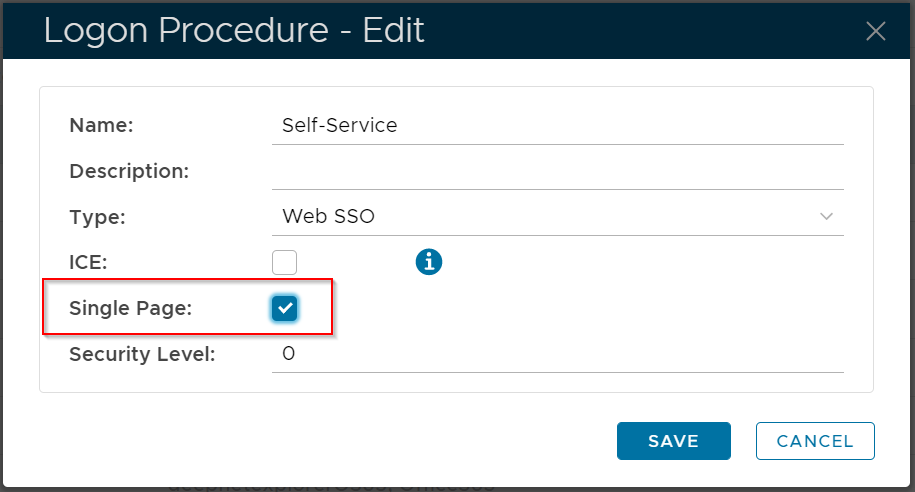
Please note that some authentication methods might not be supported in a single page logon process.
User Experience