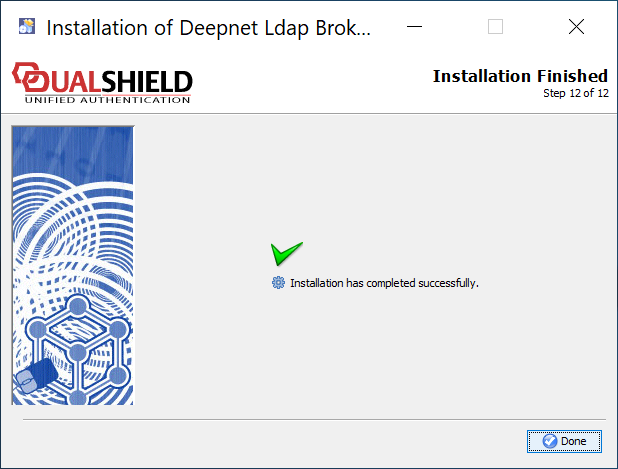
To install the DualShield LDAP Broker, launch the installer DualLdapSetup64-nnnn-signed.exe, in which nnnn is the version number, and go through the following steps:
| Table of Contents |
|---|
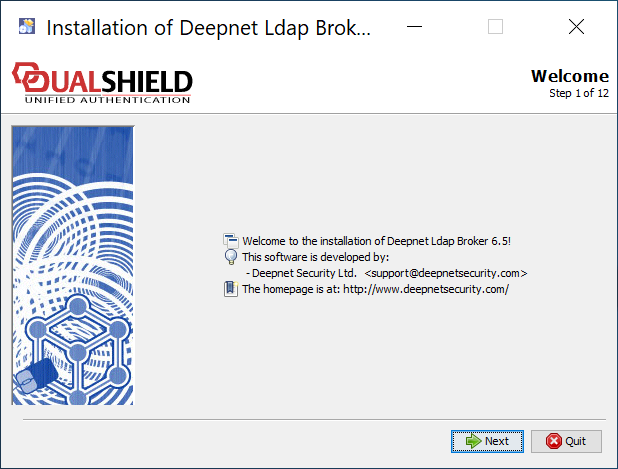
Welcome
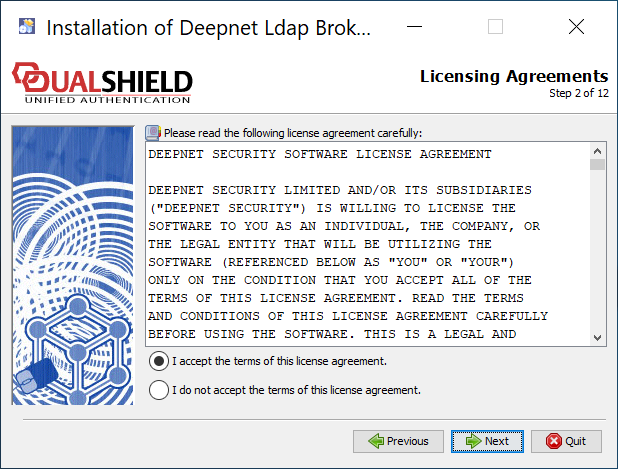
Licensing Agreement
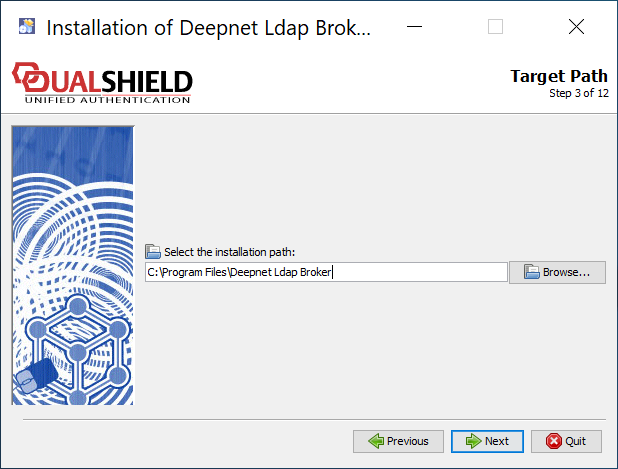
Target Path
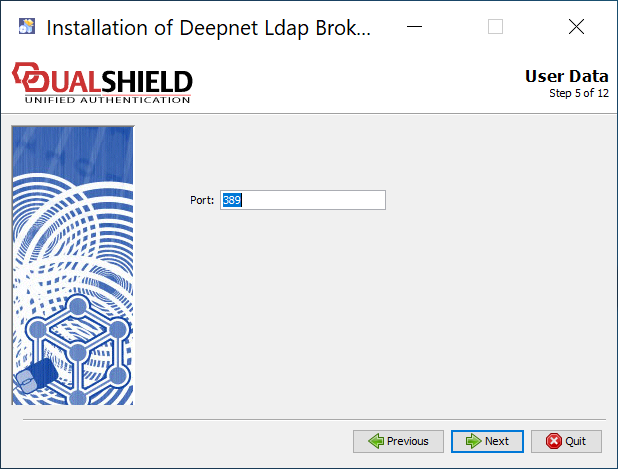
Port Number
Agent Registration
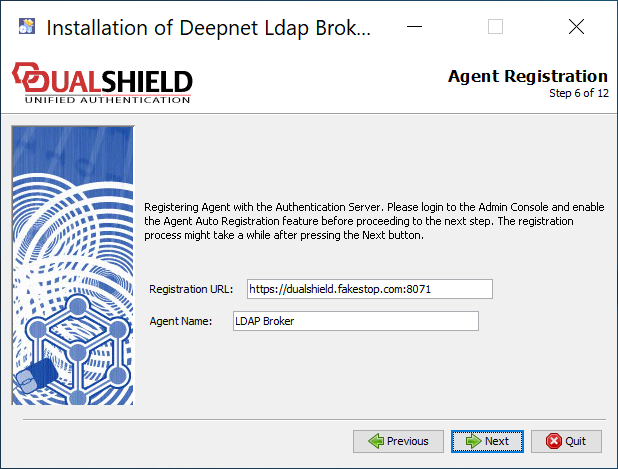
Registration URL: Enter the FQDN of your DualShield server
Agent Name: Enter a name to describe this LDAP broker
Components Selection
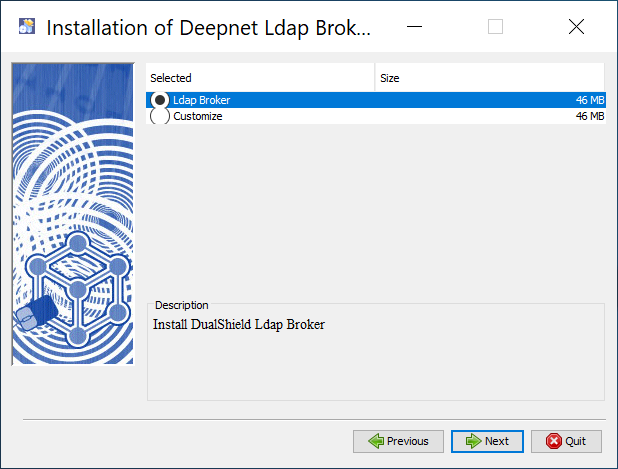
Select "LDAP Broker"
Package Selection
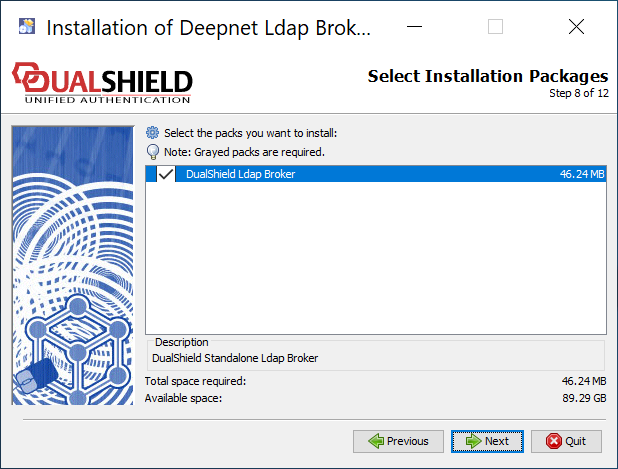
Select "DualShield Ldap Broker"
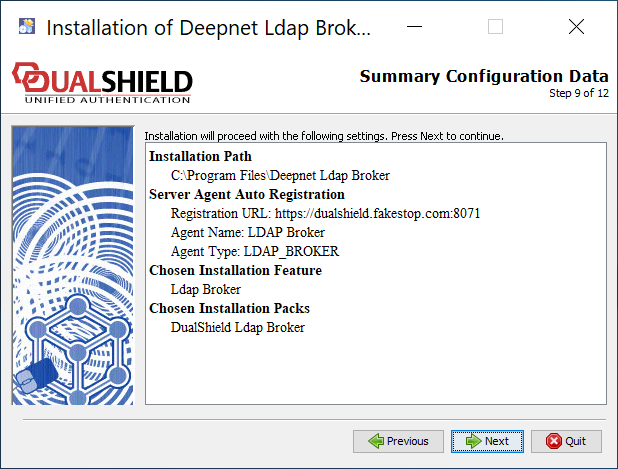
Summary
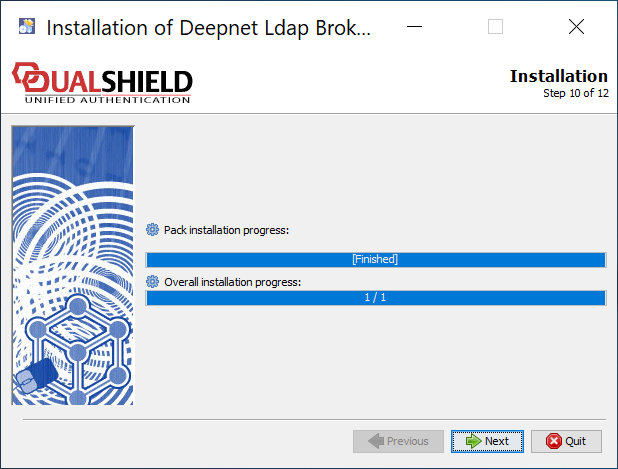
Install Files
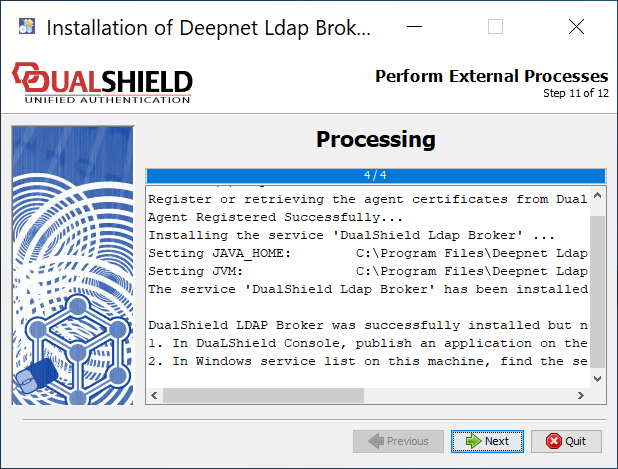
Install Services
Installation Completed