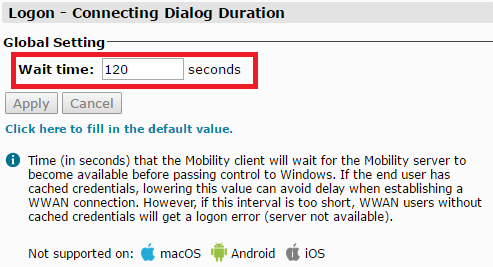
We need to add DualShield RADIUS to the Mobility and configure its properties.
1. Go to Mobility console > Configure > Authentication Settings.
2. In the left pane, select the Authentication Profile we have created for SAML authentication, e.g. "DualShield RADIUS"
3. In the middle pane, select "RADIUS: User Authentication | Servers"
4. In the right pane, tick "DualShield RADIUS Authentication Setting Override"
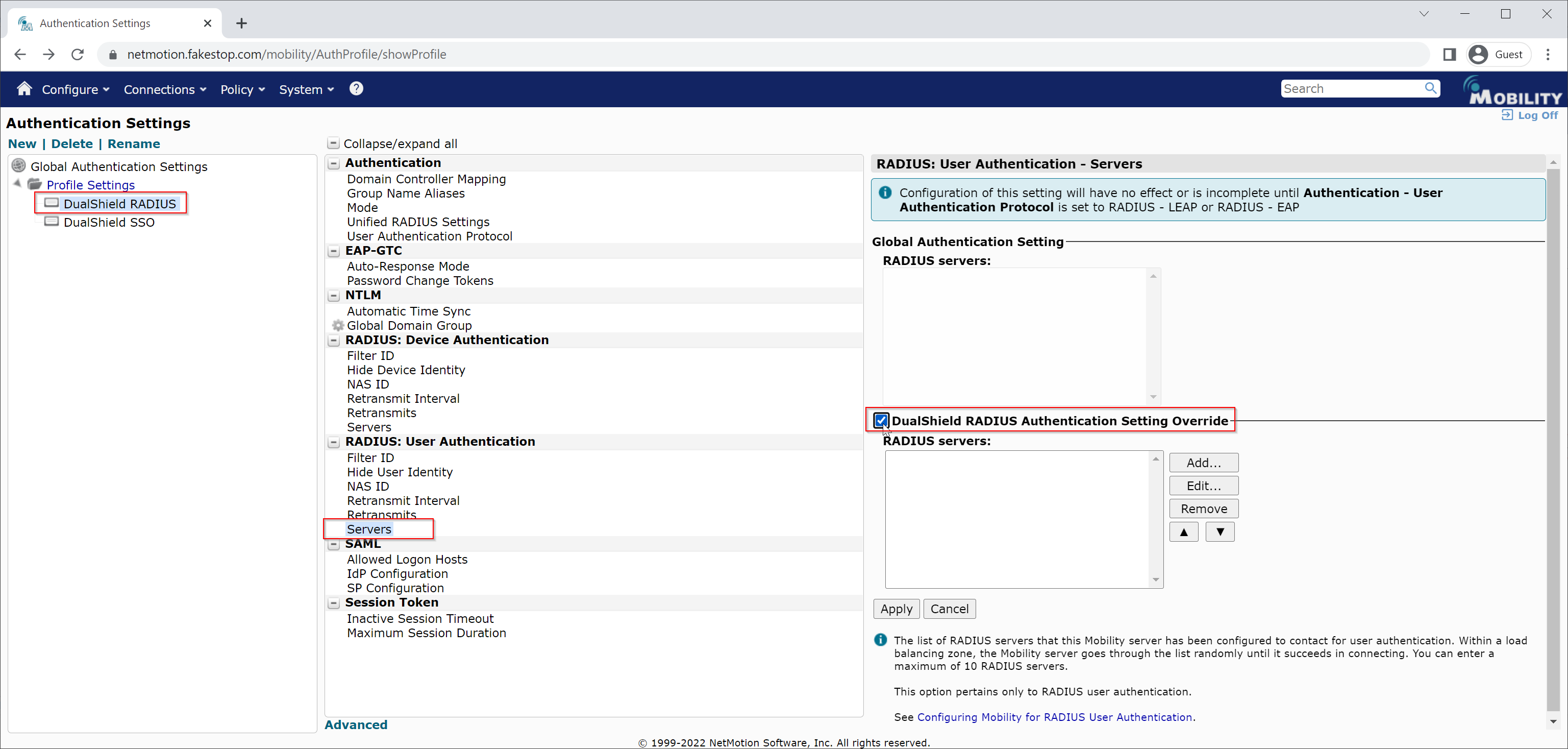
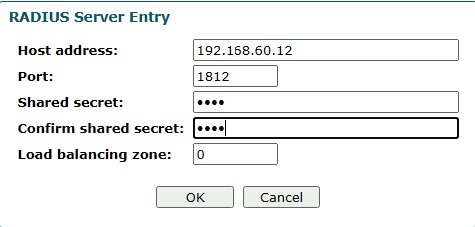
5. Click the "Add" button to add your DualShield RADIUS server
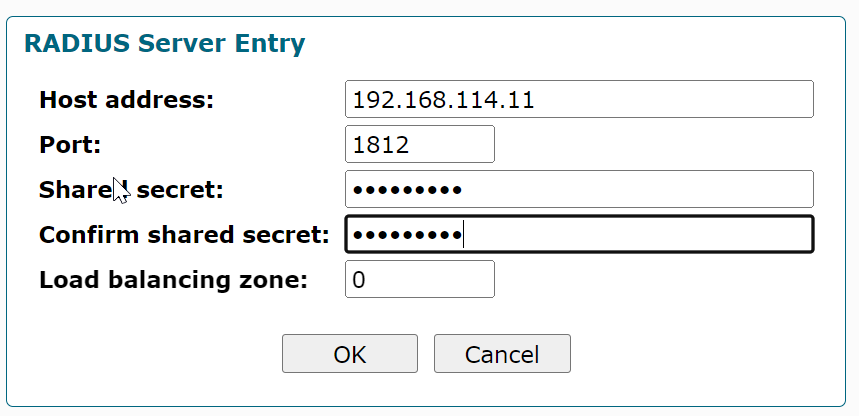
6. Click "OK" to save it
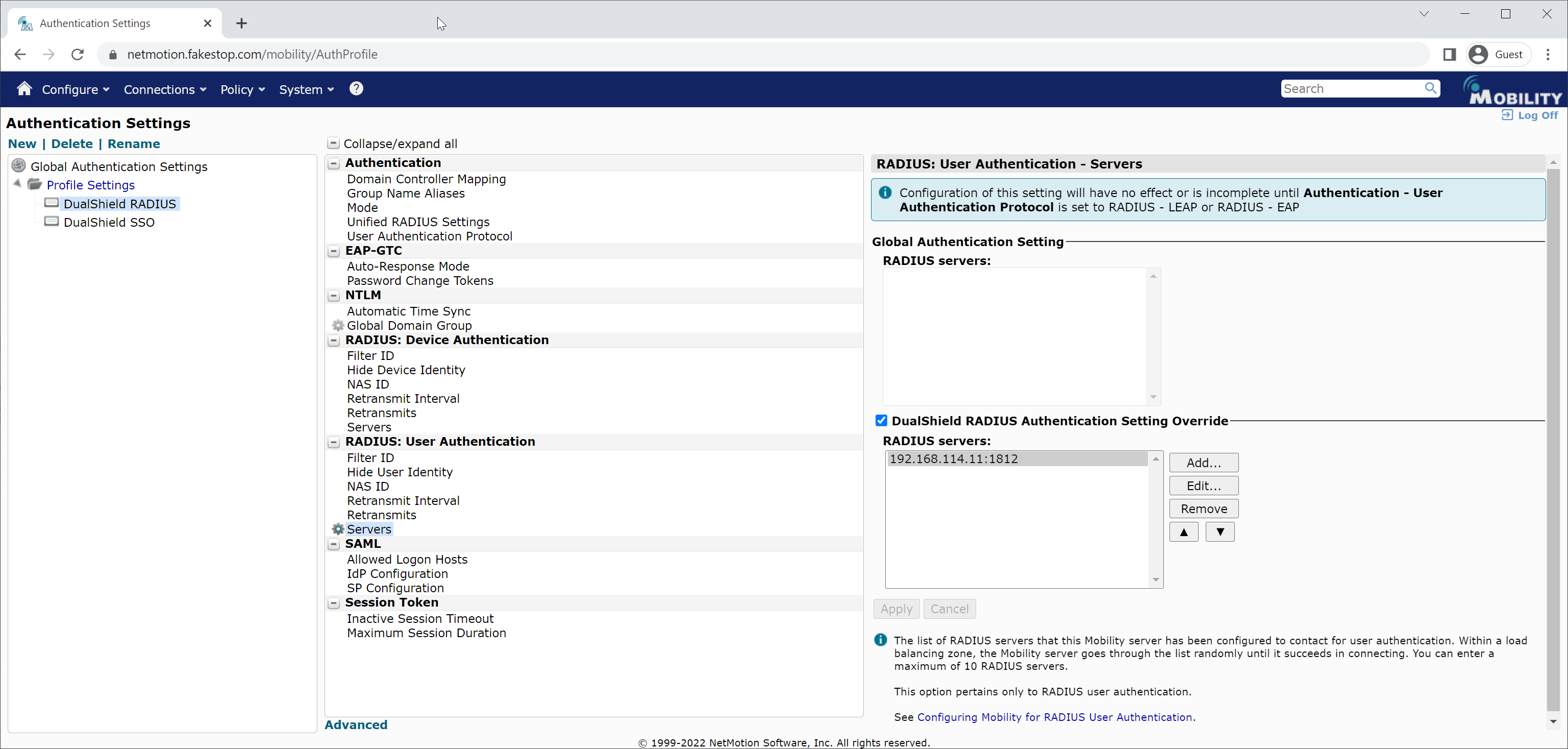
Now that we have added your DualShield RADIUS server to your Mobility server, we need to configure a few options
7. In the middle pane, click "RADIUS: User Authentication | Retransmit Interval"
Logon to the NetMotion Mobility Server
...
| Section | ||||||||||||||||||||||||
|---|---|---|---|---|---|---|---|---|---|---|---|---|---|---|---|---|---|---|---|---|---|---|---|---|
| ||||||||||||||||||||||||
|
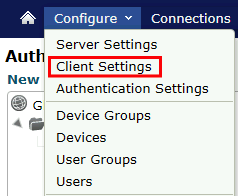
Client Settings
| Section | ||||||||||||||||
|---|---|---|---|---|---|---|---|---|---|---|---|---|---|---|---|---|
| ||||||||||||||||
|
...
| Section | ||||||||||||||||
|---|---|---|---|---|---|---|---|---|---|---|---|---|---|---|---|---|
| ||||||||||||||||
|