...
- Select "Auth Server" and select the DualShield Radius Server entry you have created, scroll down to the "Custom Radius Rules":
- Select "New Radius Rule", and populate the form below:
- Click "Save Changes"
- Use the DualShield Radius Server as the only authentication Server in the User Realm
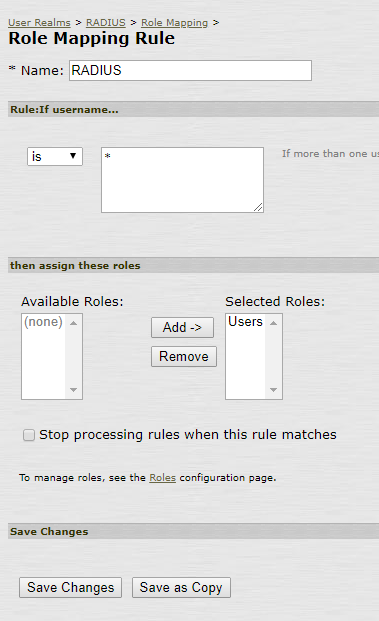
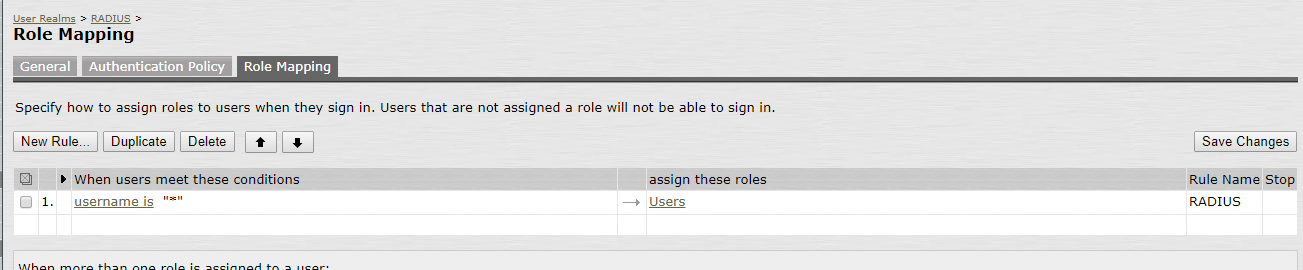
- Set up a Role Mapping Rule
- Select "Auth Server" and select the DualShield Radius Server entry you have created, scroll down to the "Custom Radius Rules":
f. Under Signing In → Sign-in Policies create a new Signing URL:
...
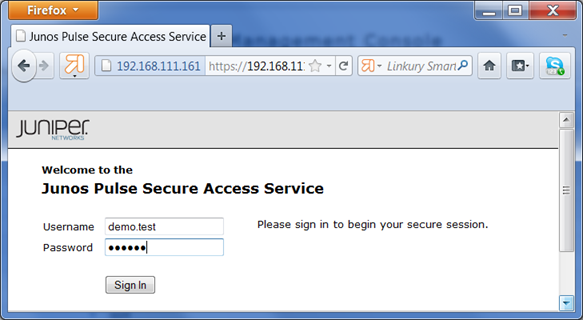
- Users will be first asked to enter their user name and AD password
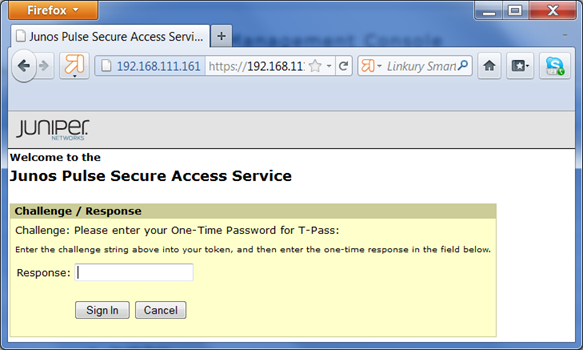
- The user name and password will be submitted to the DualShield Server to be verified. When the DualShield has successfully verified the user and its password, it will generate an time-time password and send it to the user by SMS or email. The user will then be asked to enter the one-time password:
- Users will be first asked to enter their user name and AD password