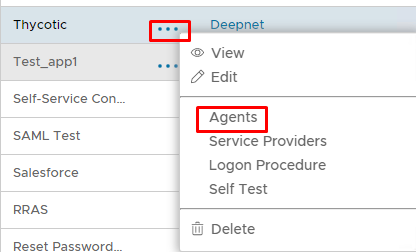
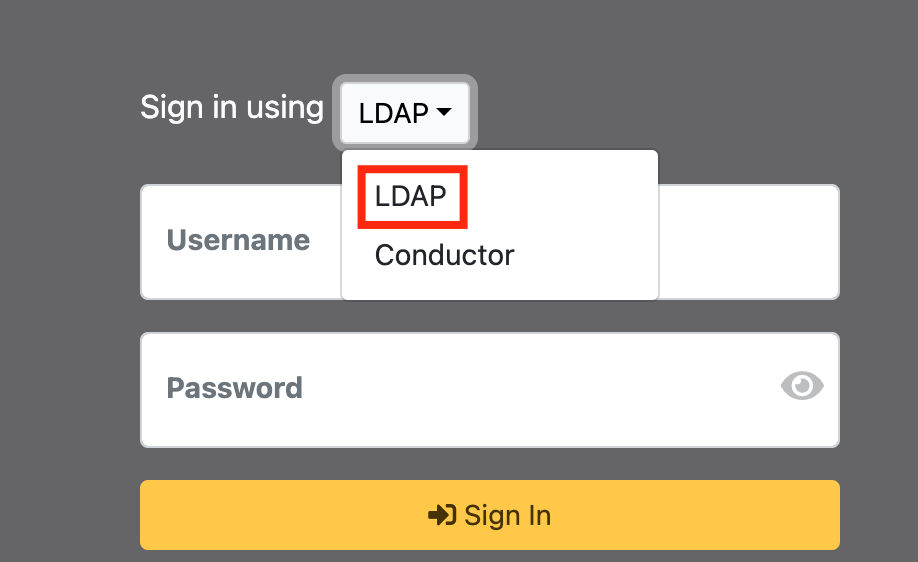
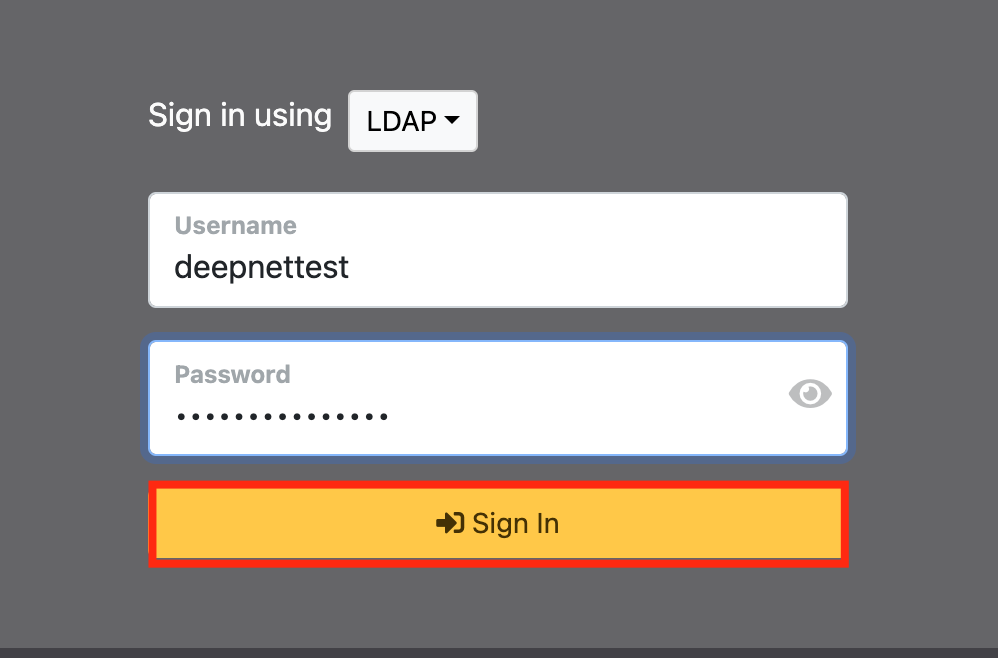
Select the drop down menu corresponding to the Application you will be using and click onAgents.On the Sign in screen, select LDAP from the 'Sign in using:' drop down
Column
width
50%
Panel
borderColor
#9EBEE5
bgColor
#f0f0f0
borderWidth
1px
Image RemovedImage Added
Section
border
true
Column
Now enter the username and AD Password+OTP
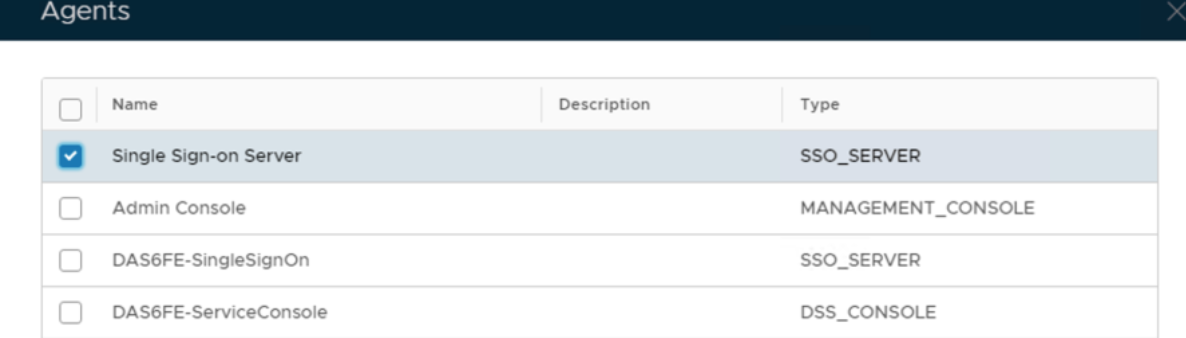
Click Sign inTick the box of the SSO Server you will be using and clickSavebelow.