...
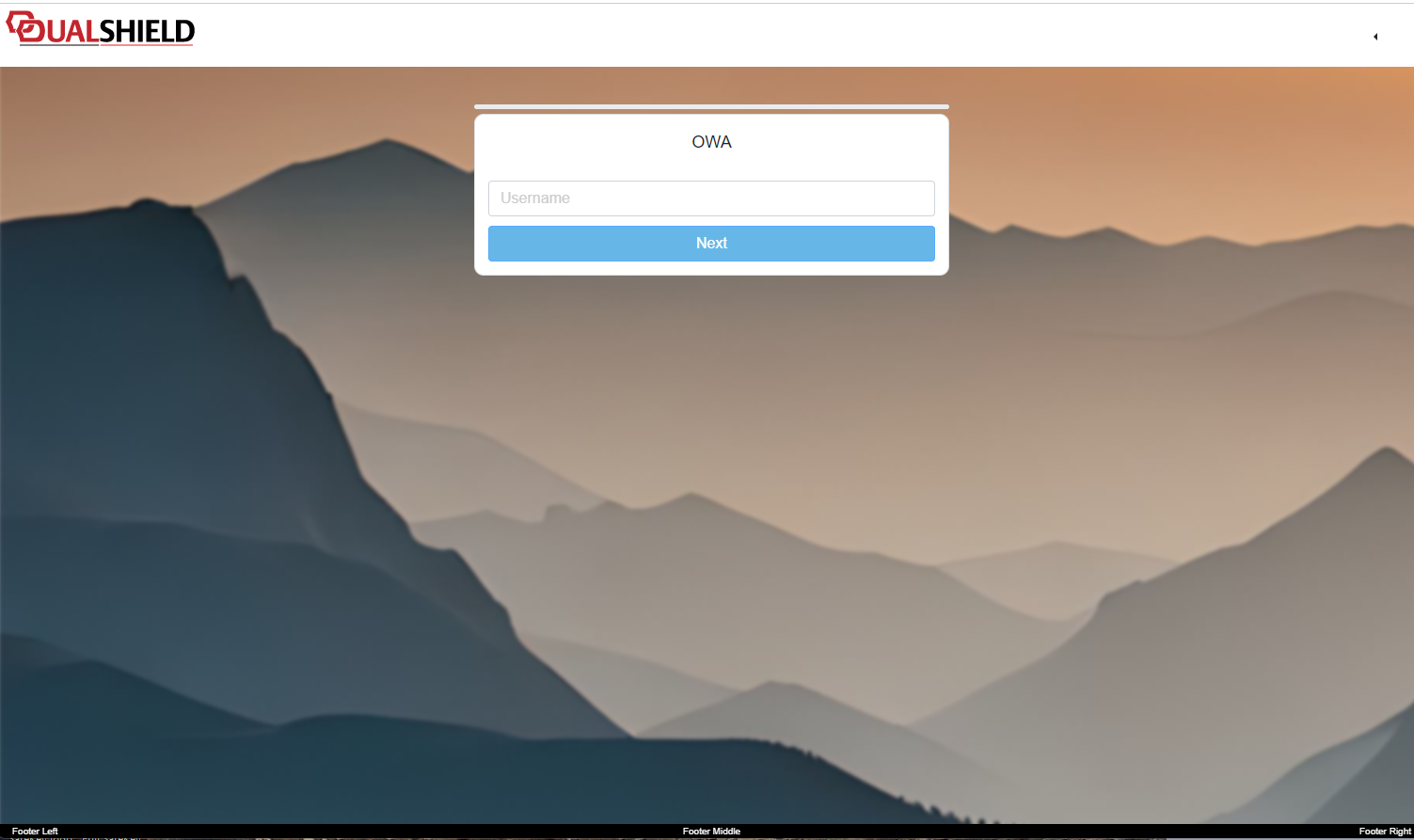
After clicking "SAVE", then saving your customisation you will find that this image will now become a background image to your single sign-on page;
Resizable Backgrounds
Whislt the basic method above will provide background images to your SSO Logon Page, there are a number of limitations to what you can do with the background image, and we have often been requested to offer resizable background images.
...
After removal of the old background, adding the image to the content header, and updating our CSS script, we save the customisation (and now when we resize the page we see the backgound resizes with the page);
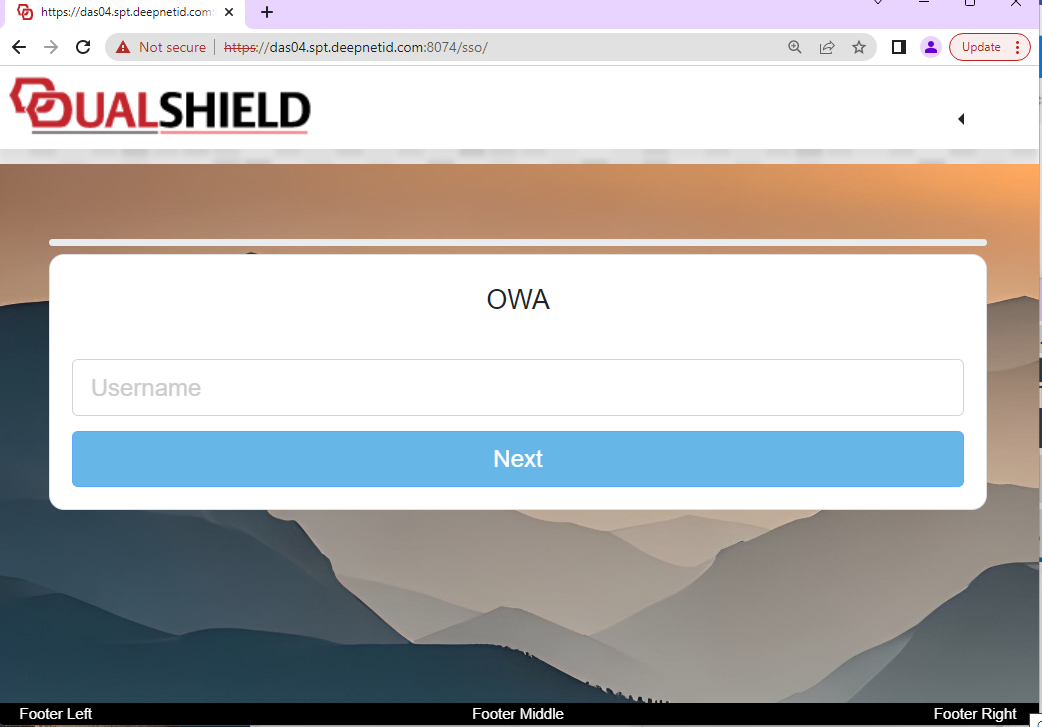
Now when we expand the image you will find that the background image has been resized to fit the new size of the window;
...