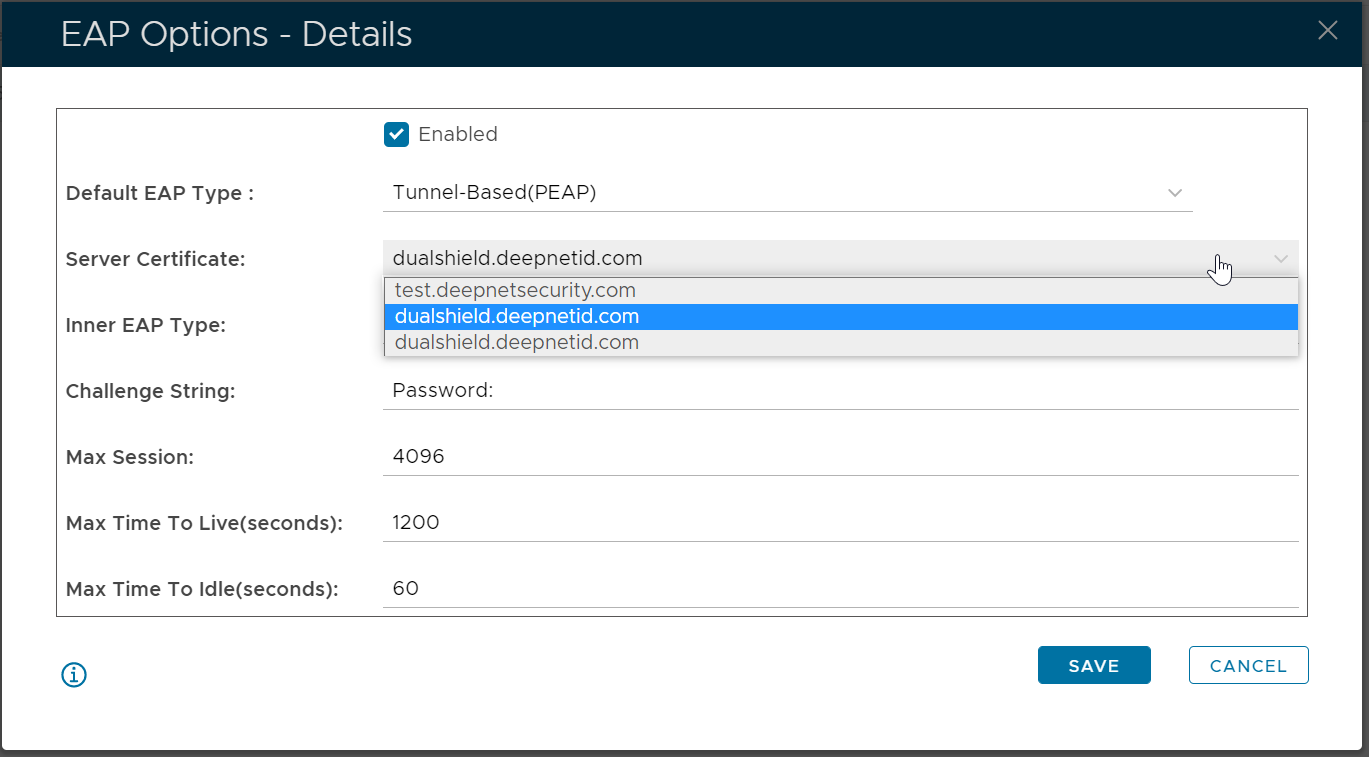
If you enable the EAP protocol in the DualShield RADIUS server, then you need to provide an SSL certificate that will be used as the RADIUS server certificate.
You can either import an existing SSL certificate
| Expand | ||||||
|---|---|---|---|---|---|---|
|
Or, you can apply for a new SSL certificate
| Expand | ||||||
|---|---|---|---|---|---|---|
|
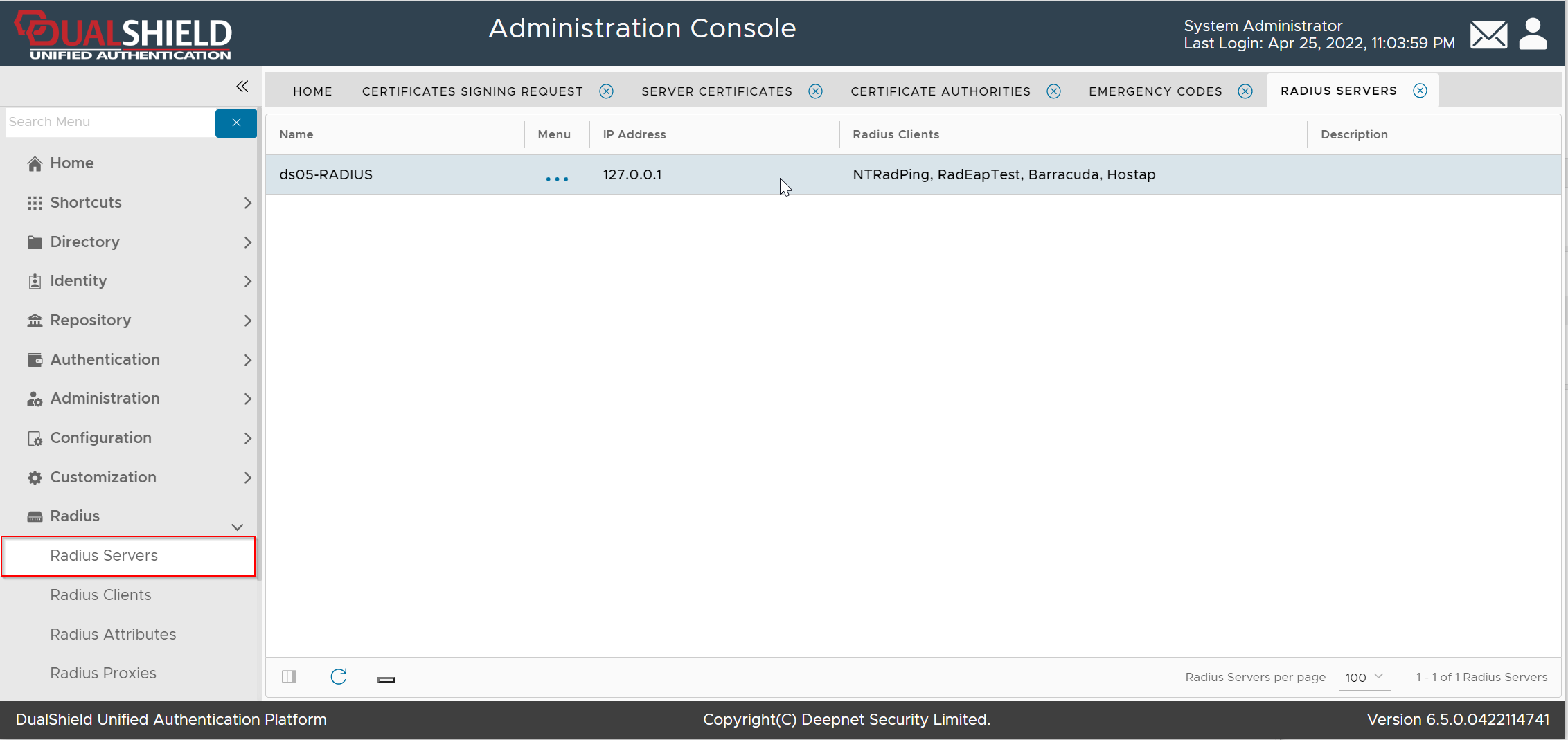
To set the SSL certificate for a RADIUS server, navigate to Radius | Radius Servers
Click the context menu of the RADIUS server
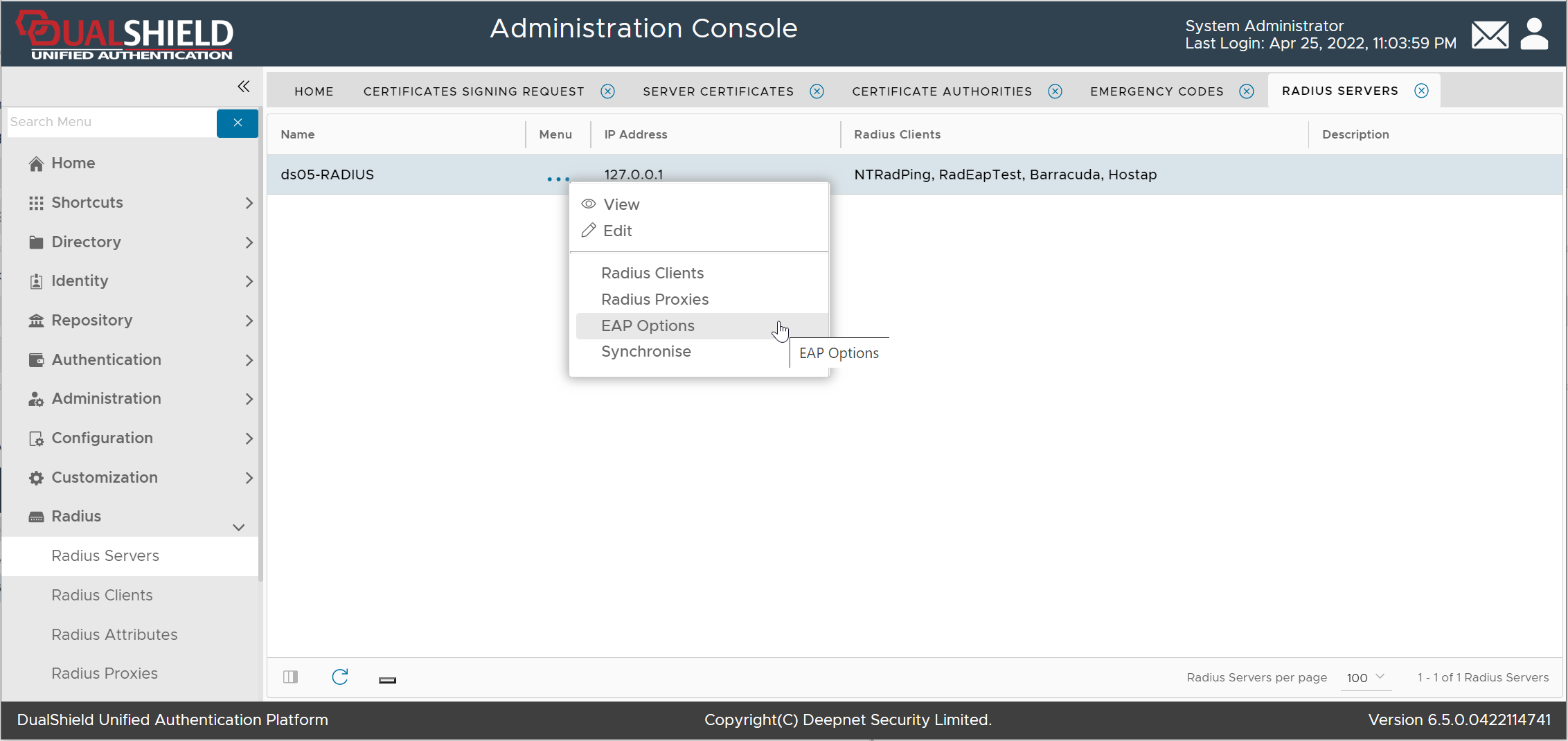
Select "EAP Options"
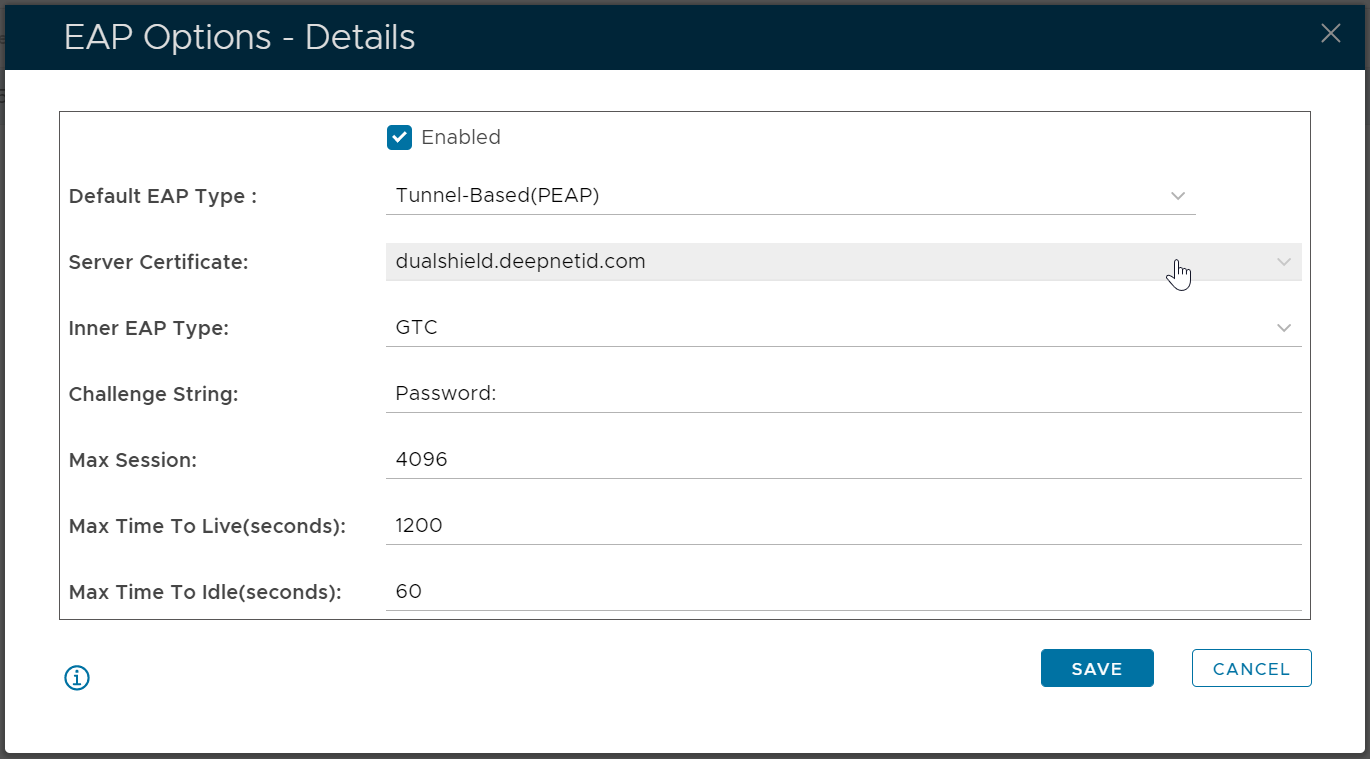
In the "Server Certificate" list, select the certificate to be used