To install the NPS extension, complete the following steps:
1 - Download the Visual C++ Redistributable for Visual Studio 2015 Microsoft Download Center
https://www.microsoft.com/en-us/download/details.aspx?id=48145

2 - Download the NPS Extension from the Microsoft Download Center
...
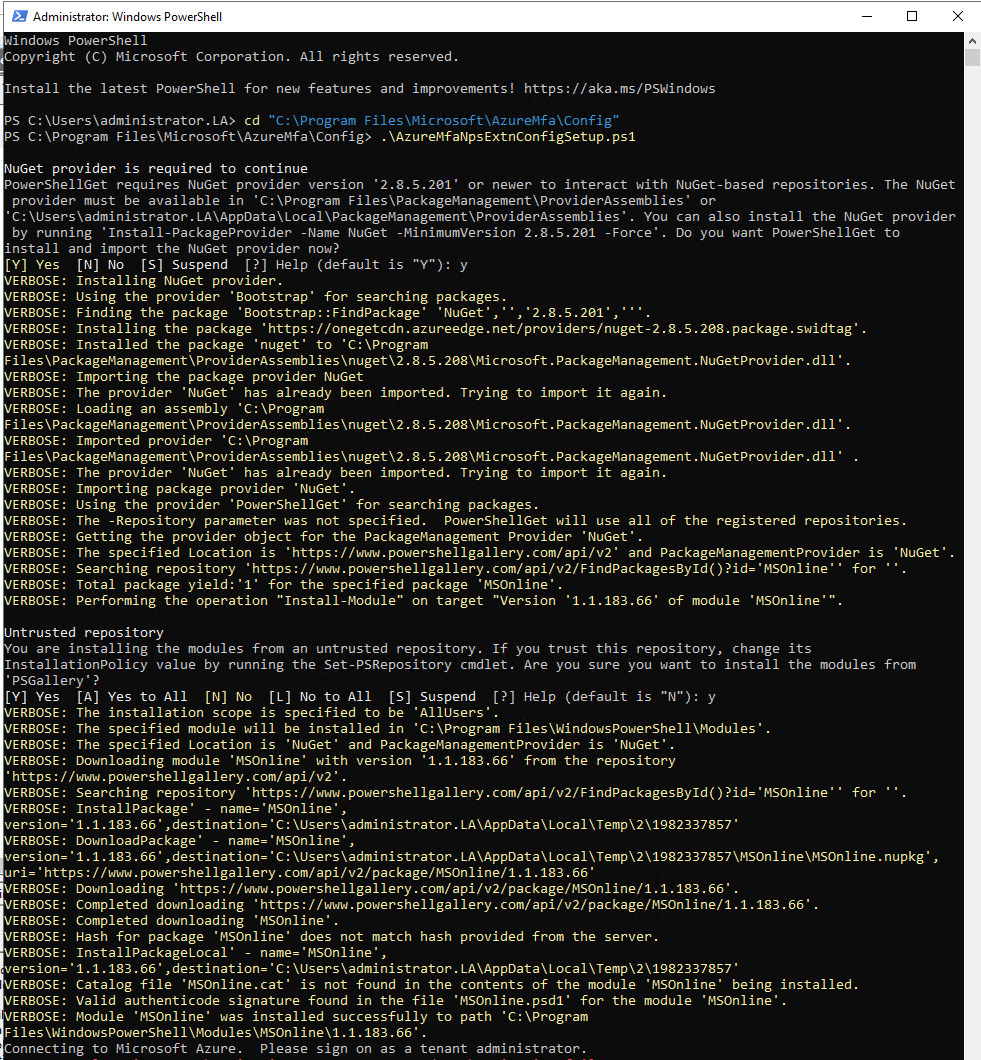
The NPS Extension installer creates a PowerShell script at C:\Program Files\Microsoft\AzureMfa\Config (where C:\ is your installation drive). You must run this script to config the NPS Extension
...
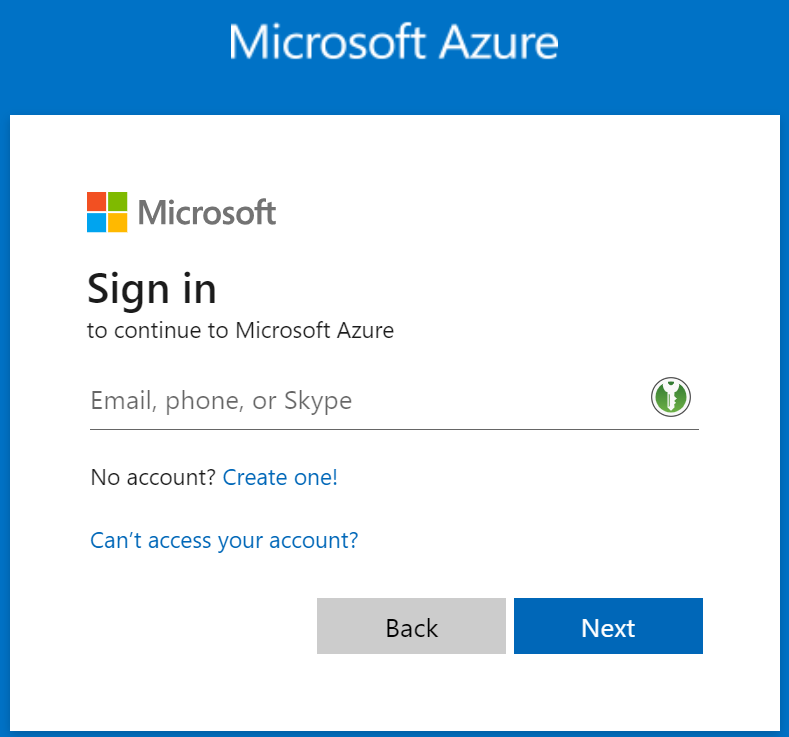
Sign in to your Azure AD account
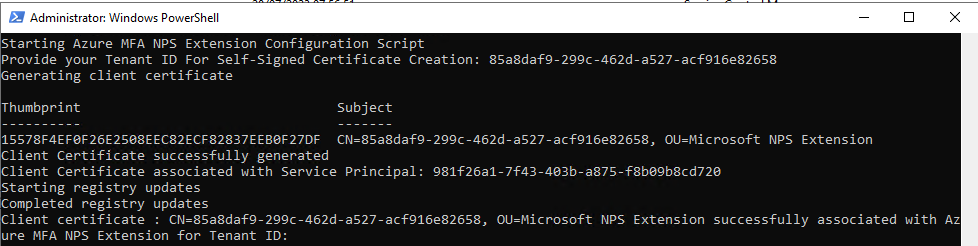
Find your Azure AD Tenant ID
| Expand |
|---|
|
