To install the DualShield MDM Server, launch its installer "DualShieldMdmServer.WindowsInstaller_nn.nn.nn" (in which "nn.nn.nn" is its version number), and go through the following steps:
Table of Contents
Welcome
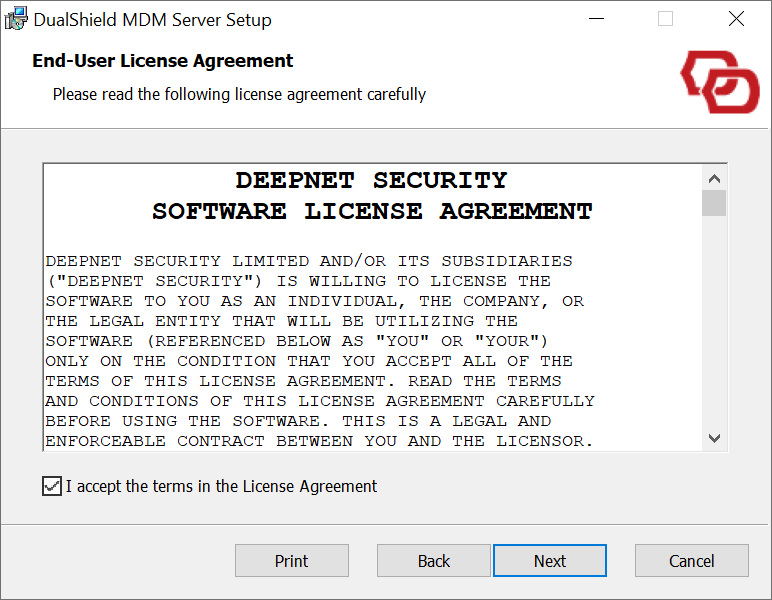
License Agreement
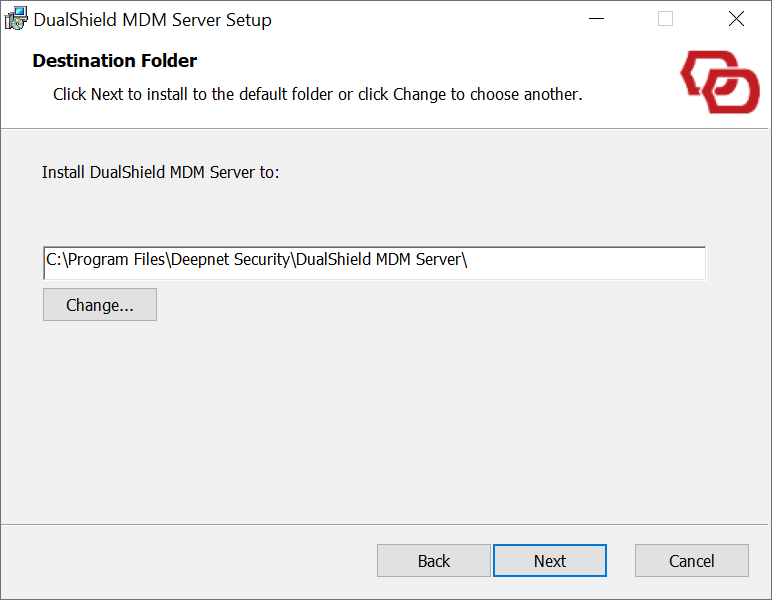
Installation Path
SQL Server Connection
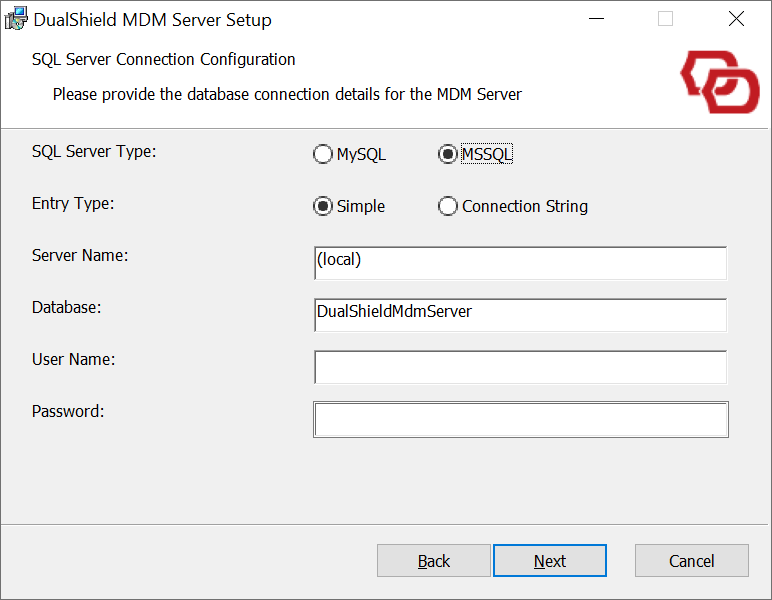
The DualShield DMD Server uses an SQL server as its database storage. It does not include an SQL server in its installer, therefore it requires an external SQL server.
Typically, you would use the same SQL server used by your DualShield Authentication Server. In the example below, we're using the MySQL server at the IP address of 192.168.103.11 that is being used by a DualShield Authentication Server
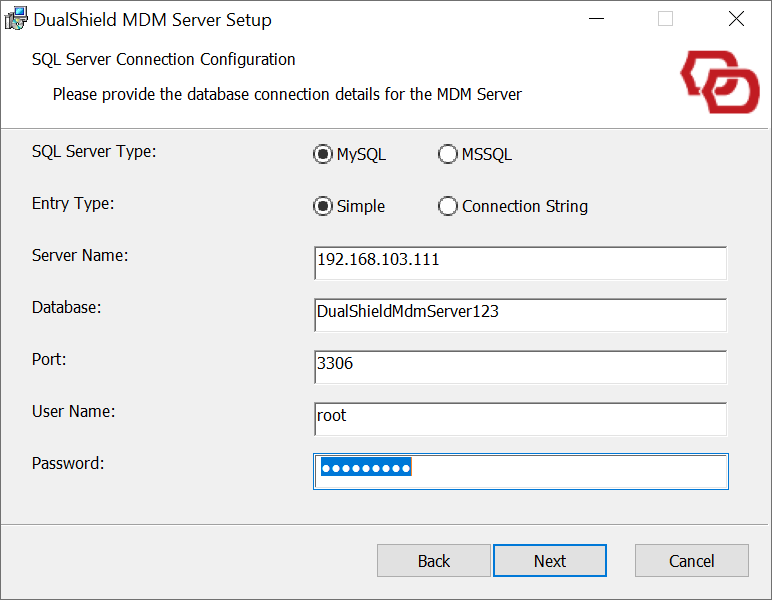
Select or enter the following options carefully
| Option | Remarks |
|---|---|
| SQL Server Type | The type of the SQL server |
| Entry Type | The type of the SQL connection |
| Server Name | The name or IP address of the SQL server |
| Database | The database name used by the MDM server |
| Port | The port number of the SQL server |
| User Name | The user name used by the MDM server to connect to the SQL server |
| Password | The password of the connection user |
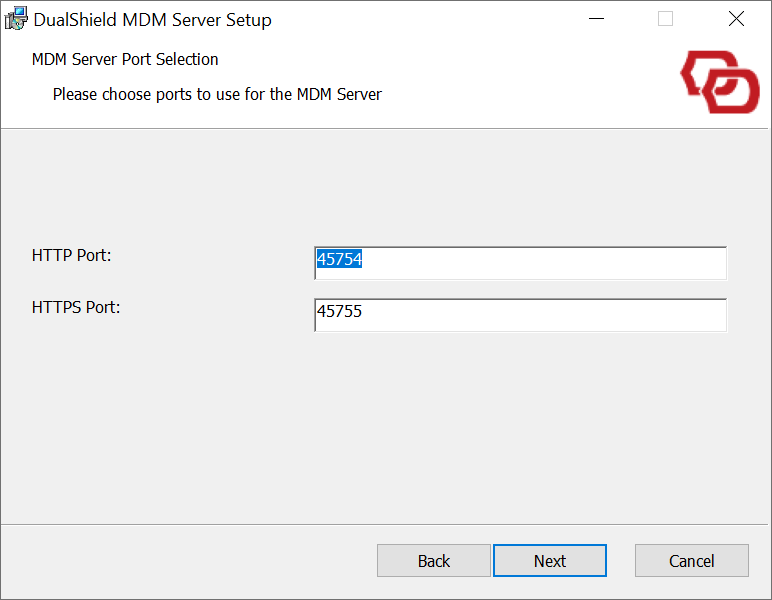
Port Numbers
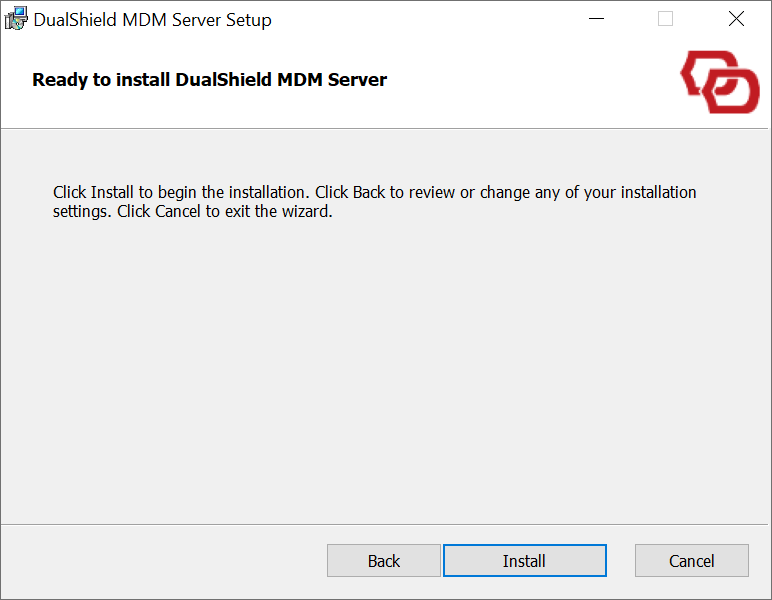
Ready to Install
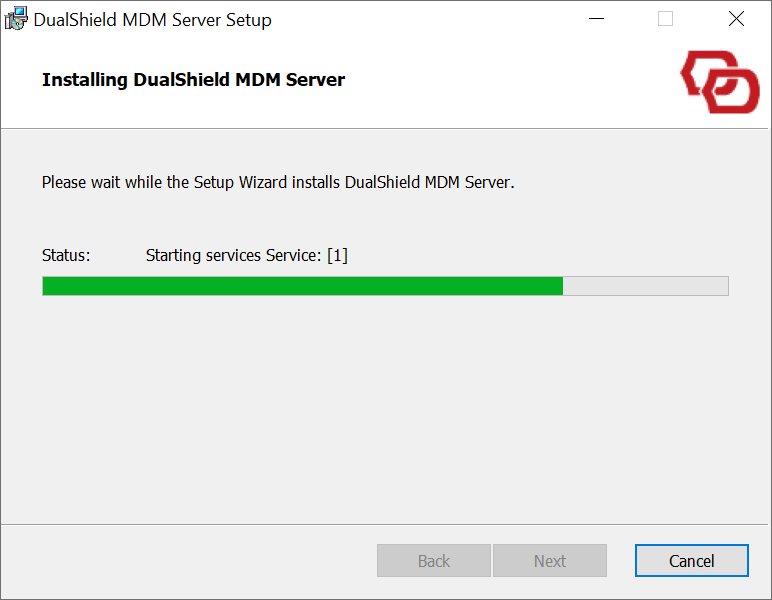
Installing
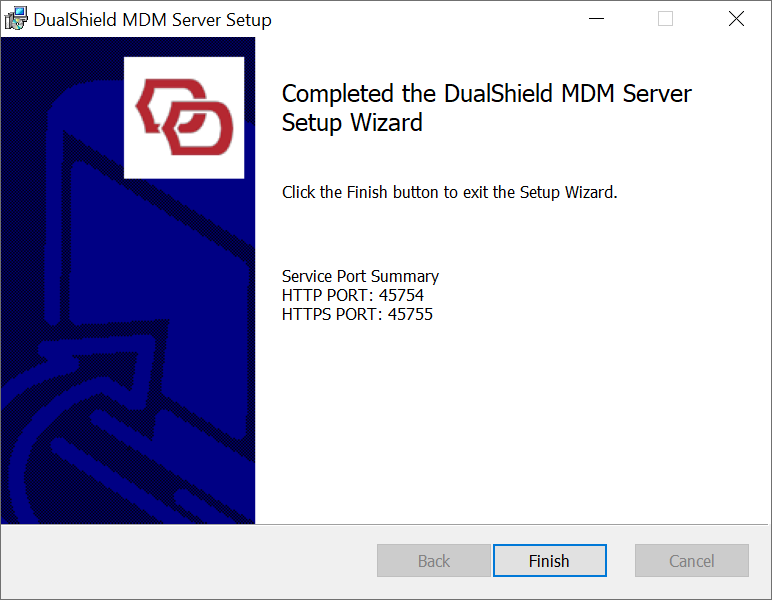
Installation Completed