...
- Prior to deleting the file ensure that the Windows MobileID application is fully exited.
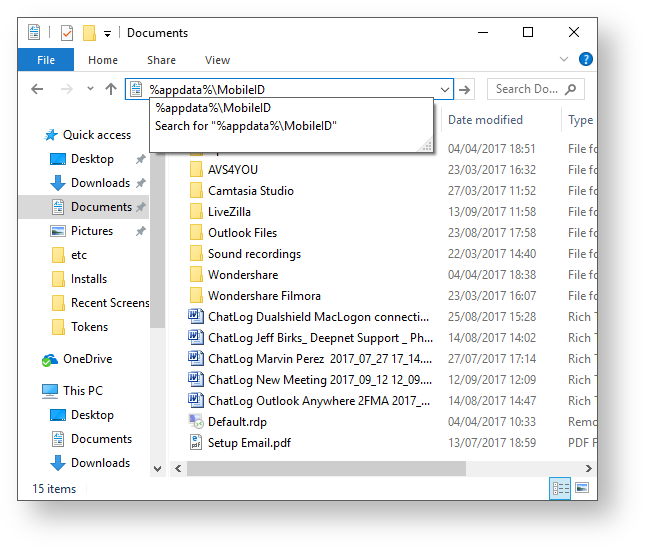
- Open a window, and enter the following folder address "%appdata%\MobileID";
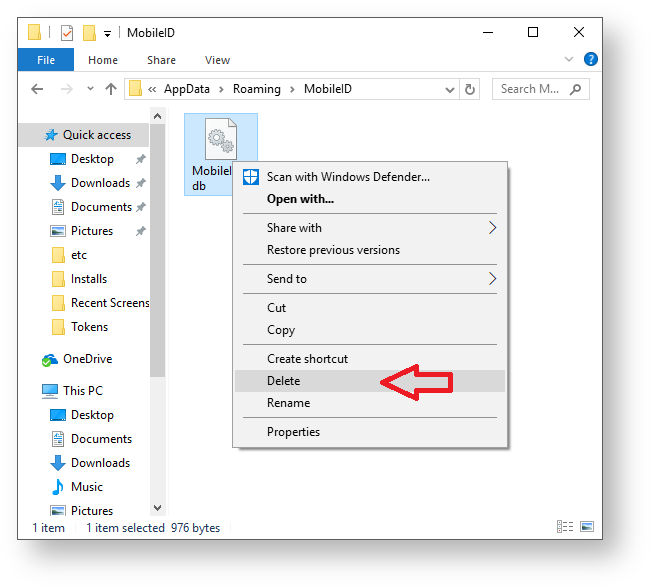
- A new window will now open that contains the data file "MobileID4.db", delete this file;
- Having deleted the data file you can now run the PC MobileID application, and the PIN can now be set.