In the ADFS Management Console, use the Action drop-down menu and select Add Relying Party Trust.
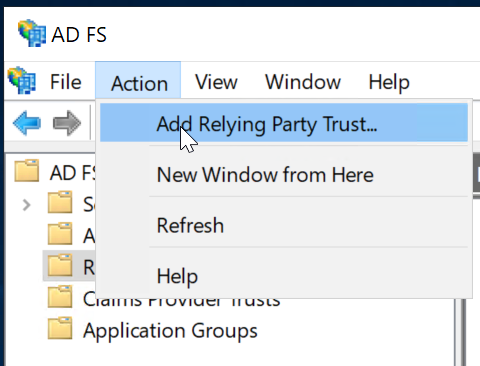
This will initiate the Add Relying Party Trust Wizard.
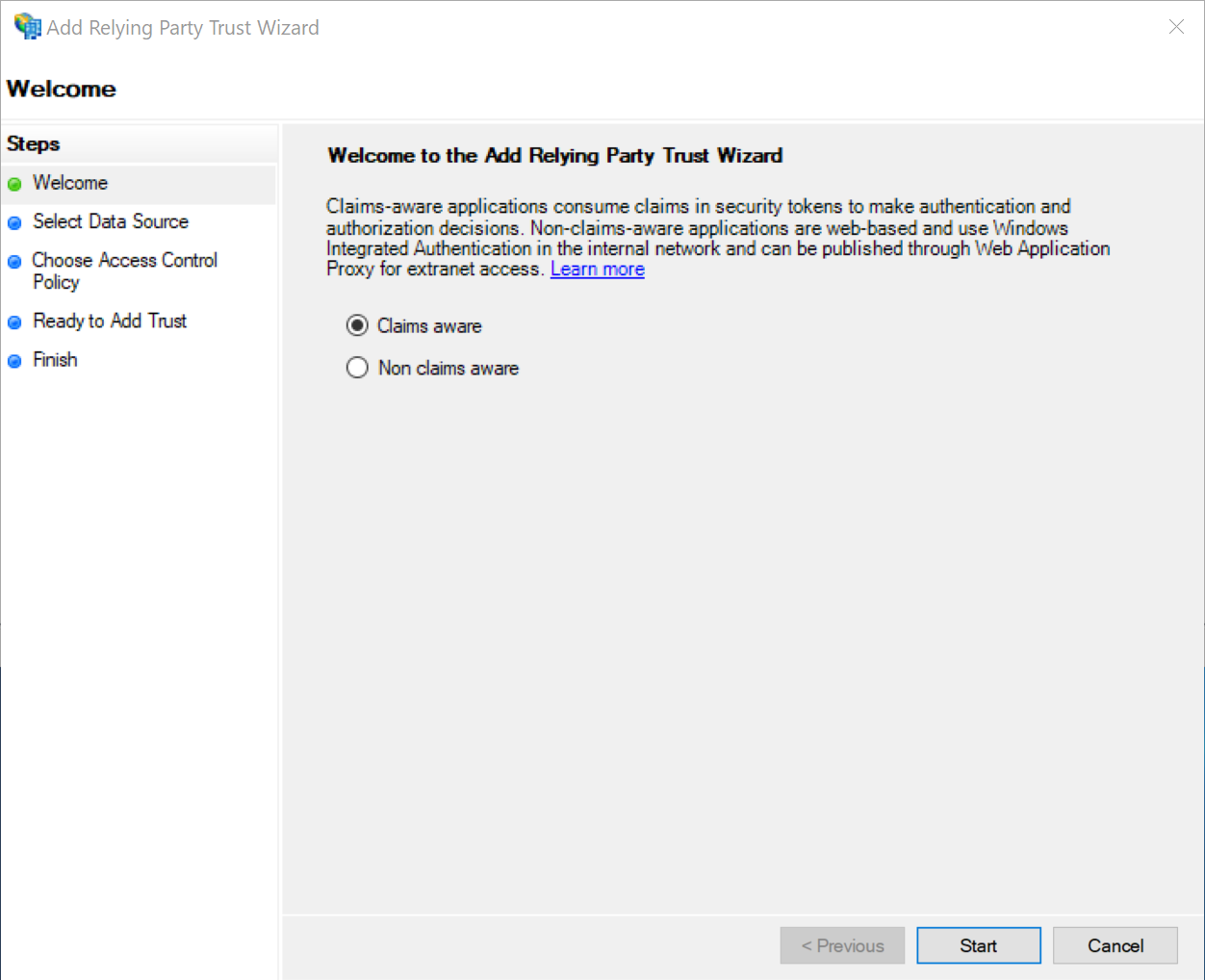
select the "Claims aware" option
click the "Start" button
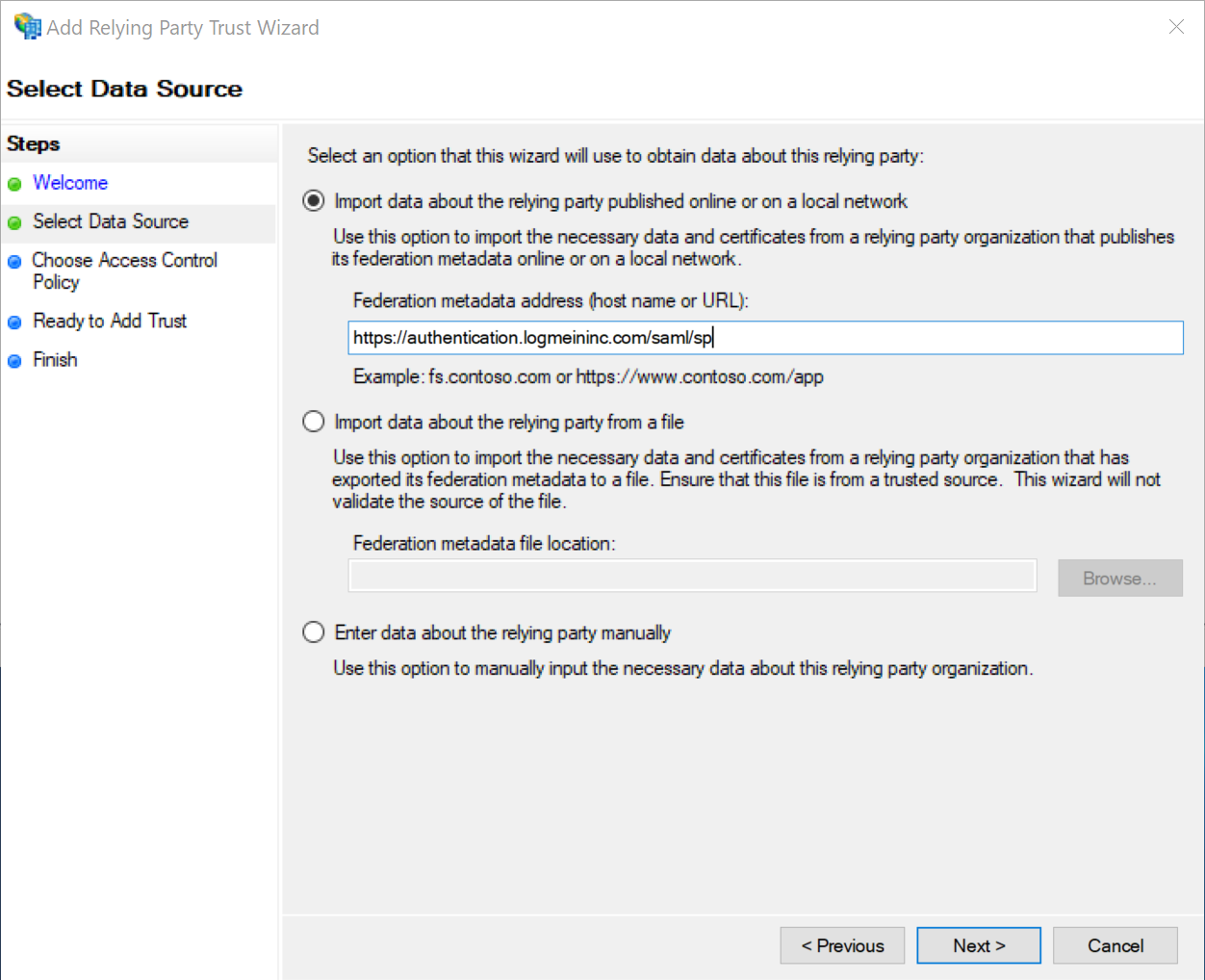
select "Import data about the relying party published online or on a local area network".
In the "Federation metadata address (host name or URL)" text box, enter GoToMeeting's metadata URL: https://authentication.logmeininc.com/saml/sp
Click "Next" to continue
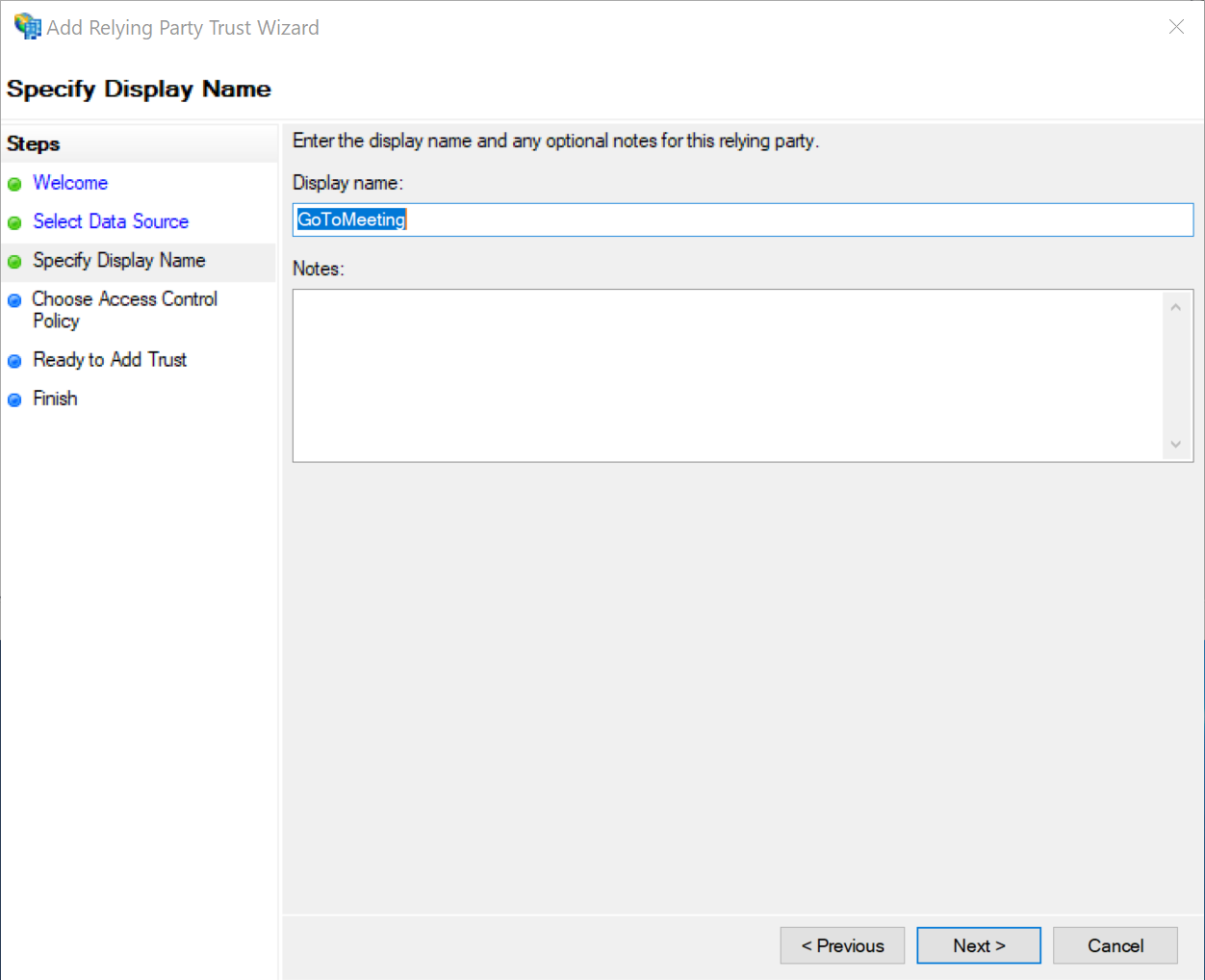
Enter the Display Name
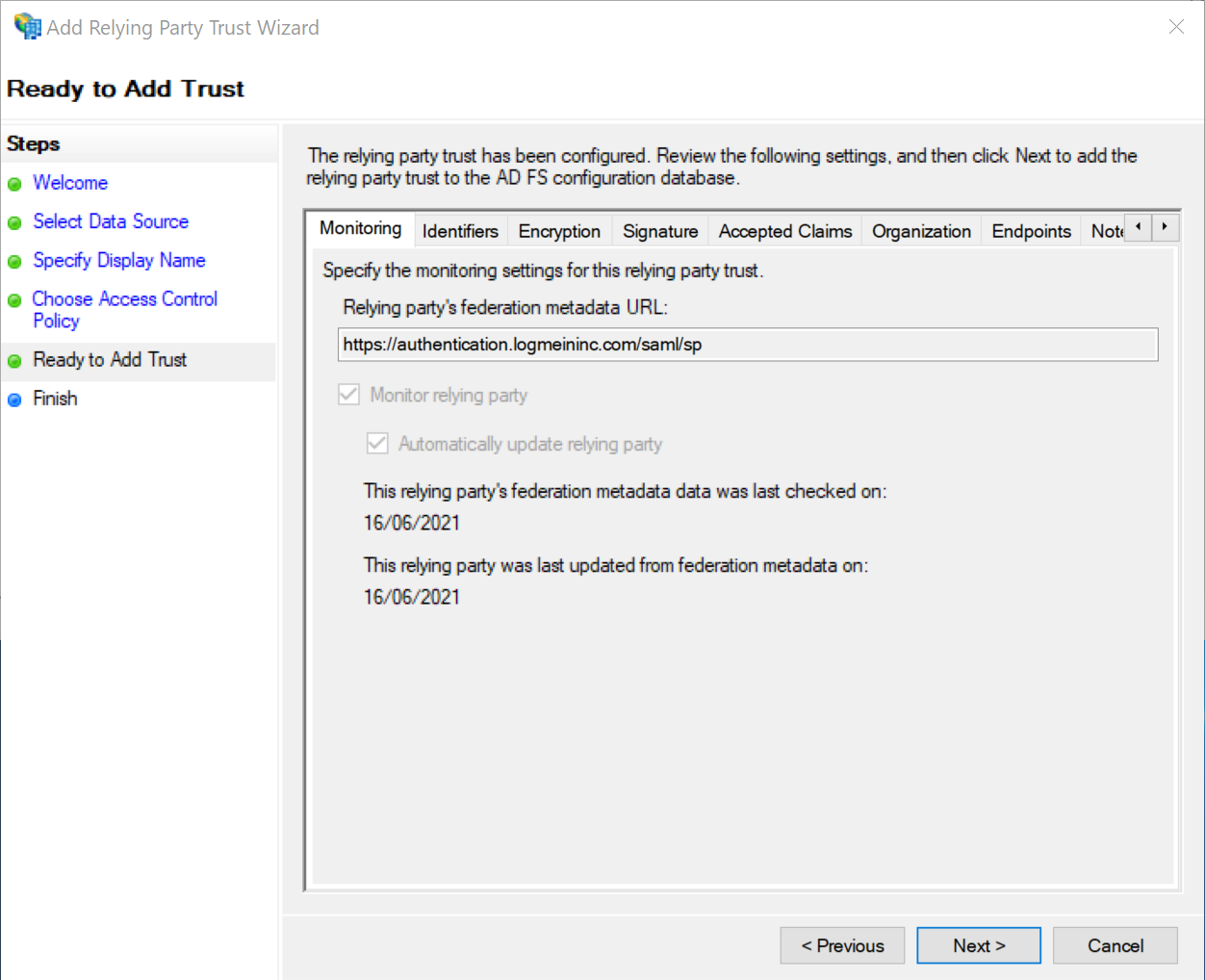
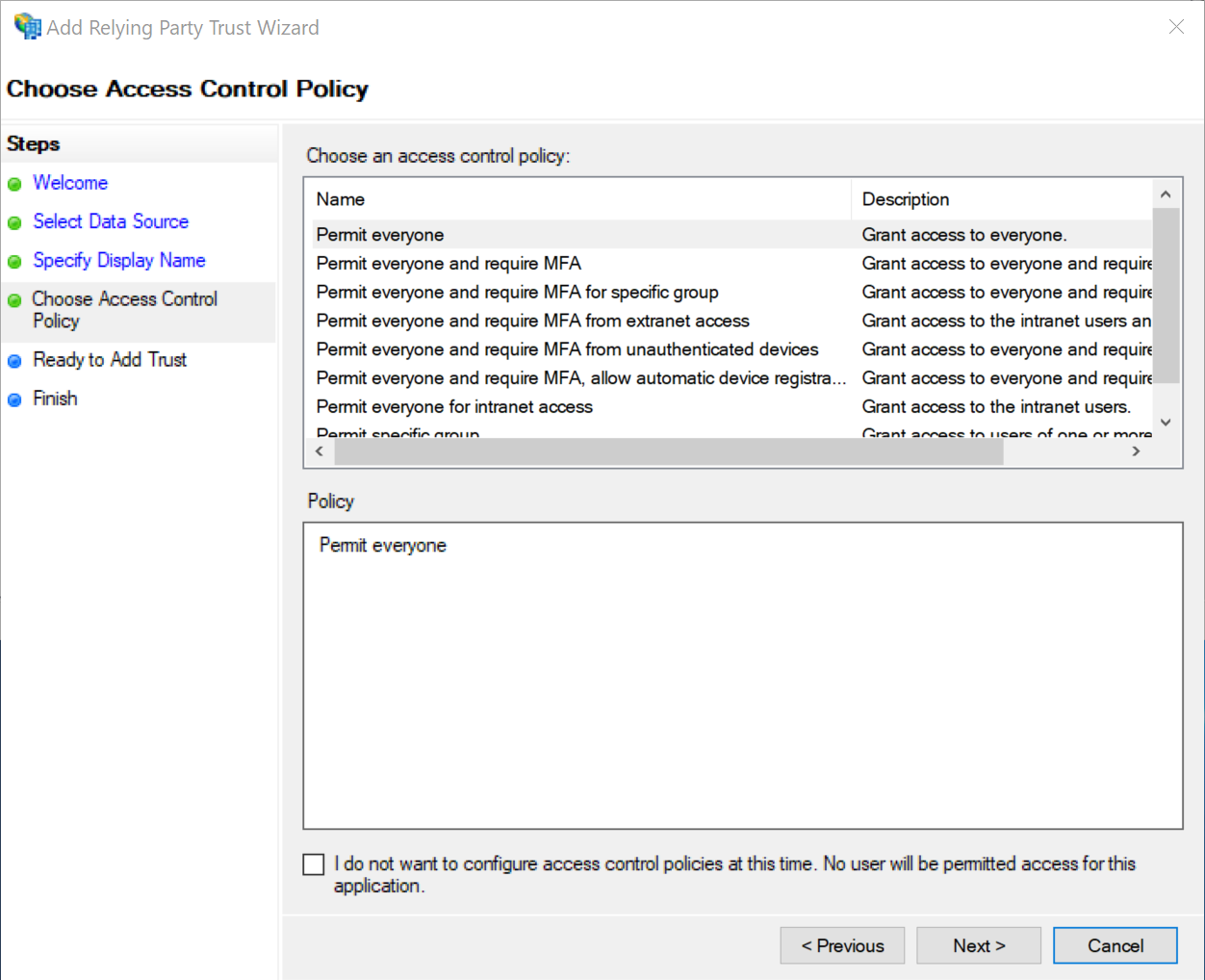
Click "Next" to continue
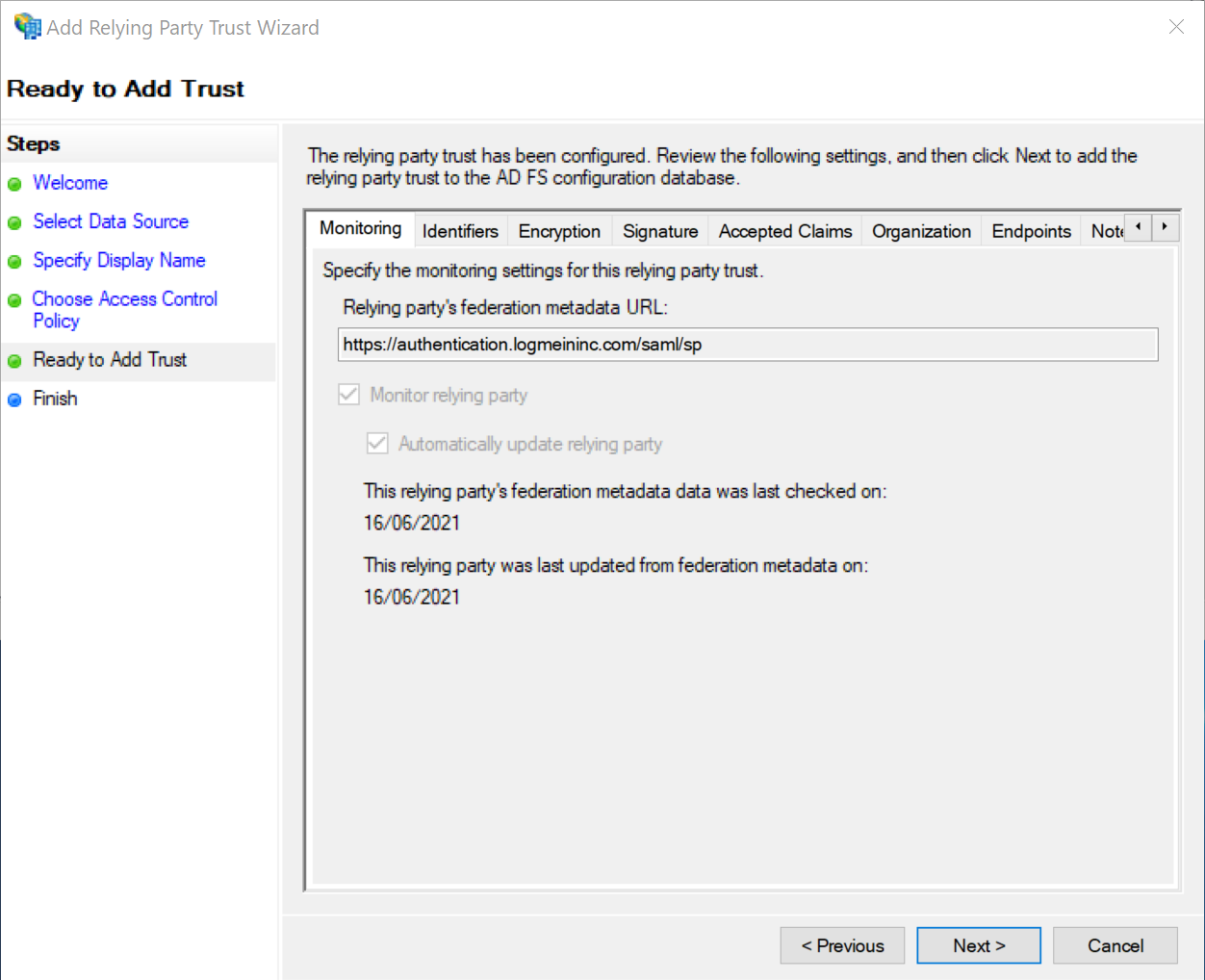
Click "Next" to continue
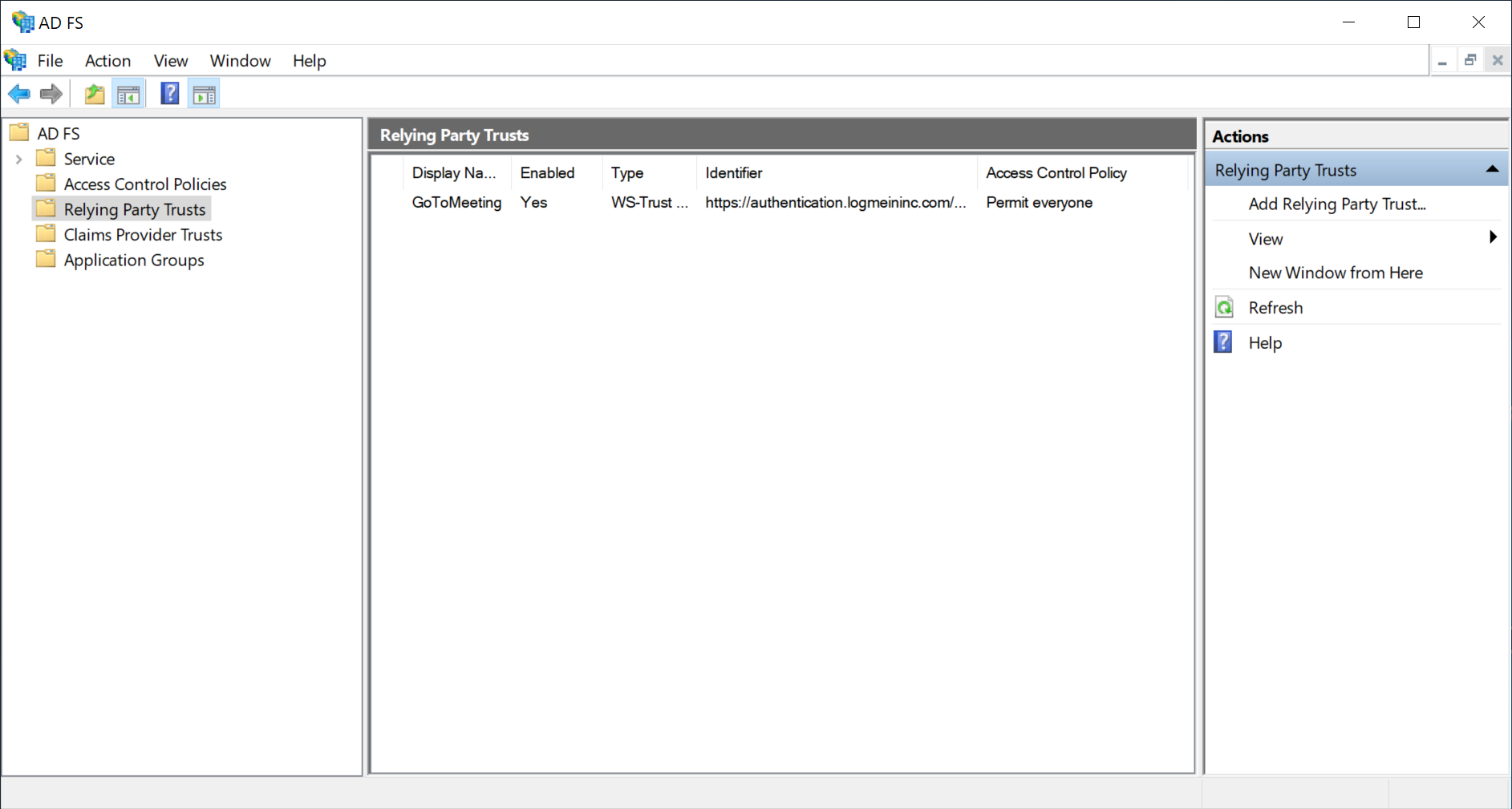
Right click on the new relying party trust, e.g. "GoToMeeting"
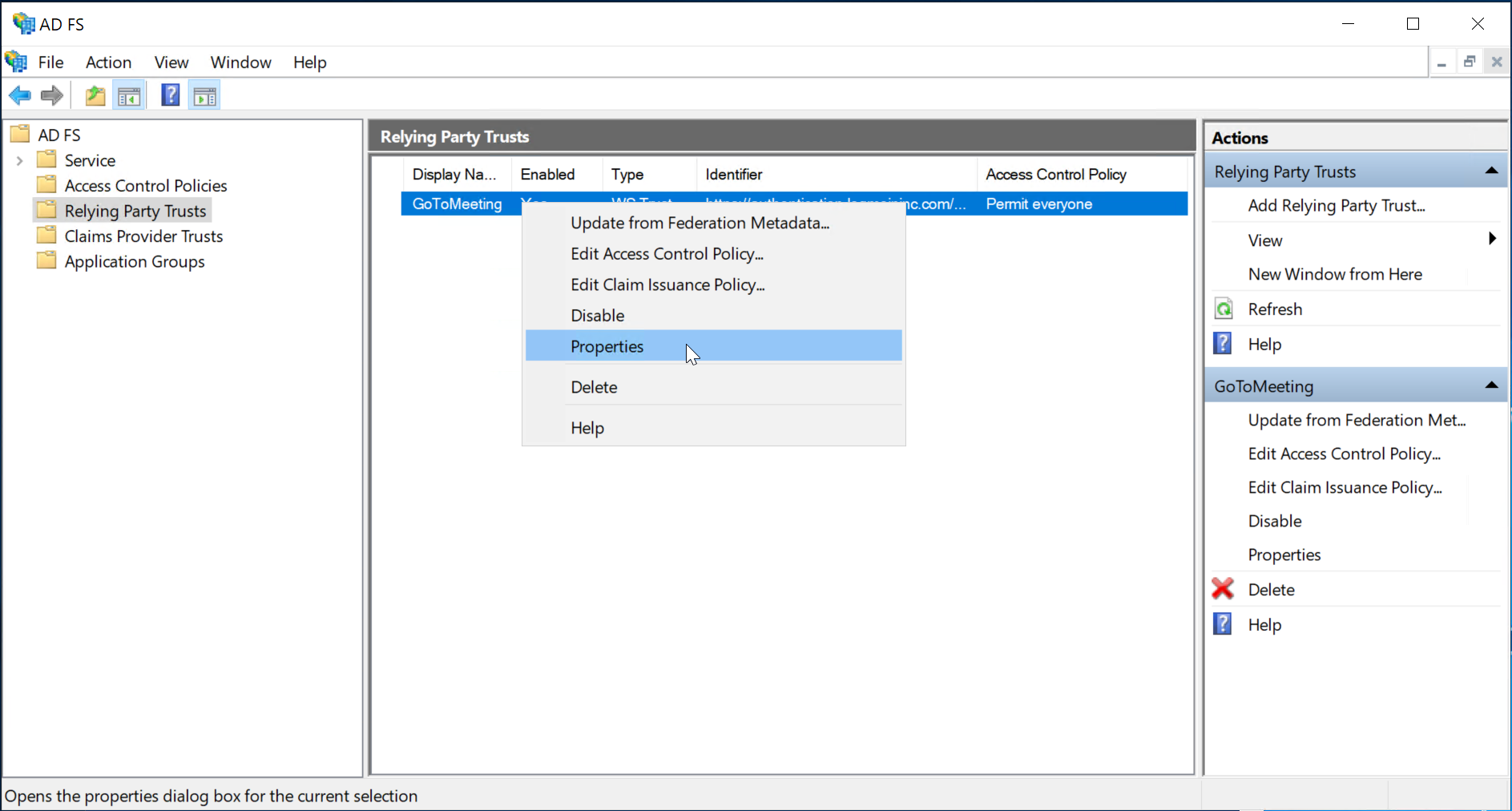
select Properties
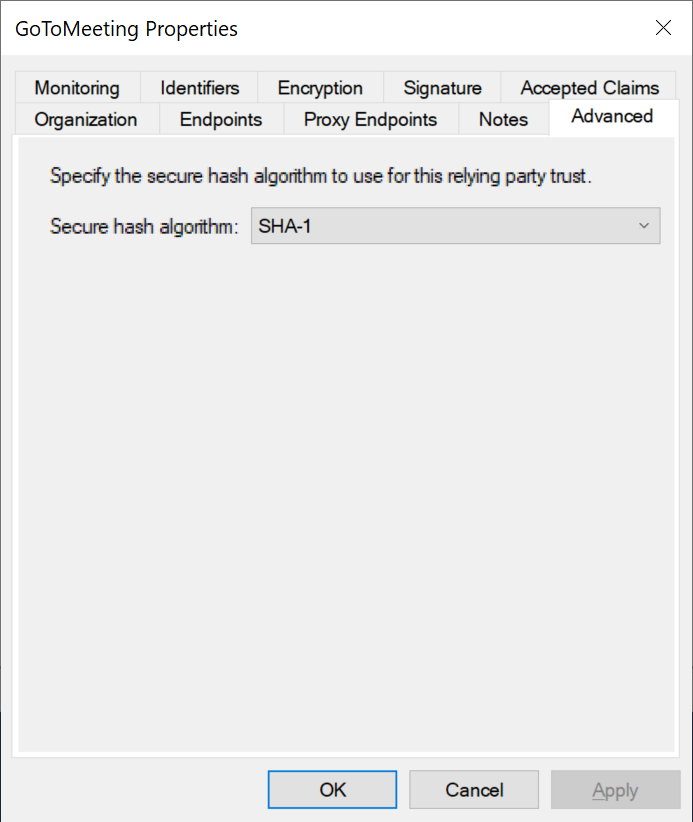
Select the "Advanced" tab
Set Secure hash algorithm to "SHA-1"
Click "OK" to save the changes