To import a token for offline logon, log in to the user's computer and visit the Computer Logon User Console on http://localhost:12845
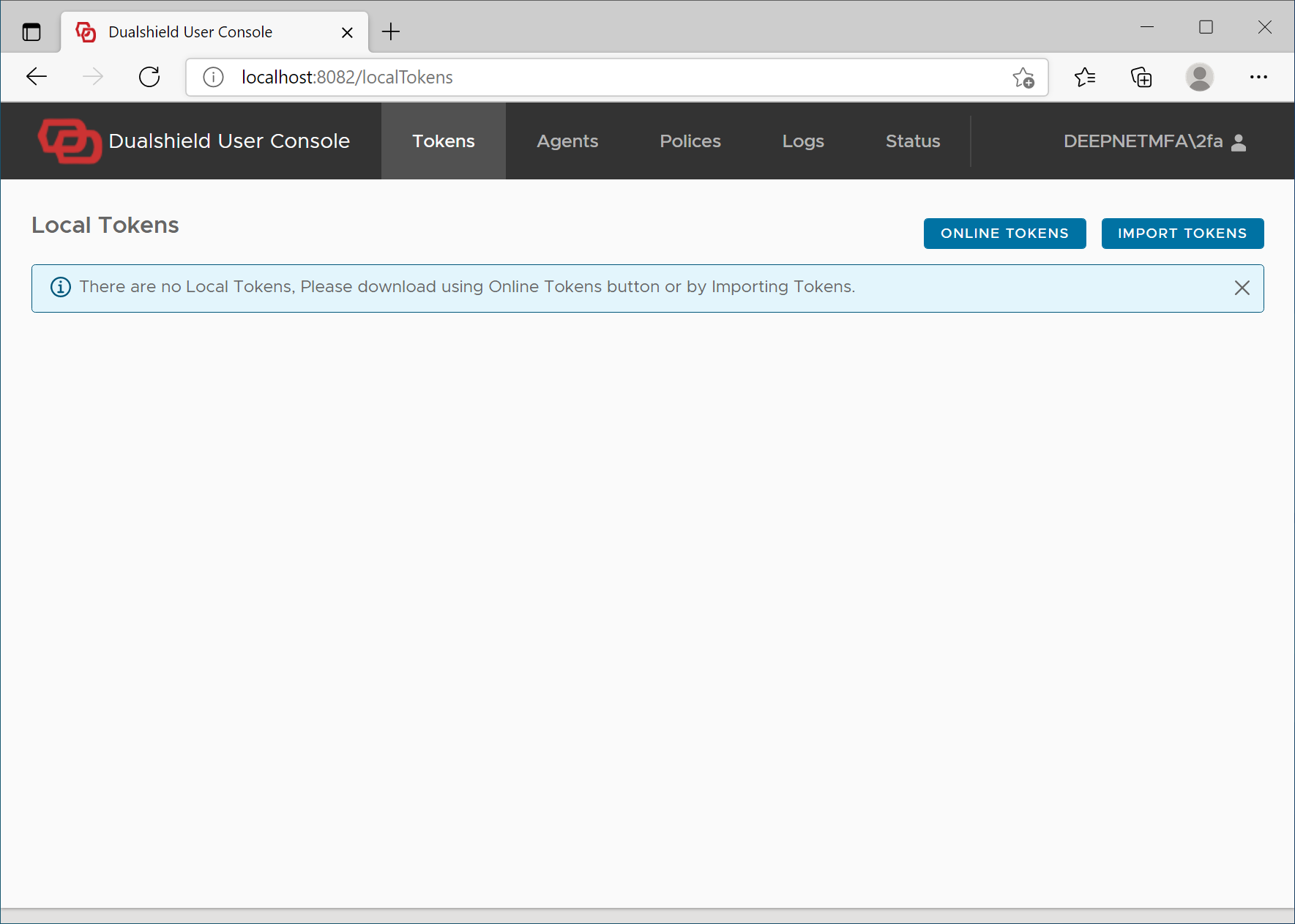
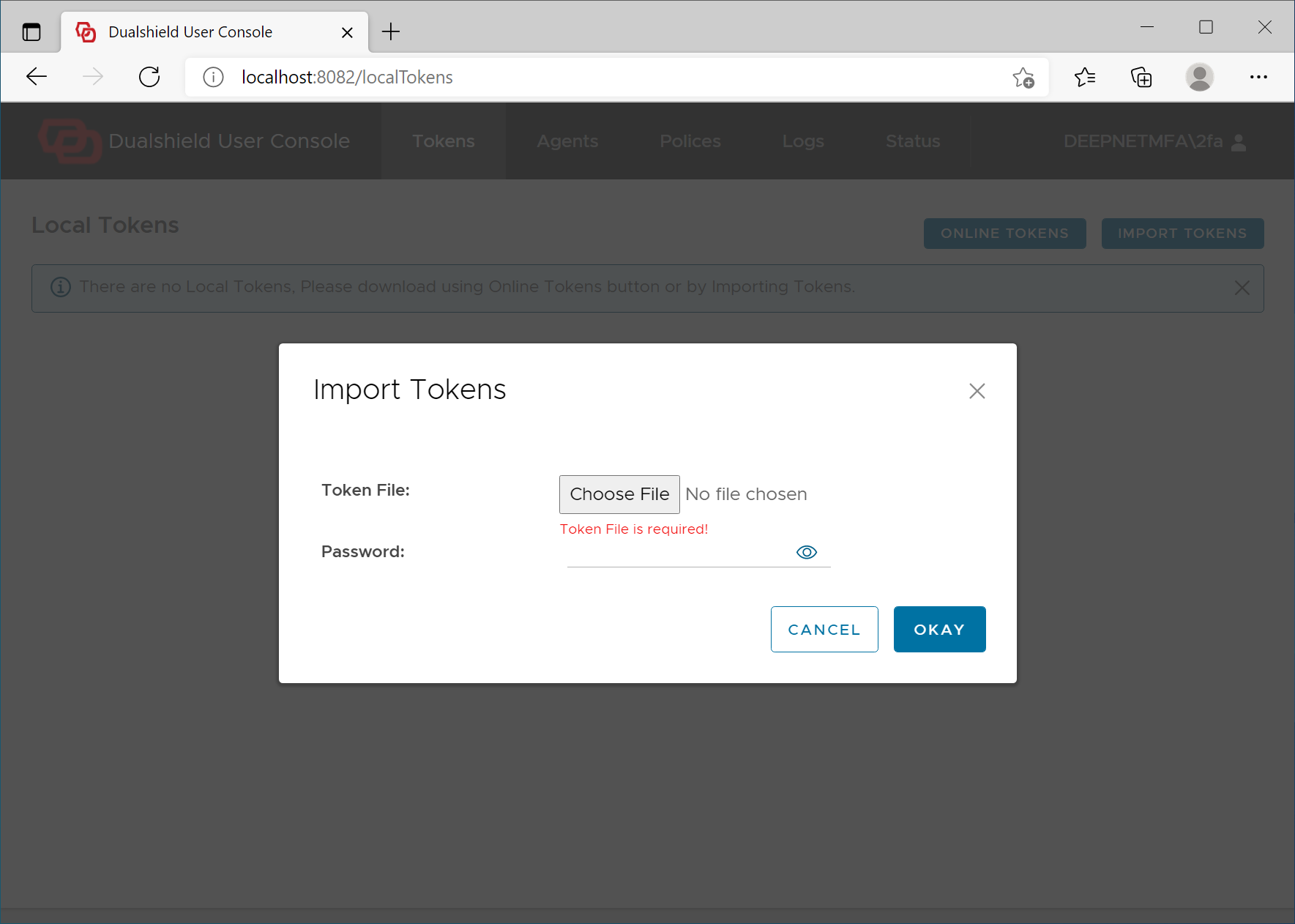
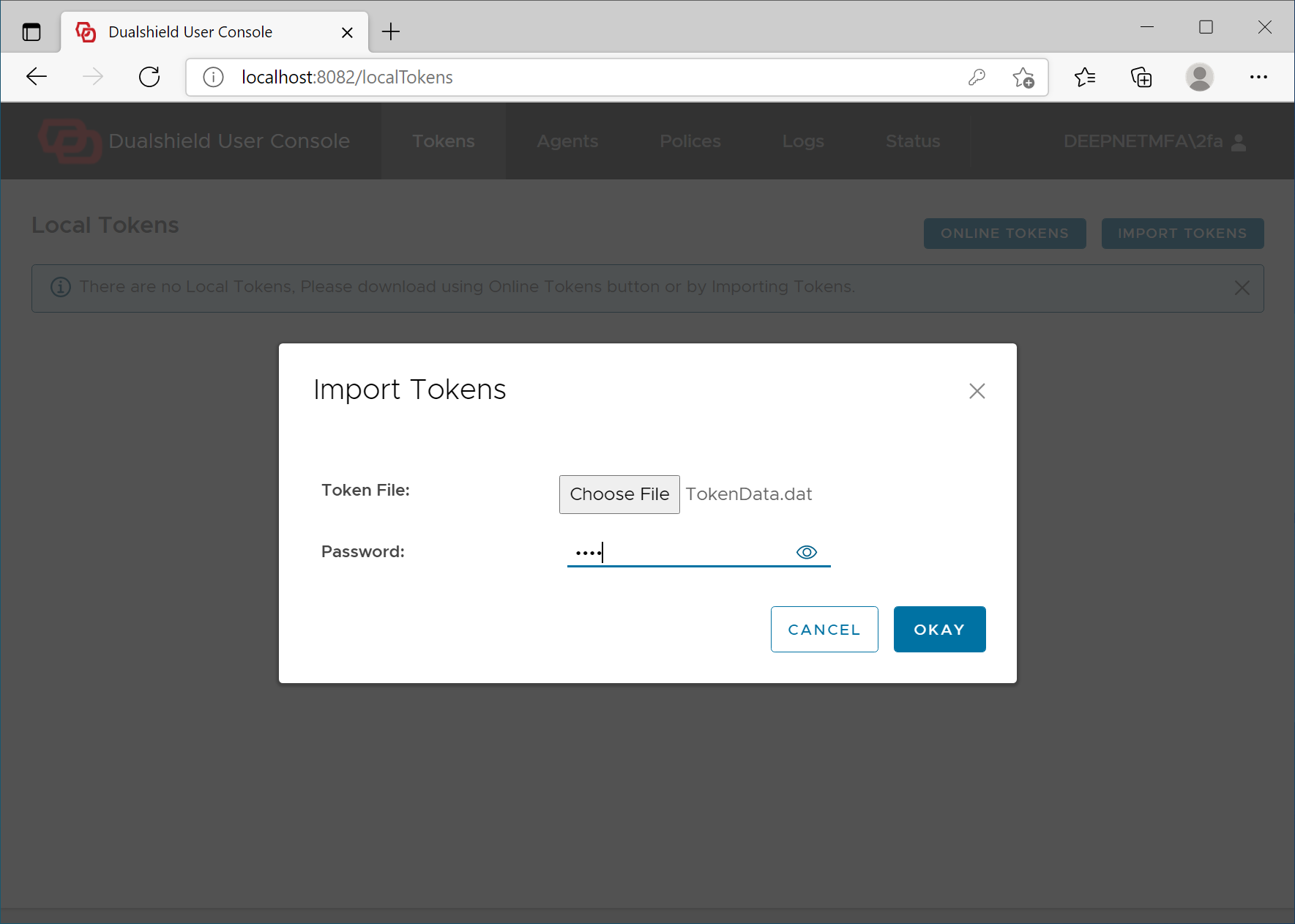
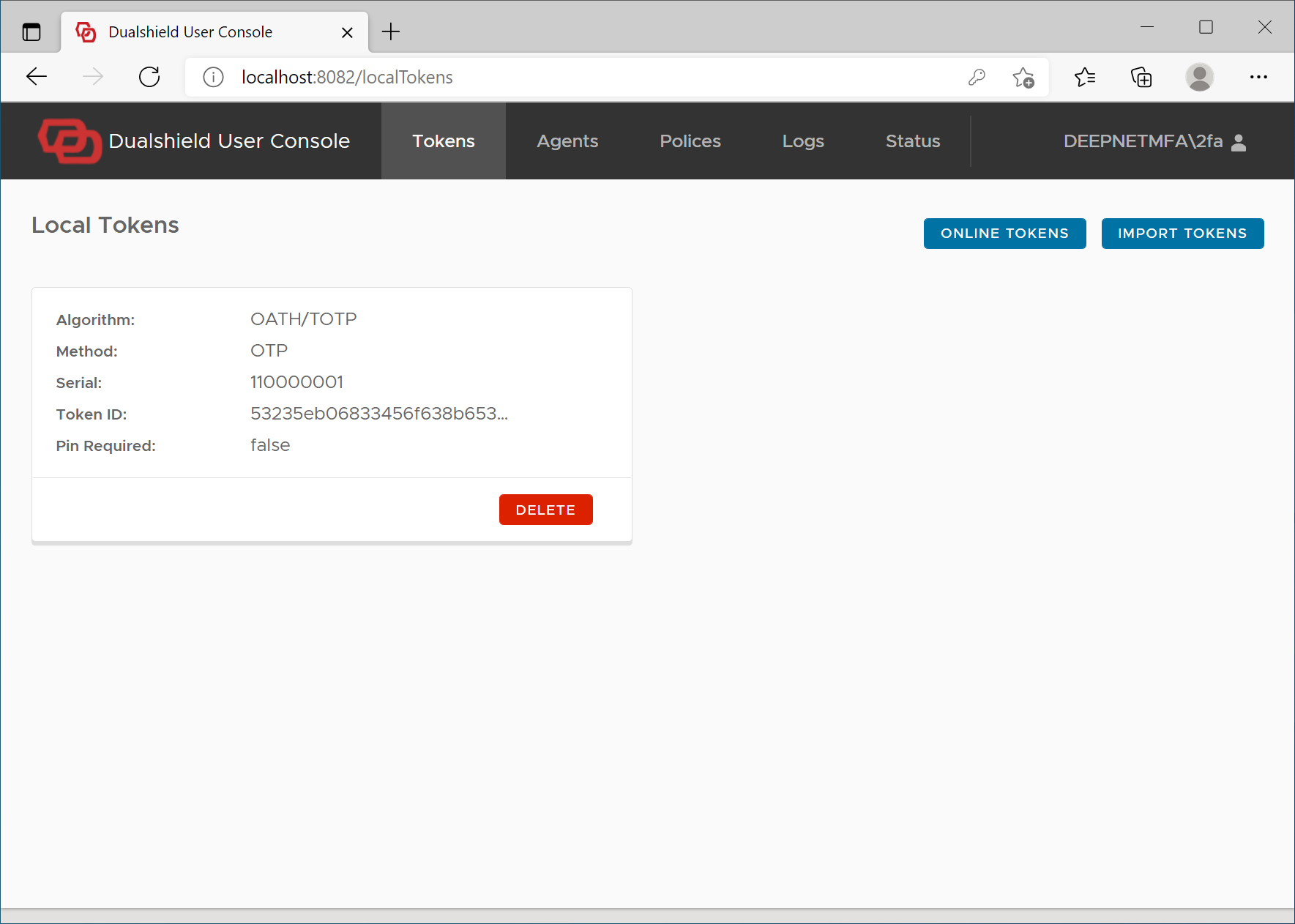
To import a token for offline logon, log in to the user's computer and visit the Computer Logon User Console on http://localhost:12845