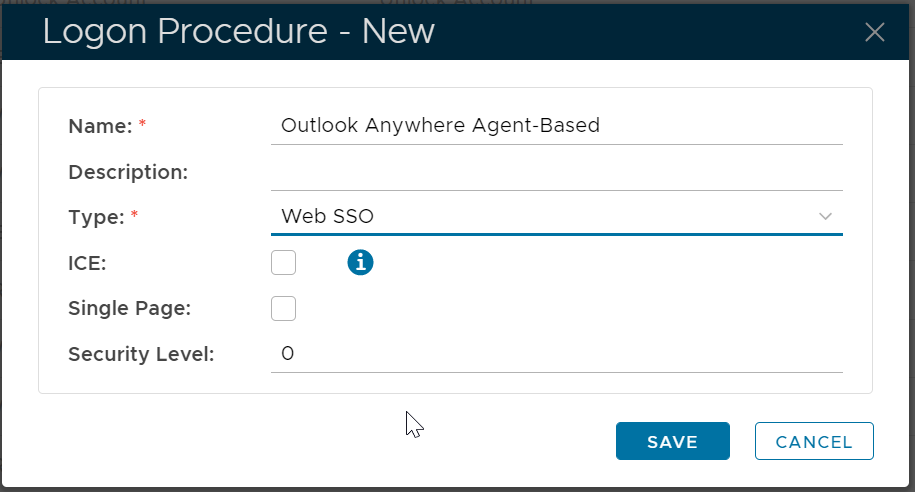
For Outlook Anywhere Agent-Based Authentication, you must create a logon procedure in the type of Web SSO.
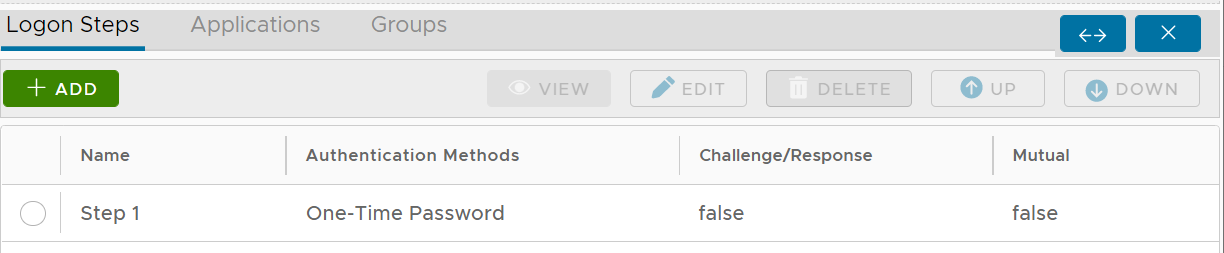
Once a logon procedure has been created, you need to add logon steps into the newly created logon procedure.
For Outlook Anywhere Device-Based Authentication, you can add multiple logon steps if you wish. Typically, you would only need to add one logon step. Within the logon step, you can add any authentication method such as One-Time Password