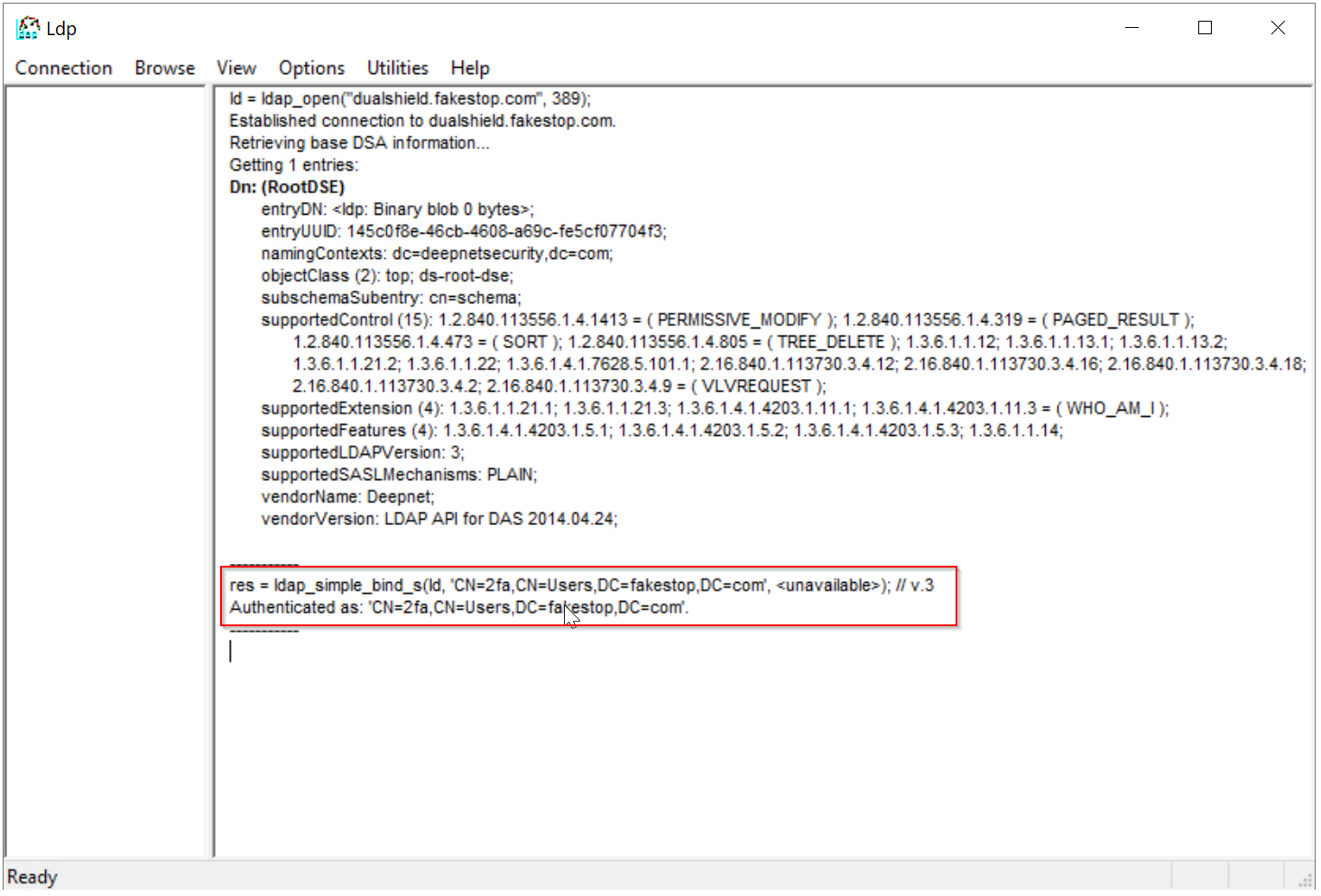
Test LDAP Broker with LDP.exe
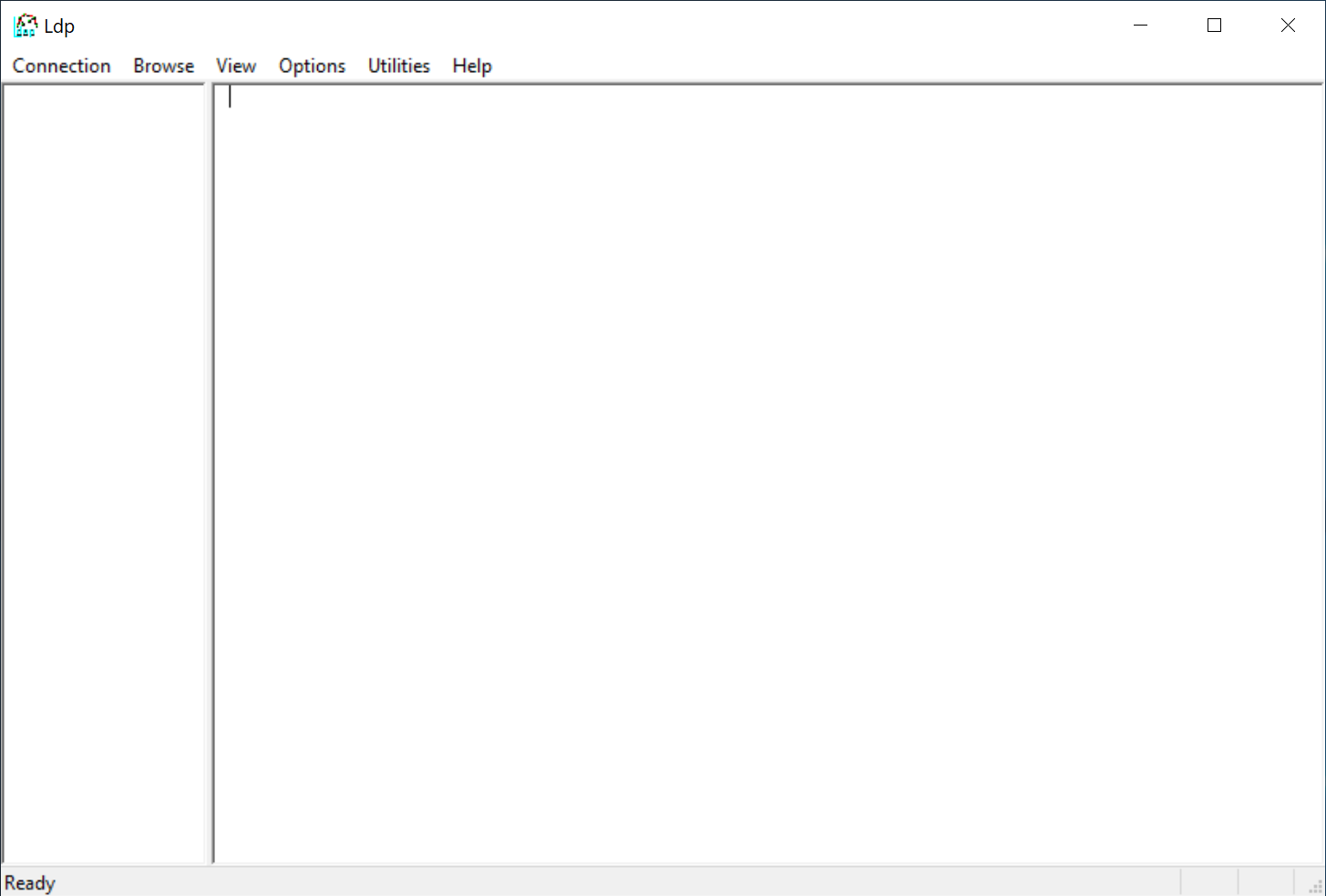
Test Server Connection
Select "Connection | Connect..."
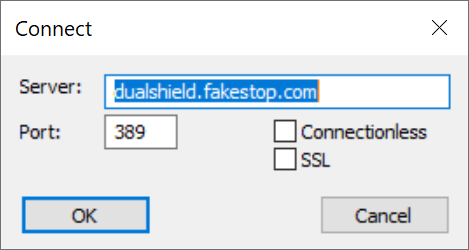
Enter the address and port number of your LDAP broker
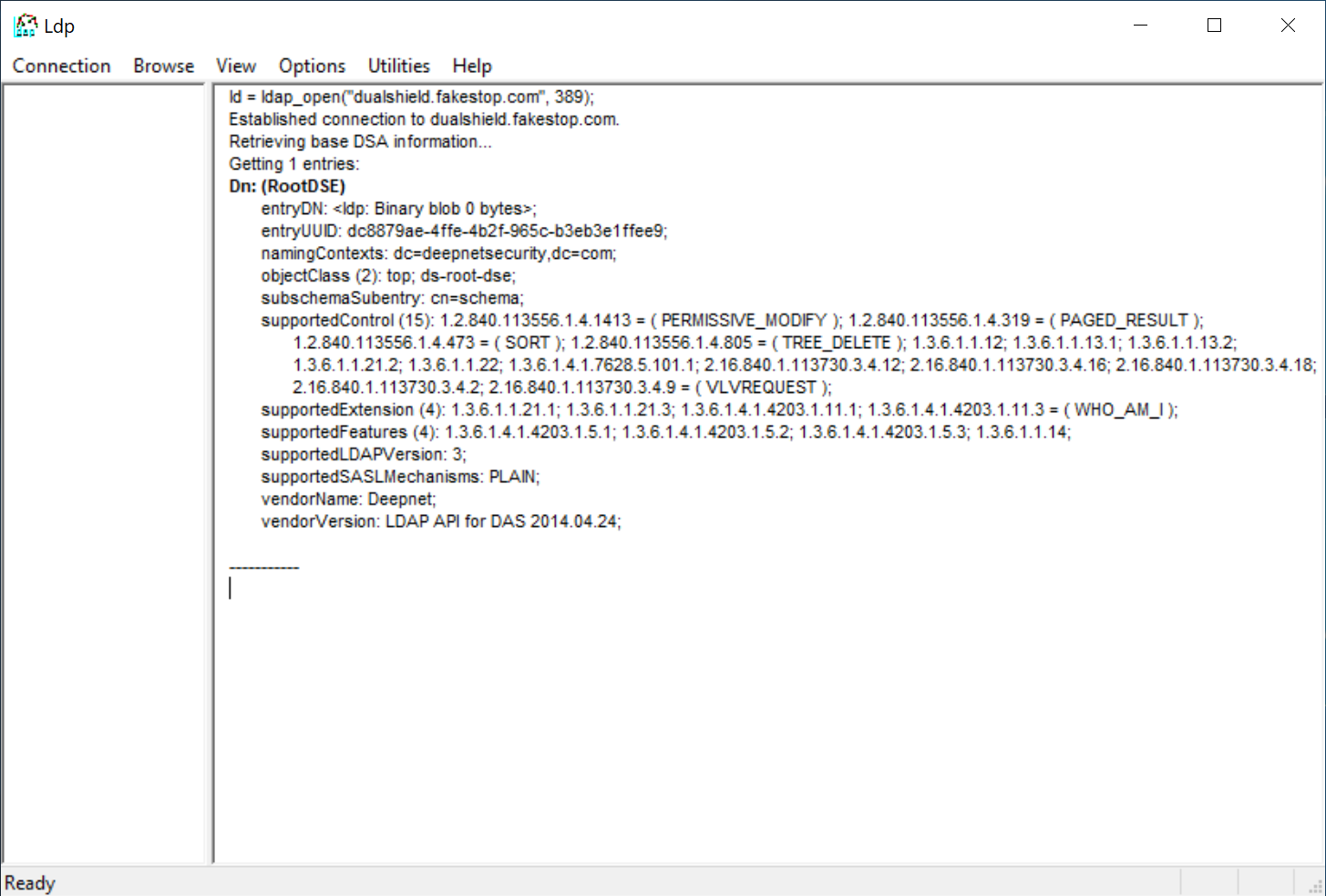
Test User Verification
Select "Connection | Bind"
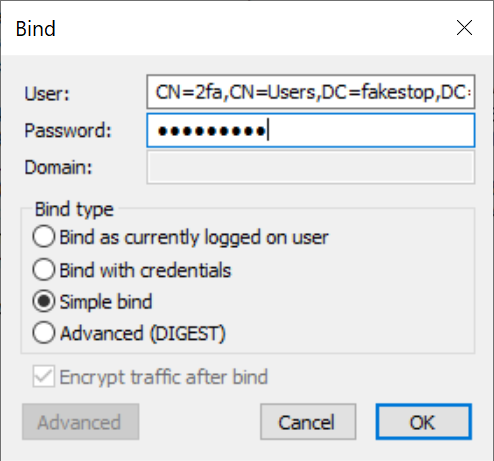
In the "User" box, enter the DN of the user to be tested, e.g. CN=2fa,CN=Users,DC=fakestop,DC=com
In the "Password" box, enter
- the password of the user, if the authentication method of the LDAP application is set to "Static Password"
- a one-time password of the user, if the authentication method of the LDAP application is set to "One-Timer Password"
- user's password followed by a one-time password, if the authentication method of the LDAP application is set to "Static Password + One-Timer Password"
In the "Bind type" list, select "Simple bind"