We support only fingerprint readers or scanners that are compliant with Windows Biometrics Framework (WBF). To test if your fingerprint reader or scanner supports WBF or not, follow the steps below.
First, download the test tool, TestWBF, and save it to your local drive, e.g c:\test
Next, run Windows Command as Administrator
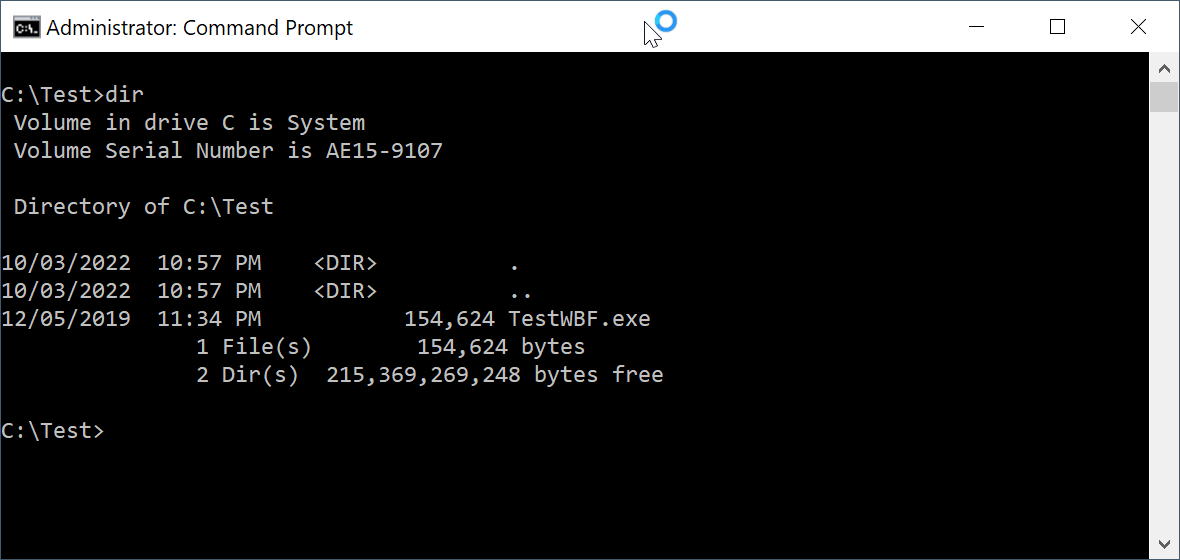
Now, run "TestWBF.exe"
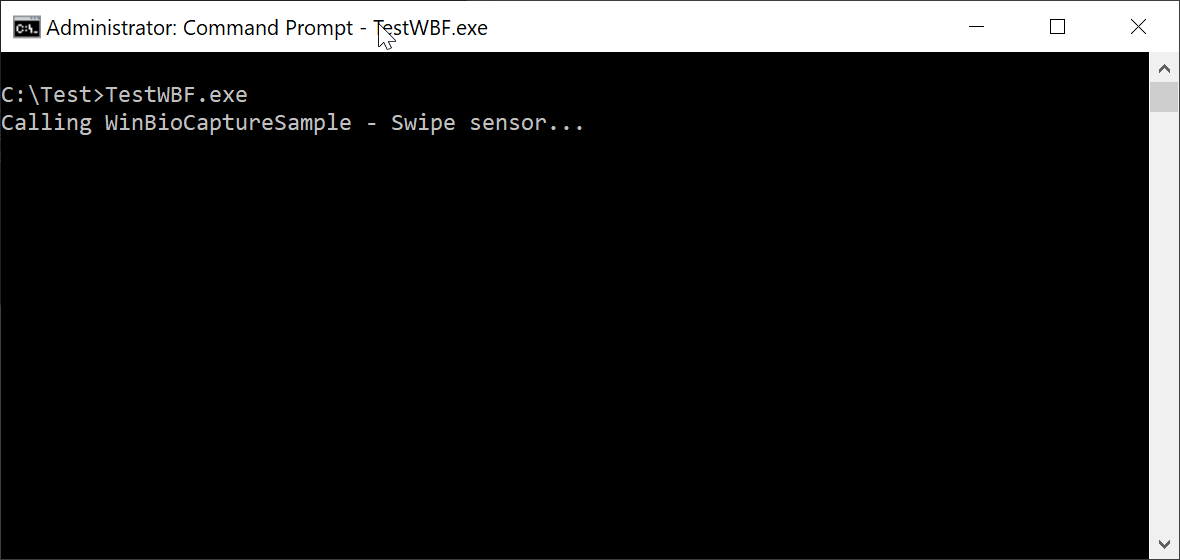
Swipe your finger
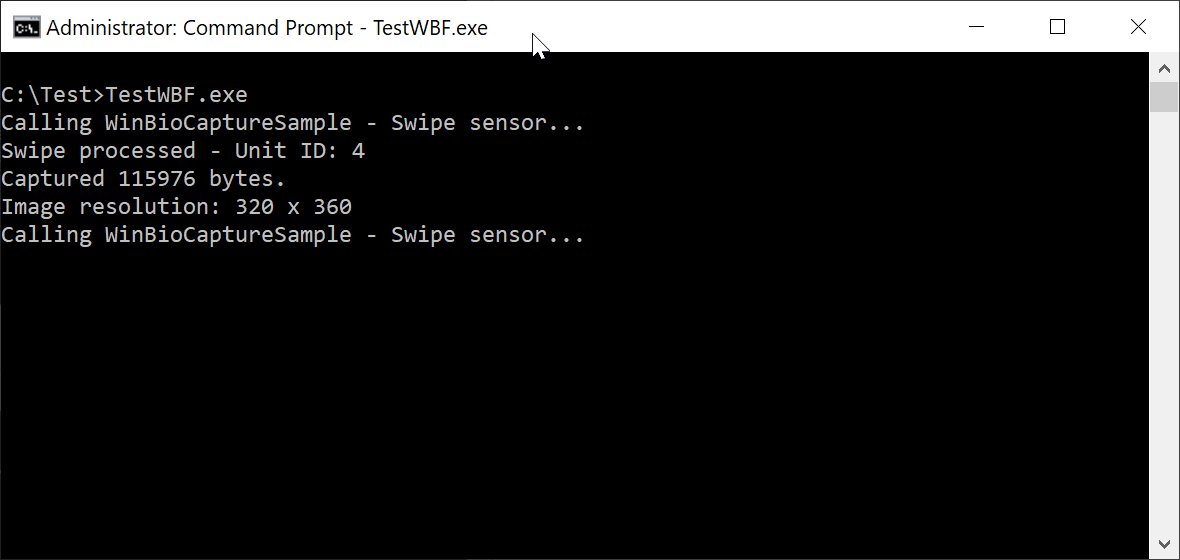
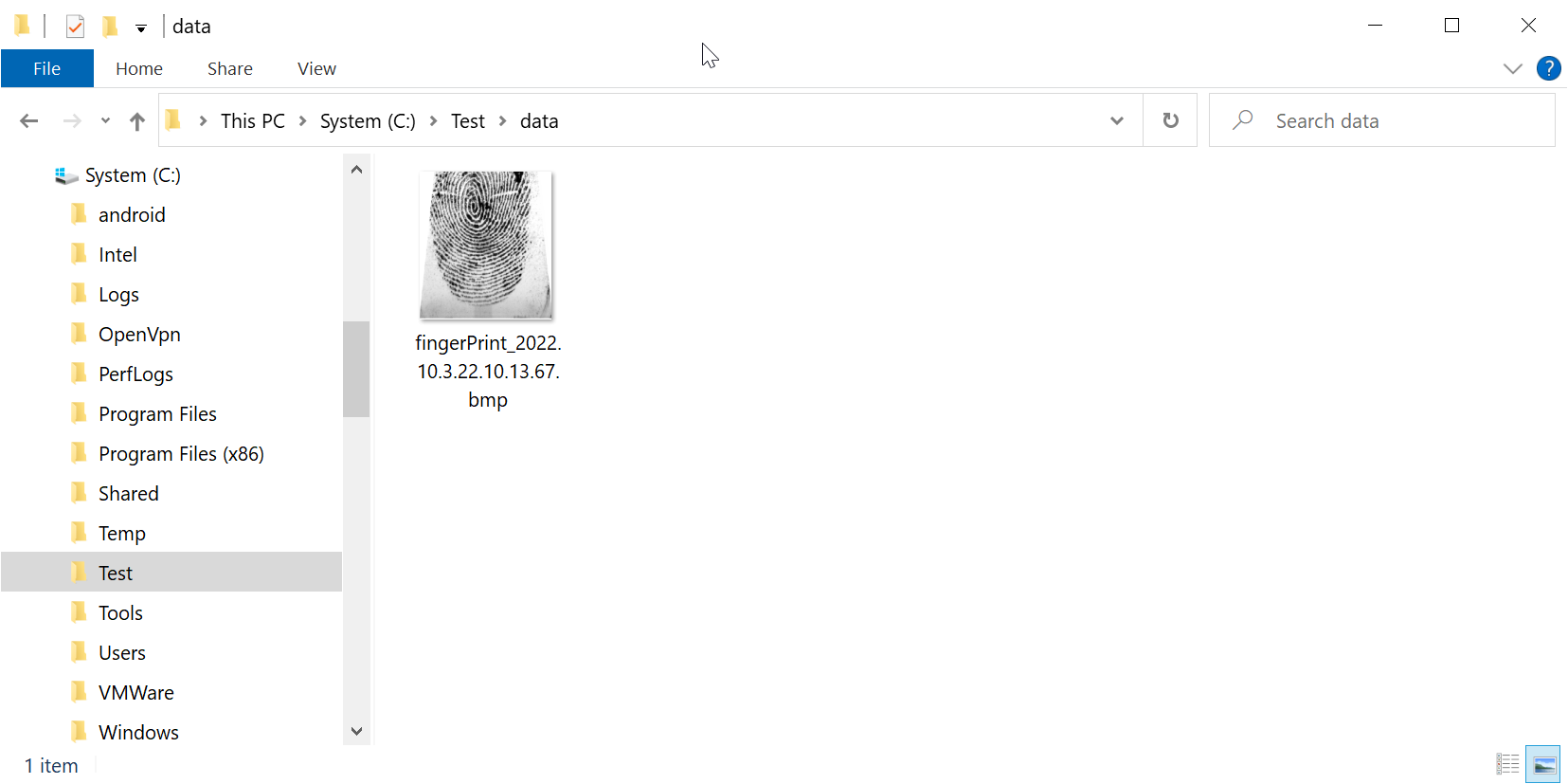
In Windows Explorer, navigate to the folder where the TestWBF tool resides, e.g. c:\test
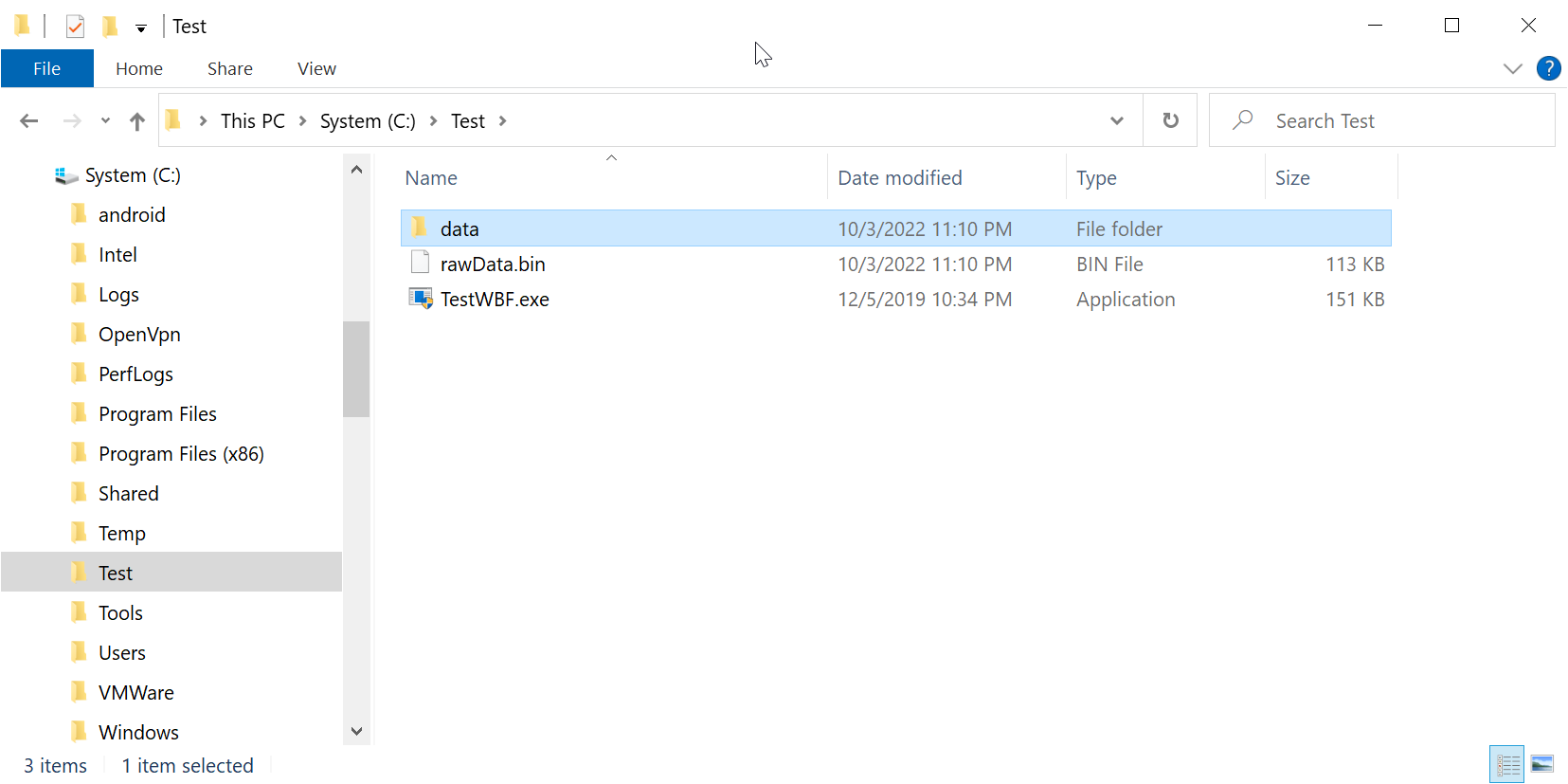
Navigate into the "data" sub-folder, and you will see the scanned image of your finger.