...
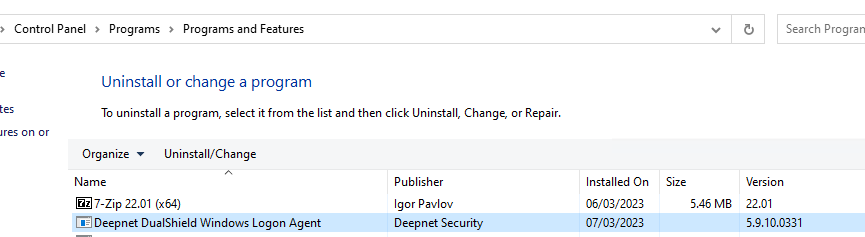
4. Uninstall Windows Logon Agent 5.x
5. Open Windows Command Prompt (Run as Administrator), run the following commands.
| Code Block |
|---|
regsvr32 /i "C:\Program Files\Common Files\Deepnet Security\Agent G2\SolMan.dll" |
| Code Block |
|---|
regsvr32 /i "C:\Program Files\Common Files\Deepnet Security\Agent G2\DualShieldAgent.dll" |
| Code Block |
|---|
"C:\Program Files\Deepnet Security\Windows Logon G2\DasDCAgent.exe" /Service |
6. Import back the Registry Key that you exported earlier
7. Start the Windows Logon Agent (G2) service
