...
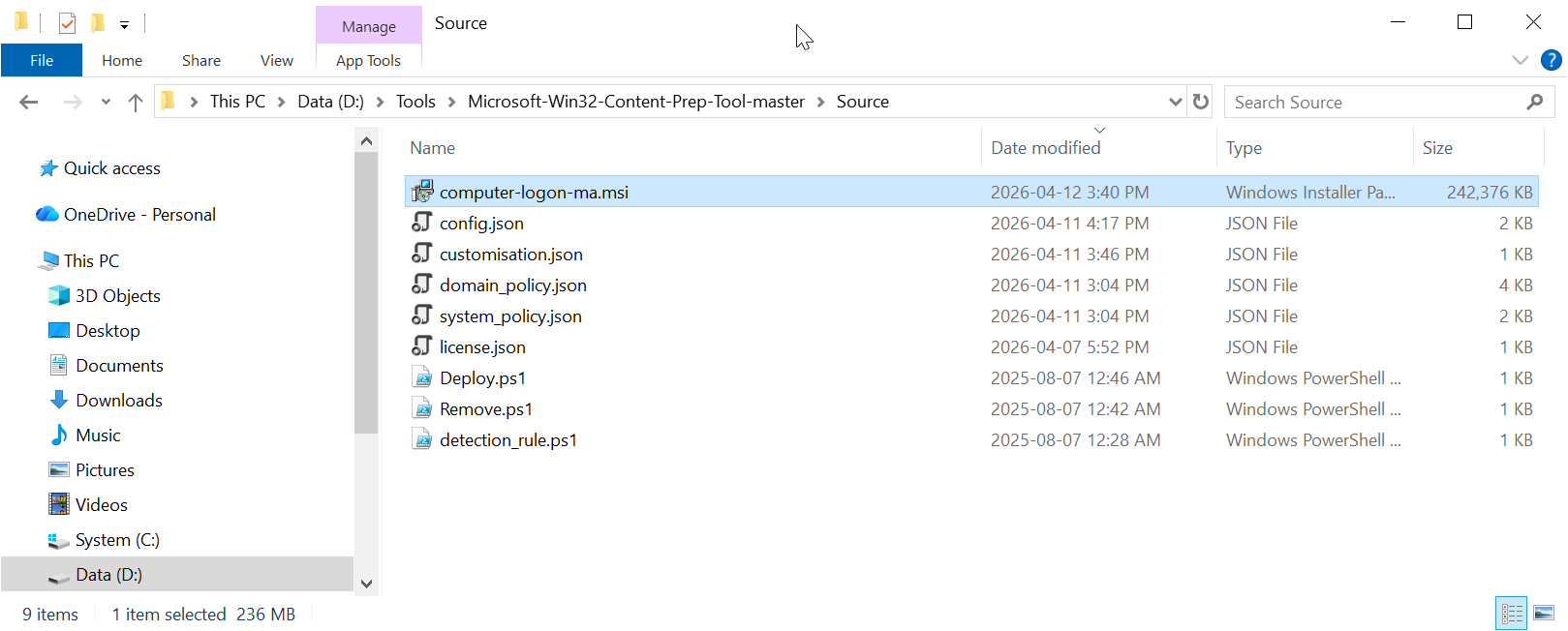
Now, copy the following files to the "Source" folder
- Installer MSI
- Configuration Files
- Deployment PS Files
Installer MSI
- File
- Config Files
- Intune Deployment Files
Install File
| Expand | ||||||
|---|---|---|---|---|---|---|
| ||||||
Navigate to "https://support.deepnetsecurity.com"
|
Copy the installer file "computer-logon-modern-authentication-x.y.z.msi" to the "Source folder
Rename "computer-logon-modern-authentication-x.y.z.msi" to "computer-logon-ma.msi"
Config Files
| Expand | ||
|---|---|---|
| ||
Navigate to the project directory of the Computer Logon MA created by the Deepnet Configuration Editor
Open the "config" folder
|
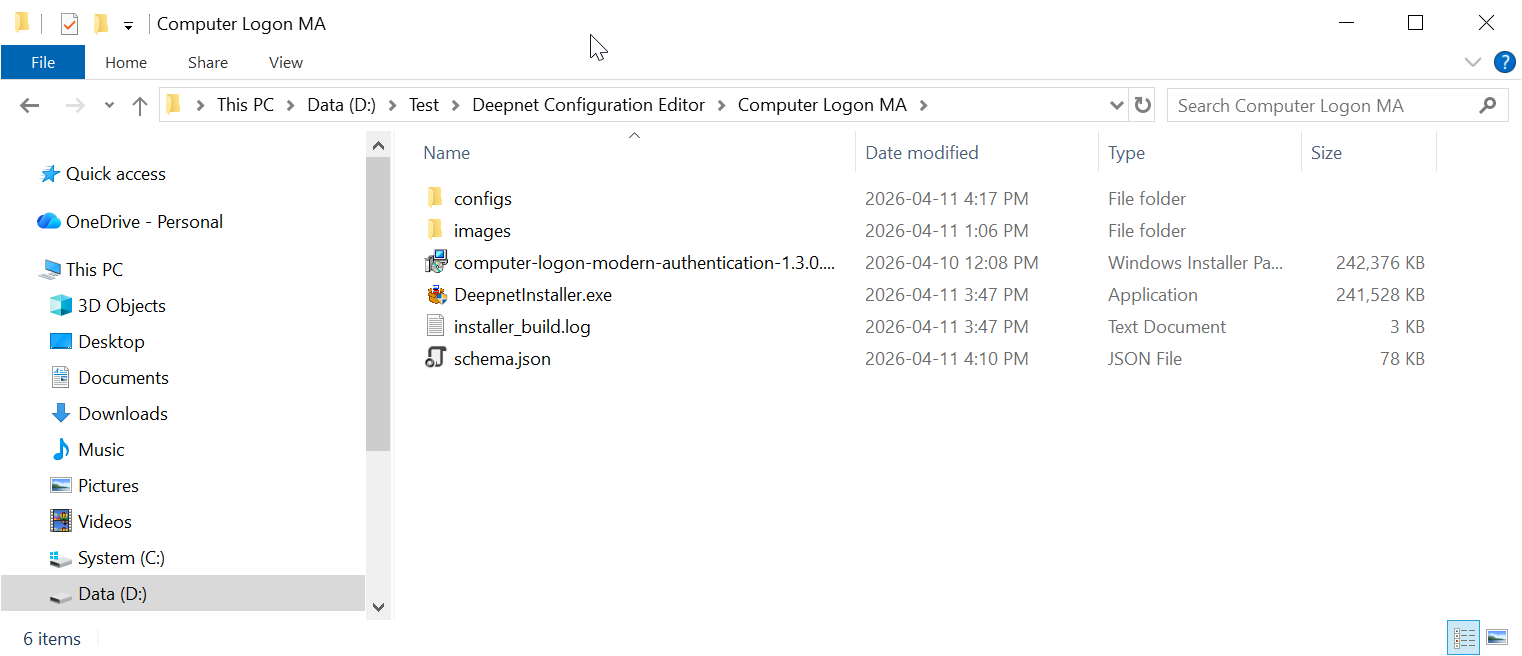
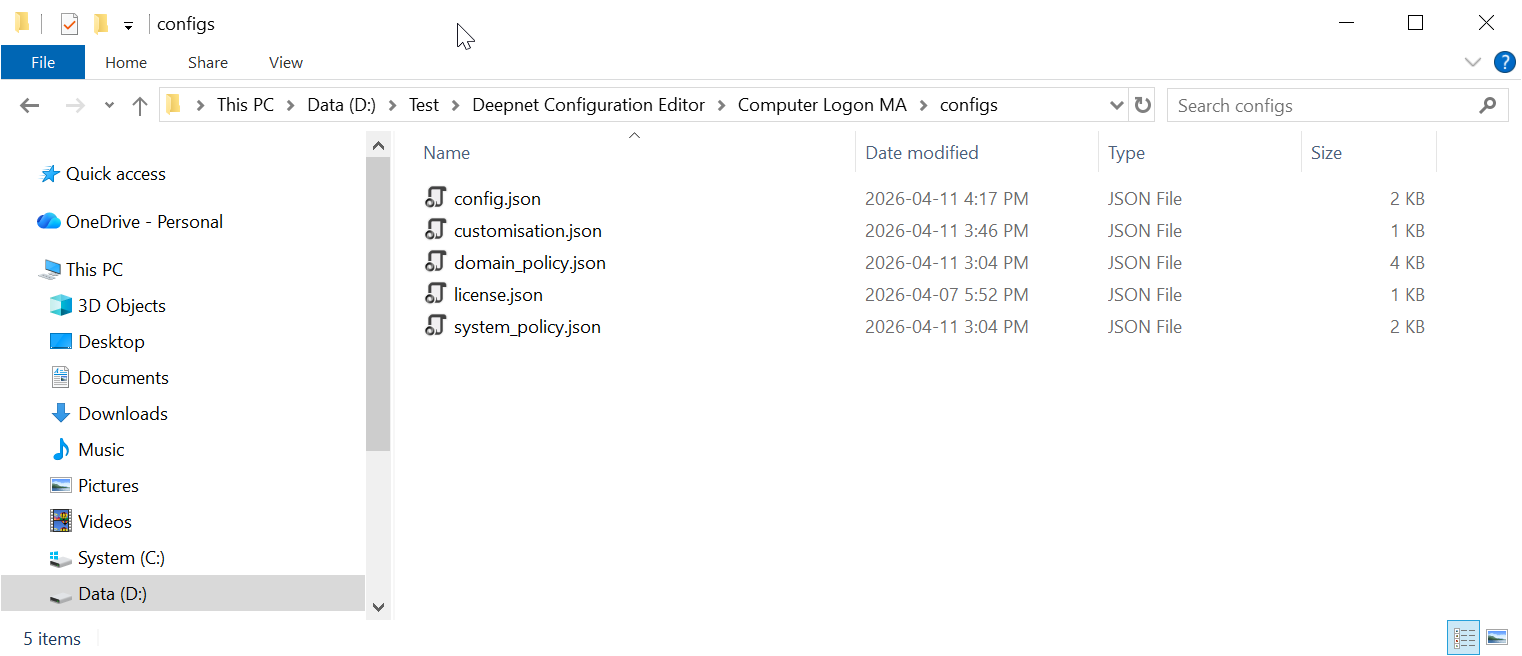
Copy all JSON files to the "Source" folder.
Intune Deployment File
| Expand | ||||||
|---|---|---|---|---|---|---|
| ||||||
Navigate to "https://support.deepnetsecurity.com"
|
Unzip all PS1 files in the Deployment.zip to the "Source" folder
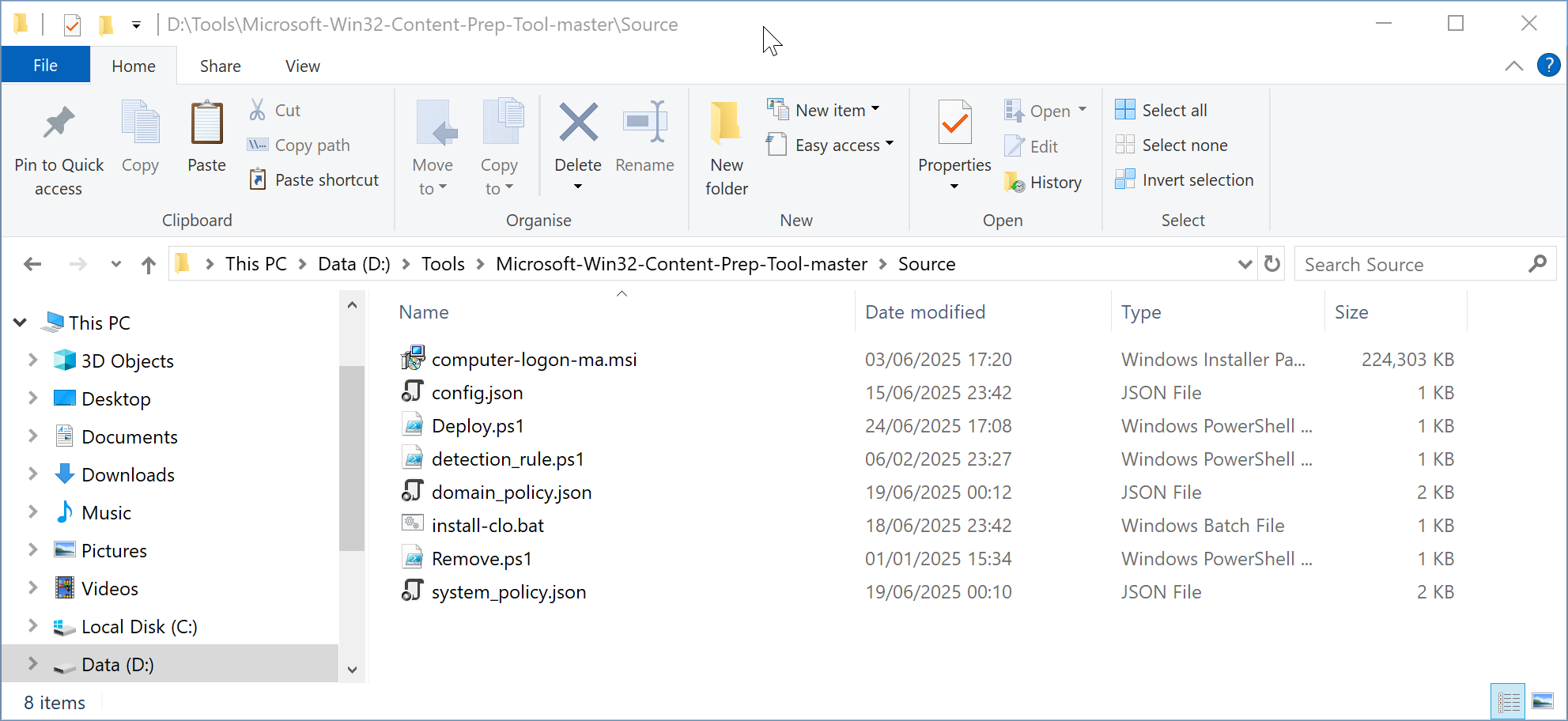
Now, the "Source" folder should have the following files:
Build an Intune deploy package
...