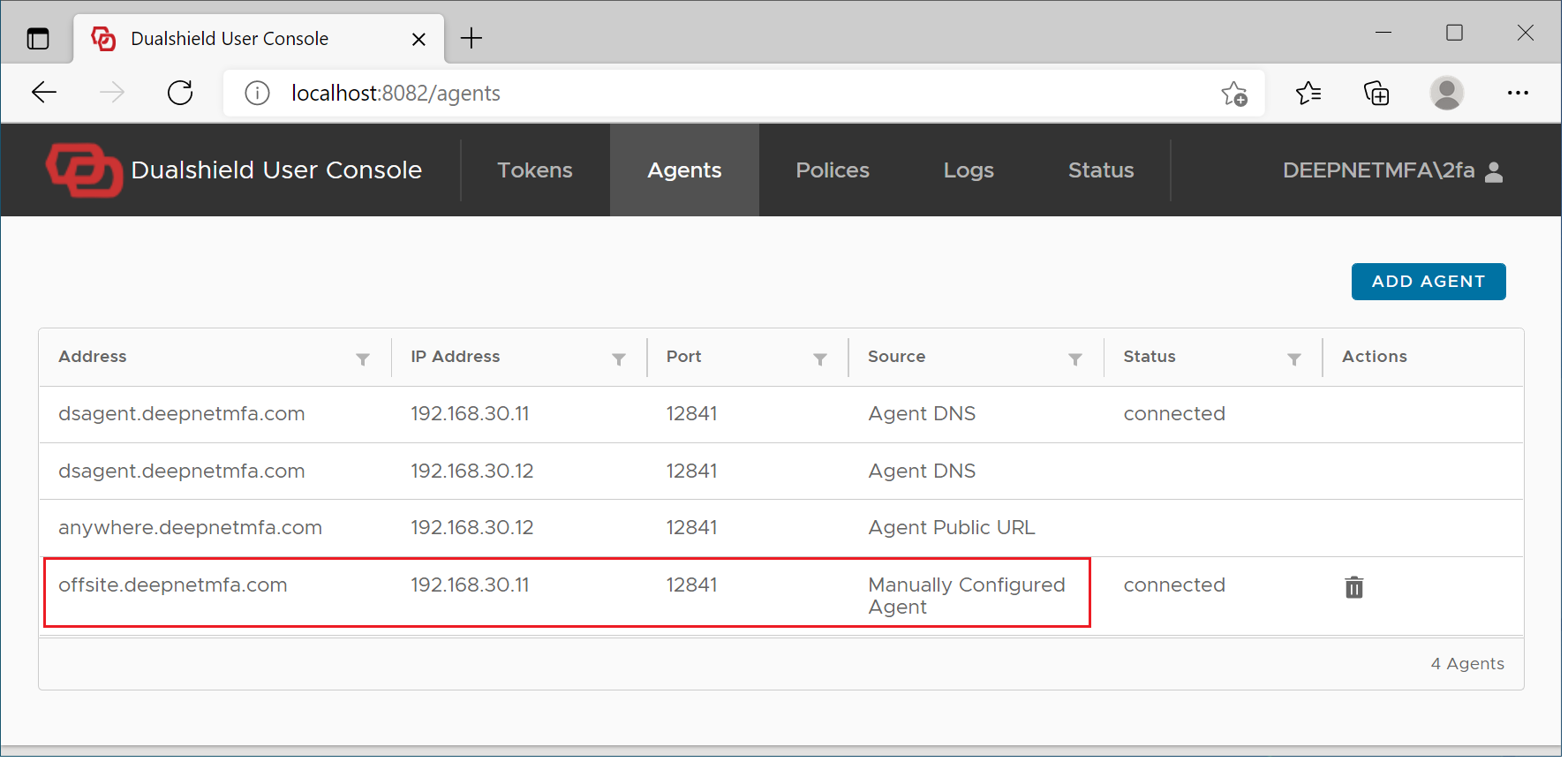
There are some cases where users will have to set up the off-site MFA logon manually.
The public URL of the computer logon agent is downloaded to the logon client automatically when the logon client connects to the logon agent. Typically, this happens when the user makes an on-site login. However, in some cases where users cannot make an on-site login at all, then the users have to manually enter the public URL of the logon agent in to their logon clients.
In the case where you do not want to add an A record to your public DNS records, then your users will have to manually enter the public URL of the logon agent in to their logon clients.
To manually set up offsite MFA logon, visit the User Console at http://localhost:12845
Select "Agents"
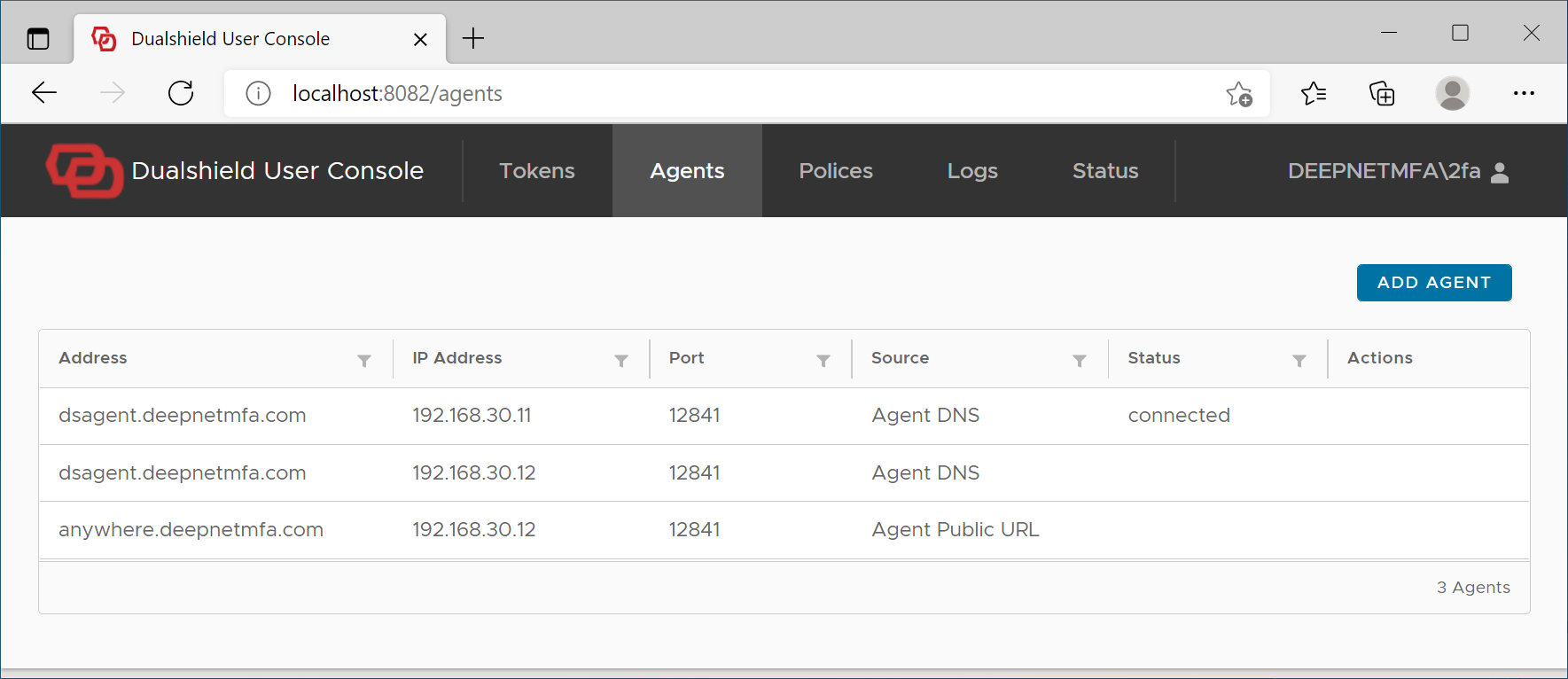
Click "Add Agent" button
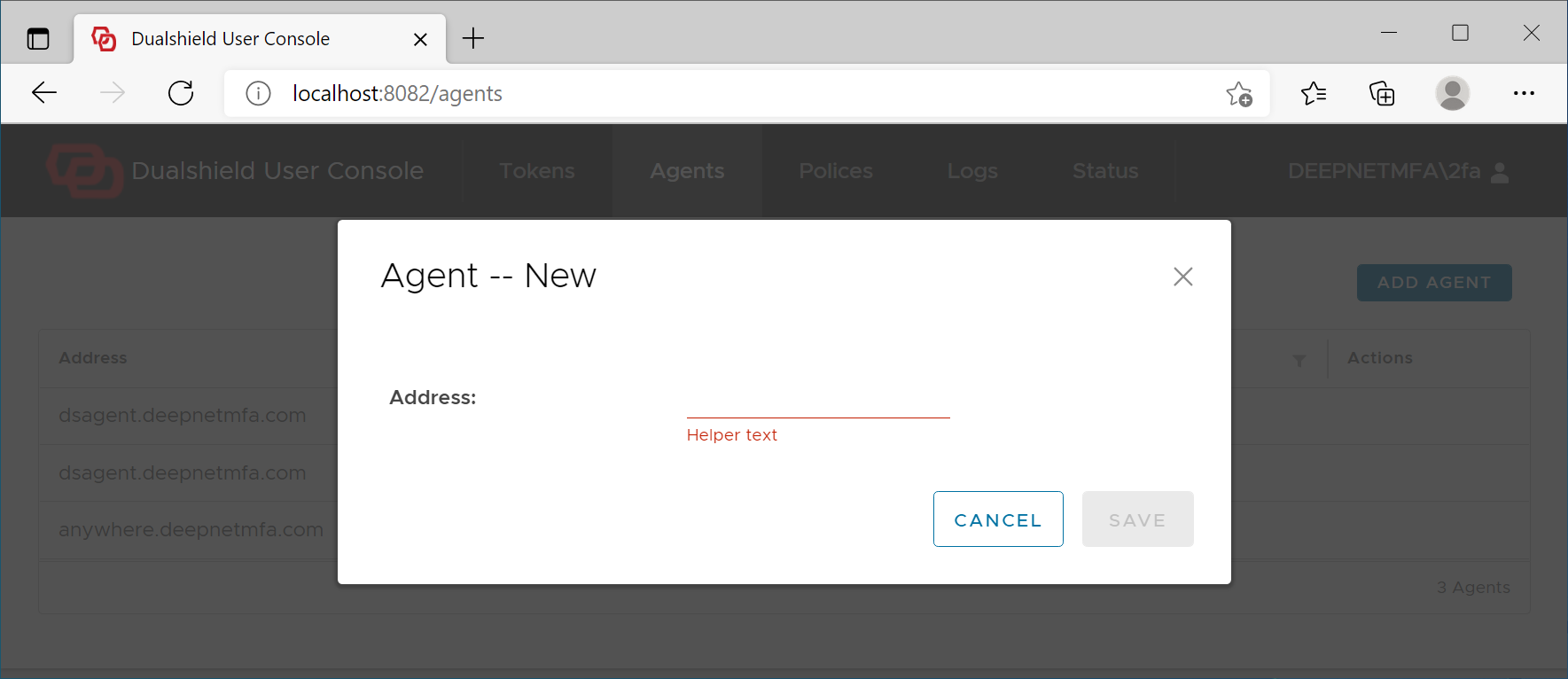
Add the Agent's address
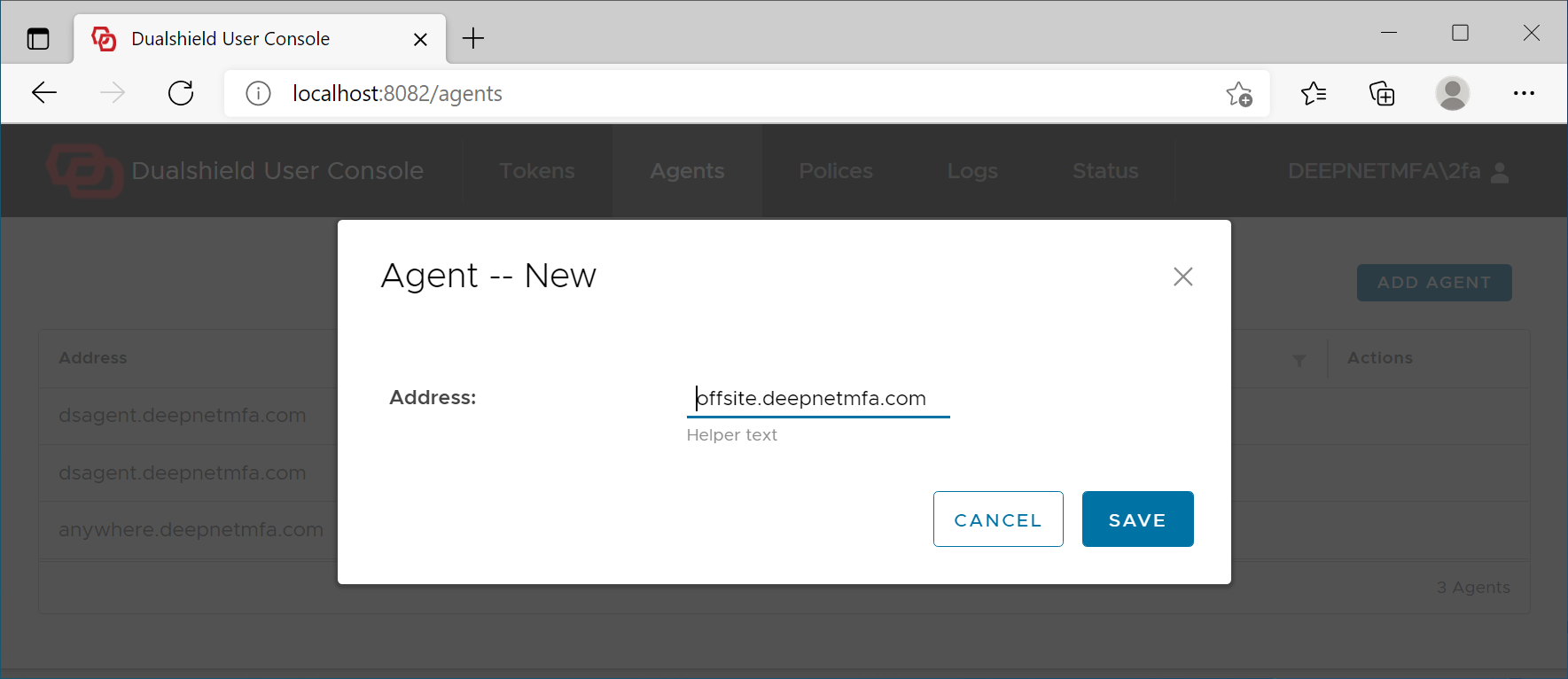
Click Save
If the Agent's address is correct, then it will be added to the logon client
| Include Page | ||||
|---|---|---|---|---|
|