Introduction
A customer has a preference import a Geo Location database from another supplier other than IP2Location
The table the customer wishes to import is from https://db-ip.com/
This is fine to do however they do not include the country name in their csv file, plus they have an extra column called 'Continent_code' that is not included in the 'lp2loaction_db3' table that is already created on the dualshield database.
Therefore extra steps are to create a separate table to import a list of country codes, which we later load into ip2location_db3 table as we upload the data from the CSV file provided by https://db-ip.com/
The other requirement is that the ip address in the csv will need to be converted to integer format to match the datatype already specified on the ip2location_db3 table.
Prerequisites
The customer would have already obtained the relevant csv file from https://db-ip.com/ and save locally to your DualShield Server.
Please download the Country Code List.csv by clicking here.
Method
If your DualShield is using a MySQL database, follow the steps below to import "IP2LOCATION-LITE-DB5.CSV". (Please note, this can also be done on SQL console on DualShield Admin Console)
1 - Log into MySQL console
...
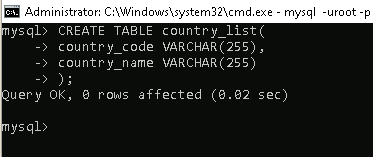
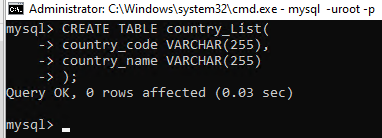
3 - Create a new Table called "Countrycountry_Listlist"
| Code Block | ||
|---|---|---|
| ||
mysql > CREATE TABLE country_Listlist( country_code VARCHAR(255), country_name VARCHAR(255) ); |
4 - Upload the Country Code List.csv into the new "country_list" table
| Code Block | ||
|---|---|---|
| ||
mysql > LOAD DATA LOCAL INFILE 'C:\\Geo-Location\\Country Code List.csv' INTO TABLE country_list FIELDS TERMINATED BY ',' ENCLOSED BY '"' LINES TERMINATED BY '\r\n' IGNORE 0 LINES (country_code, country_name); |

3 5 - Execute the script below to import the database
| Code Block | ||
|---|---|---|
| ||
mysql > LOAD DATA LOCAL INFILE 'FILE-PATH-TO\\IP2LOCATION-LITE-DB3.CSVdbip-city-lite-####-##.csv' INTO TABLE ip2location_db3 FIELDS TERMINATED BY ',' ENCLOSED BY '"' LINES TERMINATED BY '\r\n' IGNORE 01 LINES ROWS (ip@ip_from,ip@ip_to,country@continent_code,country_namecode,region_name,city_name,latitude,longitude) SET country_name = (SELECT country_name from country_list where ip2location_db3.country_code = country_list.country_code), ip_from=INET_ATON(@ip_from), ip_to=INET_ATON(@ip_to); |
* replace "FILE-PATH-TO" with the actual file path where the downloaded file is saved, e.g. "C:\\Temp"has been saved and the '#' with the year and month that appends the file name.

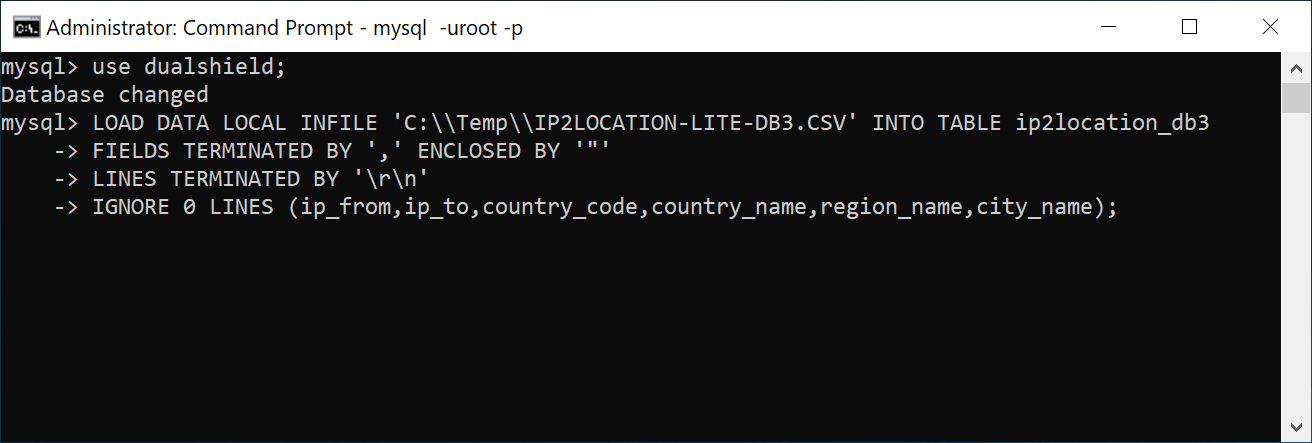
Please note that it can take about 30 a. few minutes minutes to import the data.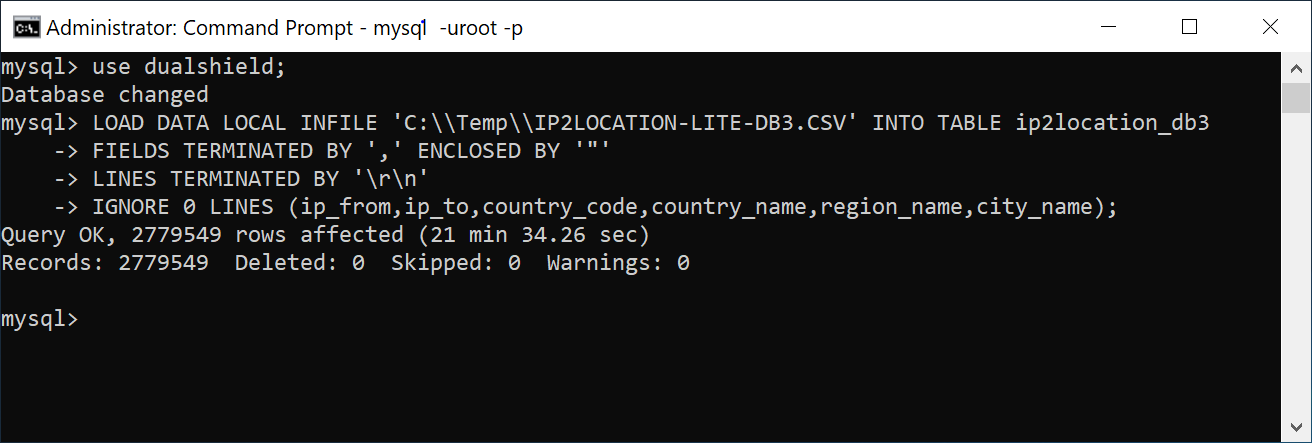
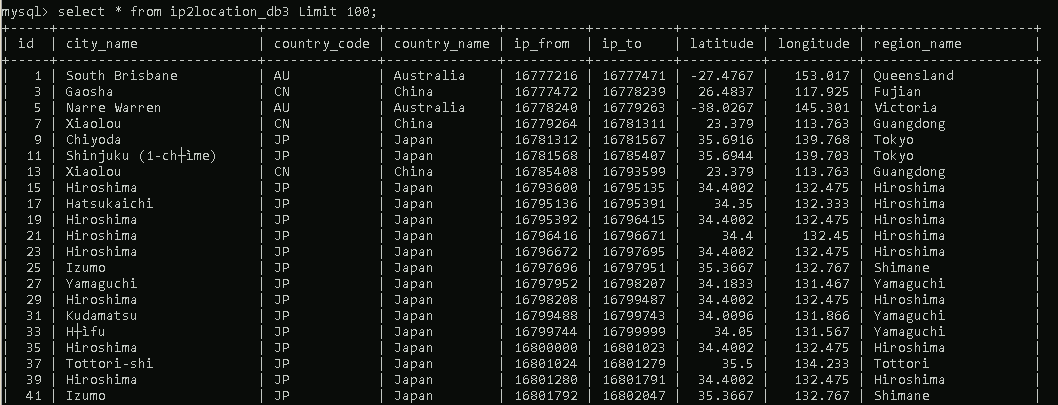
6 - You can check the table has been uploaded properly by selecting the first few rows..
| Code Block | ||
|---|---|---|
| ||
mysql > select * from ip2location_db3 Limit 100; |